 Mineforgian
Sarp Shaders
A cozy shaderpack, soft light, moody skies, living water.
- Загрузки
- 2K
- Подписчики
- 4
- Обновлён
- 10 июля 2026 г.
- Лицензия
- MIT
Опубликован 10 июля 2026 г.


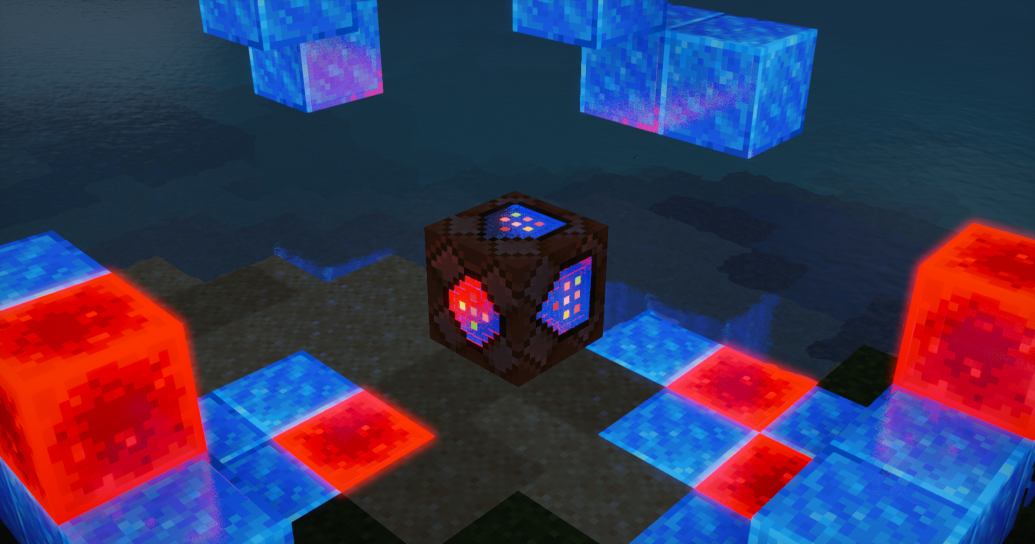
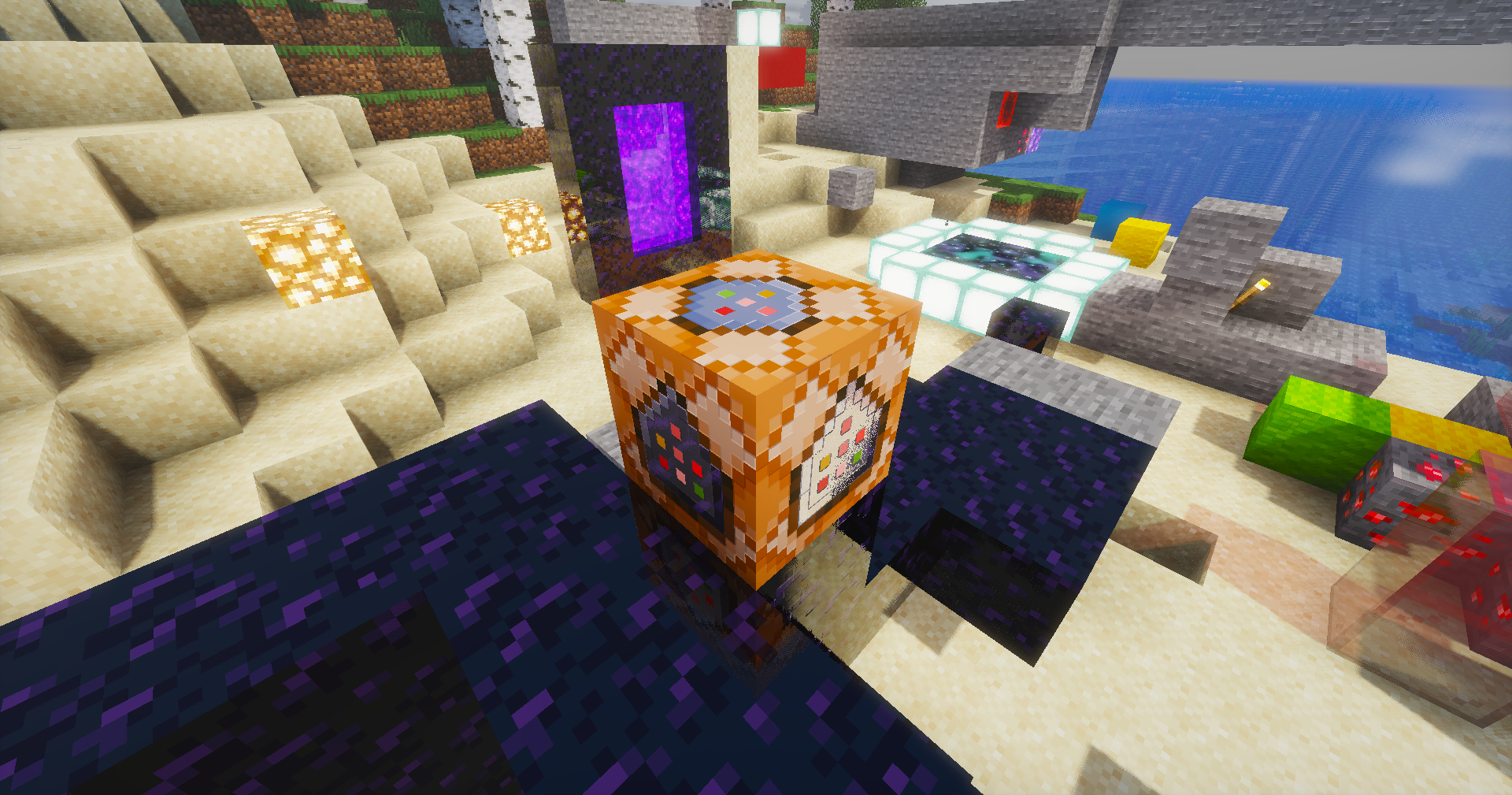
A shaderpack I've been building for myself, tuned the way I actually like Minecraft to look — soft light, moody skies, and water that's fun to stare at. Runs on Iris / OptiFine.
What's inside
- Physical sky with volumetric clouds, cloud shadows and volumetric light shafts
- Water that behaves — waves, refraction, caustics, foam and screen-space reflections
- Soft colored shadows and SSAO for that grounded, cozy feel
- PBR support with auto-generated normals if your resource pack doesn't have them
- Aurora at night and a custom nebula in the End
- The usual camera goodies: bloom, auto exposure, FXAA, saturation control
Installation
- Grab the latest release
- Drop the folder into your
shaderpacksdirectory - Select Sarp Shaders in the video settings and you're done
Everything is tweakable in the shader options menu — shadows, lighting, water, atmosphere and camera each have their own screen.
Notes
This is a personal project, so expect opinionated defaults. If something looks off on your setup, poke around the settings before opening an issue — chances are there's a slider for it.
Made by Sarp. Screenshots welcome — I'd love to see your builds with it.
Ченджлог
1.0.0Релиз26.1.1, 26.1.2, 26.2 · 10 июля 2026 г.
[1.0.0 - X] — 2026-07-10
First public release. 🎉
Added
- Physical sky with volumetric clouds, cloud shadows and volumetric light
- Water system: waves, refraction, caustics, foam, flowing water and SSR
- Soft shadows with colored shadow support
- SSAO, waving plants and leaves
- PBR pipeline with auto normals, rough reflections, sparkles and emission control
- Aurora and End nebula effects
- Rain wetness
- Camera stack: bloom, auto exposure, FXAA, saturation, vignette
- Full in-game settings menu (Shadows / Lighting / PBR / Water / Atmosphere / Camera)
Комментарии
Загружаем…