 Mineforgian
🎬┃Font Curtains
Adds a smooth cinematic effect at the screen. ✨
- Загрузки
- 11
- Подписчики
- 1
- Обновлён
- 6 августа 2026 г.
- Лицензия
- CC-BY-NC-SA-4.0
Опубликован 6 августа 2026 г.
This resource pack/shader is designed to create smooth screen animations using the /title command. It can be used to display photos, frames, intros, UI elements, black bars for cutscenes, and other fullscreen textures. Textures can smoothly appear, disappear, and slide onto the screen from different directions.🎬
🎞️ Command examples:
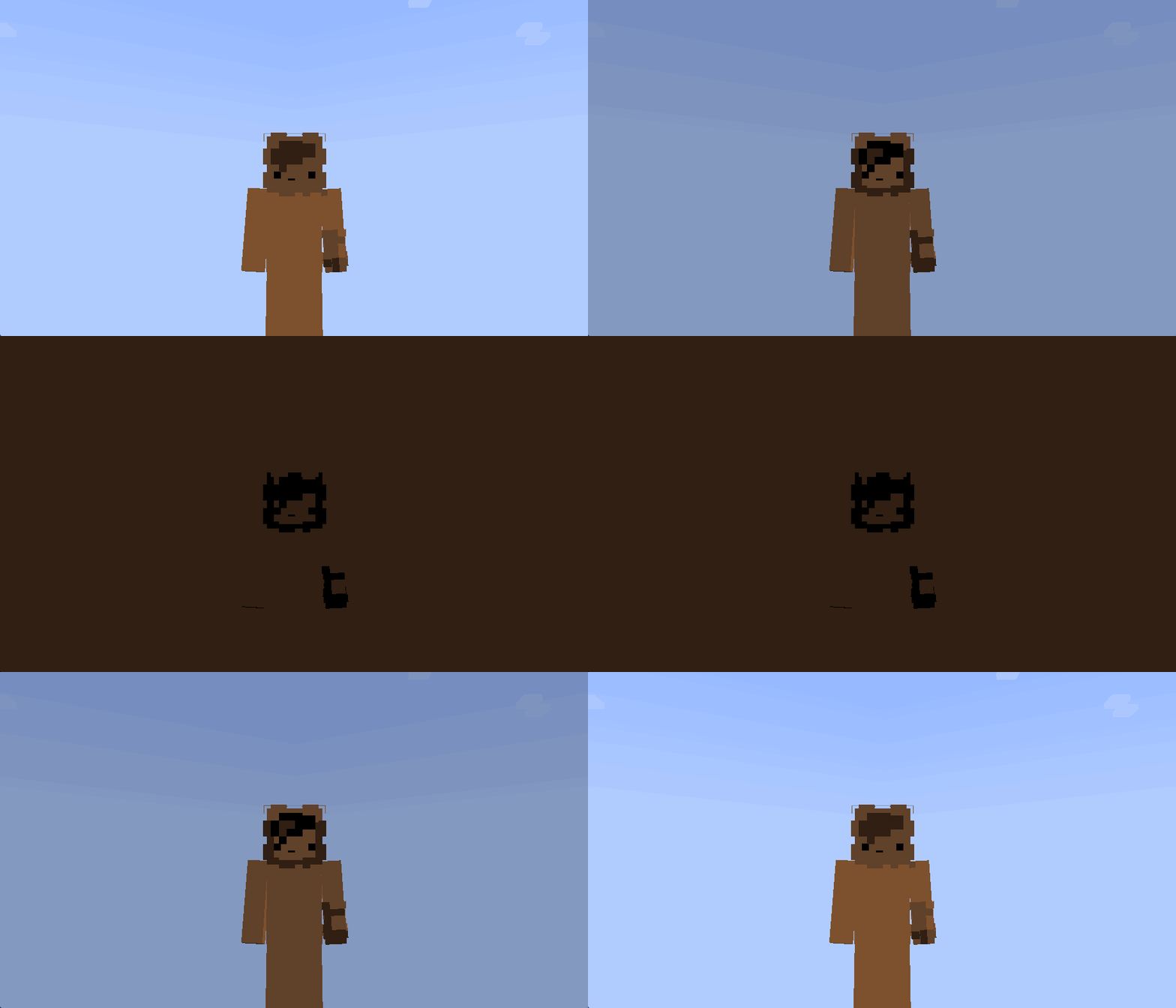
Screen fade:
/title @s title [{"font":"render","text":"\uF91C","color":"#000000"}]
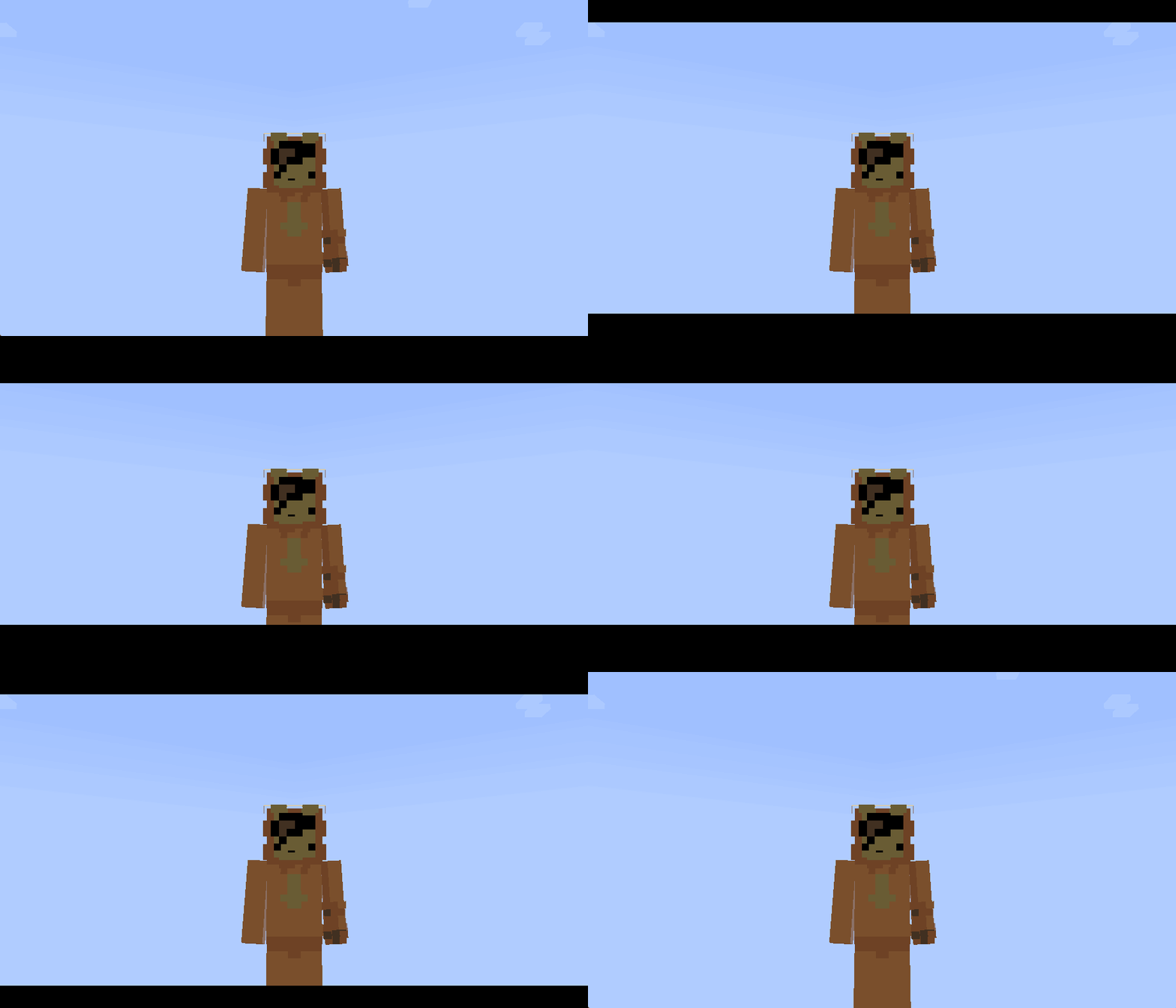
Cinematic top and bottom bars:
/title @s title [{"font":"render","text":"\uF91C","color":"#000003"},{"font":"render","text":"\uF91C","color":"#000004"}]
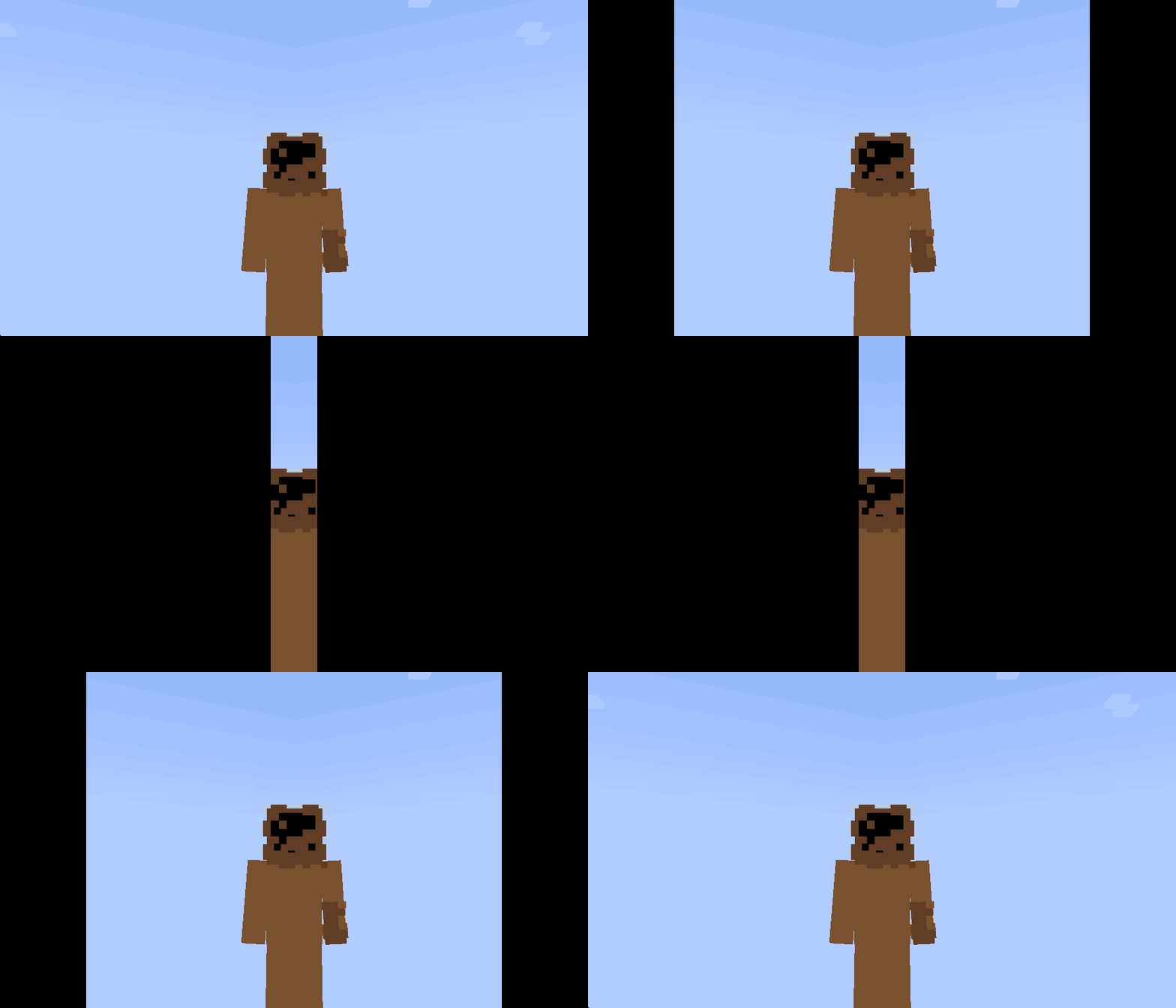
Screen-covering panels:
/title @s title [{"font":"render","text":"\uF91C","color":"#000001"},{"font":"render","text":"\uF91C","color":"#000002"}]
The animation duration can be configured using this command:
/title @s times [fade in] [duration] [fade out]
Panel movement directions:
#000001 — from the left to the center
#000002 — from the right to the center
#000003 — from the top downward
#000004 — from the bottom upward
Комментарии
Загружаем…