 Mineforgian
Colorless (Black and White)
With this lightweight shader, you can turn your world black and white. This Shader also adds Shadows, Fog, light around the player an item like a torch is held and configurable settings.
- Загрузки
- 665
- Подписчики
- 1
- Обновлён
- 15 мая 2026 г.
- Лицензия
- All-Rights-Reserved
Опубликован 15 мая 2026 г.
With this lightweight shader you can turn your world black and white.
Important Notes: -The colors are inverted when starting the Shader for the first time, please look into the shader settings -for better results, turn the brightness down to 0%
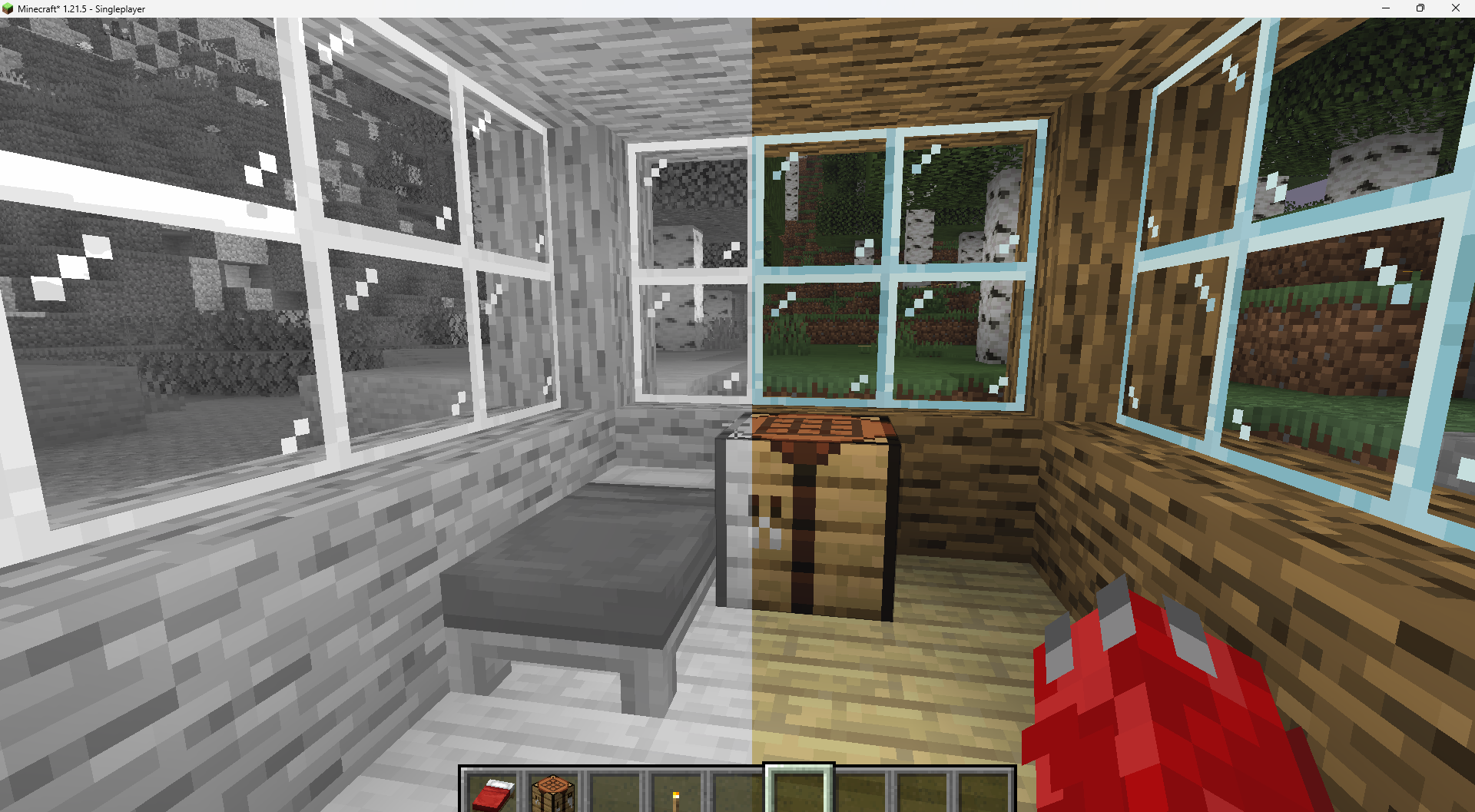
Features: -turn world black and white -optimised for PCs with a bad performance -holding an item like a torch emmits light around the player -shadows and fog -colored lighting -red light around player if hurt (can be deactivated)
Configurable Settings:
-inverted = if true, the colors are inverted
-coloredGlassShadows = if true, the shadows of colored glass are colored
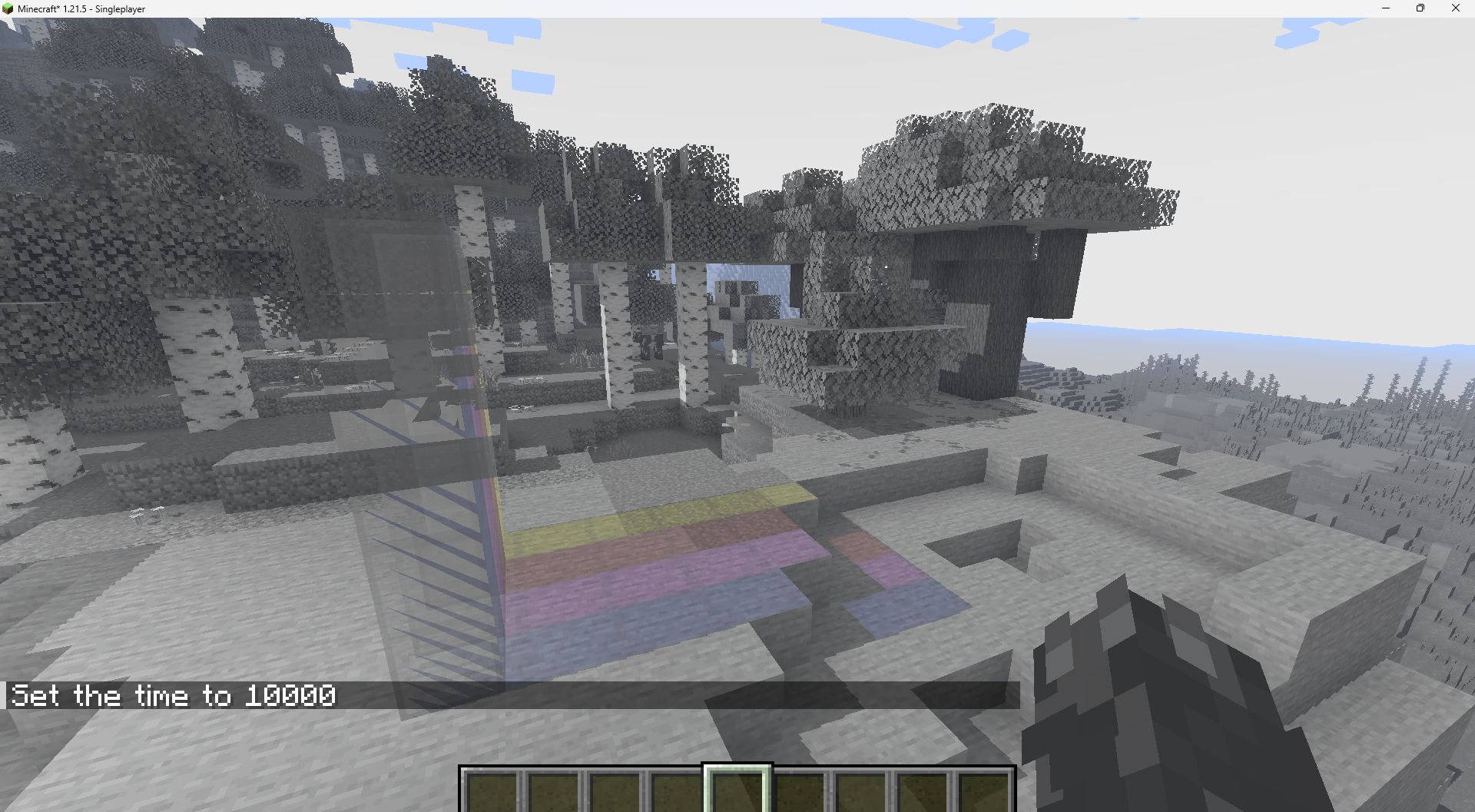
-blacknwhite = if true, the world is black and white
-graytorchlight = if true, items like torches emmit a gray light, else, they give of a orange light
-redRadiusIfHurt = if true, red light appears around the player if hurt
Ченджлог
Colorless-1.1Релиз26.1, 26.1.1, 26.1.2 · 15 мая 2026 г.
added setting to make red light appear around the player if they get hurt
Комментарии
Загружаем…