 Mineforgian
Ascii Text Renderer
Renders your Minecraft world as Ascii Art in Vanilla Minecraft
- Загрузки
- 8K
- Подписчики
- 95
- Обновлён
- 7 октября 2025 г.
- Лицензия
- All-Rights-Reserved
Опубликован 22 ноября 2024 г.
Showcase
This is an example of the texture pack with the colors set to "minecraft" and "darkPurple" in the config.
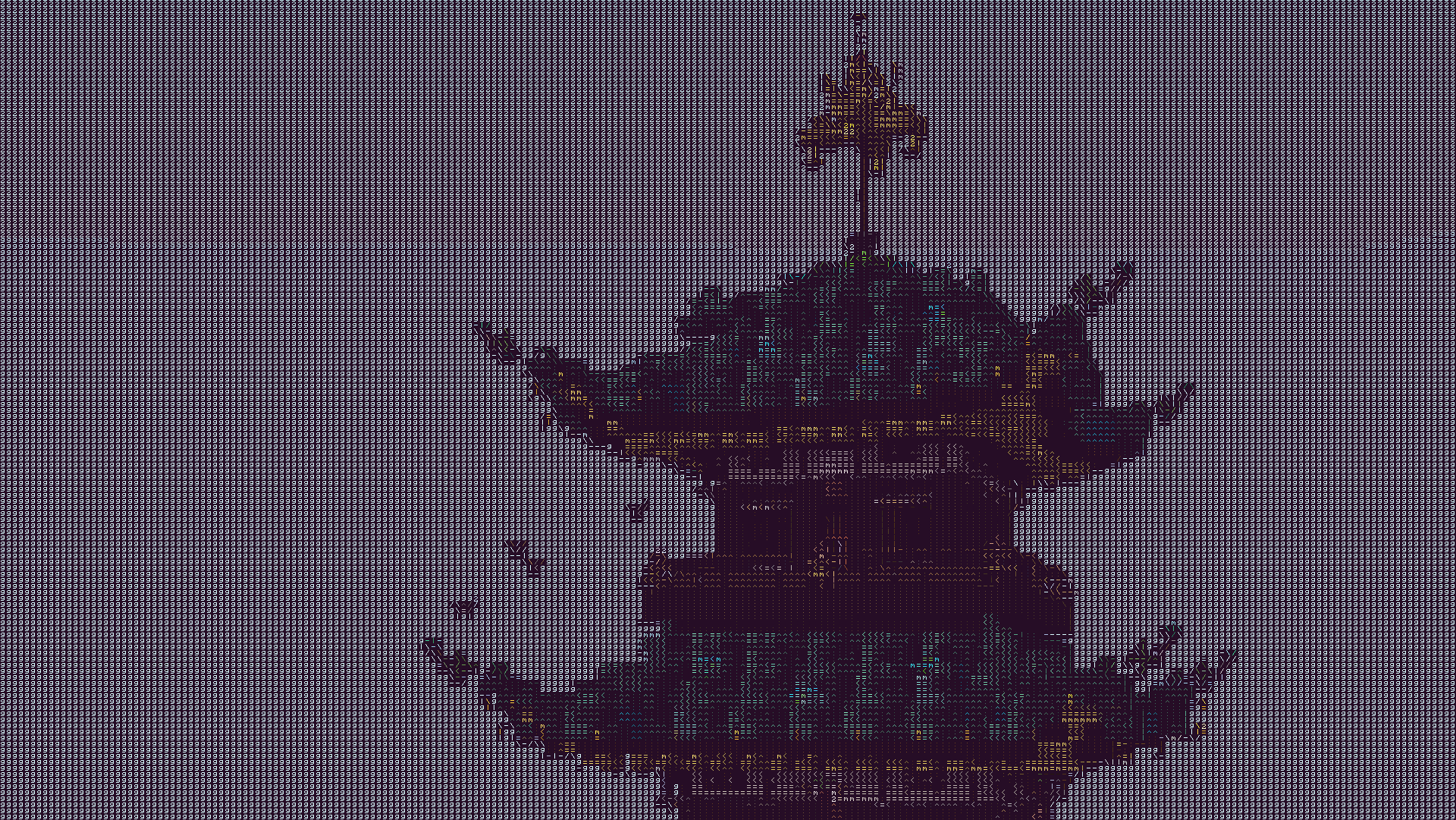
The text may look blurry since the image is a lot smaller than ingame. To show you what the text looks like up close, this is a zoomed in look at a part of the above image.
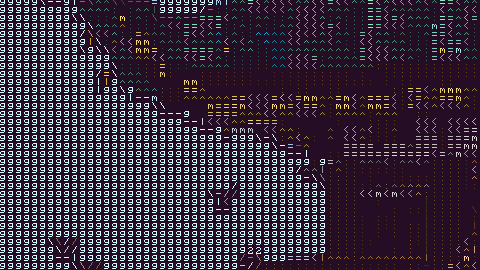
This is more accurate to what you will see ingame. You will see it as sharp as this image, but you will still see the entire image filling up your whole screen.
Description
This texture pack renders your game as ascii art in completely vanilla minecraft. No mods at all are required for this pack to work. However, YOU MUST HAVE GRAPHICS SET TO FABULOUS in your minecraft video settings.
The image above doesn't fully capture how it looks ingame due to scaling differences, so in order to see the pack in its full beauty you either need to look at the screenshot in fullscreen somehow or actually download the texture pack and look at it ingame.
How to Use
- Install the texture pack for one of the supported Minecraft versions.
- Apply the texture pack ingame, and in your video settings make sure your graphics setting is set to fabulous or the pack will not work. Your graphics setting can also act as a toggle for the pack, as setting it to fast or fancy will disable the effect.
- To configure the texture pack as seen in the gallery, open the texture pack and find the config file in
assets/minecraft/shaders/include/config.glsl. There are only three options, and many color presets.
Support
If you have an issue, you can join my discord and ask in there. I also have frequent votes for my future texture packs, and take suggestions for packs.
Ченджлог
3.0.1Релиз26.1.1, 26.1.2, 26.2 · 7 октября 2025 г.
- updated to recent versions of the game
- updated to 1.21.9 and 1.21.10
3.0Релиз1.21.6, 1.21.7, 1.21.8 · 14 августа 2025 г.
- Ported to versions 1.21.2 - 1.21.8
- Removed some redundant parts of the code
- Created a framework to make updating the pack easier
2.0Релиз1.21.4 · 9 августа 2025 г.
This version of the pack was tested on 1.21.4, and contains all the latest features of the pack.
Please join my discord to report any issues, or if you have any trouble with it.
1.1Бета1.21, 1.21.1 · 22 ноября 2024 г.
- fixed rounding error
I can not guarantee this works on any version other than 1.21.1. There may be some incompatabilities which I do not know about. But it doesn't hurt to try, right?
1.0Альфа1.21.1 · 22 ноября 2024 г.
I can not guarantee this works on any version other than 1.21.1. There may be some incompatabilities which I do not know about. But it doesn't hurt to try, right?
Комментарии
Загружаем…