 Mineforgian
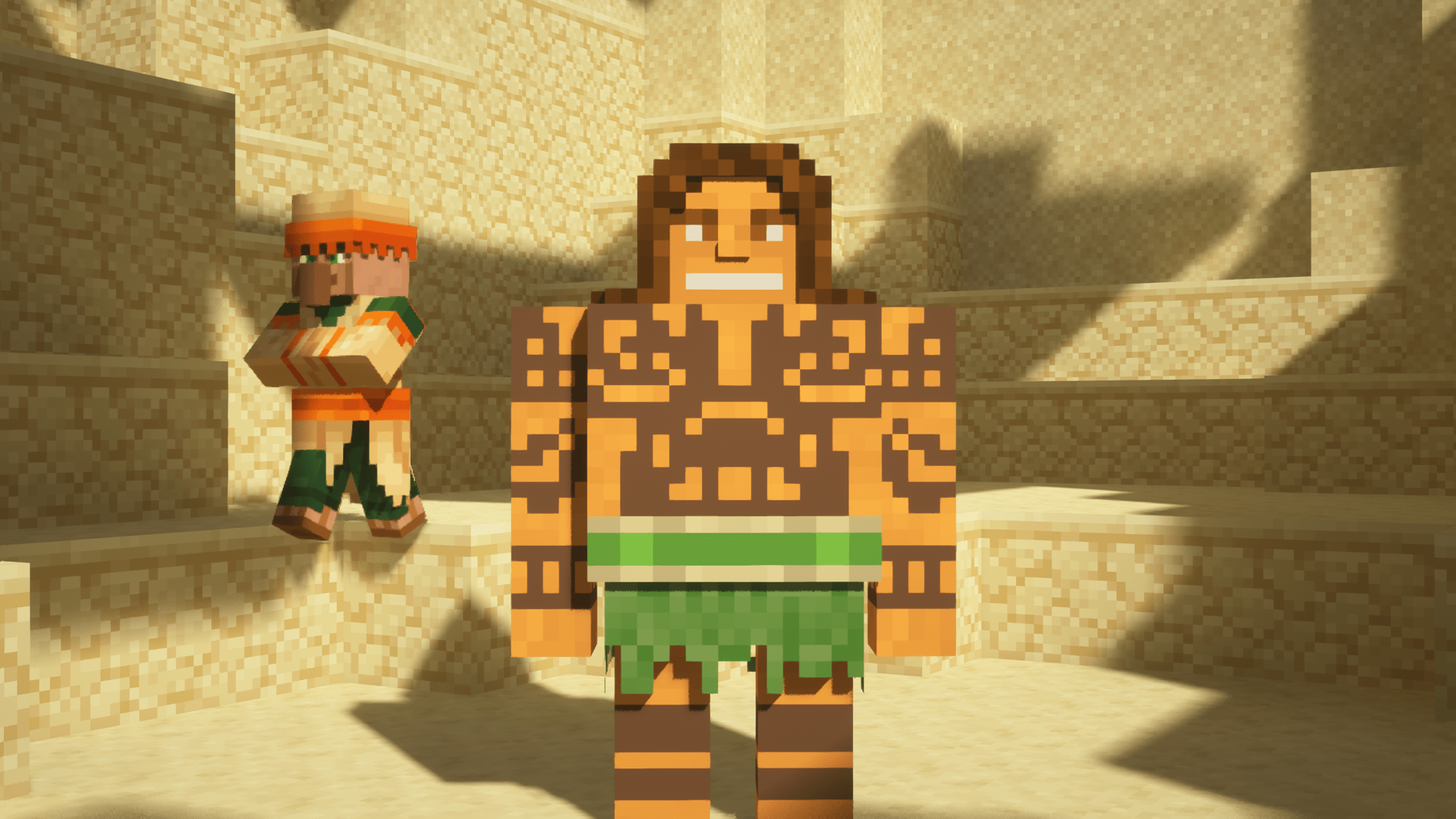
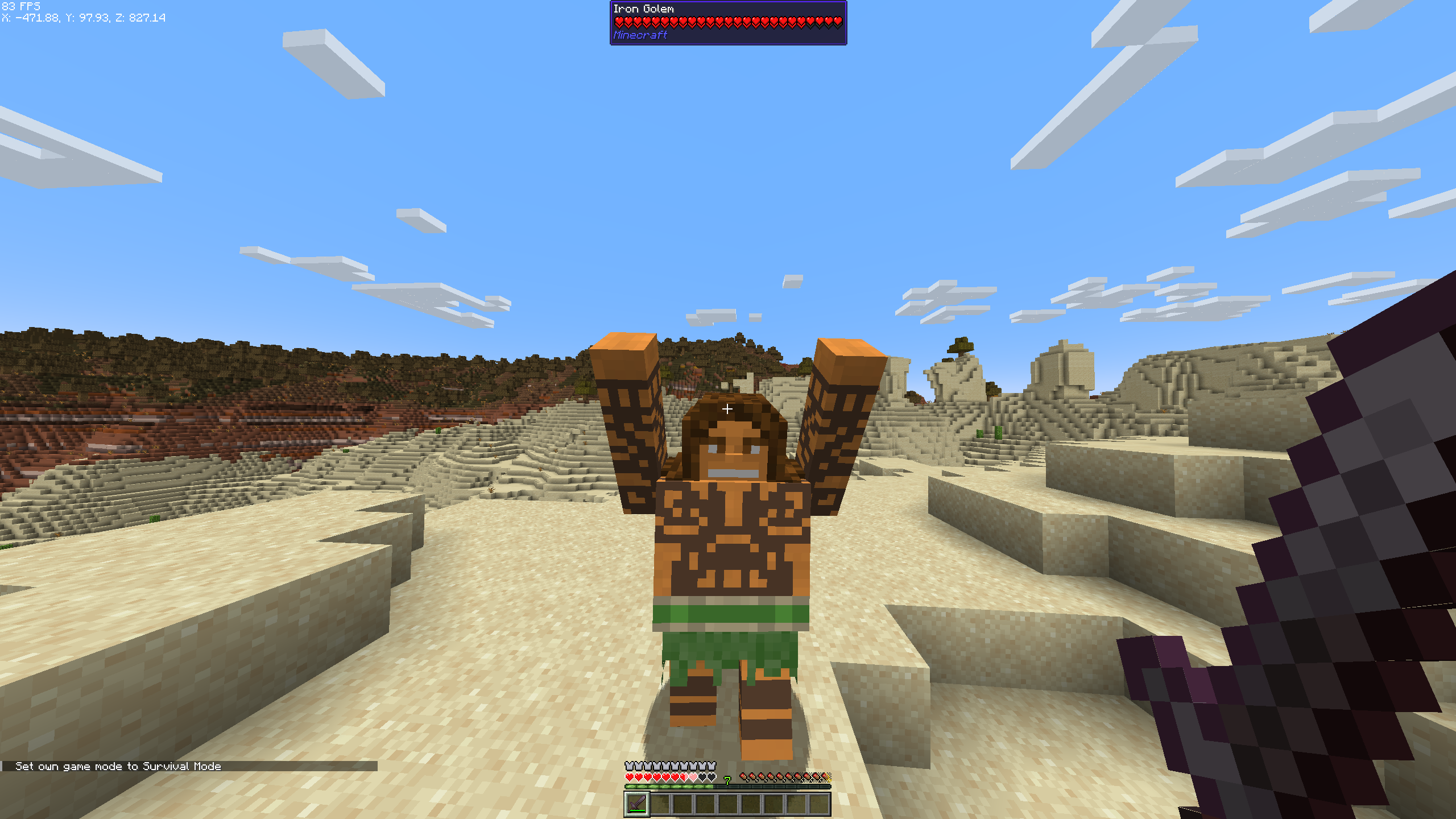
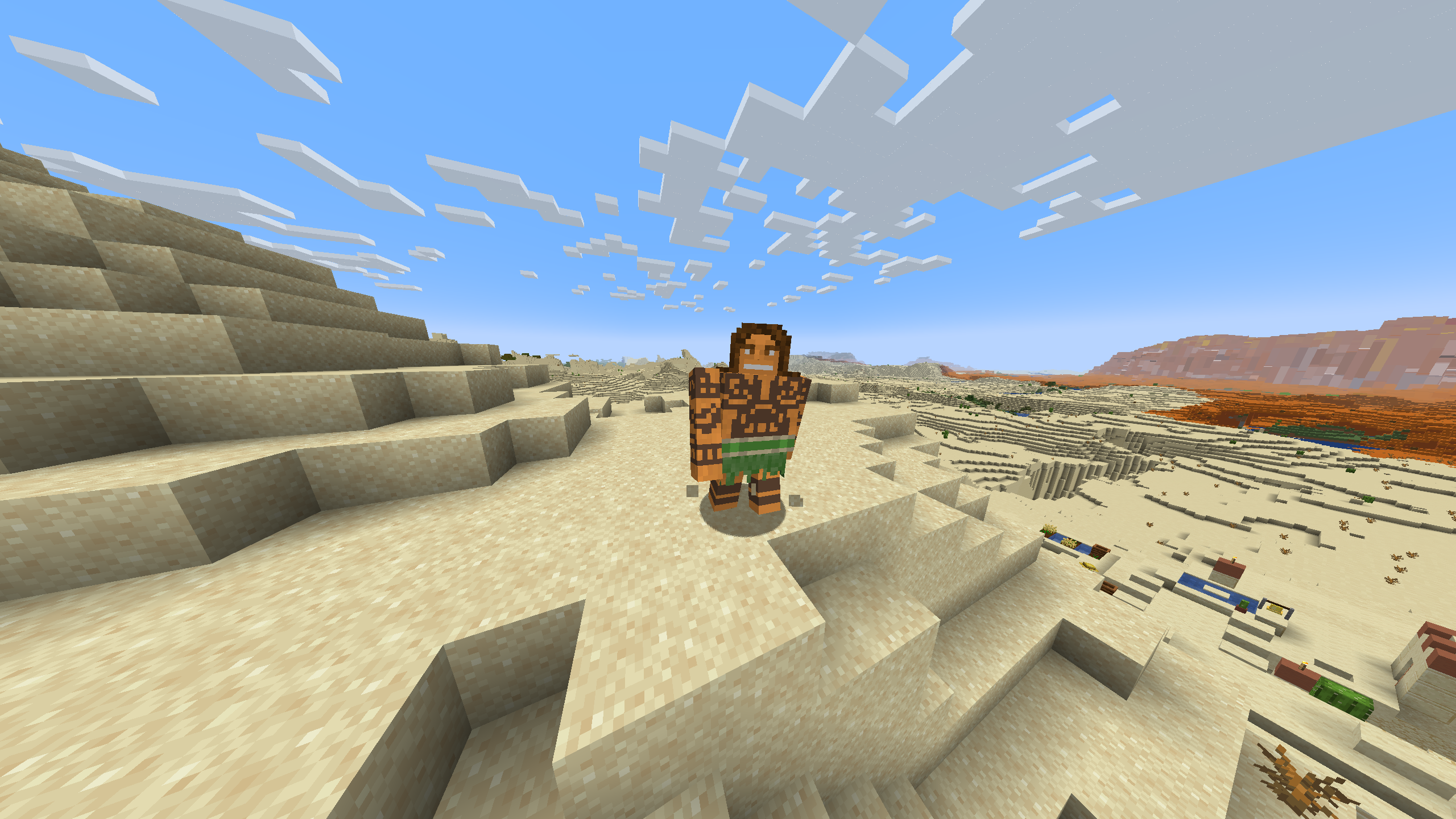
Maui Iron Golem Texture Pack
So what can I say except you're welcome!
The textures I used are from this skin
Features
- Compatible with all versions of Minecraft that support Optifine.
- Works seamlessly with Fabric on versions that include the EMF (Entity Model Features) mod.
Compatibility
- Optifine: Compatible with all versions that support Optifine. Download Optifine
- EMF Mod for Fabric: Works with all versions of Fabric that include the EMF mod. Download EMF Mod
Screenshots
Installation
- Download and install Optifine or Fabric with the EMF mod, depending on your Minecraft version.
- Download the Maui Iron Golem Texture Pack.
- Place the texture pack in the "resourcepacks" folder in your Minecraft directory.
- Activate the texture pack in the Minecraft game settings.
Ченджлог
Комментарии
Загружаем…