 Mineforgian
Dark Mode by AB
Darkness Makes Balance. Absolute Balance.
- Загрузки
- 10K
- Подписчики
- 16
- Обновлён
- 4 июля 2026 г.
- Лицензия
- AB-Dark-Mode
Опубликован 1 апреля 2025 г.
☀️ Tired of blindingly bright interfaces? 🌙 Embrace the dark side!
Designed for visual comfort during your epic nighttime and daytime adventures alike!
A Simple Change. A Revolutionary Experience.
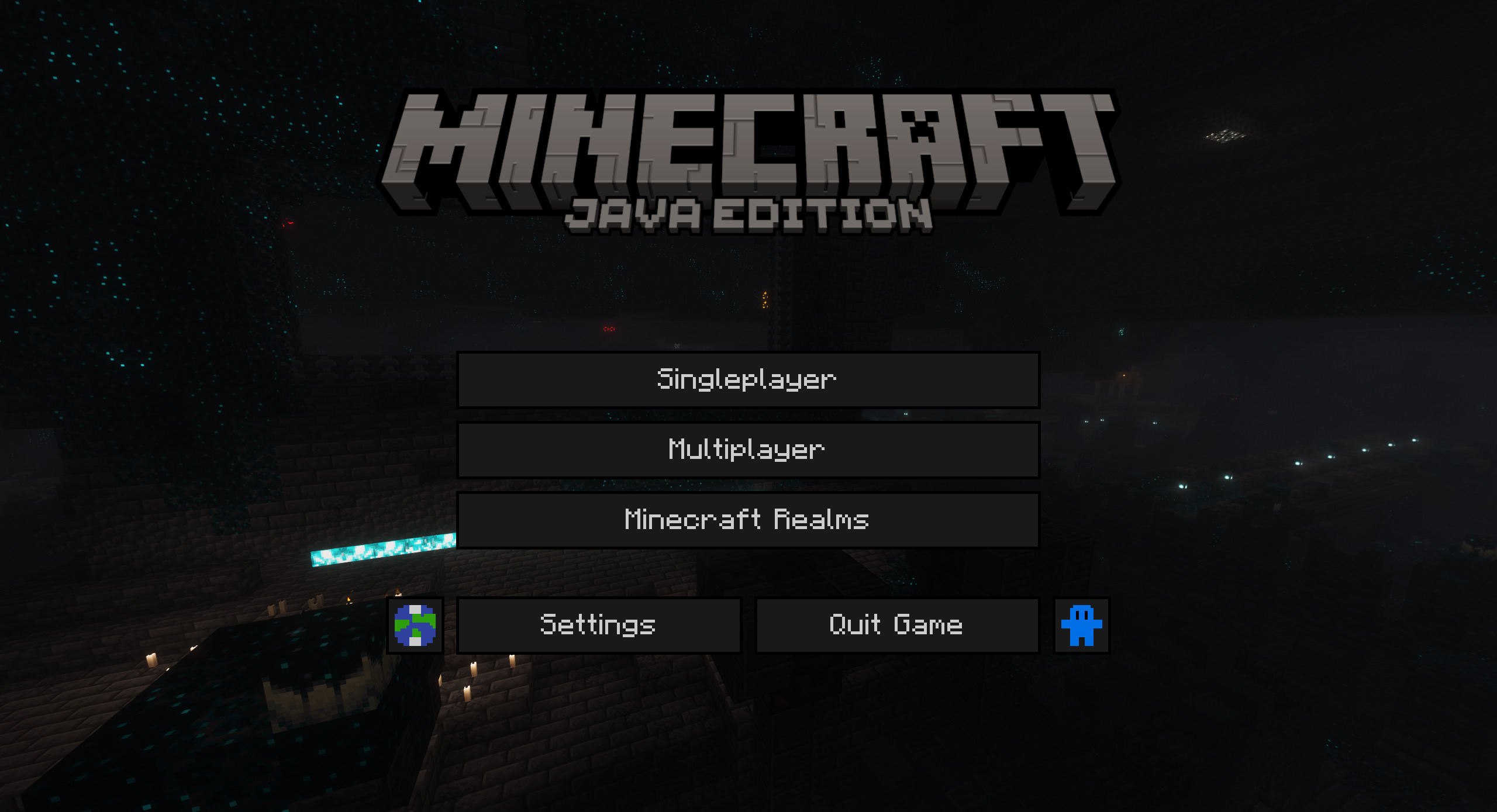 Captured with Panorama and Complementary Shaders - Unbound
No matter how the inventory looks. It always seems Amazing. Probably...
 Seriously, my inventory always looks like this.
(Optional)
↓To activate this feature↓ install: Puzzle Or OptiFine
🎯 How to Install ↑
🛠️ Step 1 – Install the Modrinth App
Install the Modrinth App.
Then click the “Select Account” button in the top-right corner and log in with the Microsoft account linked to your copy of Minecraft.
🖥️ Step 2 – Create or Configure a Minecraft Instance
Create a new Minecraft instance using the “+” button on the left panel.
Then choose a loader such as Fabric, Quilt, or NeoForge, and select your Minecraft version.⚙️ If the instance already exists, click on it and then click the gear icon.
Go to “Installation” and select one of the available loaders: Fabric, Quilt, or NeoForge.
📦 Step 3 – Add the Required Mod
Go to “Discover Content” (the compass icon), then navigate to the “Mods” category.
Search for Puzzle and install it in the instance you created.
🎨 Step 4 – Download the Resource Pack
If you're using the Modrinth App, go to the “Resource Packs” category, search for Dark Mode by AB, and click the Download button.
▶️ Step 5 – Launch Minecraft
Click on your instance in the left panel, then press the “▶ Play” button to launch Minecraft from Modrinth.
🧩 Step 6 – Activate the Resource Pack in Minecraft
In Minecraft, go to Options → Resource Packs and activate the resource pack.
🌙 Now you can enjoy Minecraft with a stylish and comfortable dark interface.
💜 Thank you for choosing Dark Mode by AB!
📦 Supported Mods
| Mod | 1.21 | 1.21.1 | 1.21.2 | 1.21.3 | 1.21.4 | 1.21.5 | 1.21.6 | 1.21.7 | 1.21.8 | 1.21.9 | 1.21.10 | 1.21.11 | 26.1 | 26.1.1 |
|---|---|---|---|---|---|---|---|---|---|---|---|---|---|---|
| Mod Menu |  |
|
|
|
|
|
|
|
|
|
|
|
|
|
| Elytra Slot (Fabric) | |
|
 |
|
|
|
|
|
|
|
|
|
|
|
| Entity Texture Features | |
|
|
|
|
|
|
|
|
|
|
|
|
|
🌍 Supported languages
 Deutsch (Deutschland)
 English (US)
 Italiano (Italia)
↓Missing a language or mod? Suggest it! (Flashbang Warning)

Ченджлог
2026.7-BetaБета26.1.1, 26.1.2, 26.2 · 4 июля 2026 г.
improvements v2026.7 Beta
- Added MC 26.2 support.
- Fixed crosshair displaying incorrectly at certain GUI scales.
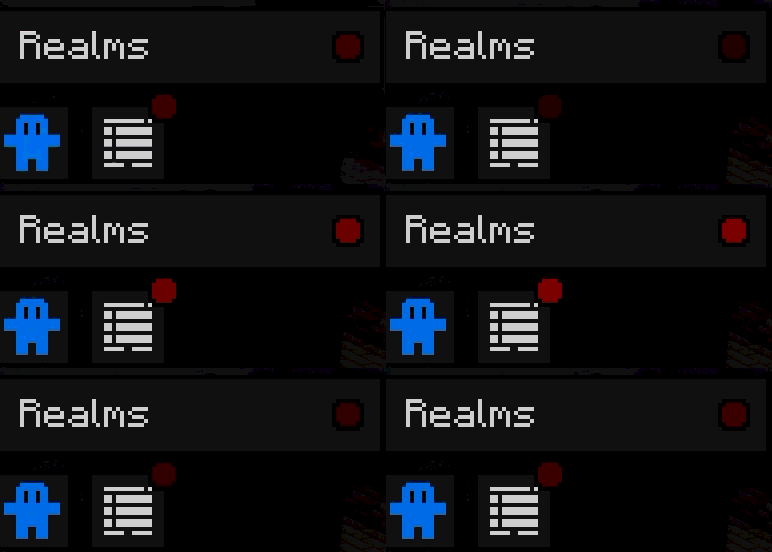
- Added missing texture "trial_available" and improved it with a new pulsing effect.
- Improved notification icons with a pulsing effect.
- Improved icons: "recreate", "refresh" and "update".
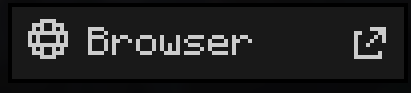
- New icon for browser links.
- Translation updates.
Mod Puzzle:
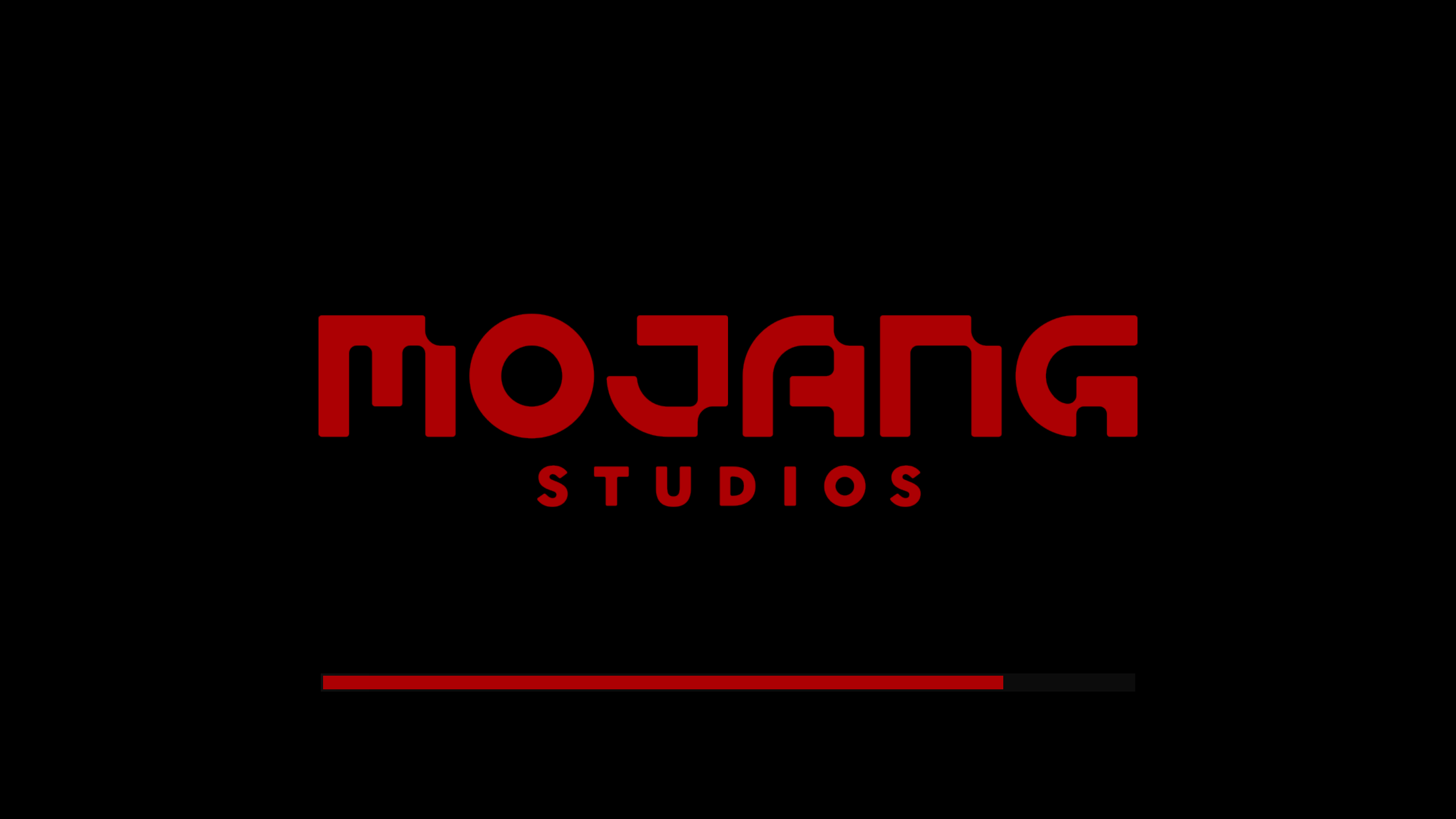
- Changed Mojang Studios color and loading bar from #ac0003 to #ac0000 (removed 1.18% blue, now at 0%).
🔴 Bugs to Resolve
- Text misalignment in Experimental Settings in MC 26.2
Work in progress:
- Custom themes support.
- Translations for other languages.
↓Missing a language or mod? Suggest it! (Flashbang Warning)
2026.6-BetaБета26.1, 26.1.1, 26.1.2 · 3 мая 2026 г.
improvements v2026.6 Beta
- New experimental design in Settings.
- New icons.
- Updated translations.
Work in progress:
- Custom themes support.
- Translations for other languages.
Note:
These changes are currently available only for English (US) and Italiano (Italia).


2026.5Релиз1.21.11, 26.1, 26.1.1 · 1 апреля 2026 г.
improvements v2026.5
- Improved hammer pixel art (smithing table & anvil) + consistent black pixels.
- Updated description: MC: 1.21–26.1.1 / DM: v2026.5 .
Changed 8 pixels, updated 1 character, and added 2 new ones.
C R A Z Y
U P D A T E ! ! !

Edit:
I forgot the test file for " English (United Kingdom)", lol.
Well then, it's a B I G
U P D A T E — new translations are coming!!!
2026.4Релиз1.21.10, 1.21.11, 26.1 · 26 марта 2026 г.
improvements v2026.4
- Added MC 26.1 support.
- Updated translations.
- Added new icon for “Update and Play”, now changed to “Update”.
- Reorganized version structure.
2026.3Релиз1.21.9, 1.21.10, 1.21.11 · 5 февраля 2026 г.
improvements v2026.3
- Fixed missing "Search" translation in: English (US) Italiano (Italia)
2026.2Релиз1.21.9, 1.21.10, 1.21.11 · 5 февраля 2026 г.
improvements v2026.2
- Improved crosshair.
(I noticed that the dot made movements less precise, whoops) - Changed checkbox scaling to be pixel‑consistent.
- Improved check icon.
- Improved check and cross icons in the Beacon UI.
- Improved check and cross icons in the pending invites screen.
- Improved and realigned icons: Direct Connect, Refresh, Re‑Create, and Edit.
- Reorganized translation files.
2026.1Релиз1.21.9, 1.21.10, 1.21.11 · 18 января 2026 г.
improvements v2026.1
- New versioning system.
- Fixed issue with some squashed icons.
- Improved helmet icon.
- Improved Creative Inventory UI.
3.12Релиз1.21.9, 1.21.10, 1.21.11 · 13 декабря 2025 г.
improvements v3.12
- Added Nautilus UI.
- Fixed effects UI.
- Improved settings consistency.
Комментарии
Загружаем…