 Mineforgian
DiscordSRVOAuth
Allow players to link their Discord account via Discord OAuth2
- Загрузки
- 1K
- Подписчики
- 10
- Обновлён
- 7 мая 2026 г.
- Лицензия
- GPL-3.0-or-later
Опубликован 20 июня 2024 г.


Usage
- Download the plugin
- Upload the plugin to your Minecraft Server (make sure it has DiscordSRV)
- Make sure the port is open and not used
- Make sure the URL is valid
Setting up Discord values
Everything is being done within Discord application's settings > OAuth2
Values
Copy over the Client ID & Client Secret to the config. Then you would need to configure Redirects. It must be what you have in the config. An example is shown below

Setting up HTTPS
Please see at GitHub README
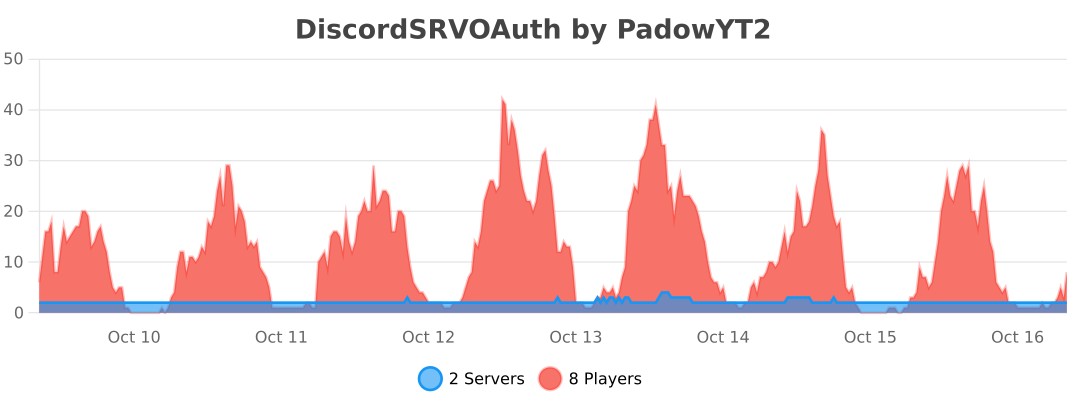
bStats
Ченджлог
1.2.0Релиз26.1, 26.1.1, 26.1.2 · 7 мая 2026 г.
- Added
/linkcommand with adiscordsrvoauth.linkpermission - Added all DiscordSRV checks (e.g. bypass names)
- Added support for Minecraft 26.1.x
- Changed package prefix following author's new domain
1.1.0Релиз1.21.9, 1.21.10, 1.21.11 · 9 января 2026 г.
- Added an option to pull users onto your server via the Discord bot
- Added
{CODE}and{BOT}placeholders, allowing users to verify via DM - Added support for Minecraft 1.21.11
- Migrated configuration from YAML to TOML to improve stability and reduce syntax errors
- Fixed Folia support
1.0.5Релиз1.21.2, 1.21.3, 1.21.4 · 19 января 2025 г.
- Make the webserver start async
- All hangs should be fixed
1.0.4Релиз1.21.2, 1.21.3, 1.21.4 · 31 октября 2024 г.
- Fix website hanging 🎉
1.0.3Релиз1.20.5, 1.20.6, 1.21 · 19 июля 2024 г.
- Fix most HttpServer hangs
- Fix erroring when DiscordSRV has not finished it's startup
- Fix
/discordsrvoauthnot having a new line
1.0.2Релиз1.20.2, 1.20.3, 1.20.4 · 23 июня 2024 г.
- Fix HttpServer being hosted locally instead of globally
1.0.1Релиз1.20.2, 1.20.3, 1.20.4 · 22 июня 2024 г.
- Edit bStats plugin ID
1.0.0Релиз1.20.2, 1.20.3, 1.20.4 · 22 июня 2024 г.
- Initial release
Комментарии
Загружаем…