 Mineforgian
Tooltip Overhaul
Every tooltip, clearer and cleaner
- Загрузки
- 765K
- Подписчики
- 213
- Обновлён
- 5 июля 2026 г.
- Лицензия
- GPL-3.0-only
Опубликован 18 августа 2025 г.
Tooltip Overhaul ✨
A complete visual refresh for Minecraft tooltips, completely replacing the vanilla tooltip system with a clearer layout. Every tooltip, more modern, sharper, clearer.
Core Features 🔧
📜 Scrollable Tooltips - When a tooltip is too tall and goes beyond the screen limits, you can scroll through its content.
✂️ Text Wrapping - Prevents tooltips from being too wide by inserting line breaks where needed.
🦋 Equipment Comparison - Built in toggleable equipment comparison functionality for comparison of armor pieces with the currently equipped one. You can change the keybind in-game.
🤝 Compatibility - Works with JEI, EMI, ModernFix, Flerovium, FTB Quests, Apotheosis, etc.
🎨 Maximum Customization - You can change, crop, expand and move whatever you want! Customize freely among a big variety of options!
📊 Rating Element - Just below the item name, a rarity/qualifier appears (configurable, off by default).
⚡ Effects & Frames - Choose from animated frames, overlays, and custom styles, among other content.
🧩 Mod Compatibility - Any mod can add its own custom frames.
🌀 3D Item Rendering - A 3D icon appears when hovering over items.
🎲 Vignette - A new type of decoration that allows you to add internal gradients of various shapes to the tooltip.
🎠 Tooltip animations - You can add appear/disappear animations to any tooltips you want!
🍳 Custom borders - Choose from a suite of predefined corner styles and choose the one that suits your preferences.
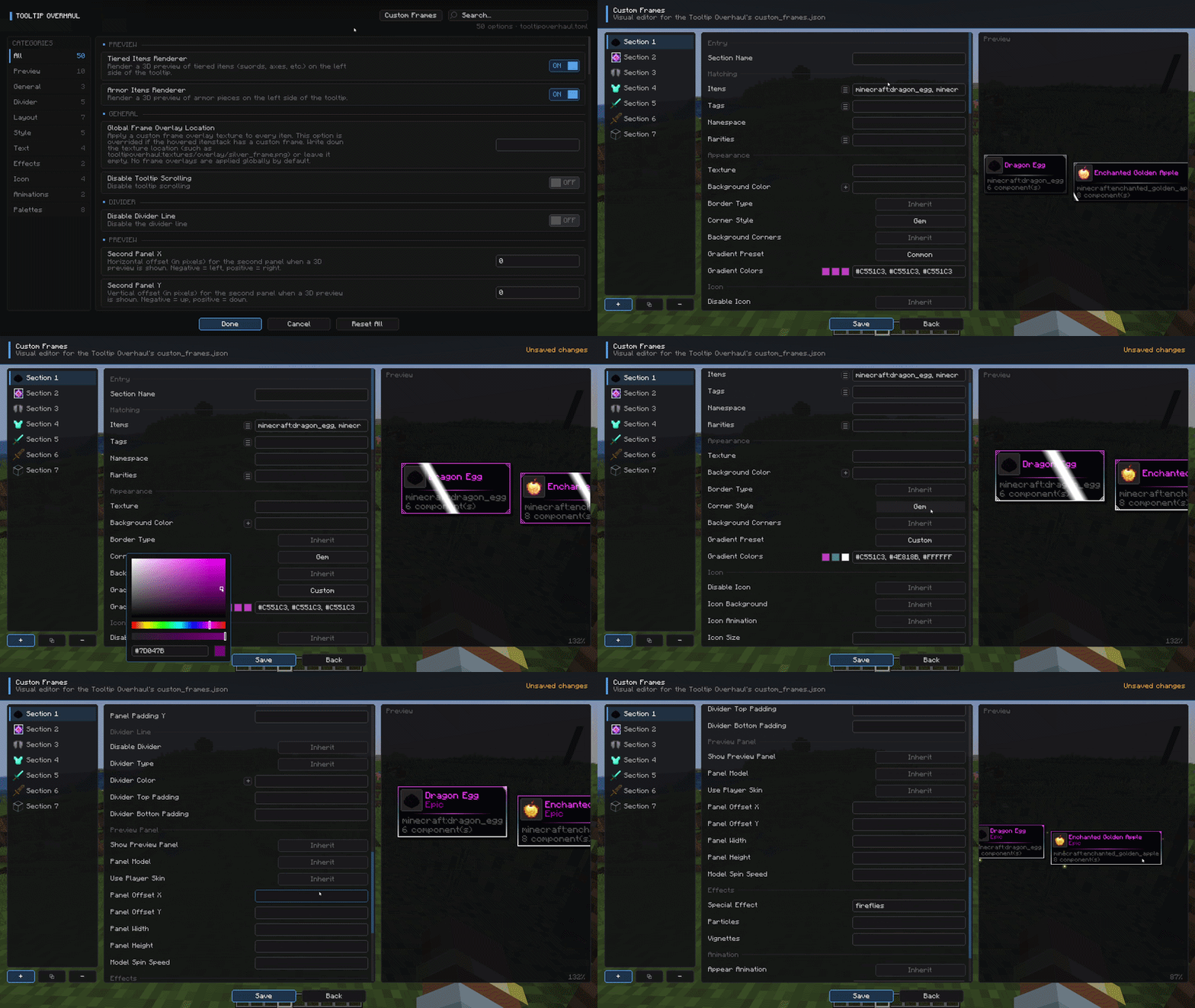
❄️ In-game config screen - Additionally, a fully custom config screen can be opened to access the settings from within the game.
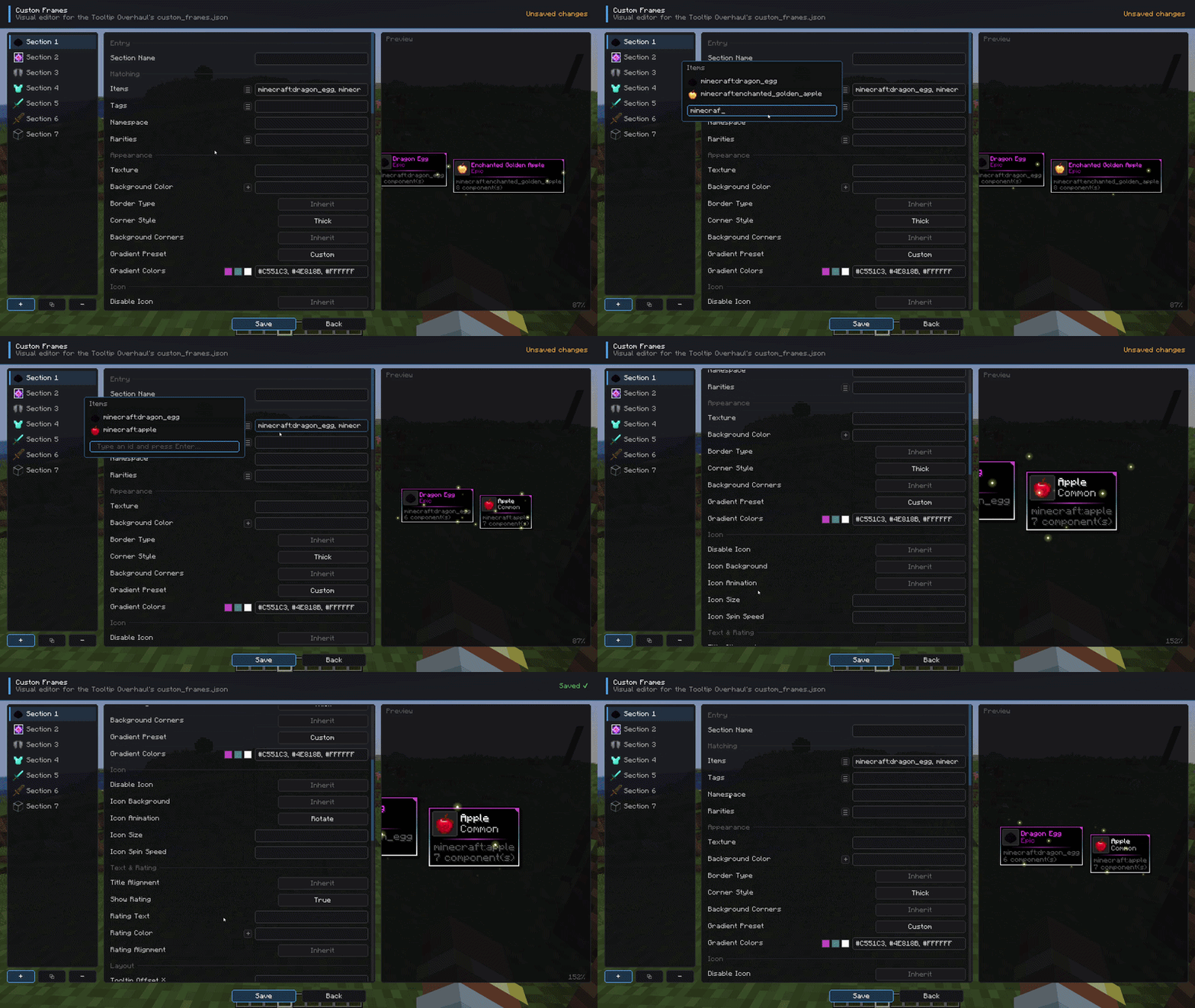
🔥 In-game live preview - When modifying specific items, you can preview in real time the changes made to the appearance of the tooltips, accessible through the mod config
📦 By default, some vanilla items include frames.
If you like the idea, we can create custom frames for the most requested mods and add native support. 🙌
This mod is highly configurable. For any questions, problems, contributions, new ideas about content/mods, and more, you can join our 💬 official Discord and comment in the appropriate channels.

All bug reports or feature request should be directed to me, you can join our Discord server.
Configuration ⚙️
There are two ways to configure the tooltips: globally or specifically. 📝
- For global configurations, you must modify the file
config/tooltipoverhaul/tooltipoverhaul.toml, which contains configuration options that apply equally to all items. - For specific configurations (for particular items, tags or namespaces/modids), you must modify the file located at
config/tooltipoverhaul/custom_frames.json. For more information on how to work with this file, please follow this wiki.
To reload the specific configurations, you can use the command '/tooltipoverhaul reload' without having to restart the game, while global settings are reloaded automatically!
⚠️ The mod now includes an in-game config tool for visually configuring everything with just a few clicks, without needing to access the physical files. Additionally, for specific configurations, a live preview is also included (through the in-game config), updating in real time so you don't have to waste time searching for specific settings on the wiki!
Resource Packs 🎨
Resource Packs can also be created in order to add custom frames or custom configurations. For more information, check the wiki.
Check out the following texture packs, which add more frames and features!

Showcase 📷
For extra information, check the wiki.
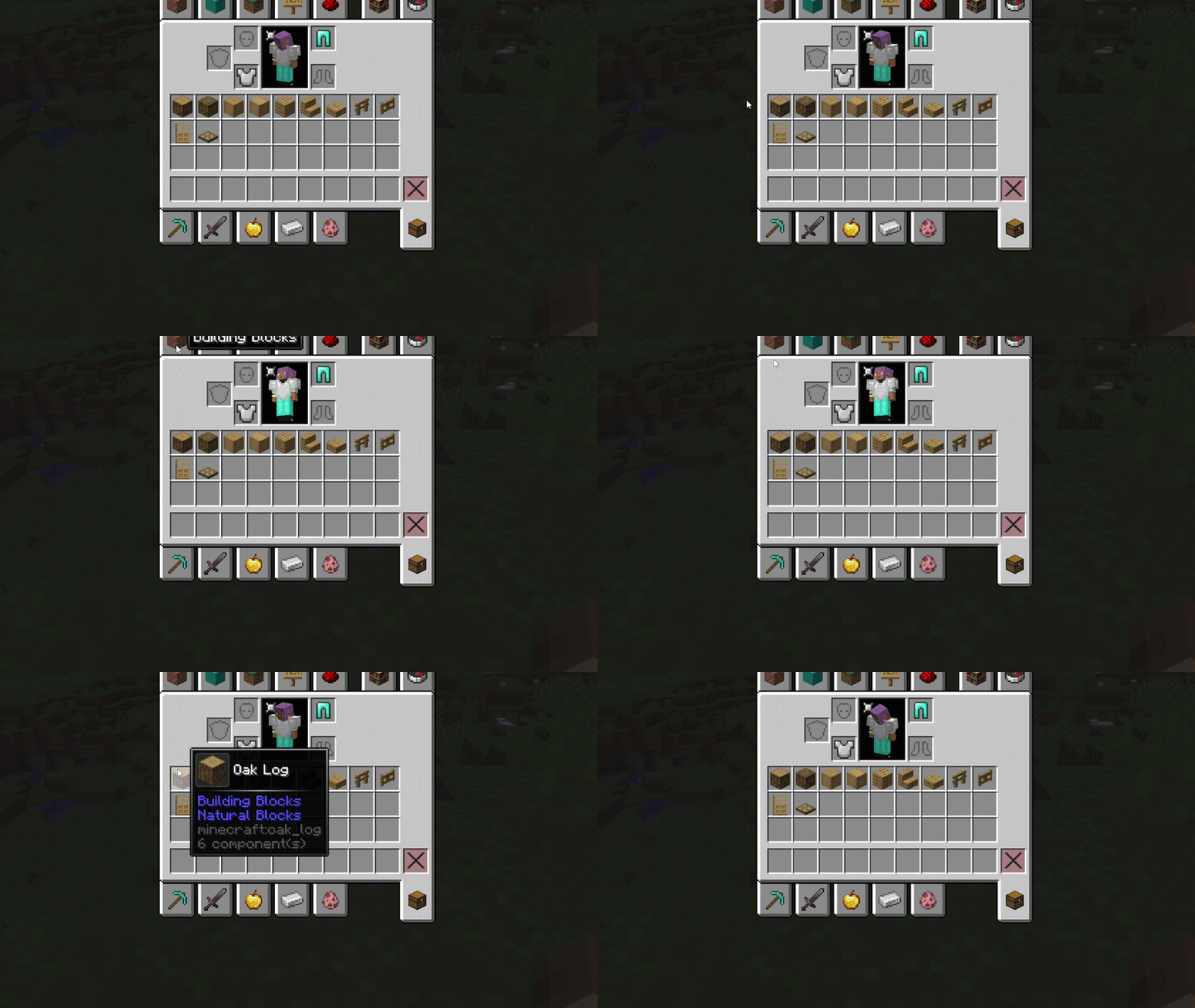
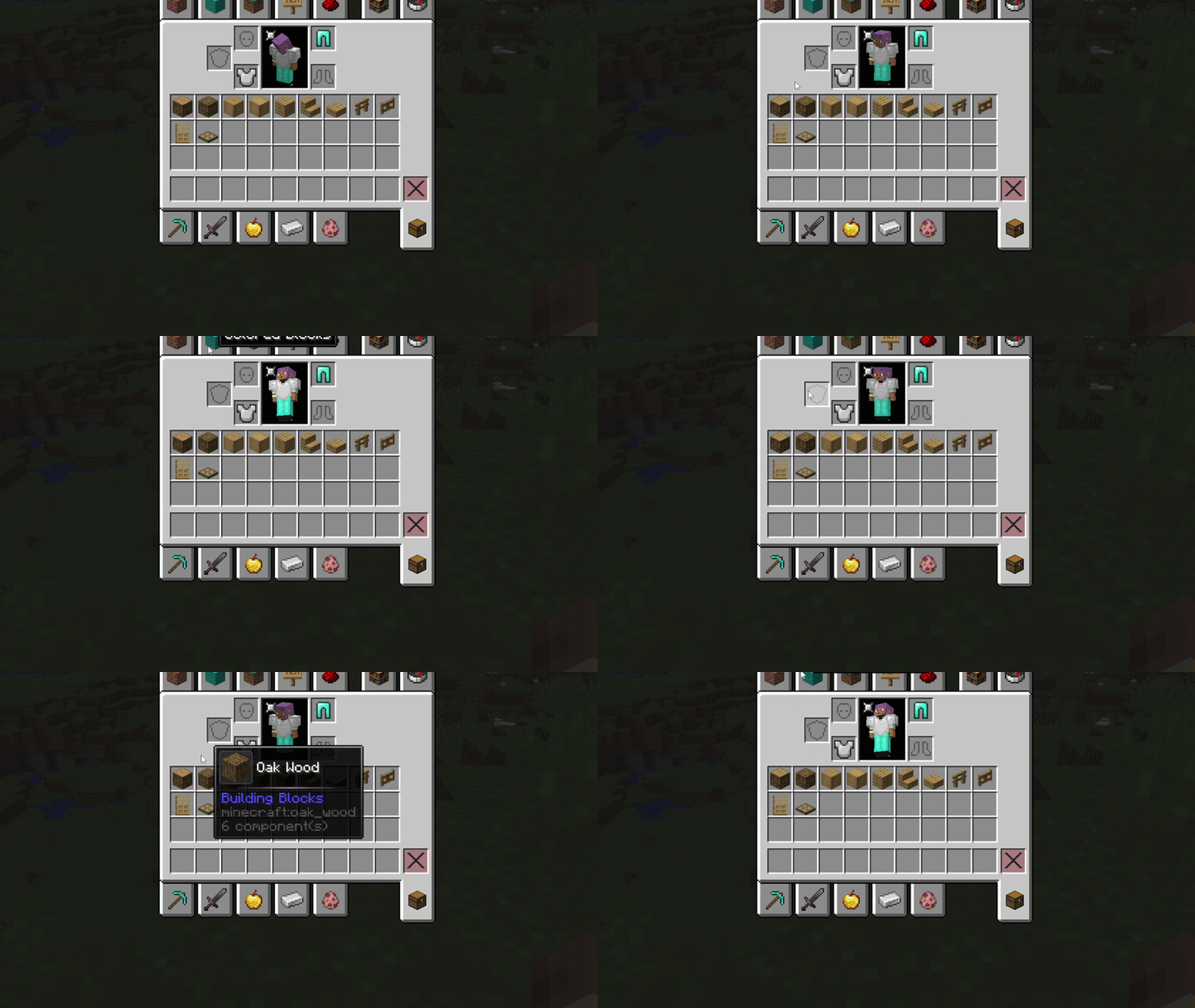
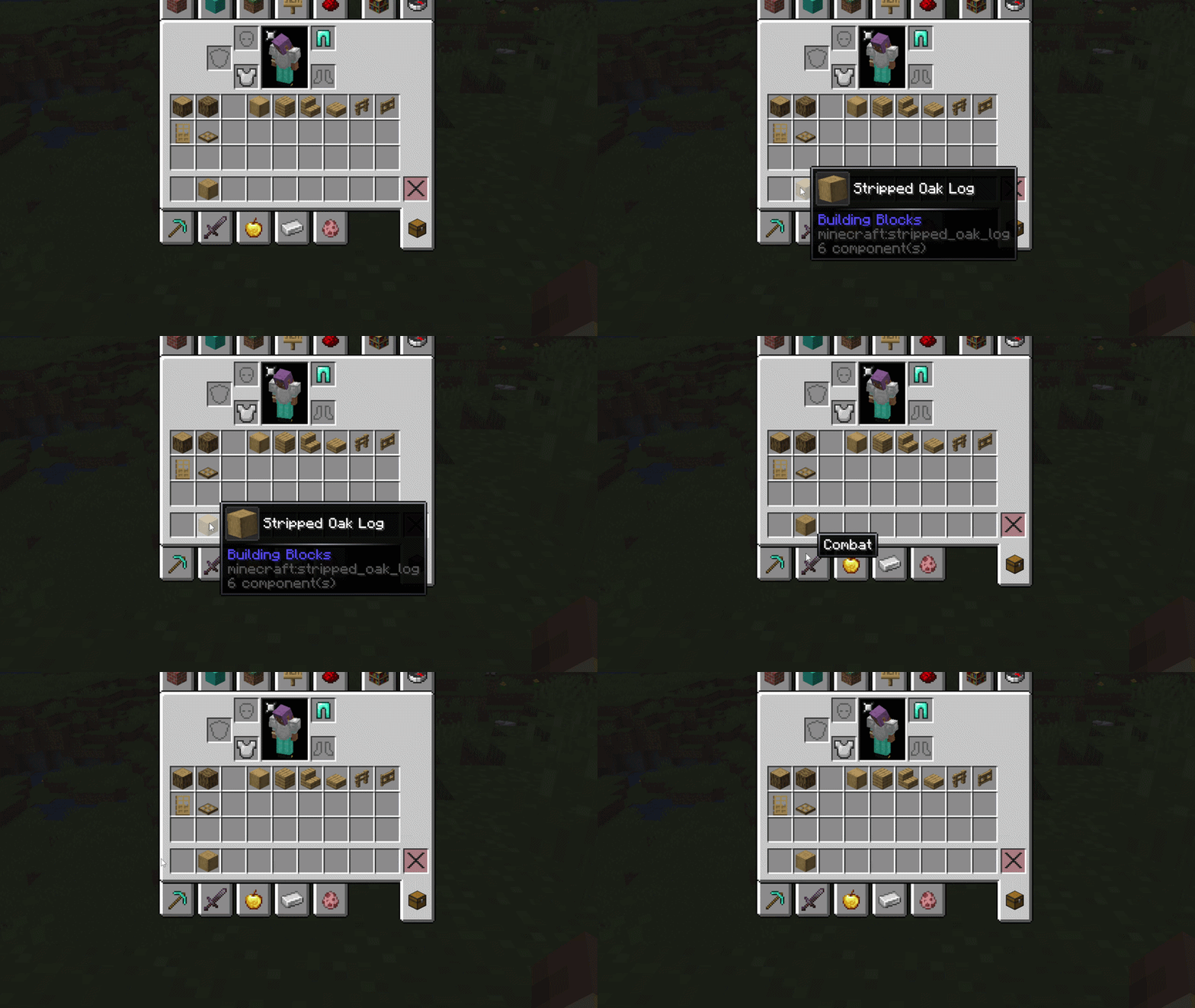
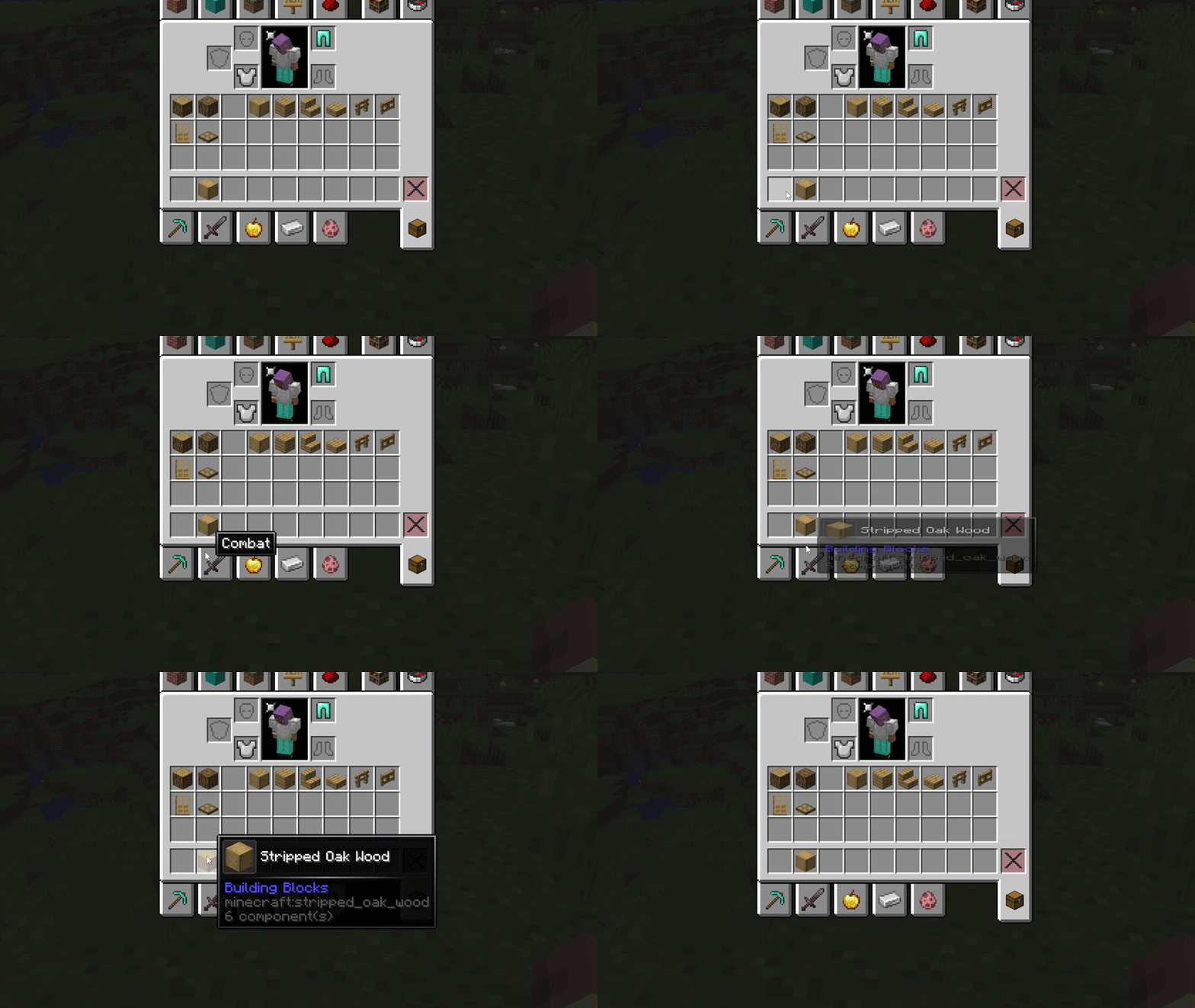
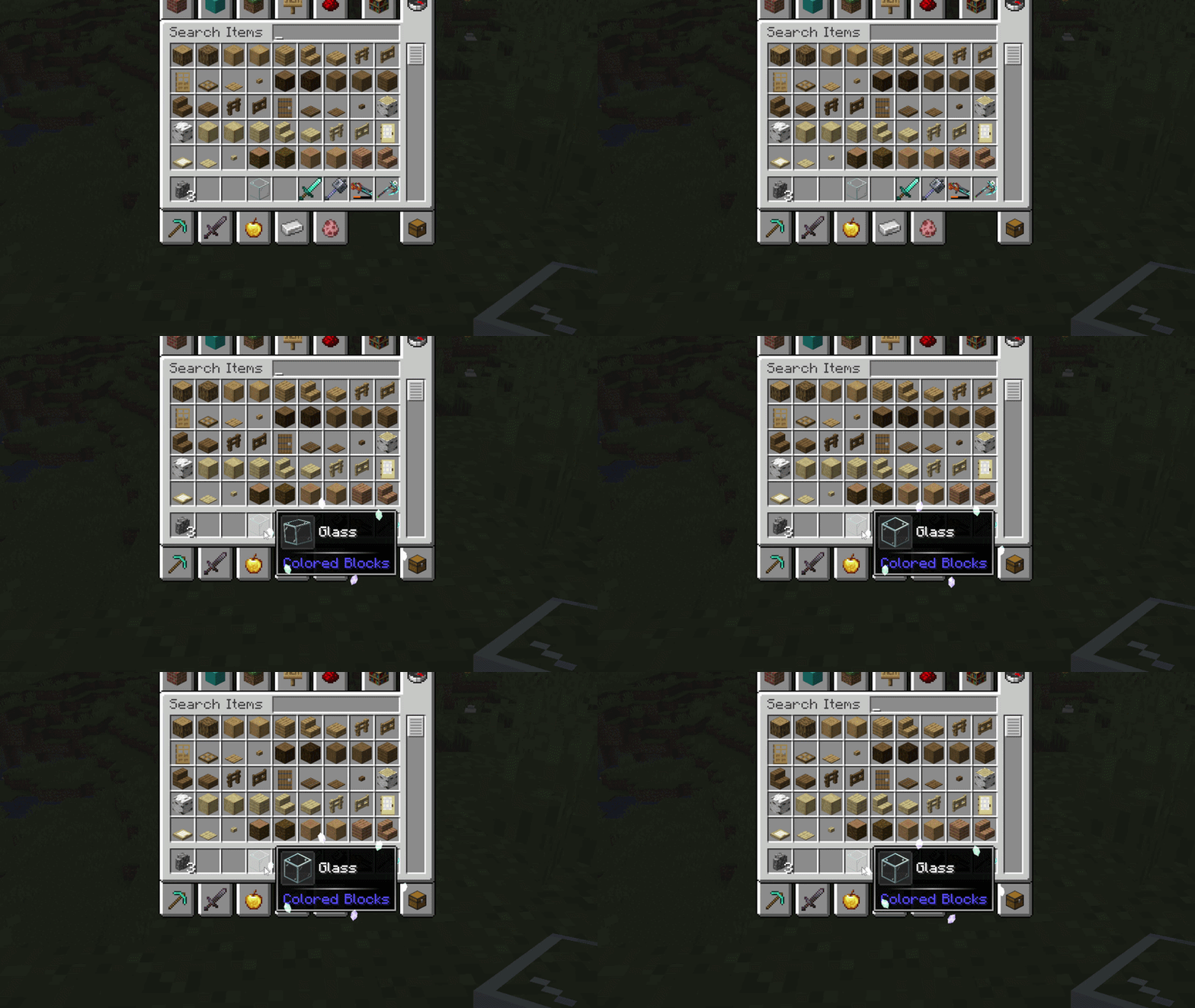
Tooltip animations
fade
pop
rise
unfold
zoom
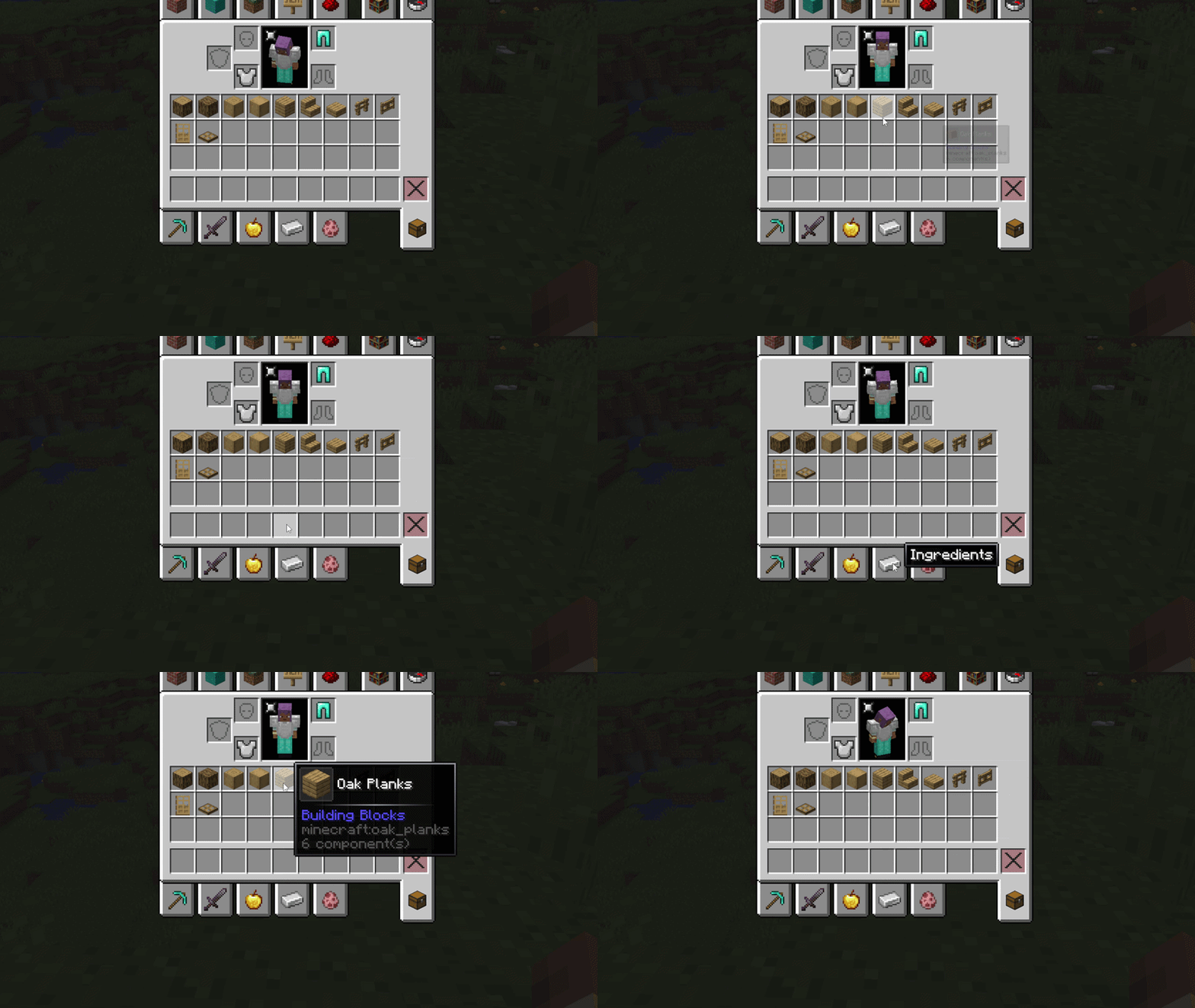
slide
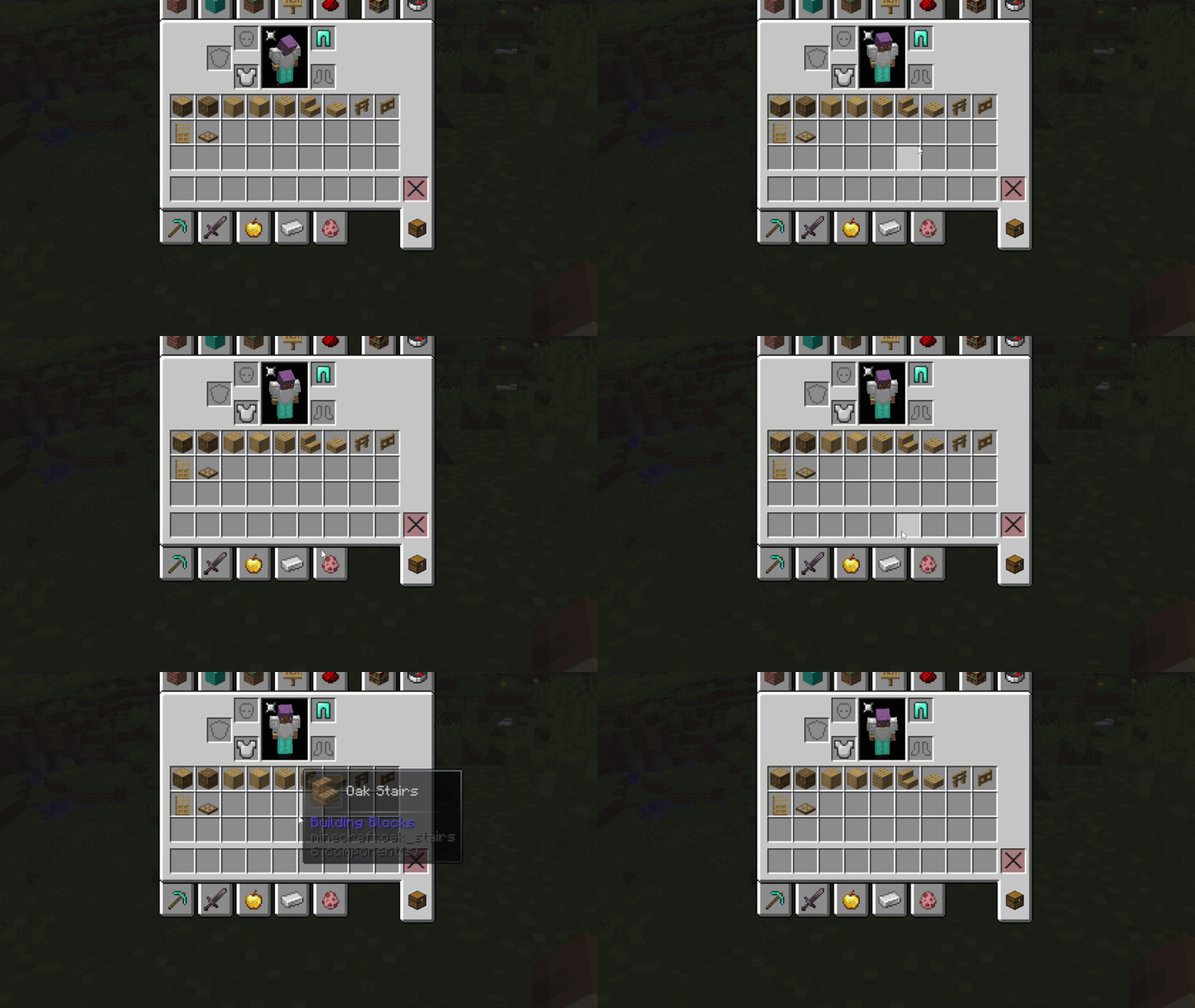
swing
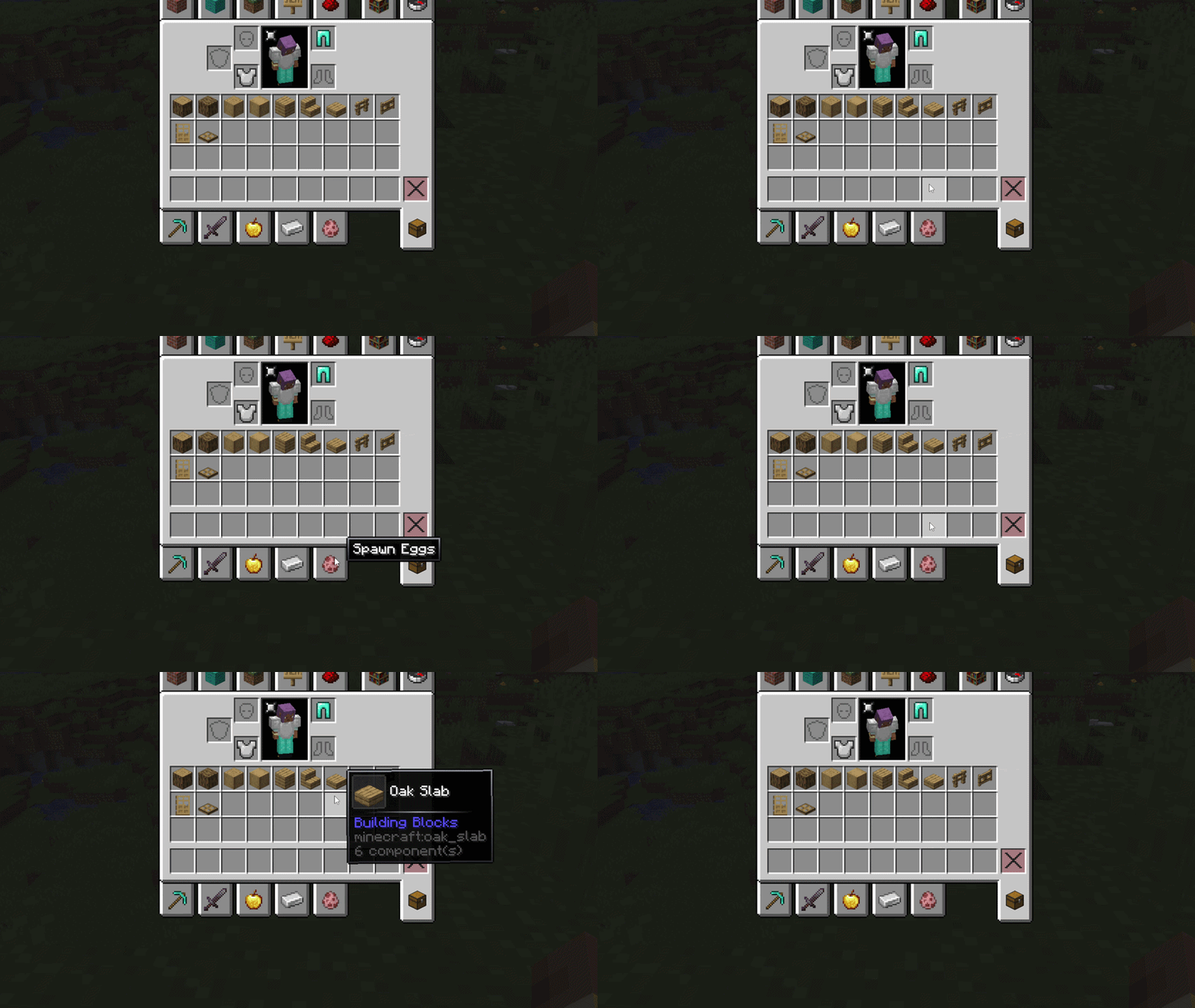
emerge
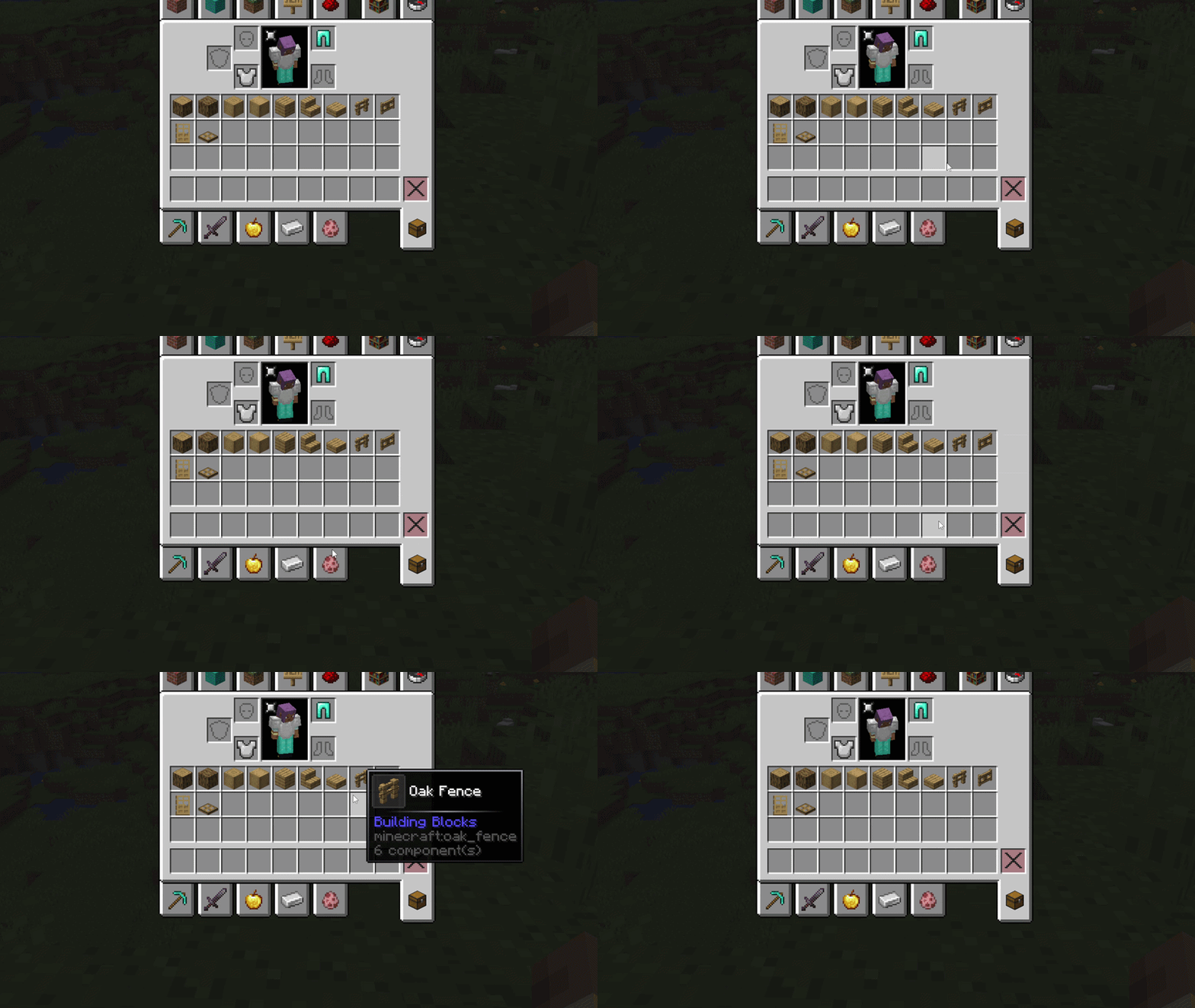
squash
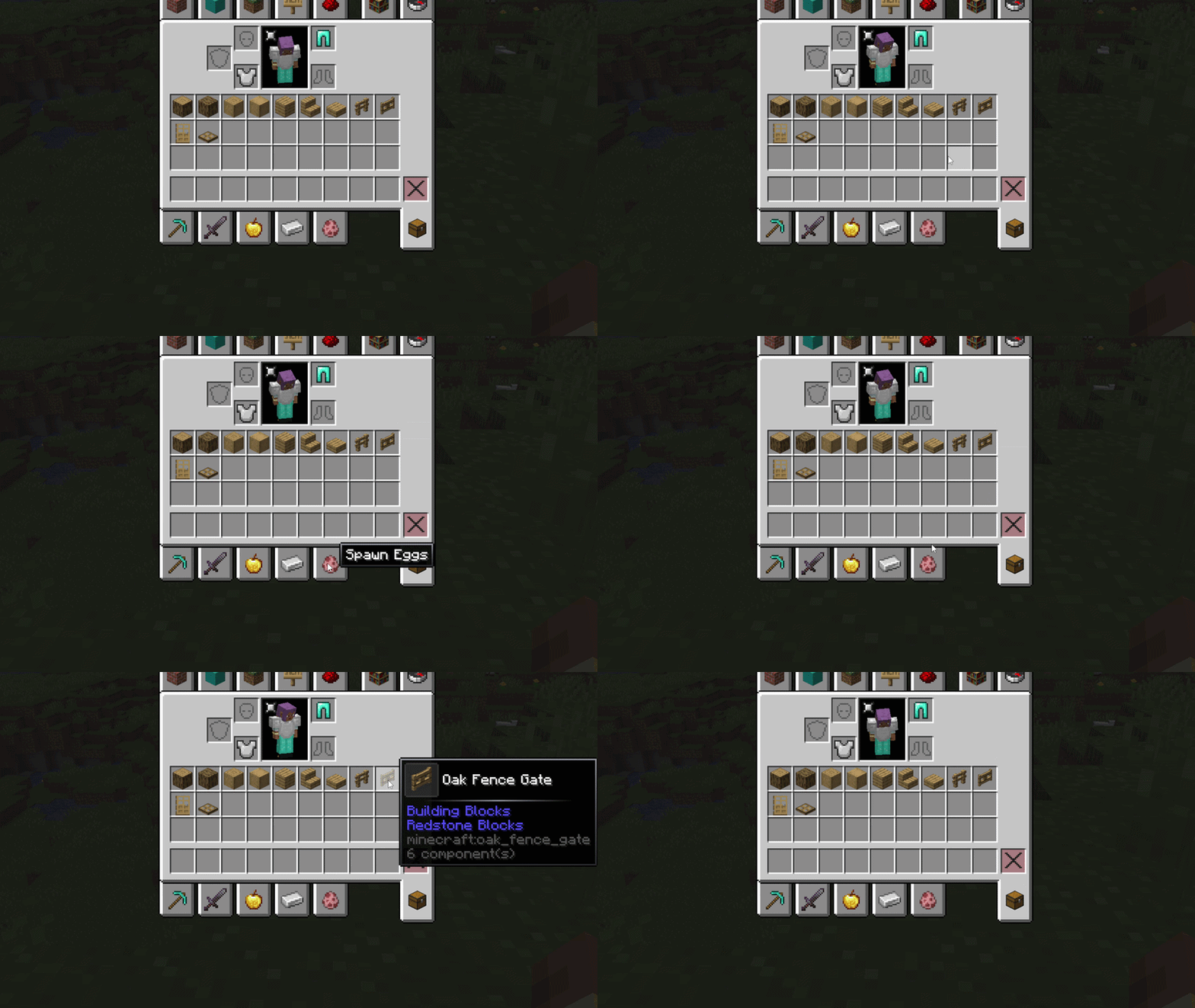
card
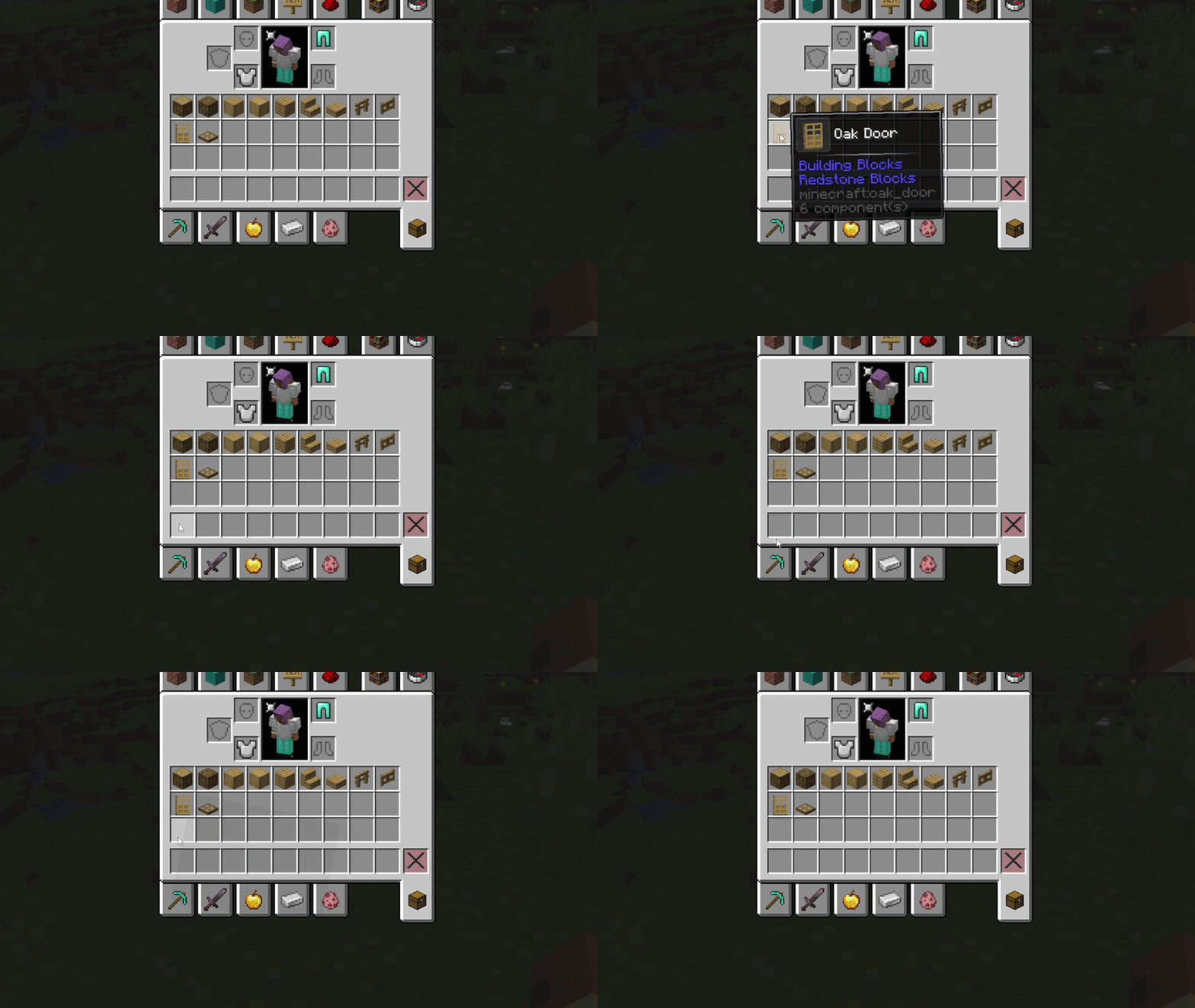
shake
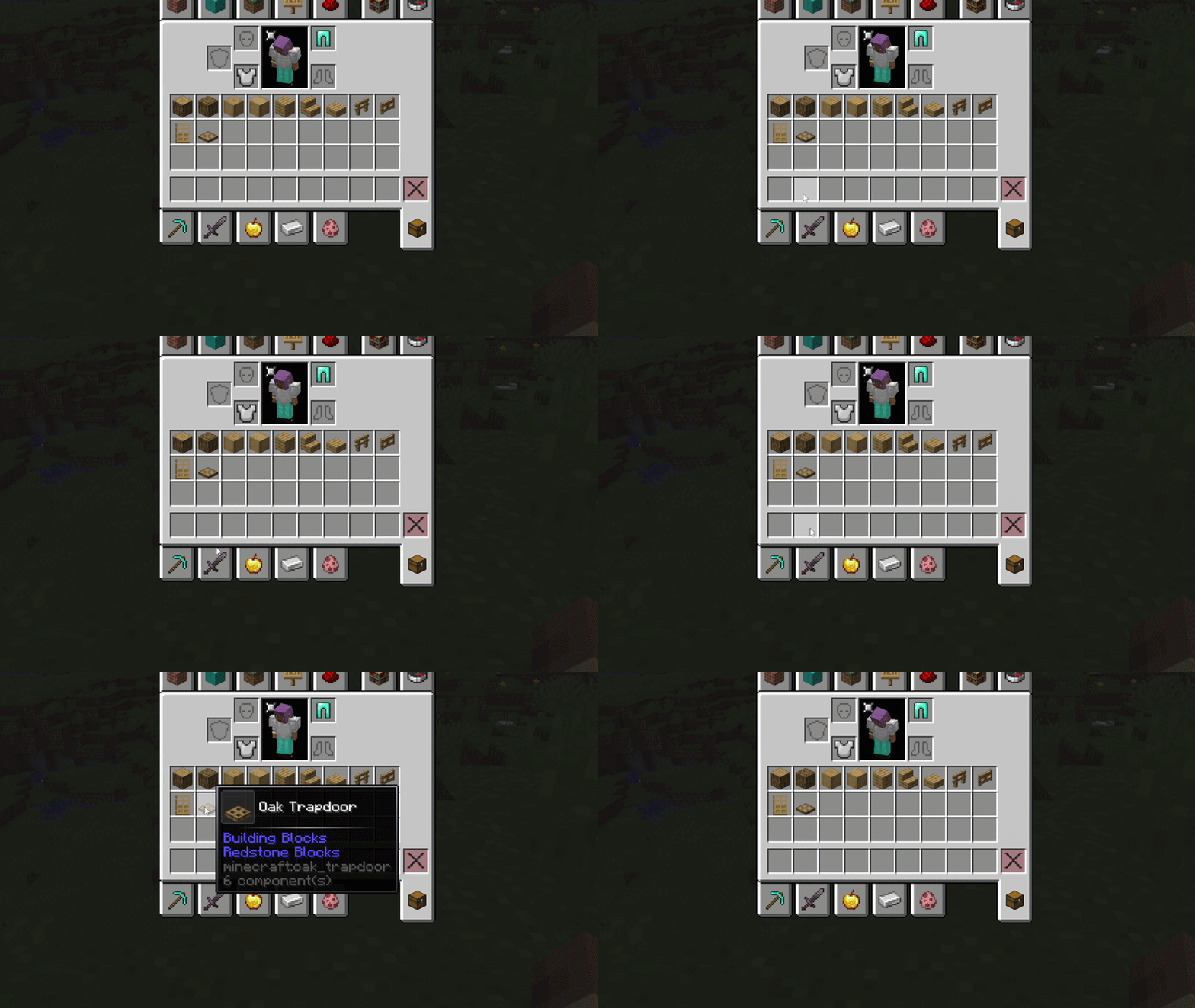
Icon animations
zoom
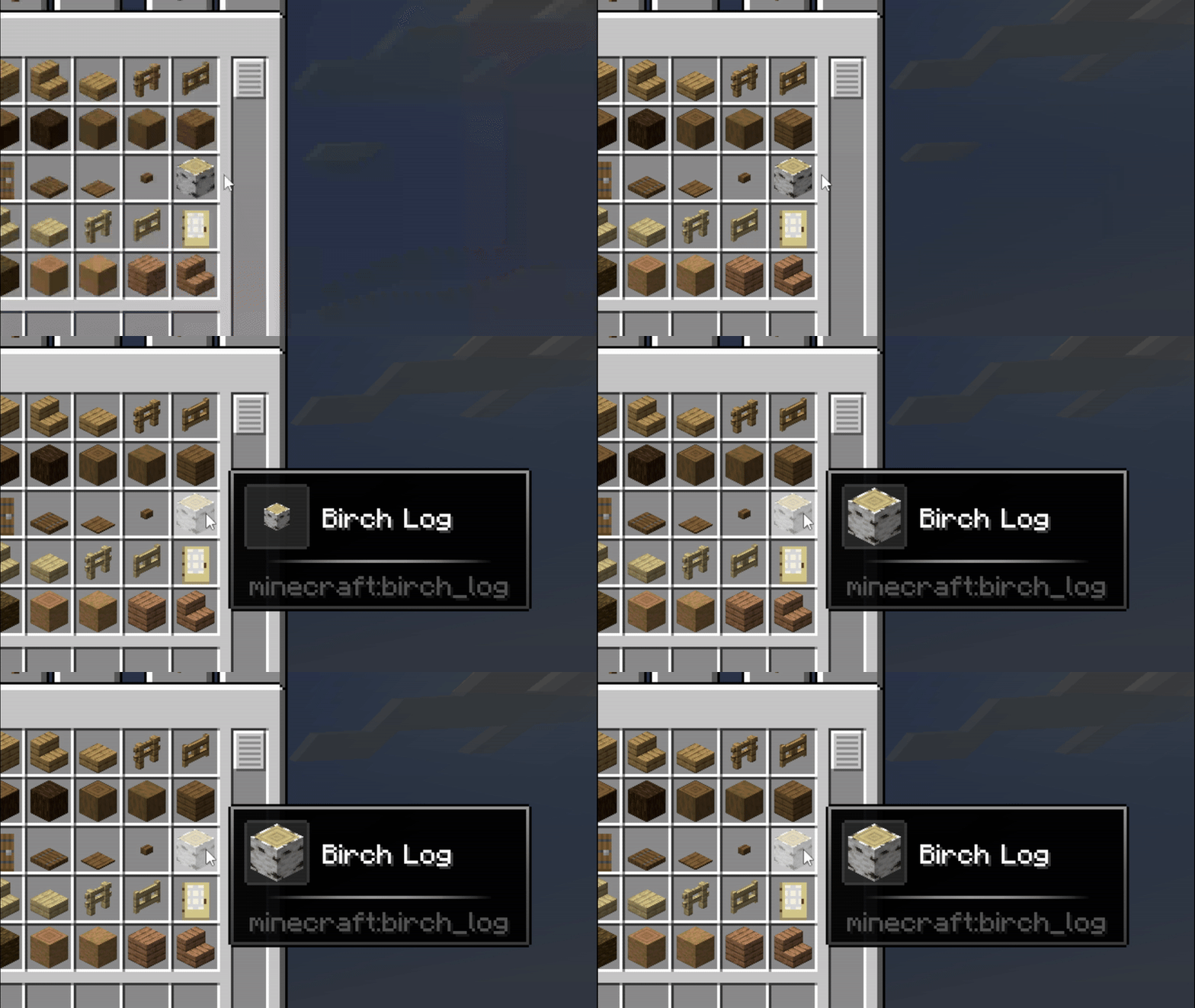
rotate
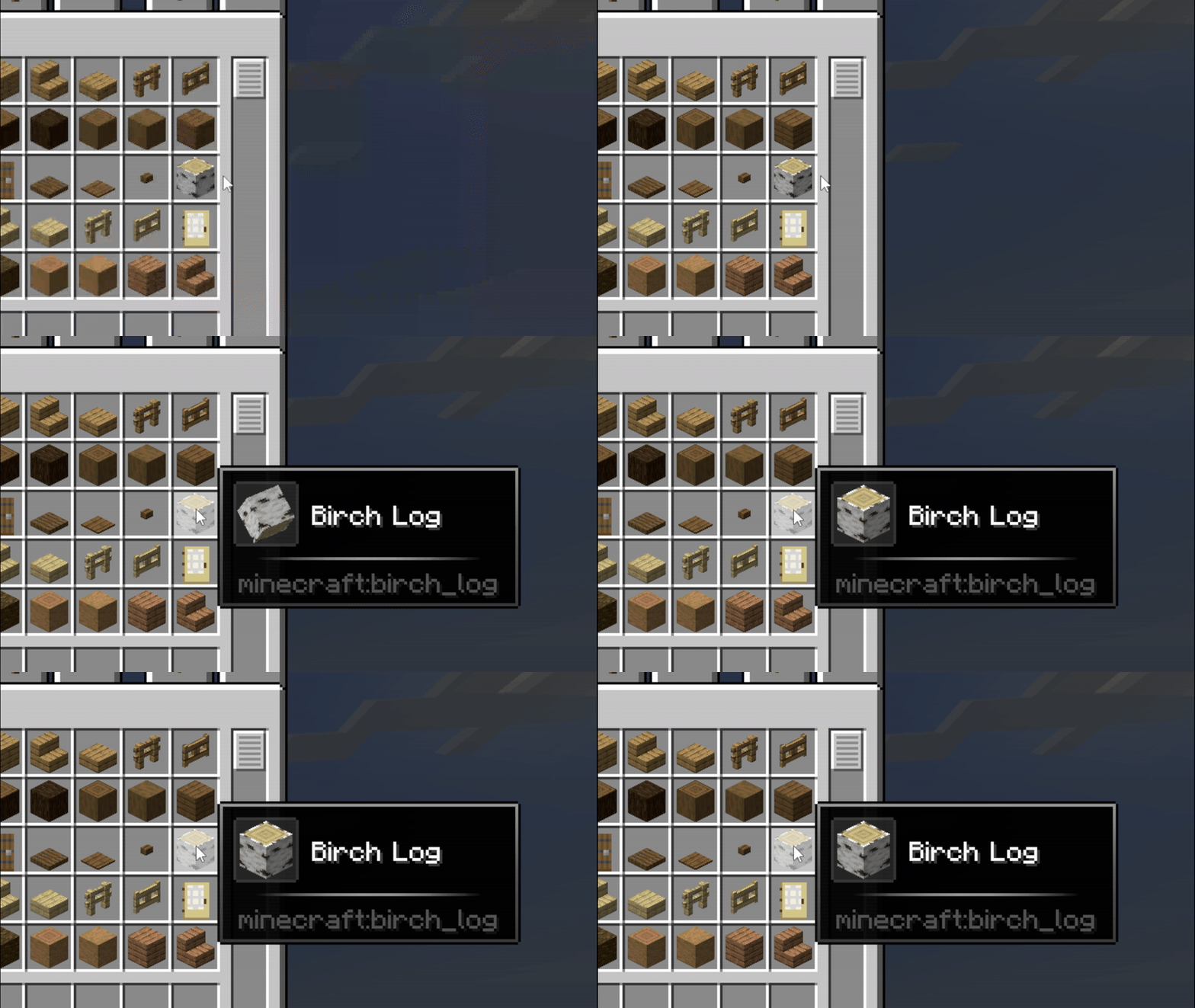
rotate_fast
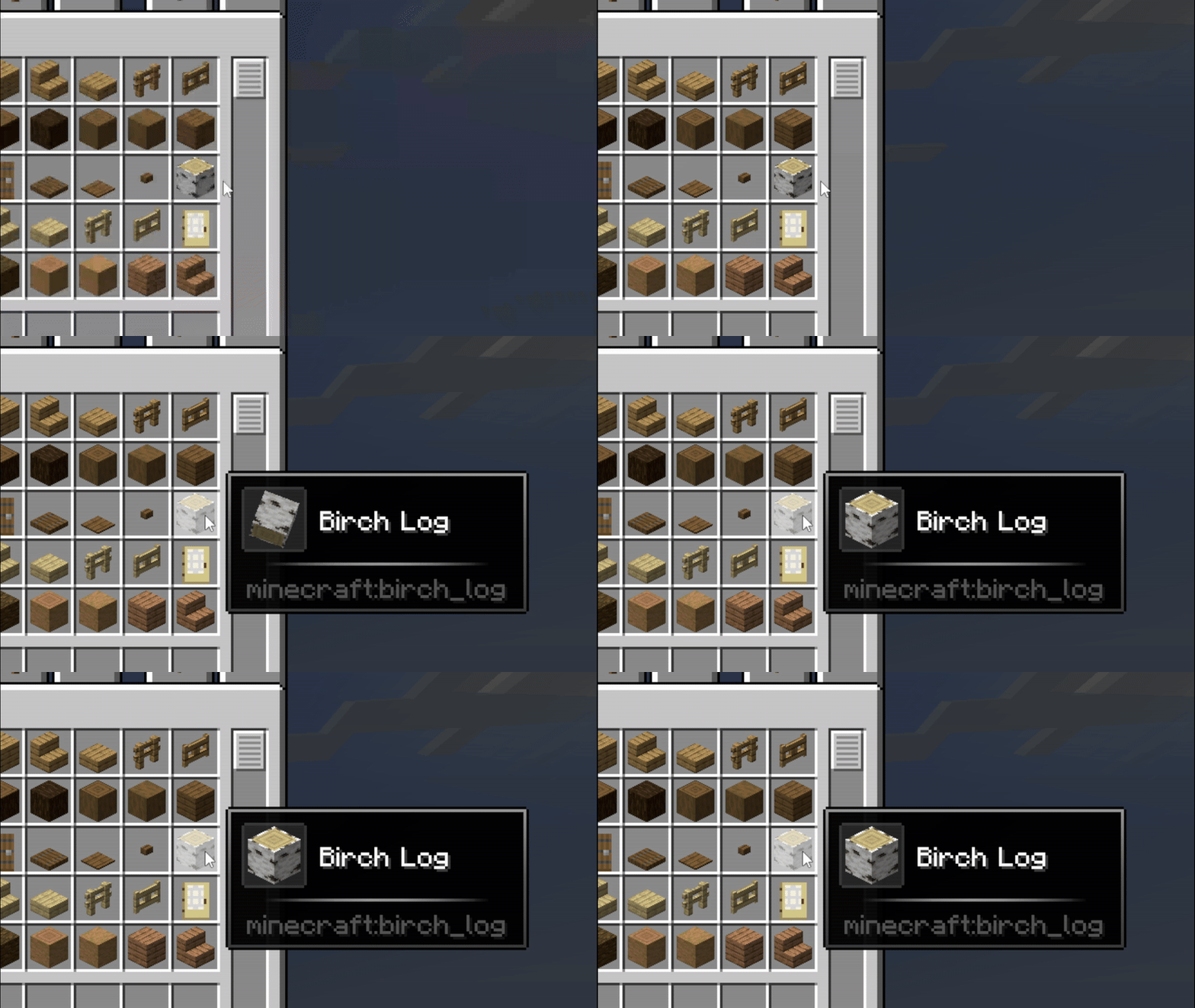
rotate_zoom
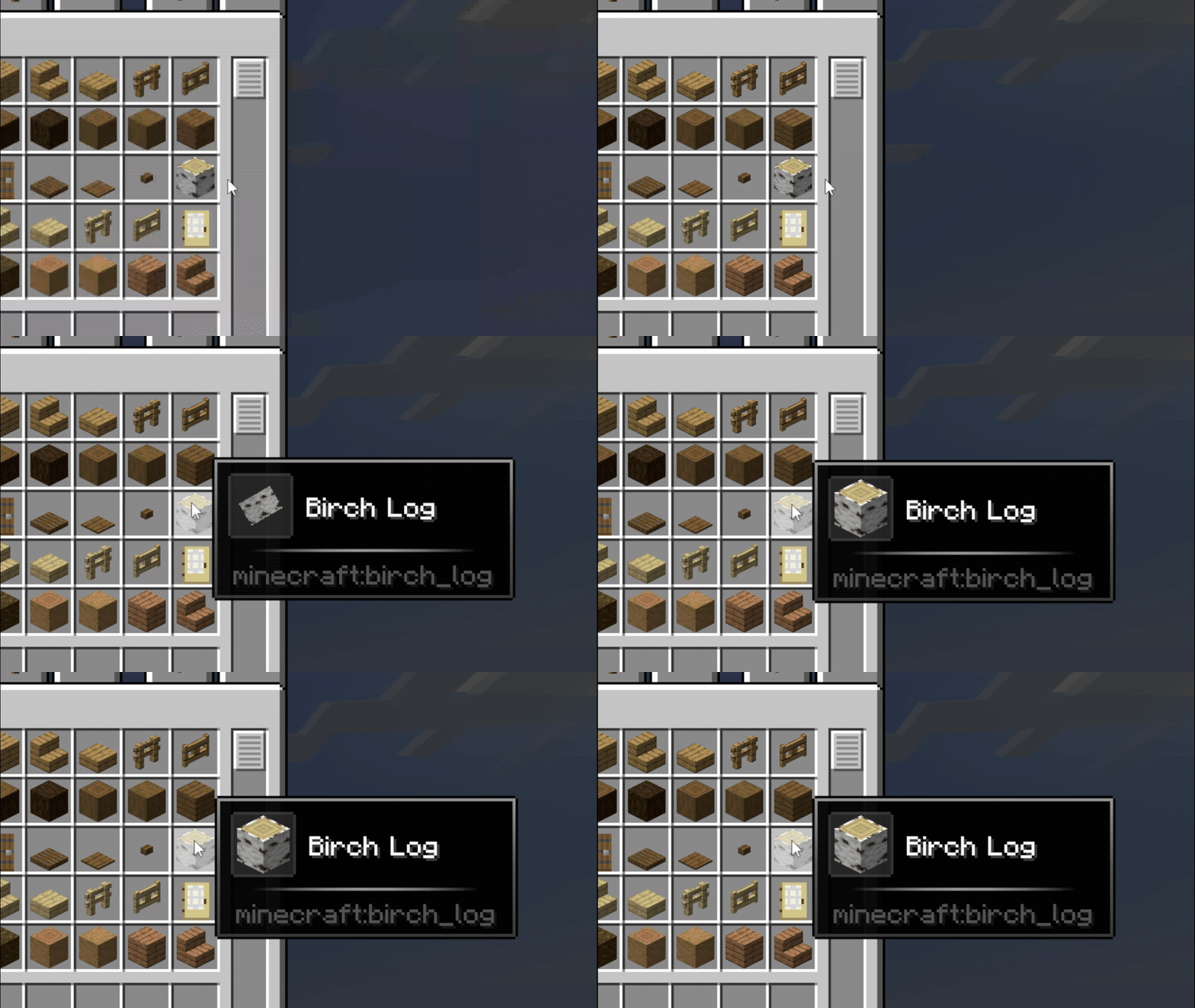
zoom_snap
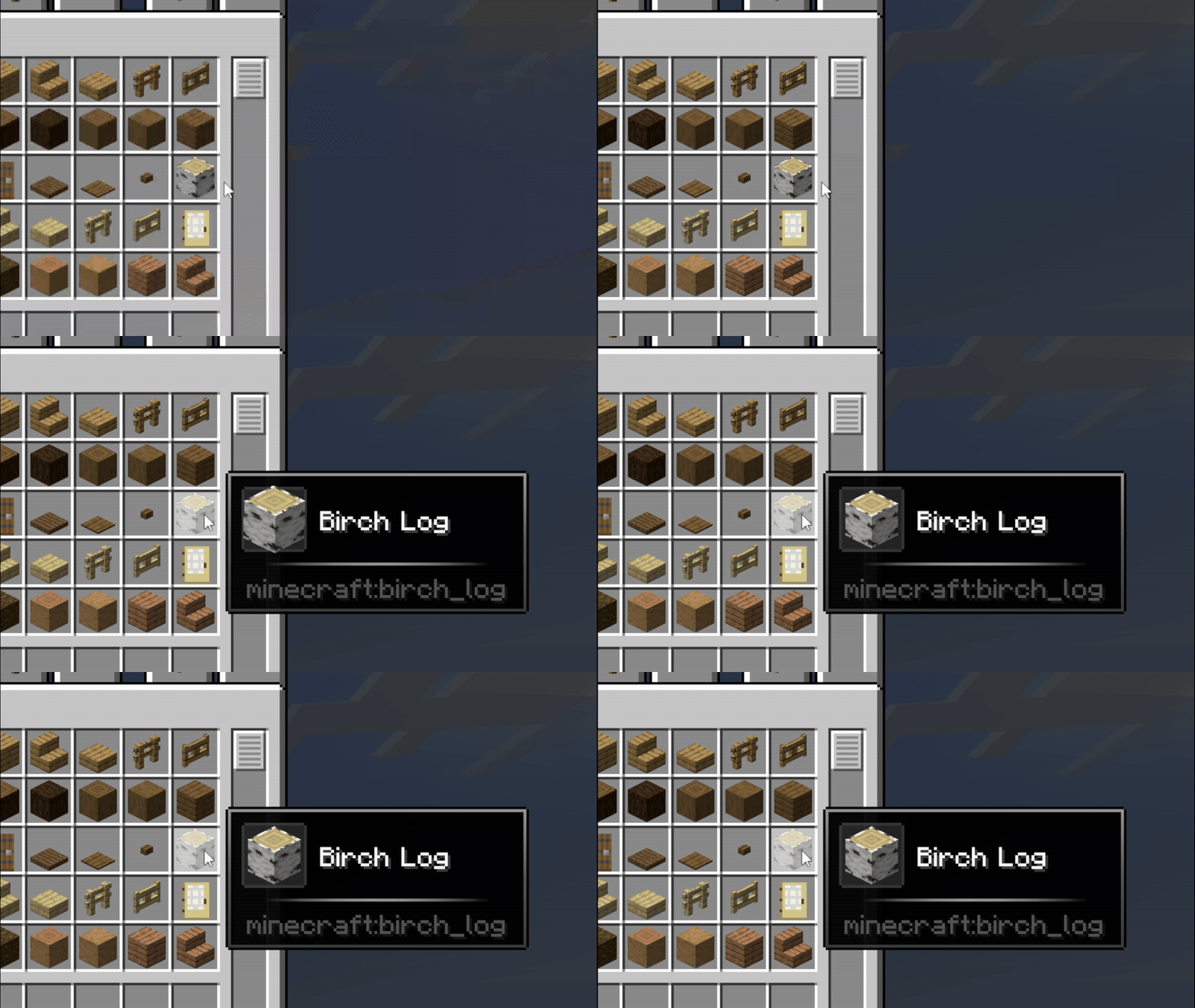
skew
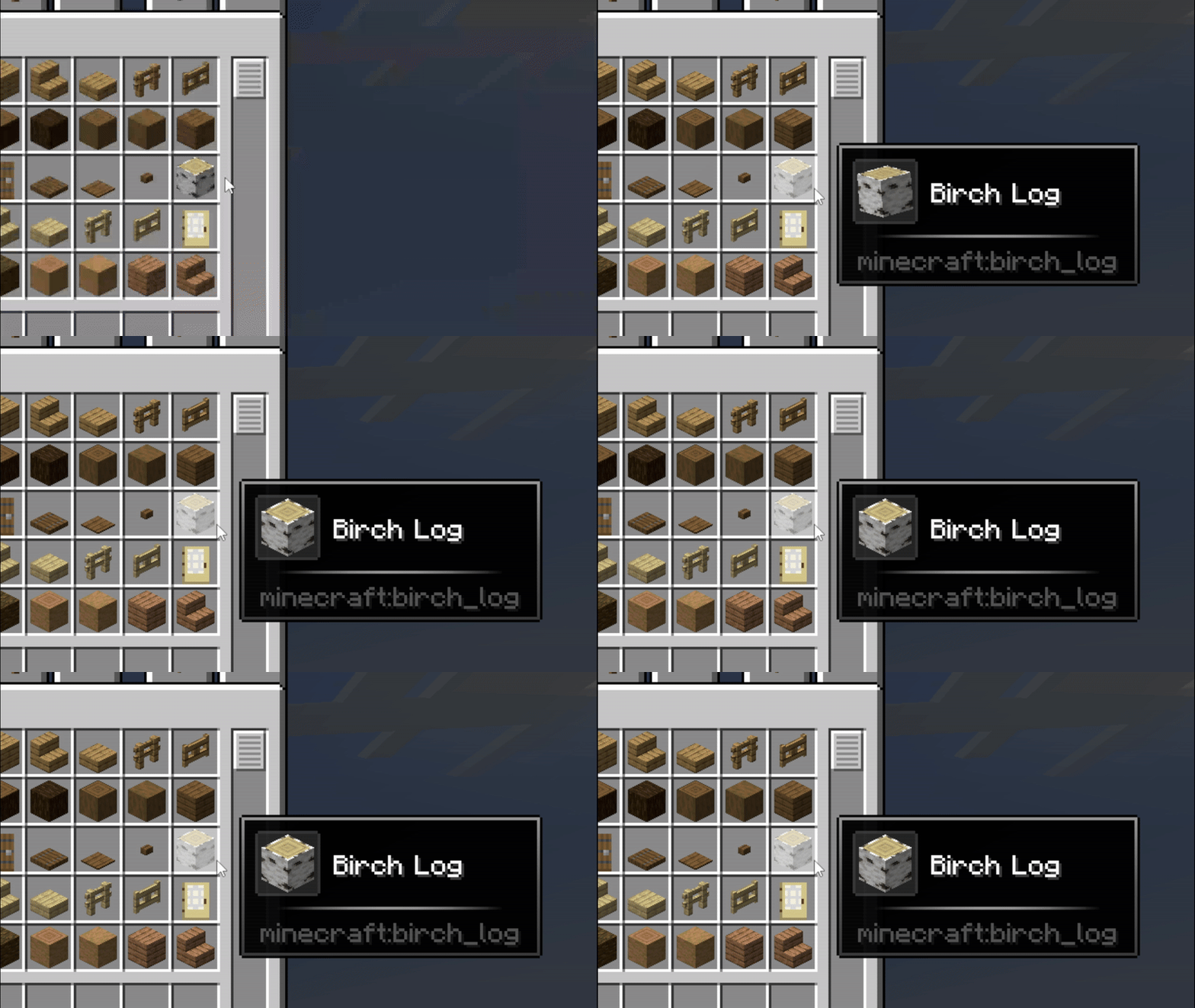
vibration
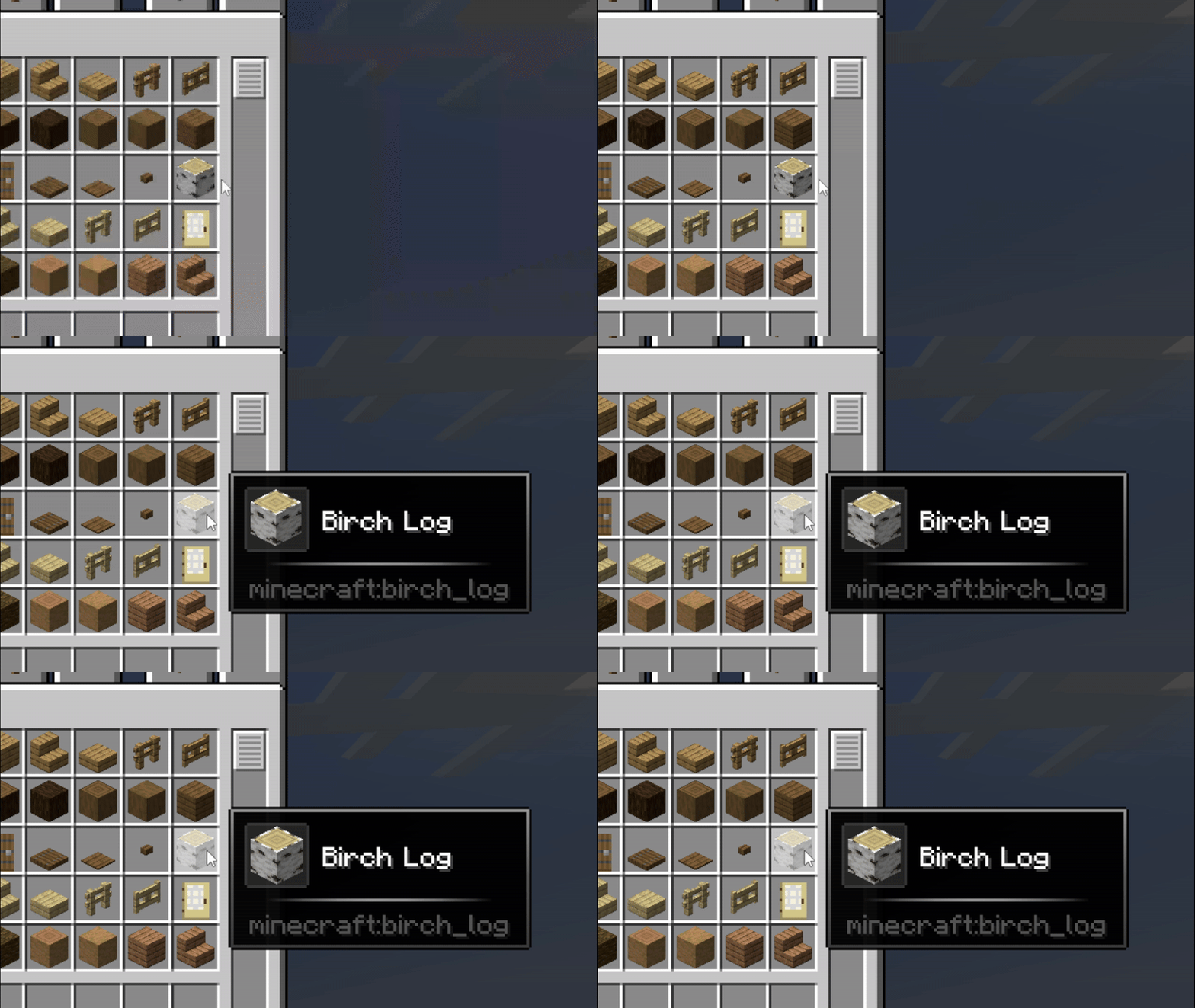
tilt_wave
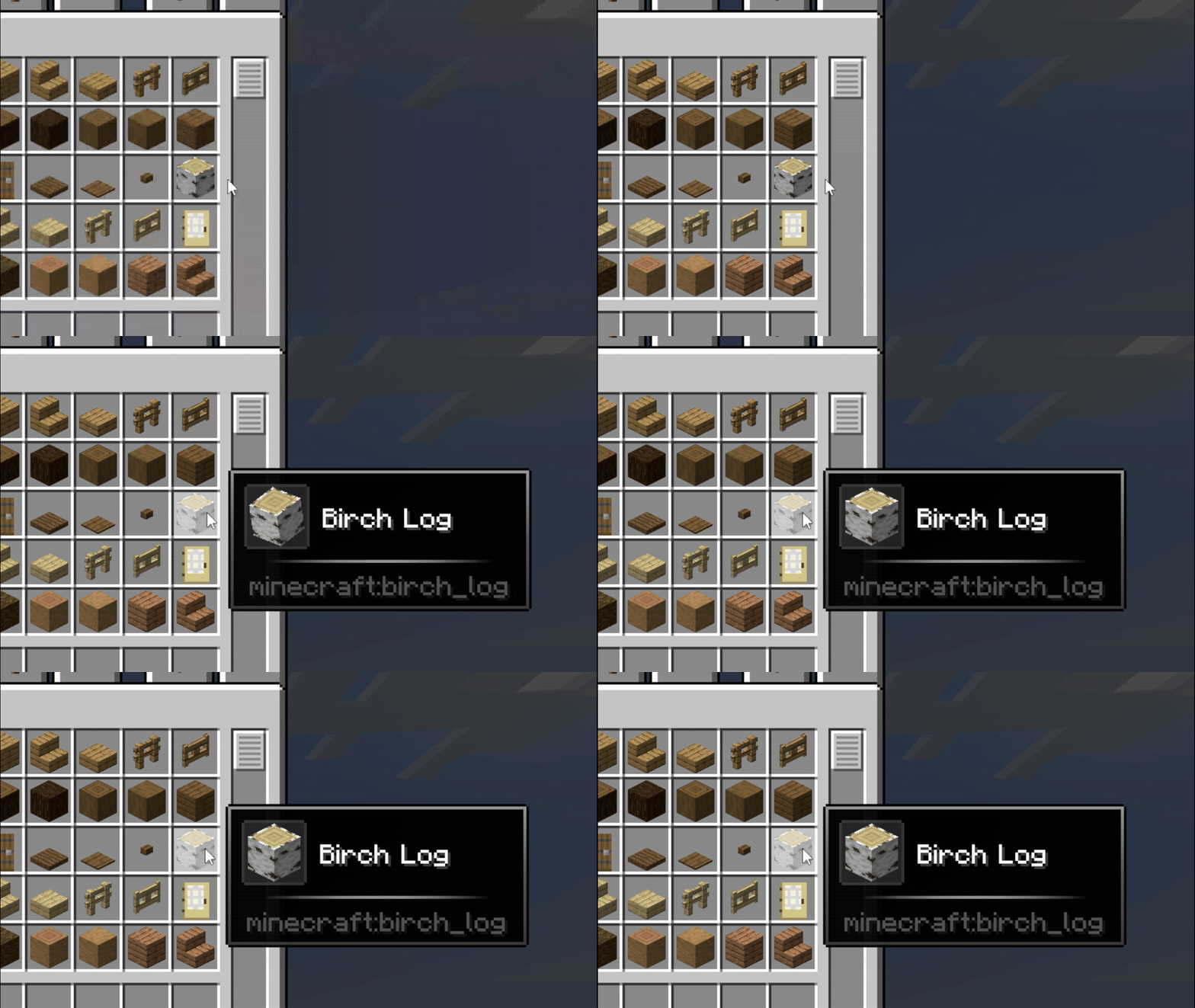
flip
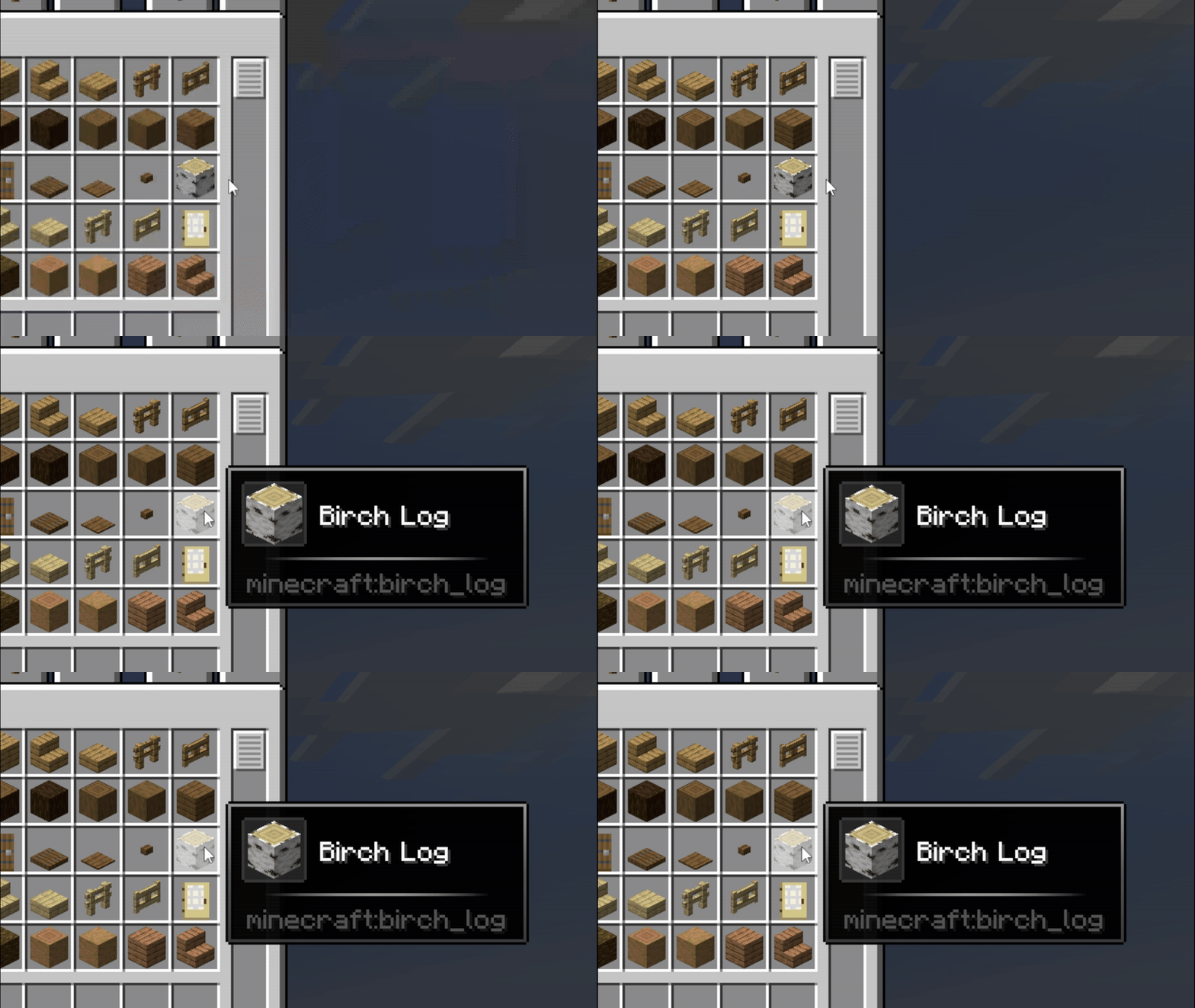
pendulum
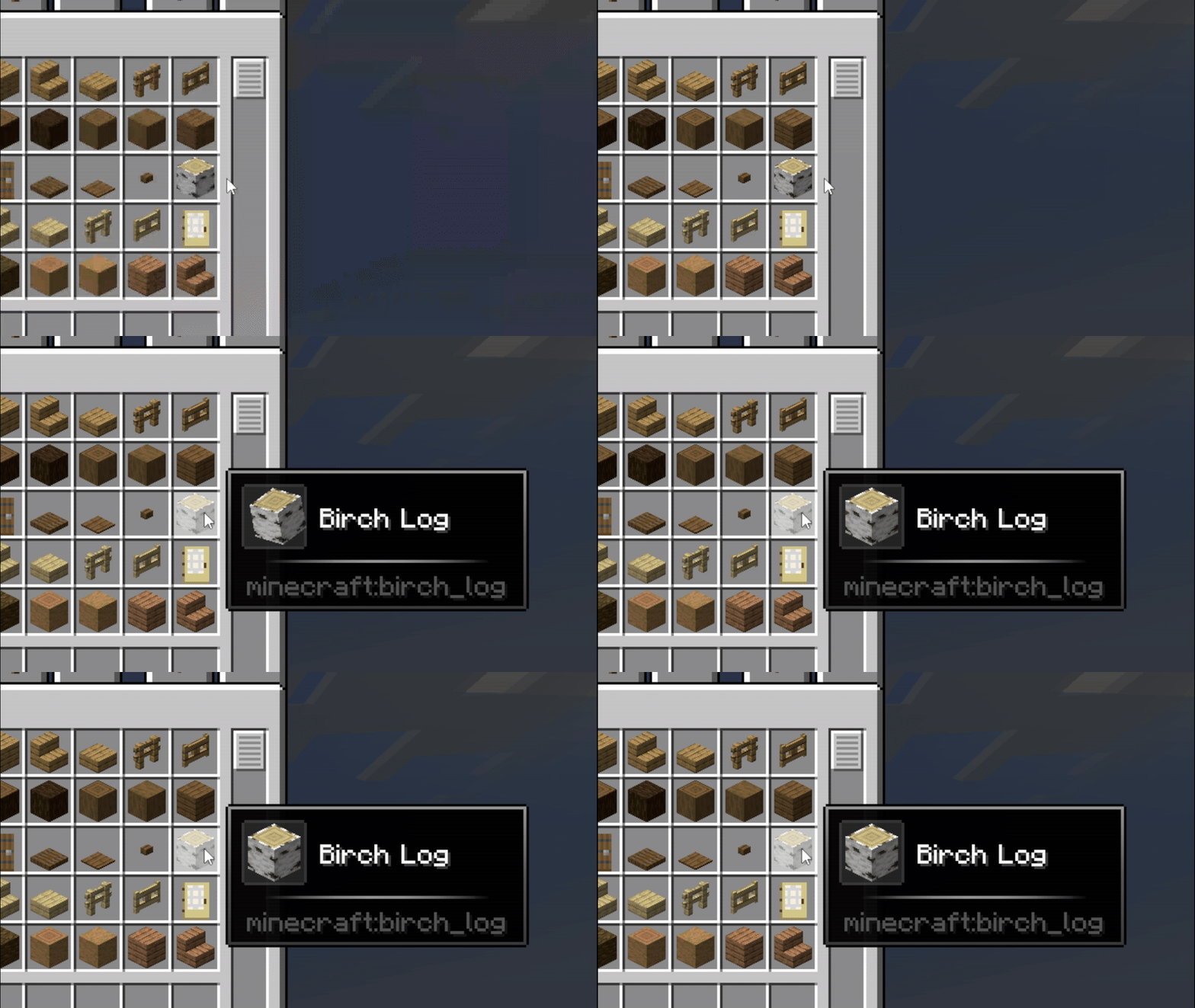
bounce
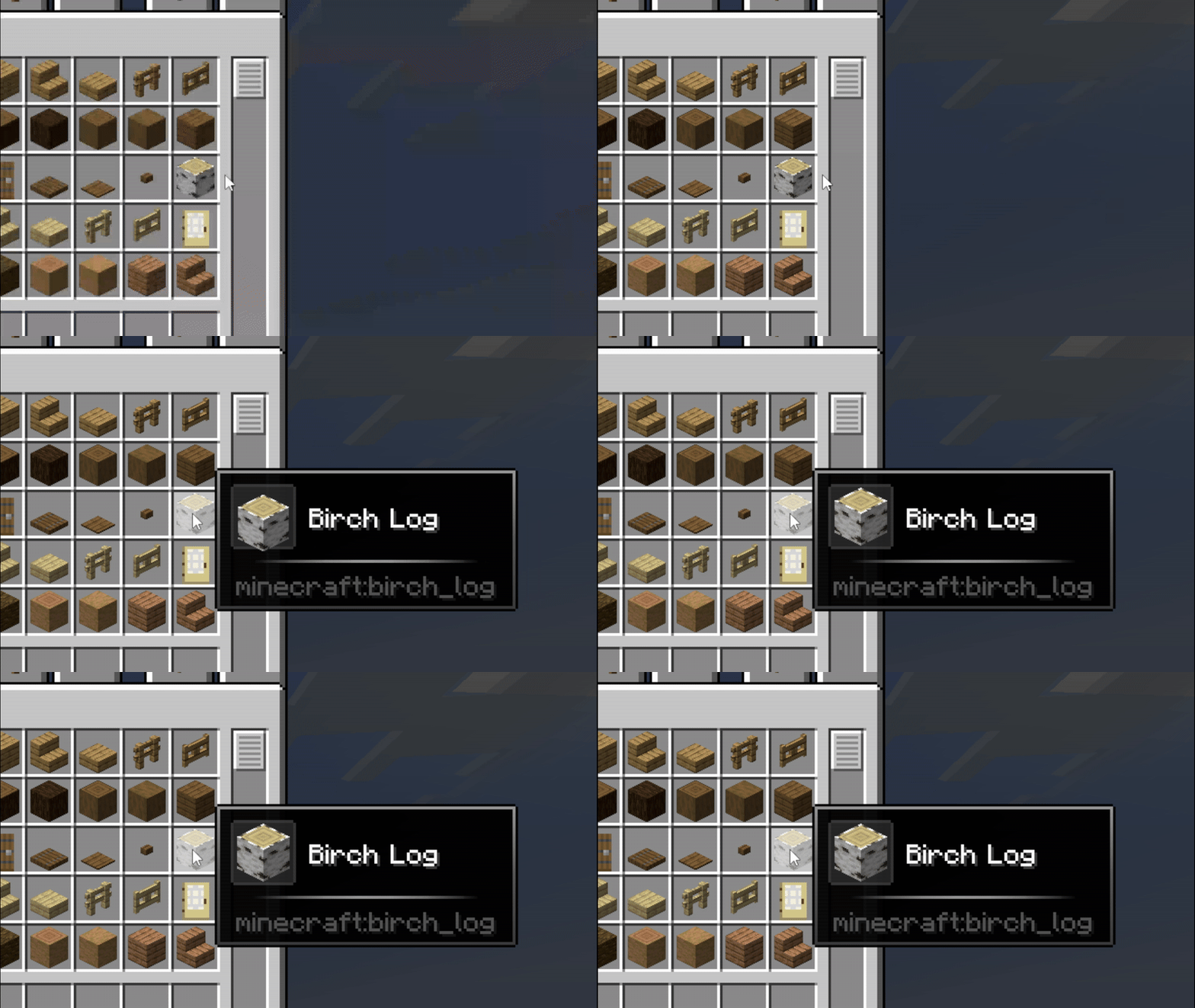
go_down
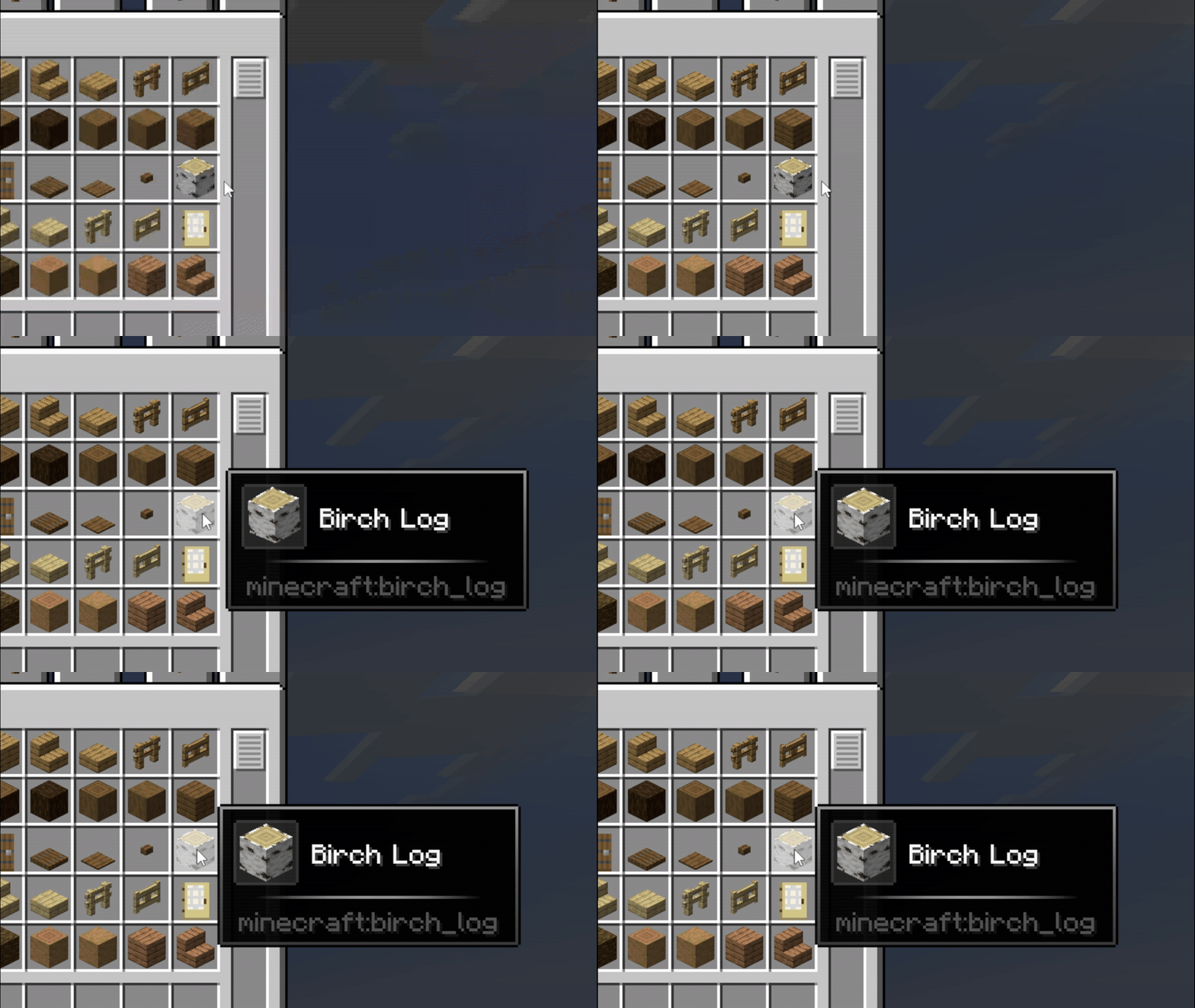
pulse
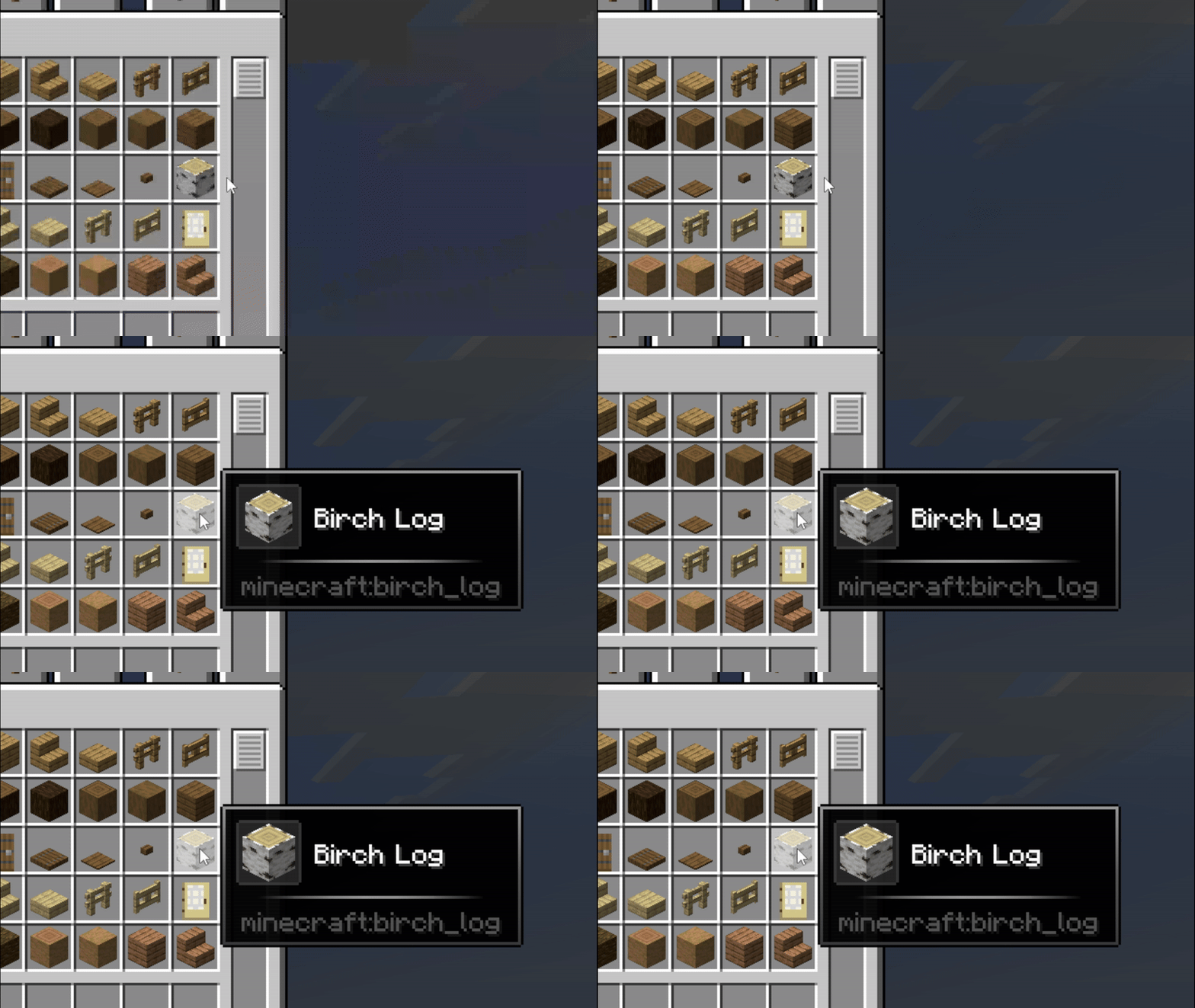
fan_in
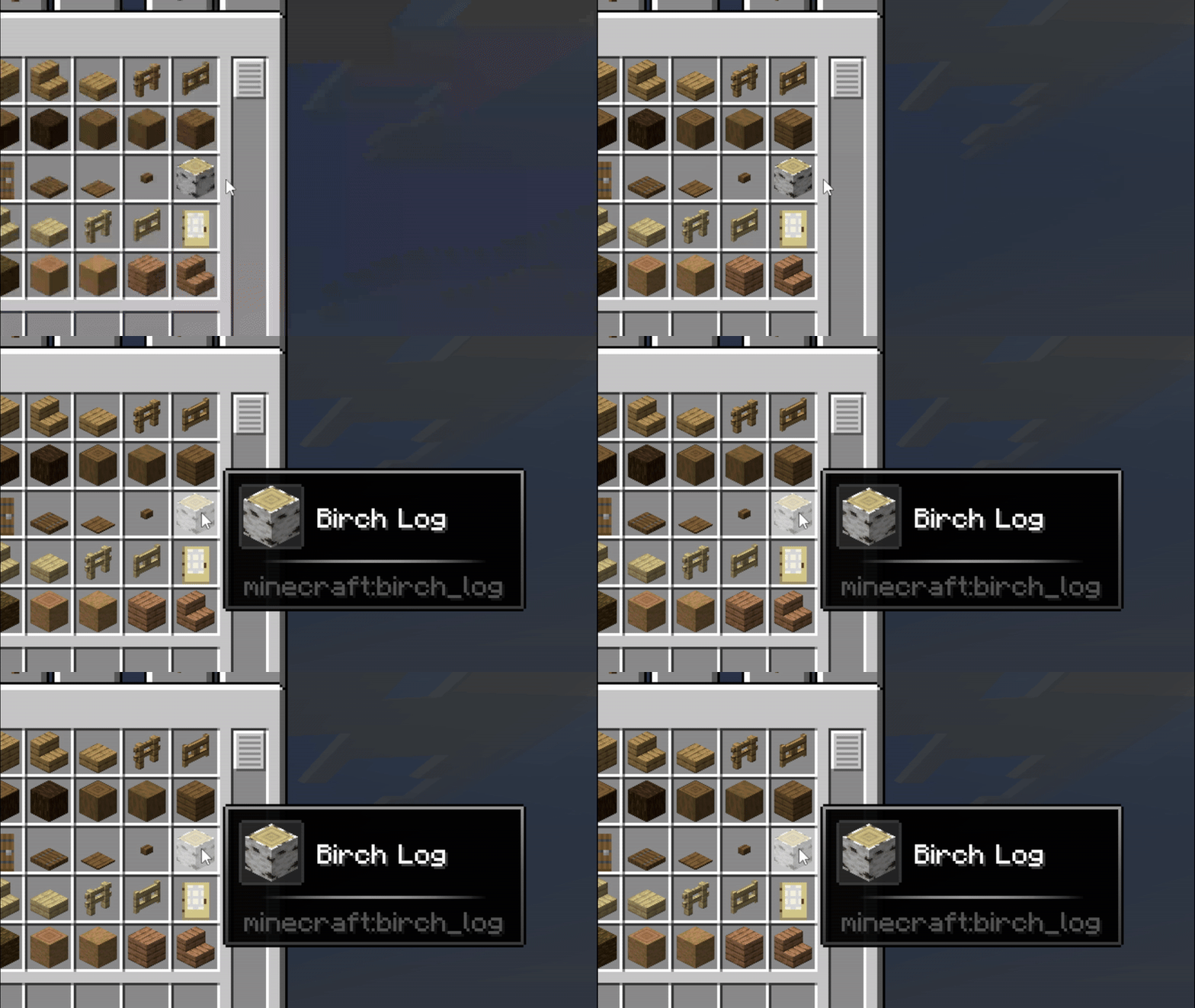
hover_pop
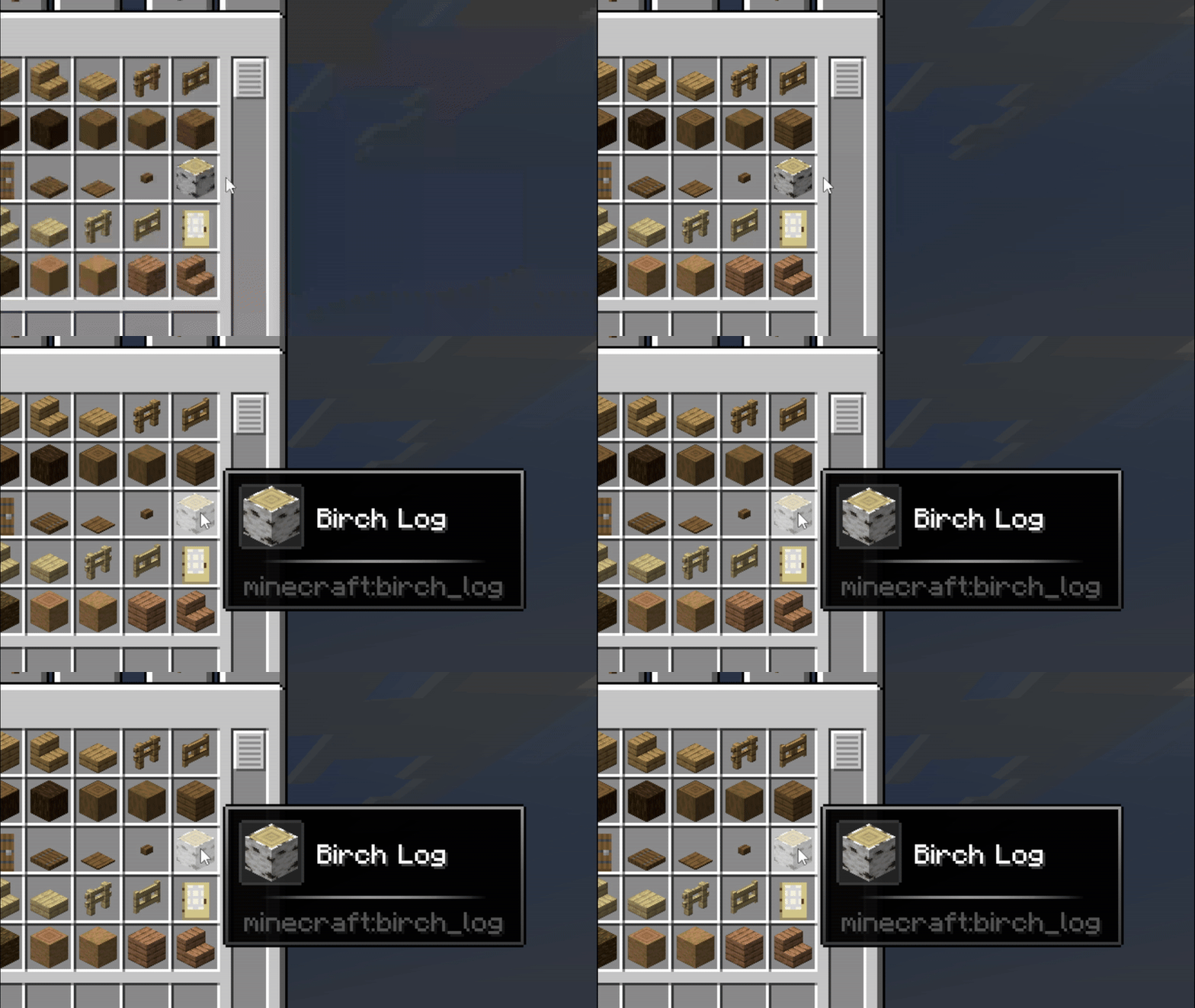
barrel_roll
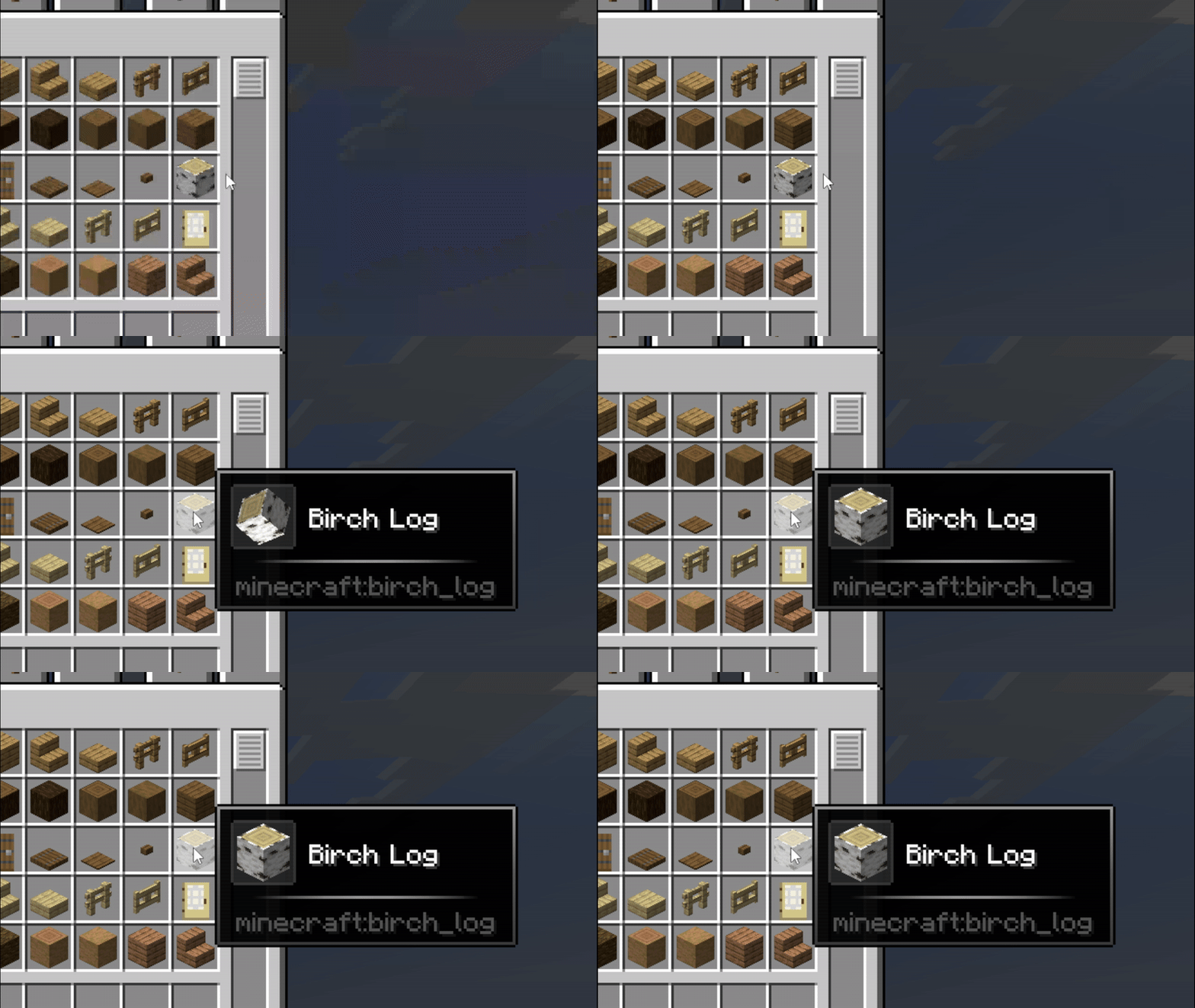
Effects
metal_shining

nebula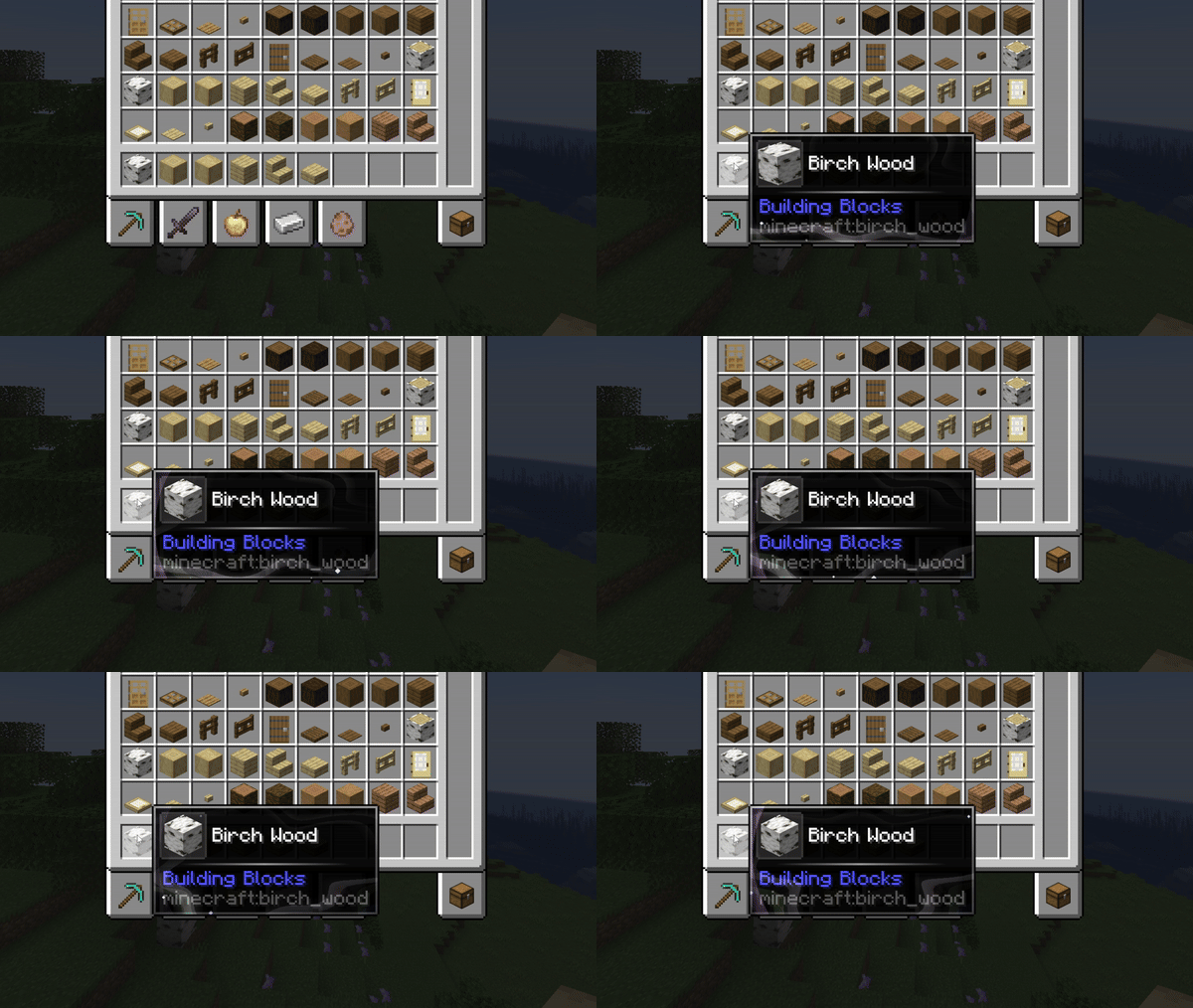
echo
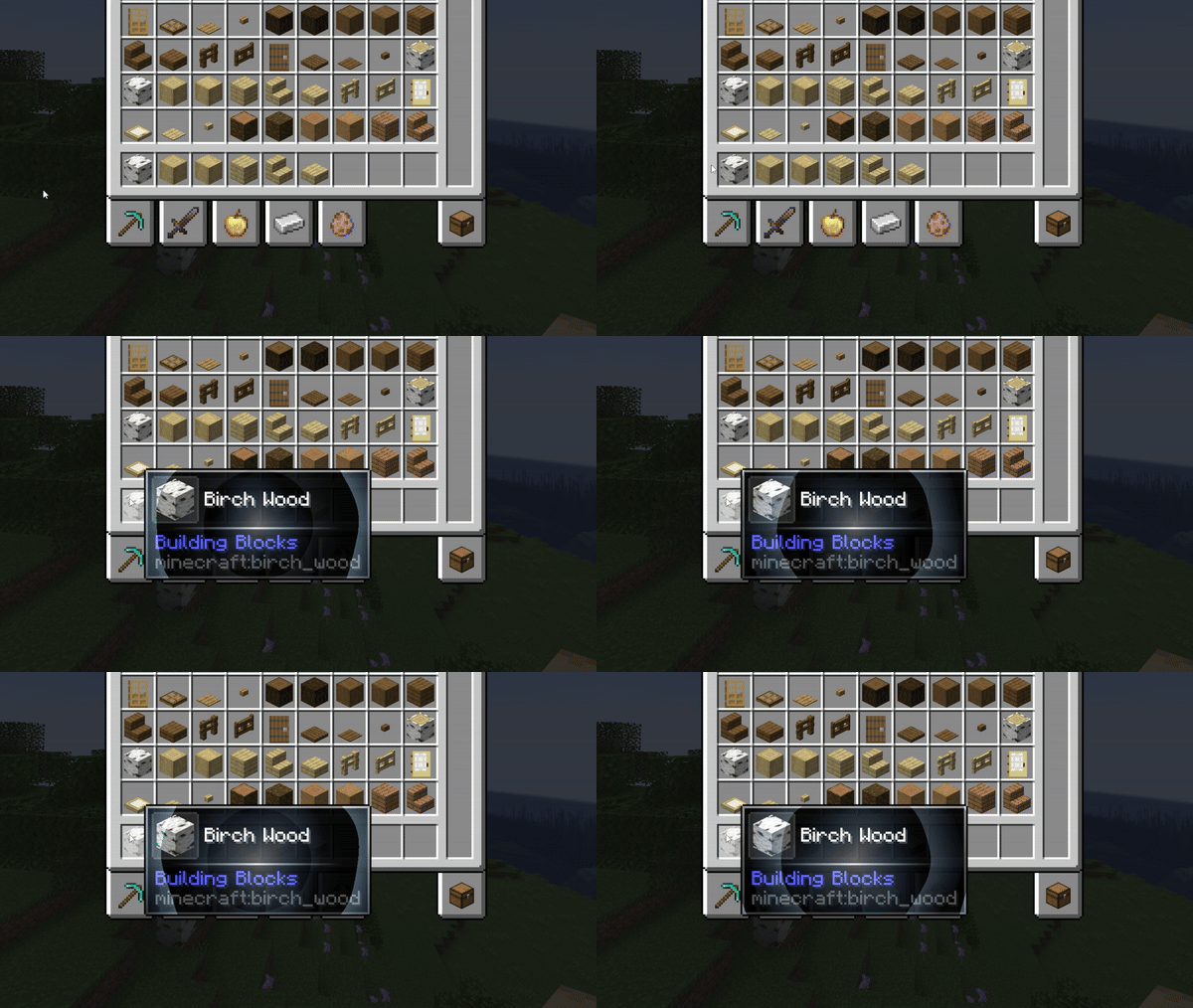
speed_lines
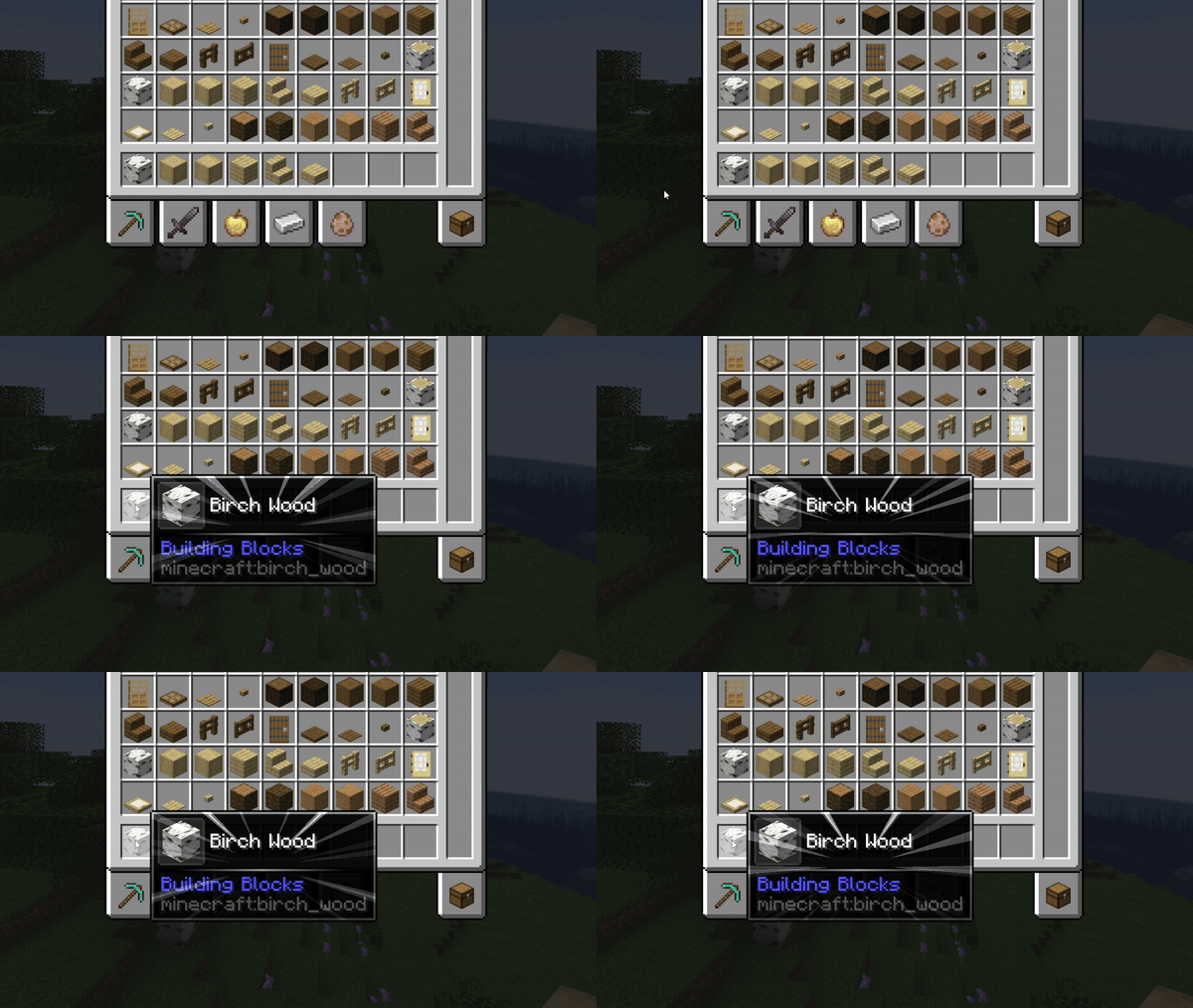
white_dust
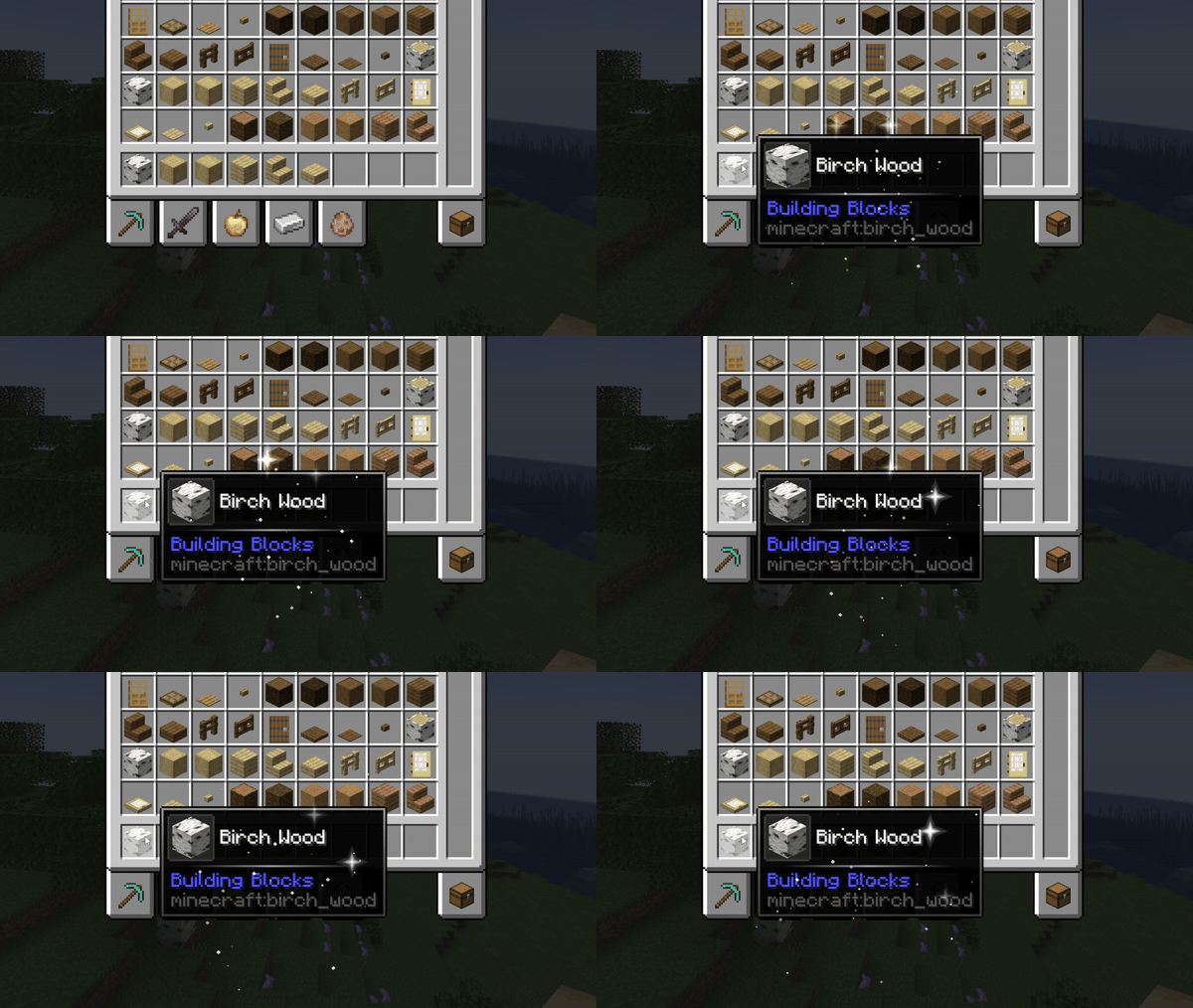
galaxy
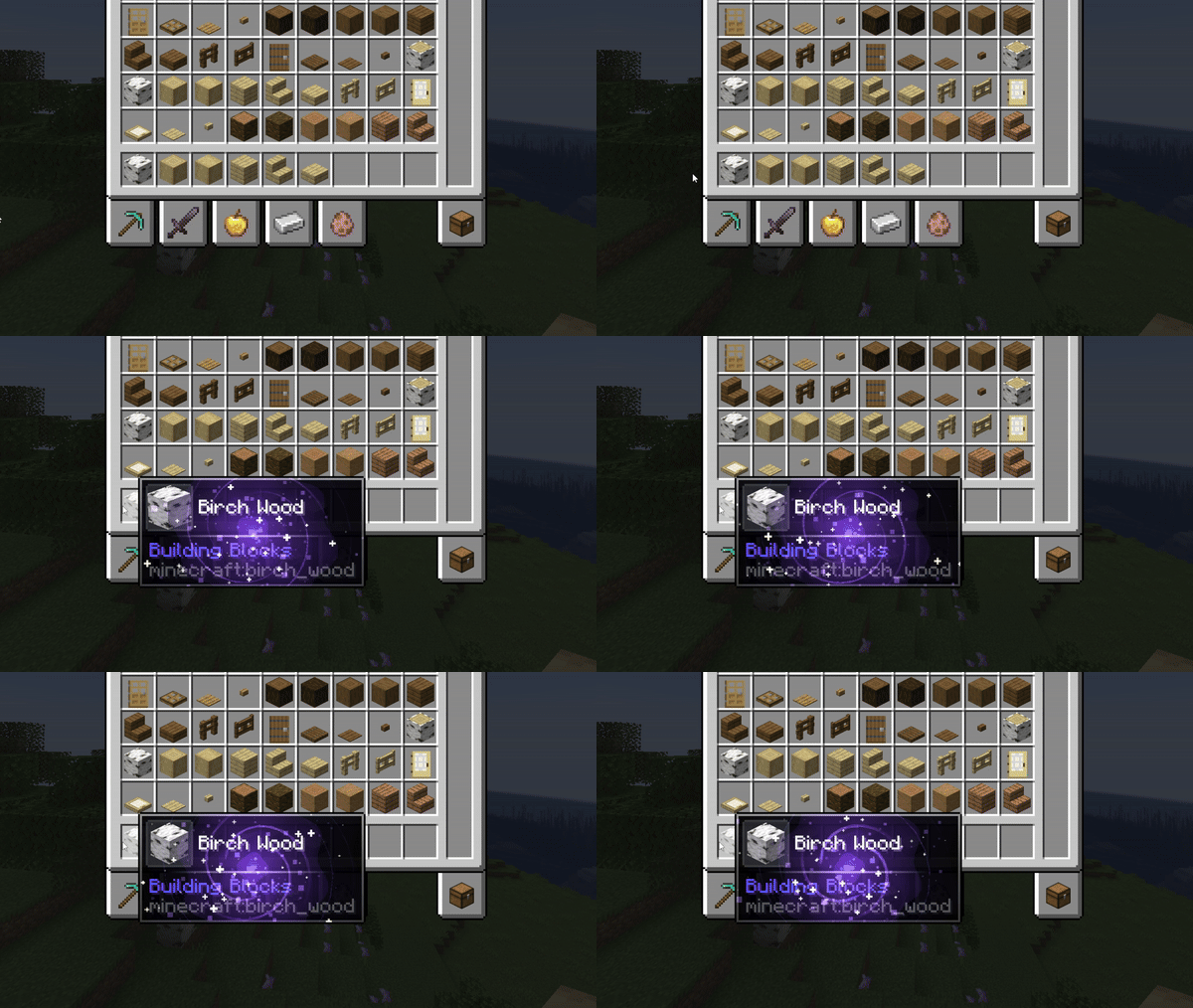
spiral
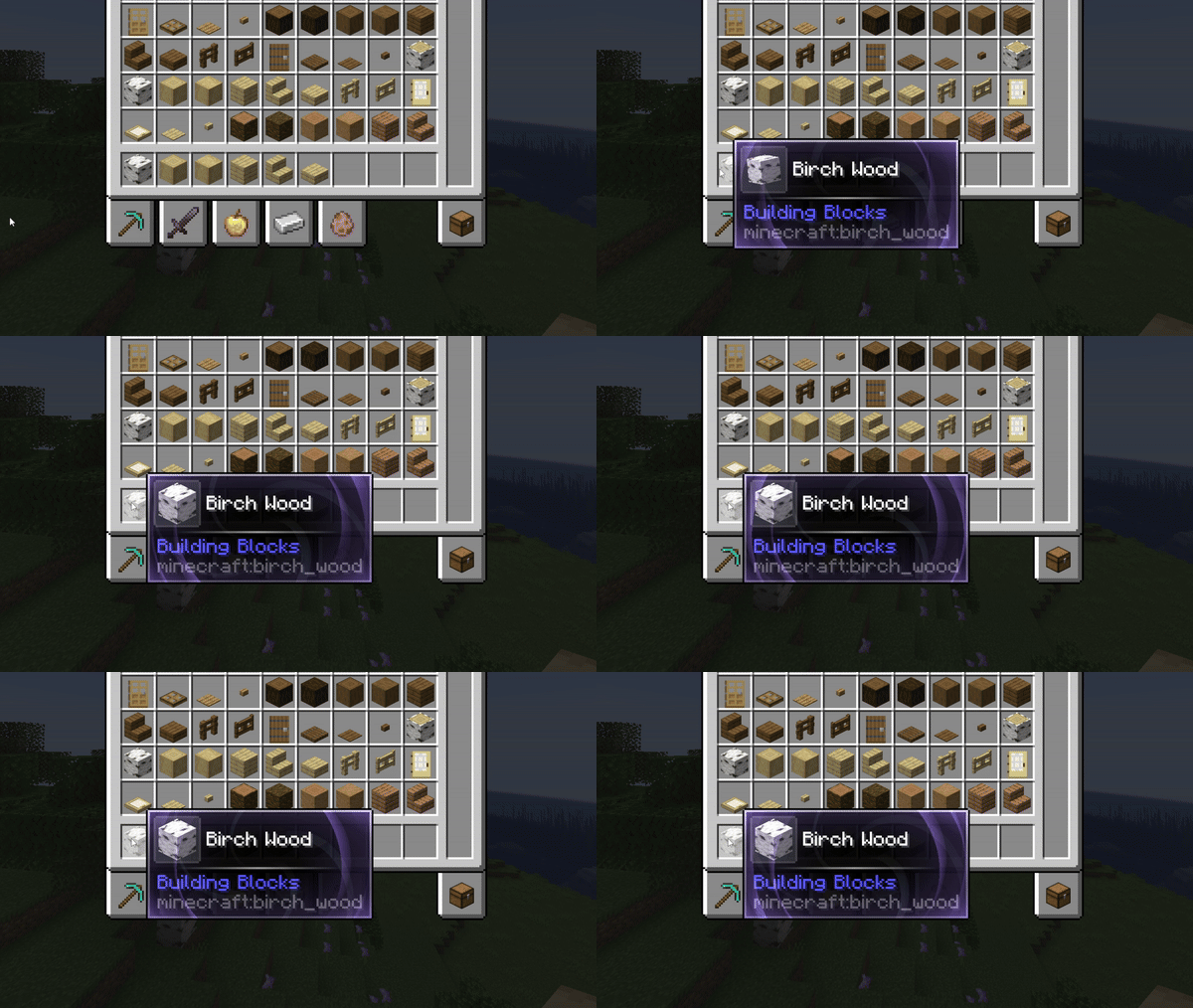
orbs
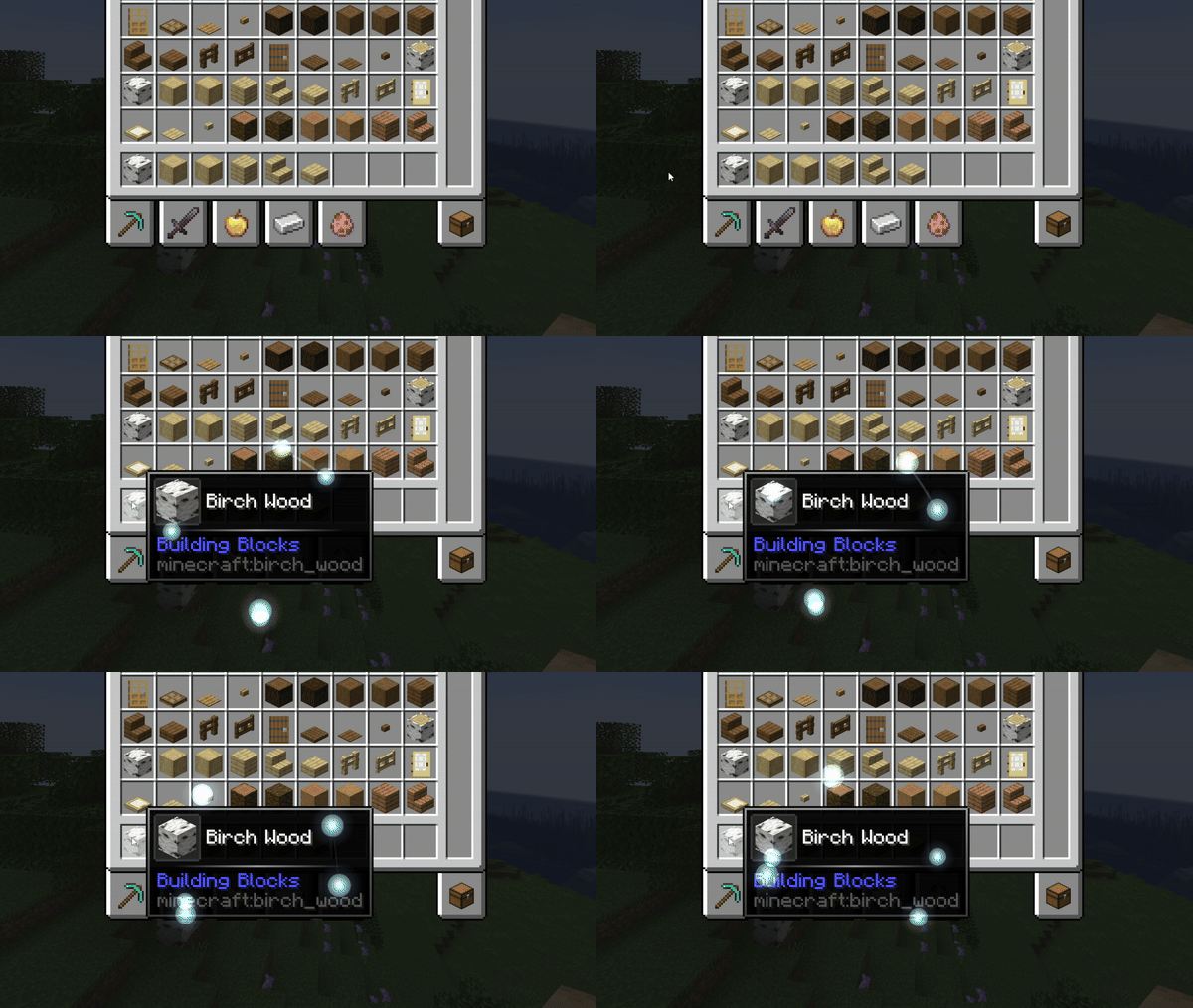
rim_light

ripples

sonar

stars

cinder

fireflies
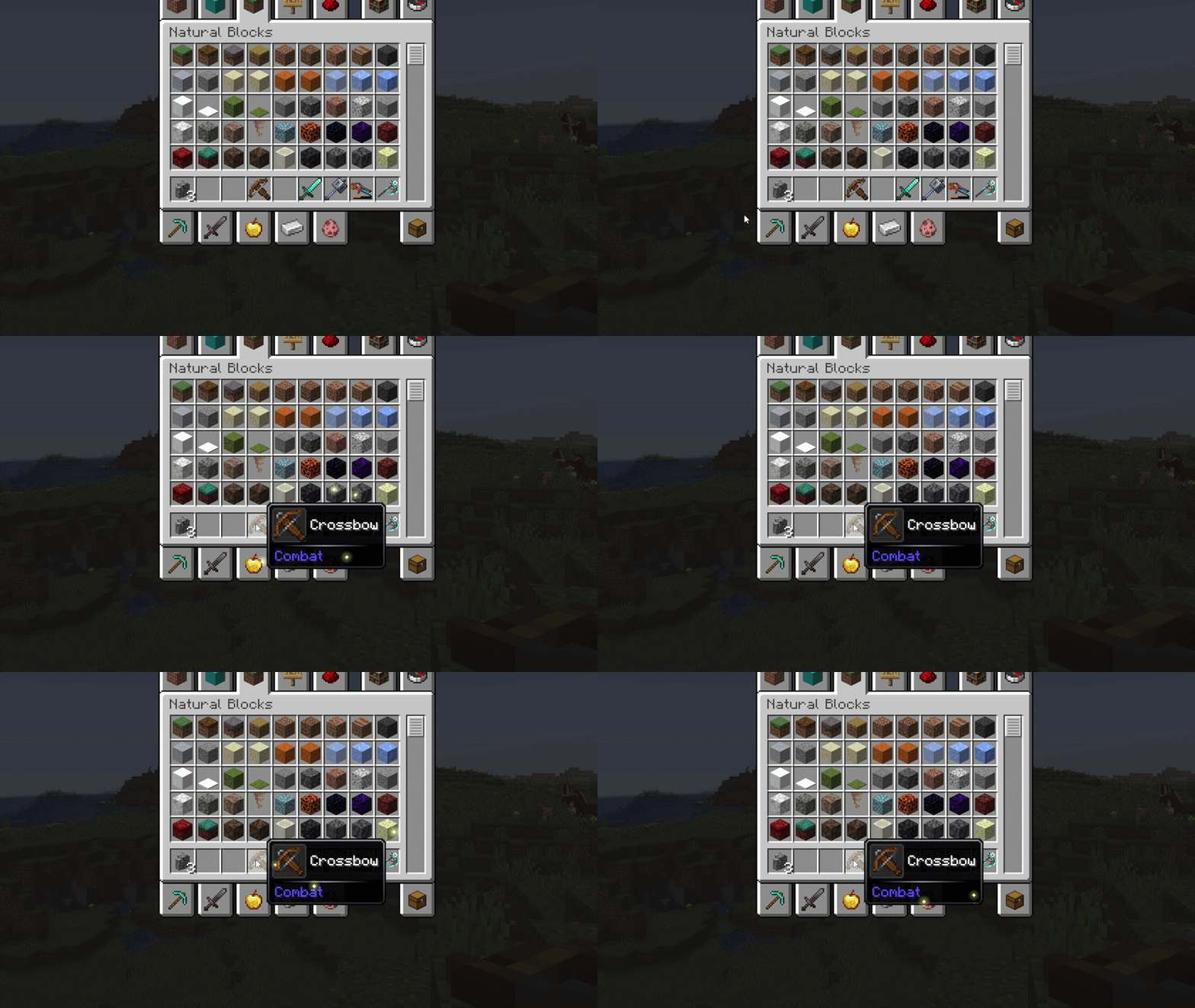
bubbles
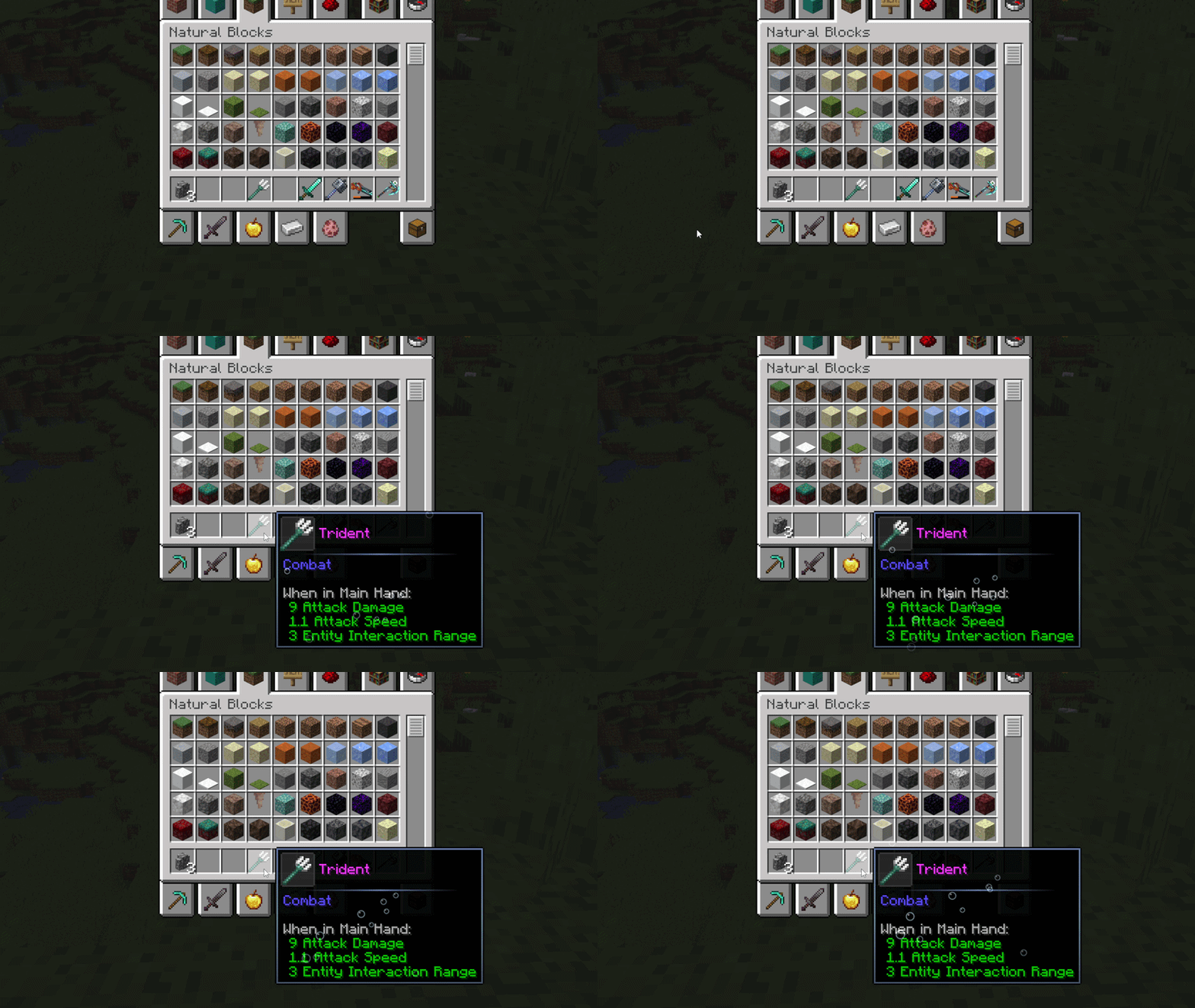
crystals
Border types
default
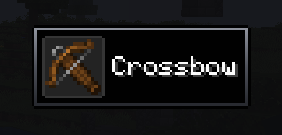
rounded
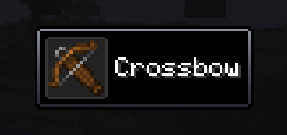
bevel
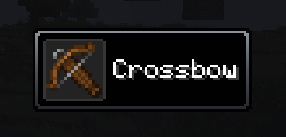
inner
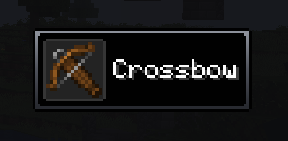
cut
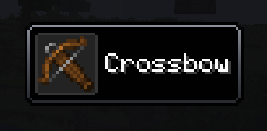
thick
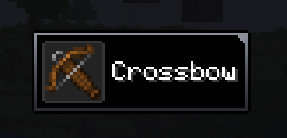
bracket
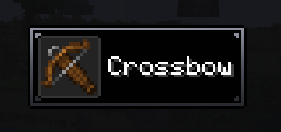
block
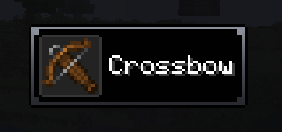
notch
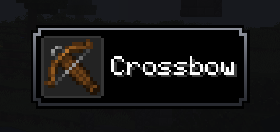
weld
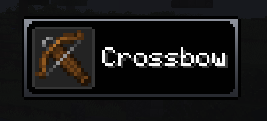
gem
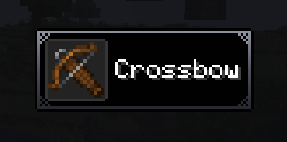
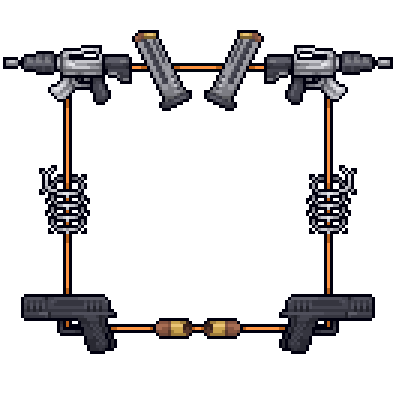
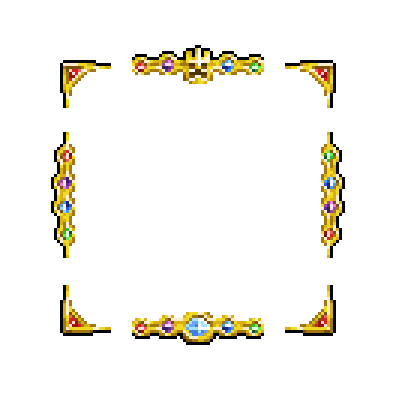
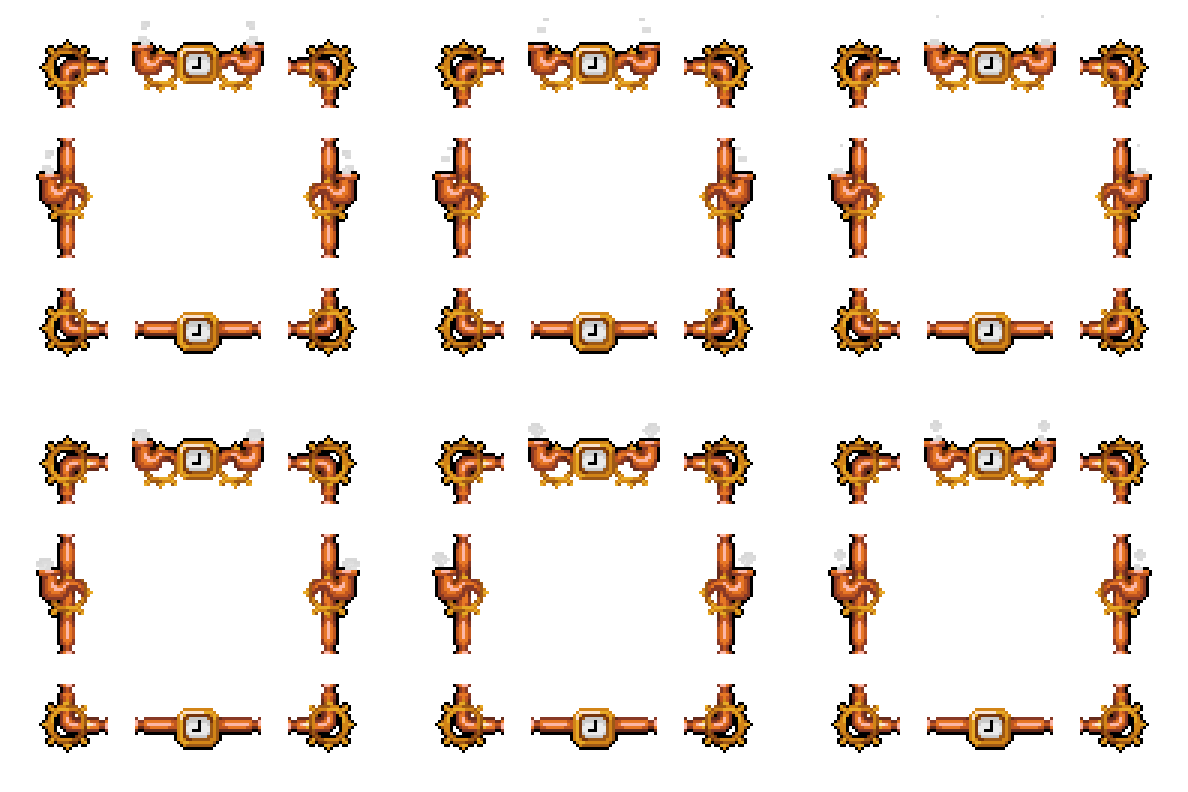
Frame overlays
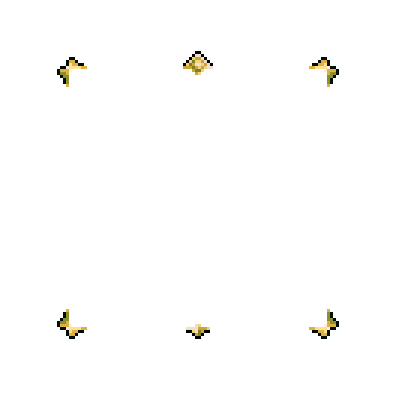
- amber_frame.png
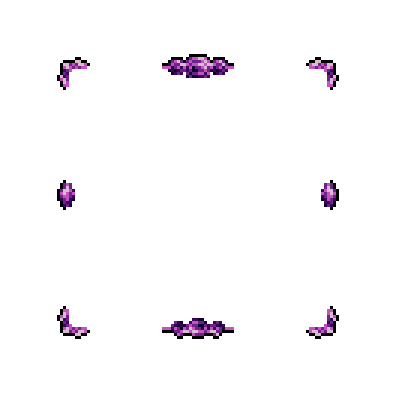
- amethyst_frame.png
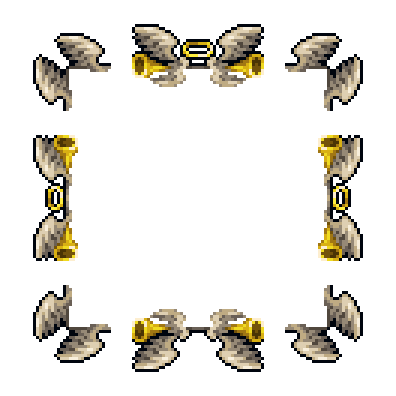
- angelical_frame.png
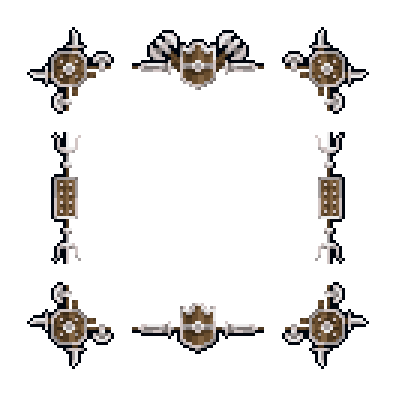
- battle_frame.png
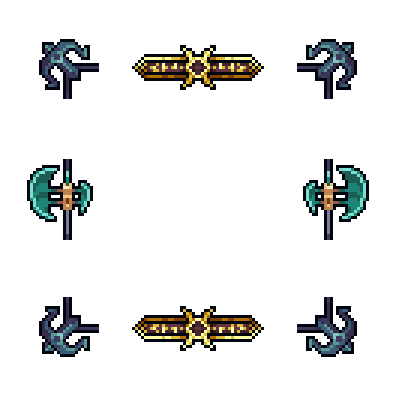
- cataclysm_frame.png
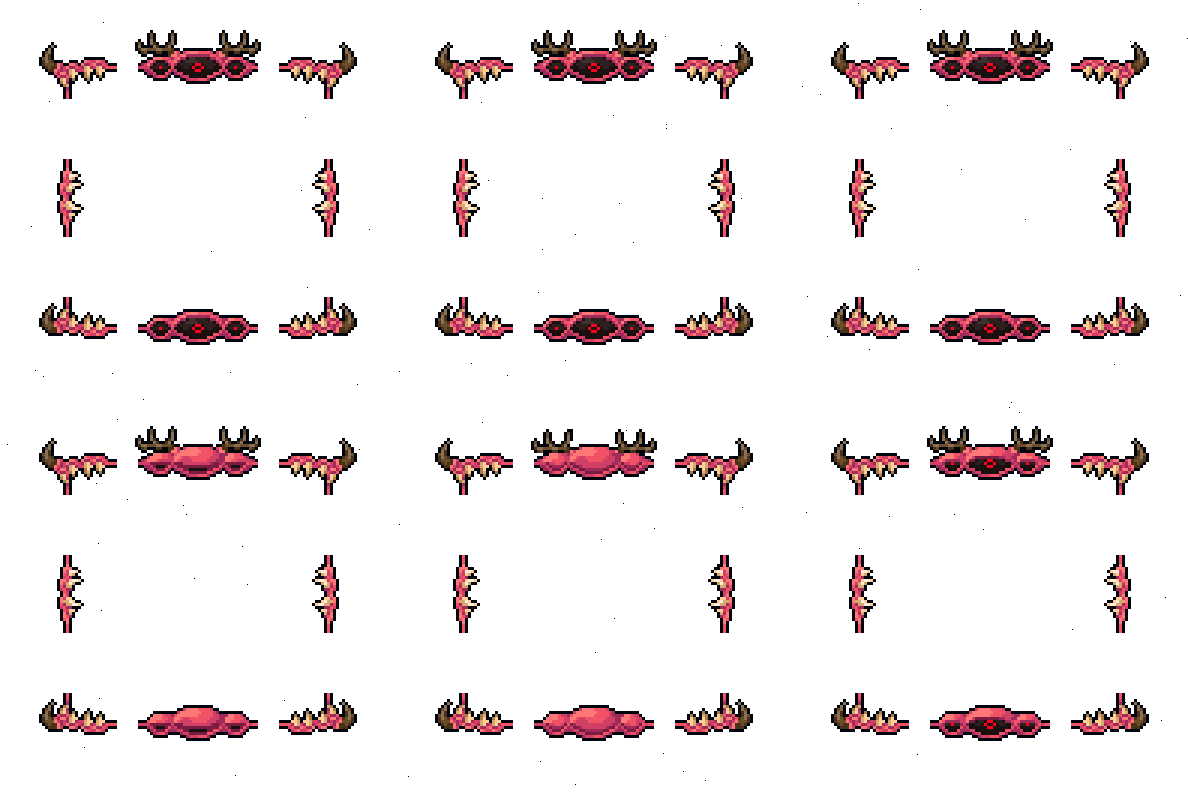
- demonic_frame.png
- diamond_frame.png

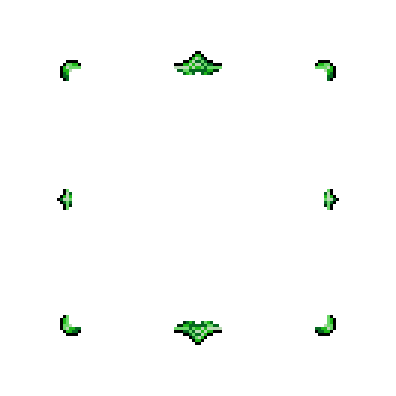
- emerald_frame.png
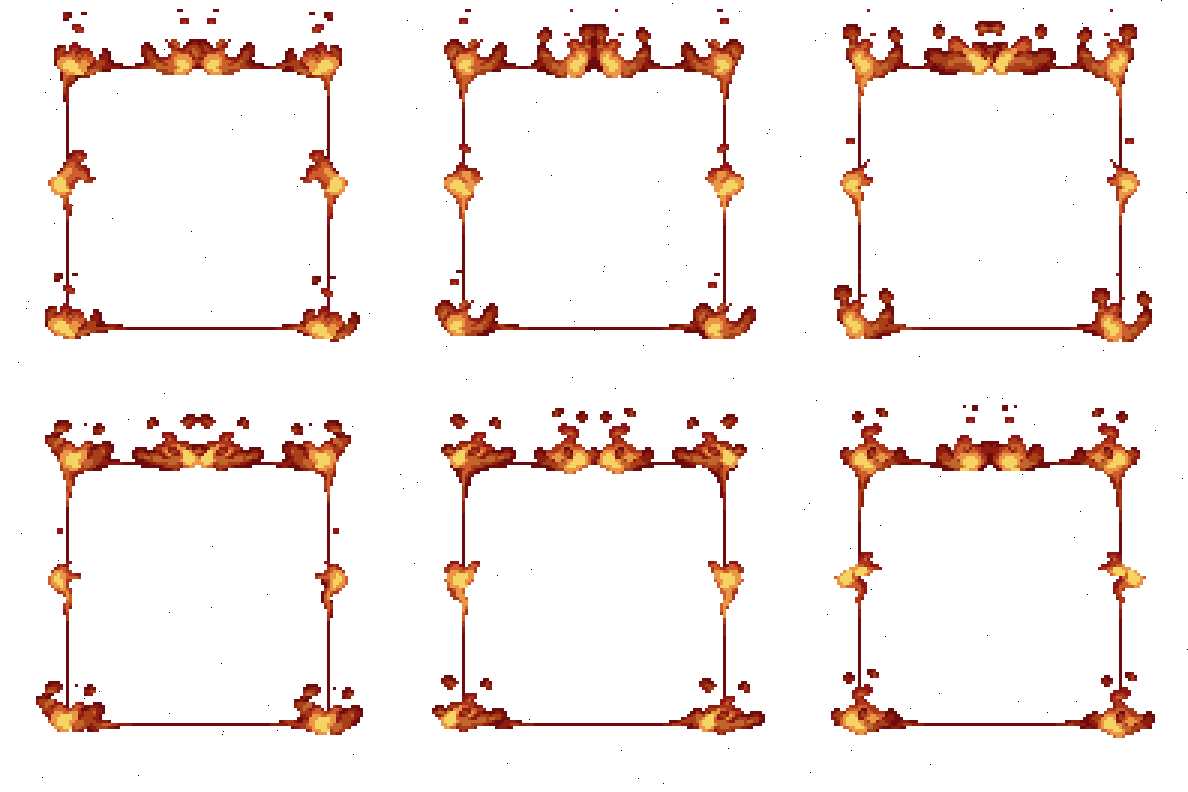
- fire_frame.png
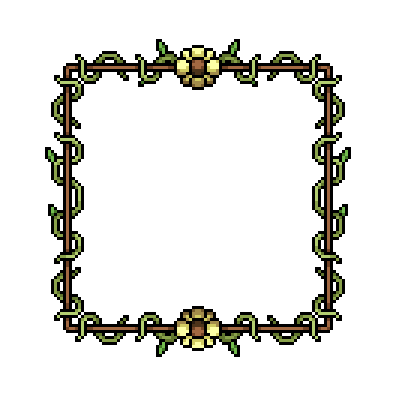
- flower_frame.png
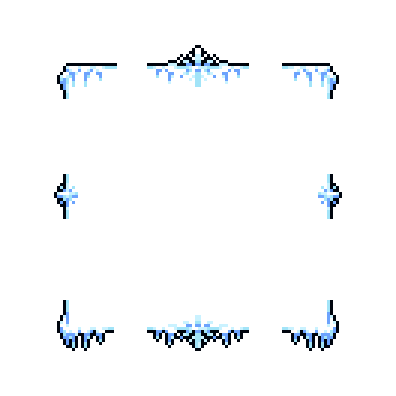
- frost_frame.png
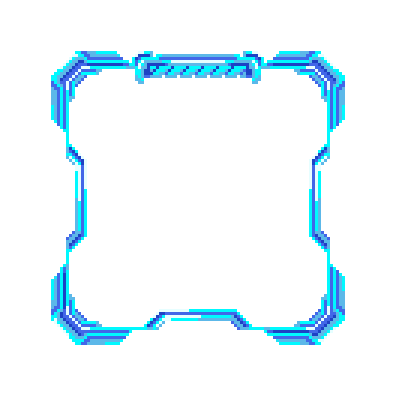
- futuristic_frame.png
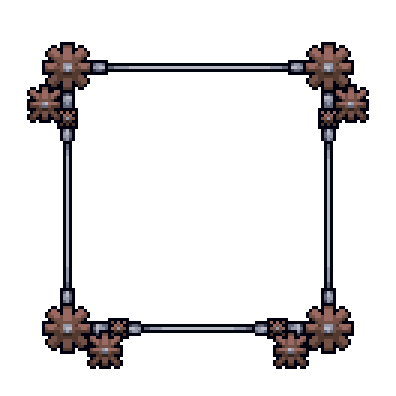
- gear_frame.png
- guns_and_wires.png
- king_frame.png
- silver_frame.png
- steampunk_frame.png
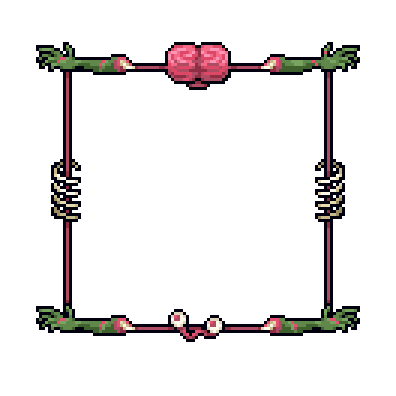
- zombie_brain_frame.png
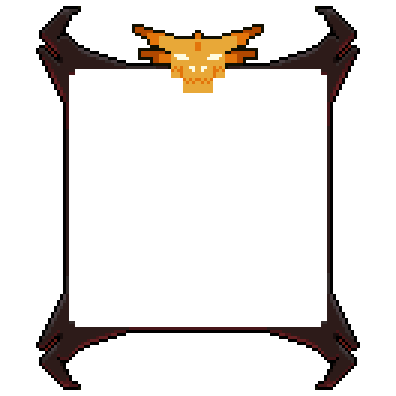
- draconic_fire_frame.png
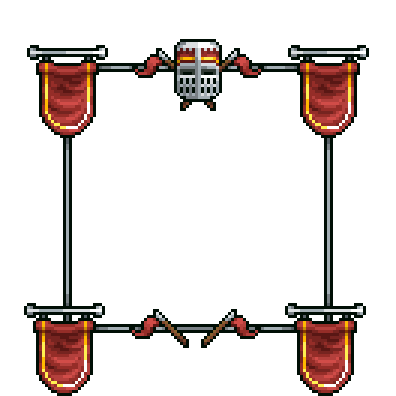
- medieval_crossroads_frame.png
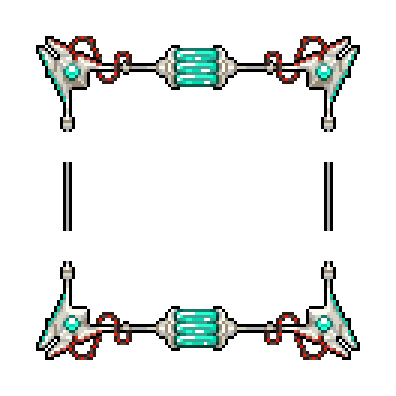
- plasma_lamp_frame.png
- neon_fire_frame.png
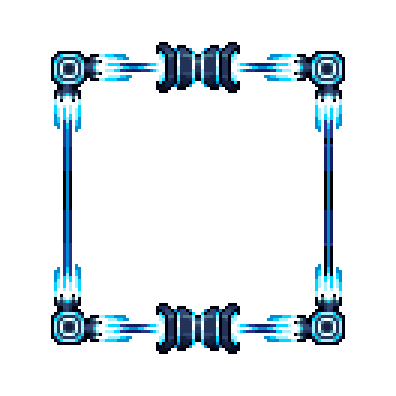
- garden_frame.png
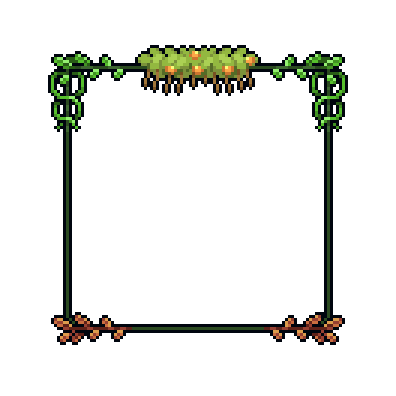
- construction_punk_frame.png
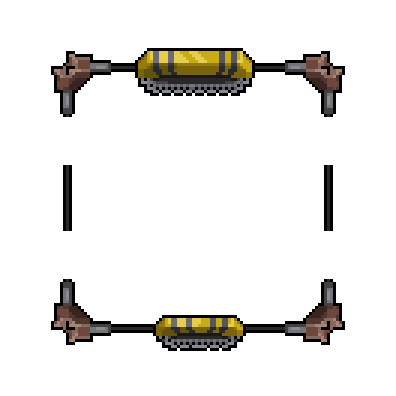
- cavemen_frame.png
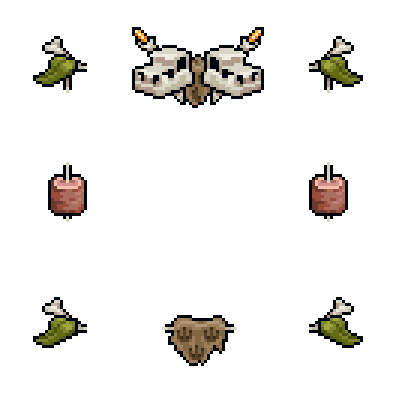
- nuclear_alarm_frame.png
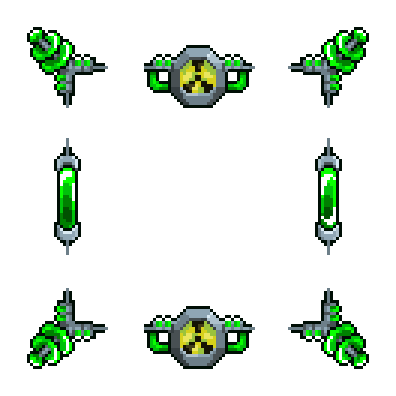
- gummy_bear_frame.png
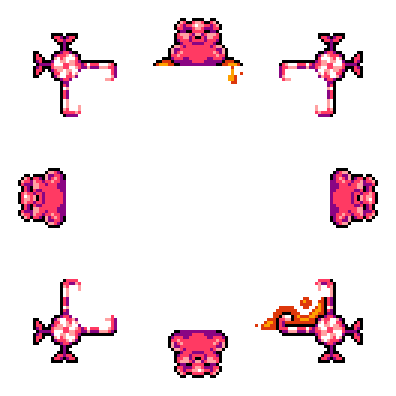
- greek_temple_frame.png
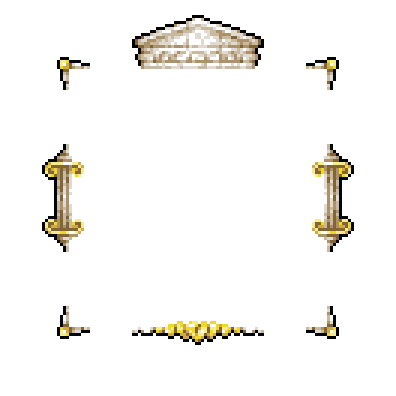
- pure_alchemy_frame.png
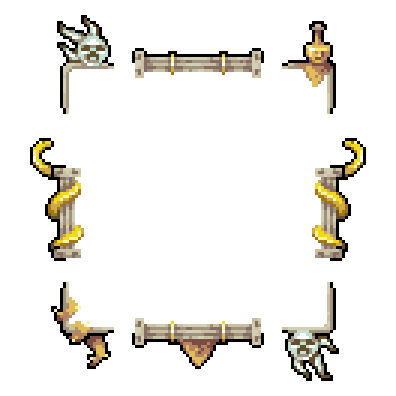
- skyland_frame.png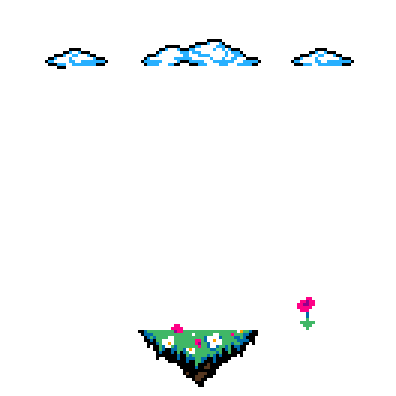
Vignettes
circular
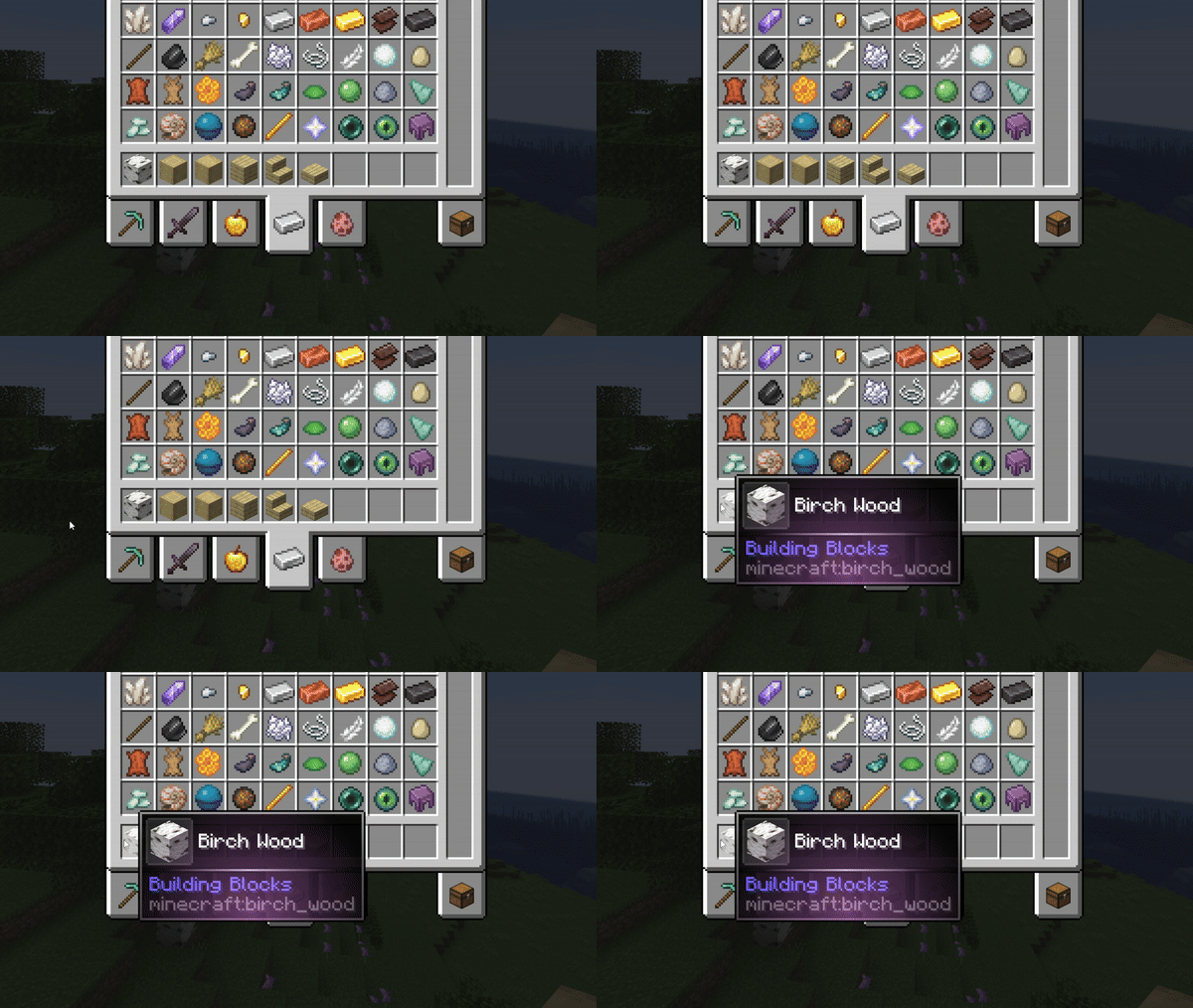
hole
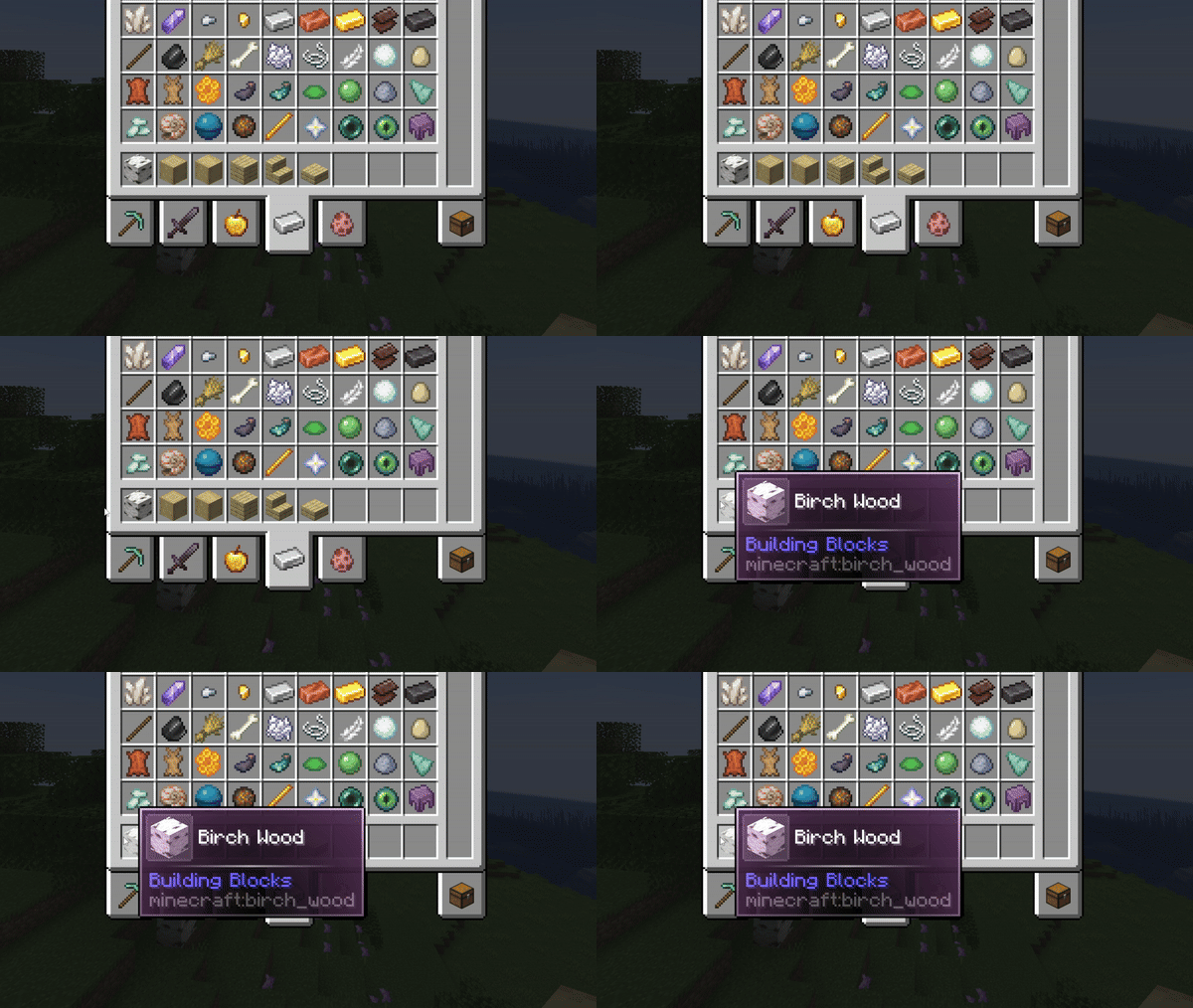
In-game config screen & live preview
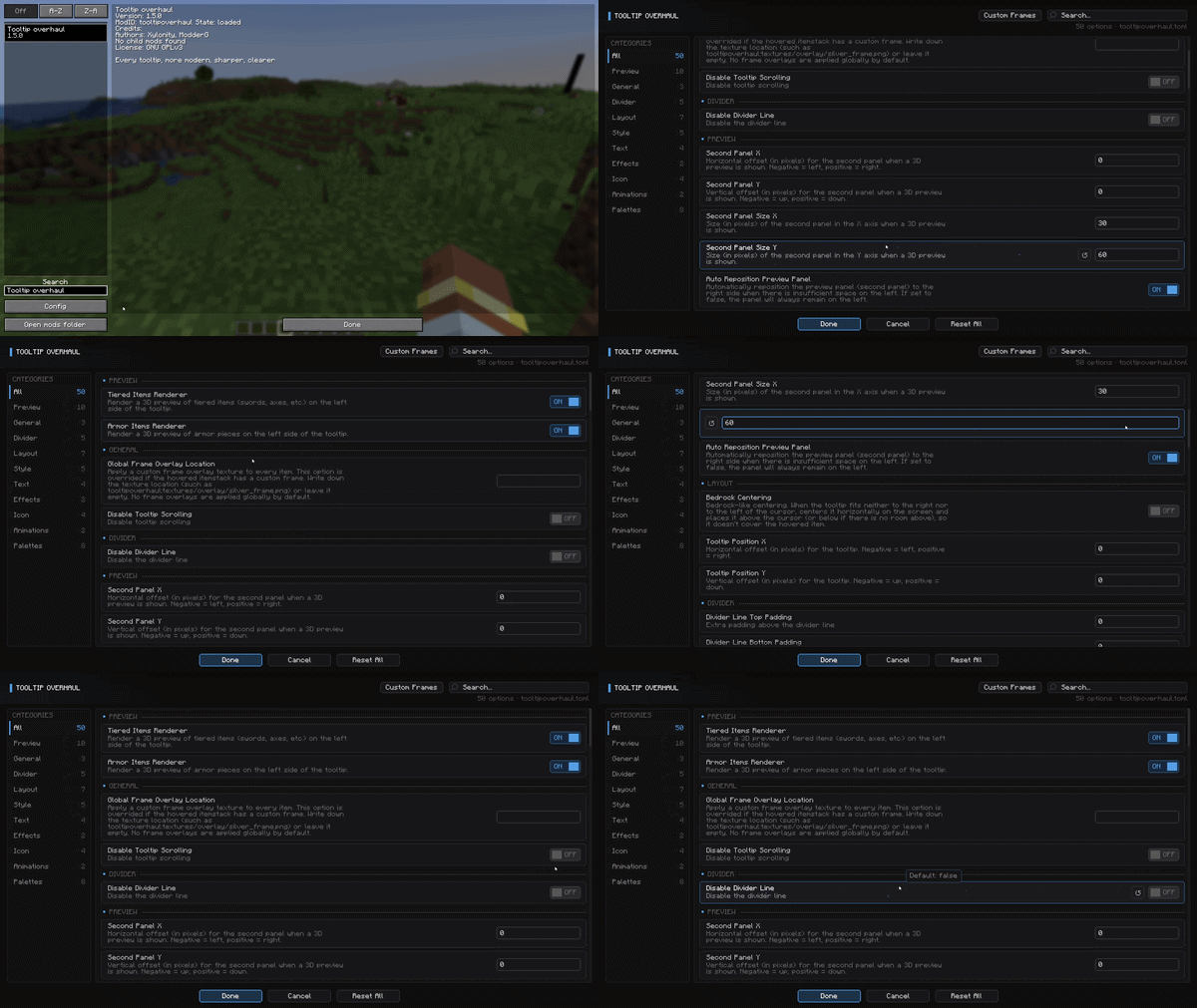
Maximum customization
Different styles!

Chain effects together!

Aditional info 📝
This mod is completely client-sided.
Neither Fabric nor Forge versions require external dependencies, so just download this mod, drop it inside your mods folder and start playing!
To access the in-game configuration in the Fabric version, you will need ModMenu!
Credits 📦
Xylonity - Programmer and mod designer
TheModderG - Tooltip overlays and mod icon designer
Ченджлог
1.5.1Релиз1.21, 1.21.1 · 5 июля 2026 г.
- Added a global config option to always enable the equipment comparison functionality
- Now the mod isn't loaded when present on a dedicated server to preserve modpack parity
- Fixed a case where some appear animations (that made the icon transparent over the time) would crash the game when rendering items with a foil texture
1.5.1Релиз1.21, 1.21.1 · 5 июля 2026 г.
- Added a global config option to always enable the equipment comparison functionality
- Now the mod isn't loaded when present on a dedicated server to preserve modpack parity
- Fixed a case where some appear animations (that made the icon transparent over the time) would crash the game when rendering items with a foil texture
1.5.1Релиз1.21, 1.21.1 · 5 июля 2026 г.
- Added a global config option to always enable the equipment comparison functionality
- Now the mod isn't loaded when present on a dedicated server to preserve modpack parity
- Fixed a case where some appear animations (that made the icon transparent over the time) would crash the game when rendering items with a foil texture
1.5.1Релиз1.20, 1.20.1 · 5 июля 2026 г.
- Added a global config option to always enable the equipment comparison functionality
- Now the mod isn't loaded when present on a dedicated server to preserve modpack parity
- Fixed a case where some appear animations (that made the icon transparent over the time) would crash the game when rendering items with a foil texture
1.5.1Релиз1.20, 1.20.1 · 5 июля 2026 г.
- Added a global config option to always enable the equipment comparison functionality
- Now the mod isn't loaded when present on a dedicated server to preserve modpack parity
- Fixed a case where some appear animations (that made the icon transparent over the time) would crash the game when rendering items with a foil texture
1.5.0Релиз1.20, 1.20.1 · 4 июля 2026 г.
- Reworked the in-game config screen
- Added a visual editor for the Tooltip Overhaul's custom_frames.json file (open it from the config screen), where you can also see a live tooltip preview that reacts as you type
- Config entries are now grouped in categories inside the TOML file, and existing values are migrated automatically
- Tweaked a bit the default color palettes, to make them more visually appeal
- Now the global color palettes can be changed without needing to restart the game
- Added 3 new effects:
fireflies,bubblesandcrystals - Added tooltip appear/disappear hover animations, with 11 options: fade, pop, rise, unfold, zoom, slide, swing, emerge, squash, card and shake
- Added weapon/tool compare to the existing equipment compare functionality
- Added two config options to choose the tooltip corner style separately for the inner frame (
default,rounded,bevel,inner,cut,thick,bracket,block,notch,weld,gem) and the outer background border (default,square,rounded,notch) - Added Bedrock-like tooltip centering. When the tooltip fits on neither side of the cursor, it is centered horizontally and placed above/below the cursor instead of covering the hovered item
- Added a
rarityoption to custom_frames.json entries (a string or list of strings) to apply a frame to every item of the given rarity, including rarities added by other mods. More specific entries take precedence, in the following sequence -> item > tag > namespace > rarity - Added a
CUSTOM_RARITY_PALETTE_COLORSconfig entry, and is now the default palette for non-vanilla rarities (previously using the legendary palette), added along with a matchingcustom_raritygradientType option for custom_frames.json - Added a config option to append the name of the mod that adds the hovered item as the last tooltip line, in both survival and creative (previously only visible on creative mode)
- Added some micro-optimizations to some caching functions
- Fixed the thirst droplet icons (along with other icons) from the mod Tough As Nails not showing in tooltips
- Fixed FTB Quests tooltips rendering in the stackless style, now the hovered reward item is properly detected
- Fixed the icon flipping 180 degrees once the
rotate/rotate_zoomappear animation ends - Fixed a crash when a malformed color is set in any config entry, now it falls back to white and logs a warning instead
- Fixed the mod ItemZoom not working with tooltipoverhaul present
- Fixed tooltips extending off screen in Packed Up UIs
- Fixed shields being compared against the equipped leggings when holding the compare key
1.5.0Релиз1.20, 1.20.1 · 4 июля 2026 г.
- Reworked the in-game config screen
- Added a visual editor for the Tooltip Overhaul's custom_frames.json file (open it from the config screen), where you can also see a live tooltip preview that reacts as you type
- Config entries are now grouped in categories inside the TOML file, and existing values are migrated automatically
- Tweaked a bit the default color palettes, to make them more visually appeal
- Now the global color palettes can be changed without needing to restart the game
- Added 3 new effects:
fireflies,bubblesandcrystals - Added tooltip appear/disappear hover animations, with 11 options: fade, pop, rise, unfold, zoom, slide, swing, emerge, squash, card and shake
- Added weapon/tool compare to the existing equipment compare functionality
- Added two config options to choose the tooltip corner style separately for the inner frame (
default,rounded,bevel,inner,cut,thick,bracket,block,notch,weld,gem) and the outer background border (default,square,rounded,notch) - Added Bedrock-like tooltip centering. When the tooltip fits on neither side of the cursor, it is centered horizontally and placed above/below the cursor instead of covering the hovered item
- Added a
rarityoption to custom_frames.json entries (a string or list of strings) to apply a frame to every item of the given rarity, including rarities added by other mods. More specific entries take precedence, in the following sequence -> item > tag > namespace > rarity - Added a
CUSTOM_RARITY_PALETTE_COLORSconfig entry, and is now the default palette for non-vanilla rarities (previously using the legendary palette), added along with a matchingcustom_raritygradientType option for custom_frames.json - Added a config option to append the name of the mod that adds the hovered item as the last tooltip line, in both survival and creative (previously only visible on creative mode)
- Added some micro-optimizations to some caching functions
- Fixed the thirst droplet icons (along with other icons) from the mod Tough As Nails not showing in tooltips
- Fixed FTB Quests tooltips rendering in the stackless style, now the hovered reward item is properly detected
- Fixed the icon flipping 180 degrees once the
rotate/rotate_zoomappear animation ends - Fixed a crash when a malformed color is set in any config entry, now it falls back to white and logs a warning instead
- Fixed the mod ItemZoom not working with tooltipoverhaul present
- Fixed tooltips extending off screen in Packed Up UIs
- Fixed shields being compared against the equipped leggings when holding the compare key
1.5.0Релиз1.21, 1.21.1 · 4 июля 2026 г.
- Reworked the in-game config screen
- Added a visual editor for the Tooltip Overhaul's custom_frames.json file (open it from the config screen), where you can also see a live tooltip preview that reacts as you type
- Config entries are now grouped in categories inside the TOML file, and existing values are migrated automatically
- Tweaked a bit the default color palettes, to make them more visually appeal
- Now the global color palettes can be changed without needing to restart the game
- Added 3 new effects:
fireflies,bubblesandcrystals - Added tooltip appear/disappear hover animations, with 11 options: fade, pop, rise, unfold, zoom, slide, swing, emerge, squash, card and shake
- Added weapon/tool compare to the existing equipment compare functionality
- Added two config options to choose the tooltip corner style separately for the inner frame (
default,rounded,bevel,inner,cut,thick,bracket,block,notch,weld,gem) and the outer background border (default,square,rounded,notch) - Added Bedrock-like tooltip centering. When the tooltip fits on neither side of the cursor, it is centered horizontally and placed above/below the cursor instead of covering the hovered item
- Added a
rarityoption to custom_frames.json entries (a string or list of strings) to apply a frame to every item of the given rarity, including rarities added by other mods. More specific entries take precedence, in the following sequence -> item > tag > namespace > rarity - Added a
CUSTOM_RARITY_PALETTE_COLORSconfig entry, and is now the default palette for non-vanilla rarities (previously using the legendary palette), added along with a matchingcustom_raritygradientType option for custom_frames.json - Added a config option to append the name of the mod that adds the hovered item as the last tooltip line, in both survival and creative (previously only visible on creative mode)
- Added some micro-optimizations to some caching functions
- Fixed the thirst droplet icons (along with other icons) from the mod Tough As Nails not showing in tooltips
- Fixed FTB Quests tooltips rendering in the stackless style, now the hovered reward item is properly detected
- Fixed the icon flipping 180 degrees once the
rotate/rotate_zoomappear animation ends - Fixed a crash when a malformed color is set in any config entry, now it falls back to white and logs a warning instead
- Fixed the mod ItemZoom not working with tooltipoverhaul present
- Fixed tooltips extending off screen in Packed Up UIs
- Fixed shields being compared against the equipped leggings when holding the compare key
Комментарии
Загружаем…