 Mineforgian
Tiny Pickup Animation
Minecraft mod that replaces the default item pickup animation with a modern, satisfying effect - covering pickups, crafting, enchanting, smelting and more.
- Загрузки
- 9K
- Подписчики
- 35
- Обновлён
- 5 августа 2026 г.
- Лицензия
- MIT
Опубликован 11 августа 2025 г.
Tiny Pickup Animation
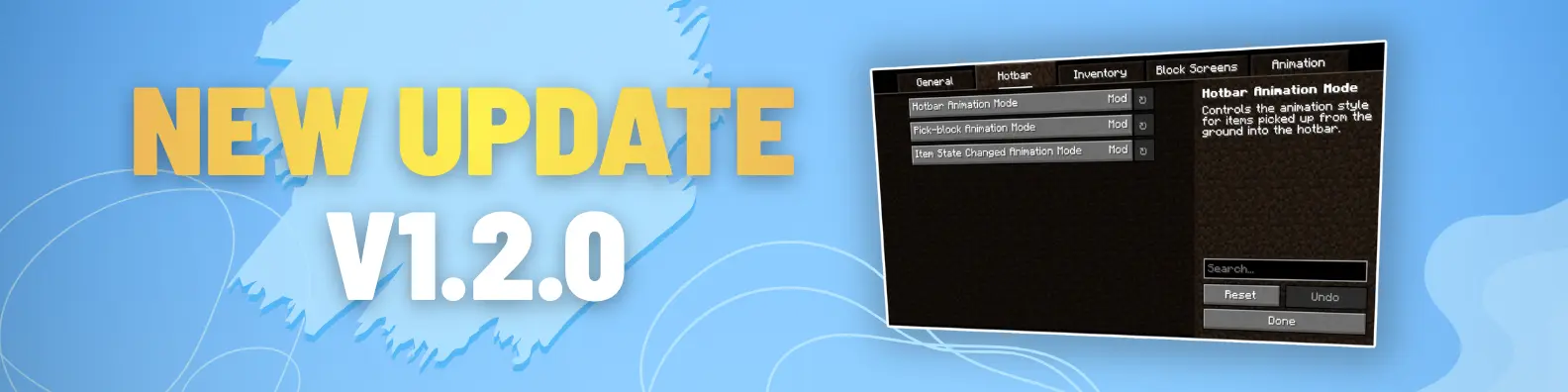
Tiny Pickup Animation replaces Minecraft's outdated item pickup animation with a modern, satisfying system - now covering pickups, hotbar, inventory, crafting, smelting, stonecutter, and more. v1.2.0 brings a major overhaul with improved smoothness and expanded coverage. Small detail, big difference. Enjoy!
💎 Early access: Want to play on the latest Minecraft versions? Builds for Minecraft 26.1.x and 26.2 are available early for my Patreon supporters. They will be released publicly for free on September 20, 2026.
==📢DISCORD SERVER (TEST)📢==
All the feedback, questions, suggestions can go into this server: https://discord.gg/BdxuyD7ZwU


Features:
- replaces the default pickup animation with a smoother, modern animation for hotbar slots
- adds the same animation when picking up items directly from the ground (while opened inventory screen)
- adds animation for crafting output in both the 2x2 inventory grid and the crafting table
- adds animations for workstations, including brewing stand, anvil, loom, enchanting table, etc.
- adds pickup animation when swapping items between hotbar slots
- adds animation for furnace output when smelting completes
- adds animation when using pick block (middle click)
- compatible with Minecraft 1.20.x, 1.21.x
Future Plans/Ideas:
- add villagers and wandering traders screen animations
- add hover animation on items in menus like stonecutter, loom
My YouTube channel: https://www.youtube.com/@cat_metalhead
Installation:
- Download the mod file (.jar)
- Make sure you have Fabric Profile installed
- Copy the downloaded .jar mod file into the mods folder
- Launch Minecraft using the Fabric profile
- Enjoy!
Комментарии
Загружаем…