 Mineforgian
NetGraph
Clean, configurable HUD graphs of your connection quality - ping, jitter and bandwidth on any server, plus real TPS, MSPT and server load with the optional server companion
- Загрузки
- 156
- Подписчики
- 3
- Обновлён
- 1 июля 2026 г.
- Лицензия
- MIT
Опубликован 30 июня 2026 г.


NetGraph
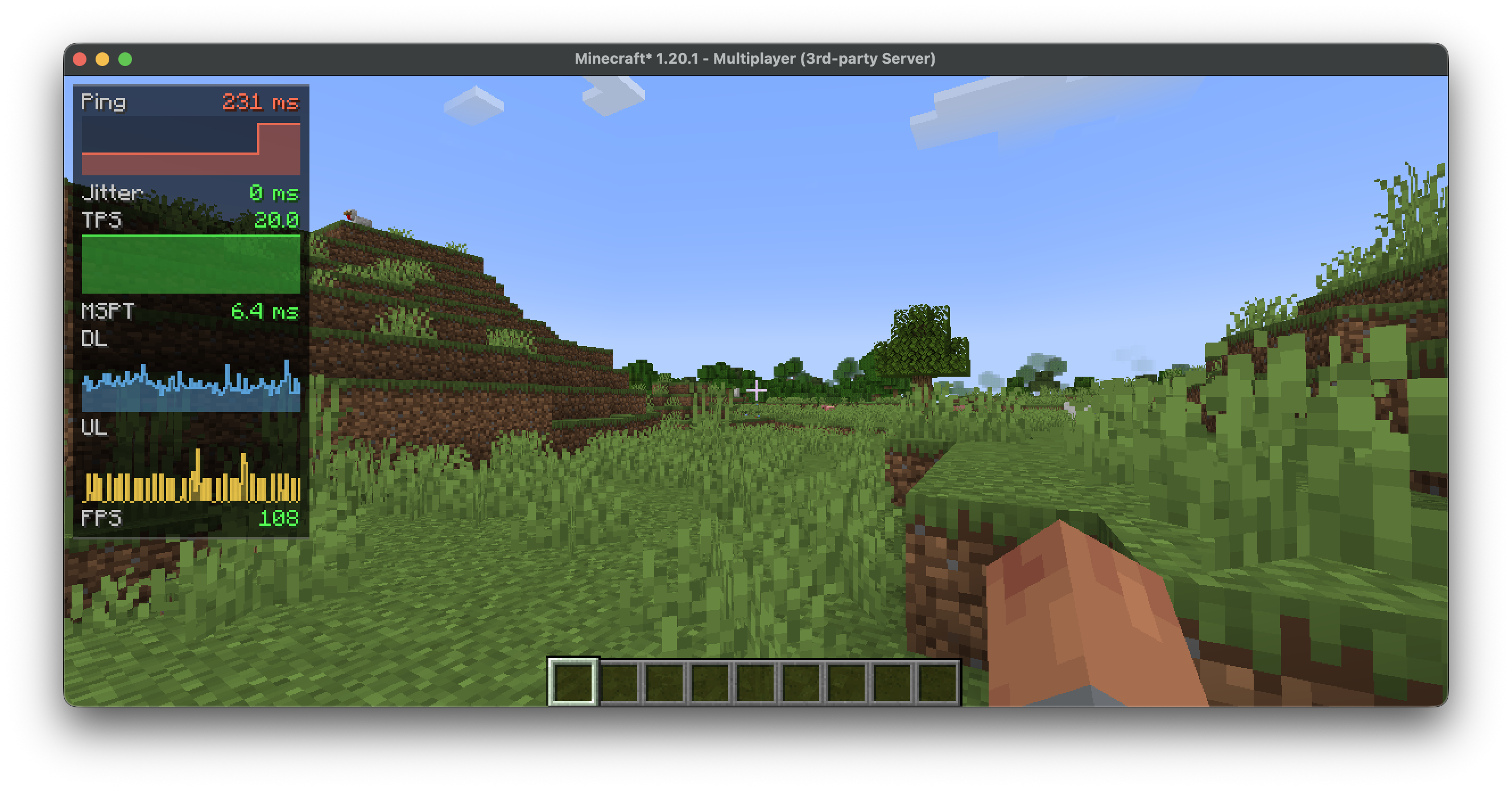
A network monitor for the corner of your screen. It turns ping, bandwidth and the server's tick rate into small, readable graphs, so you can tell at a glance whether the lag is on your end or the server's.
Runs on the client and works on any server. Add the optional companion and the graphs gain real server-side numbers.
📡 Measured on the client — any server
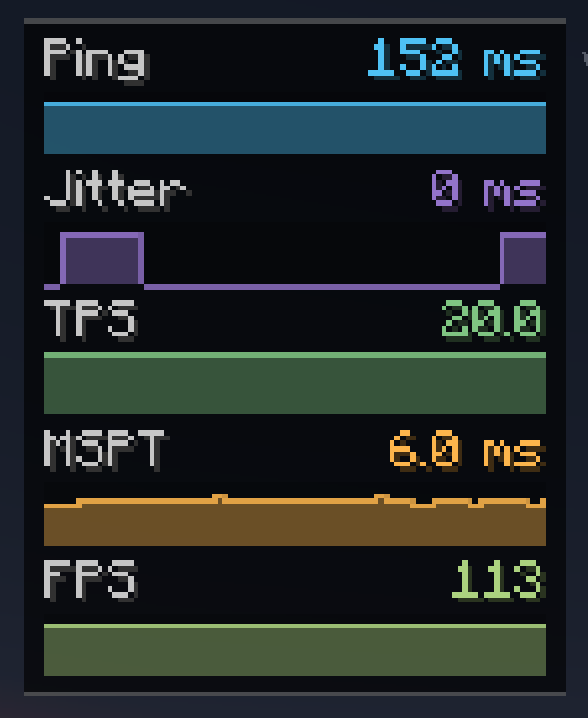
Ping, jitter, download/upload (KB/s), packets per second, FPS, and a TPS estimate. No server mod required.
🖥️ Added by the server companion
Real server TPS and MSPT, loaded chunks, entity count, players online, and the server's own ping reading. When the server stops answering — a freeze or a lag spike — the affected graph turns red and reads TIMEOUT instead of vanishing.
⚙️ Fits your HUD, not the other way around
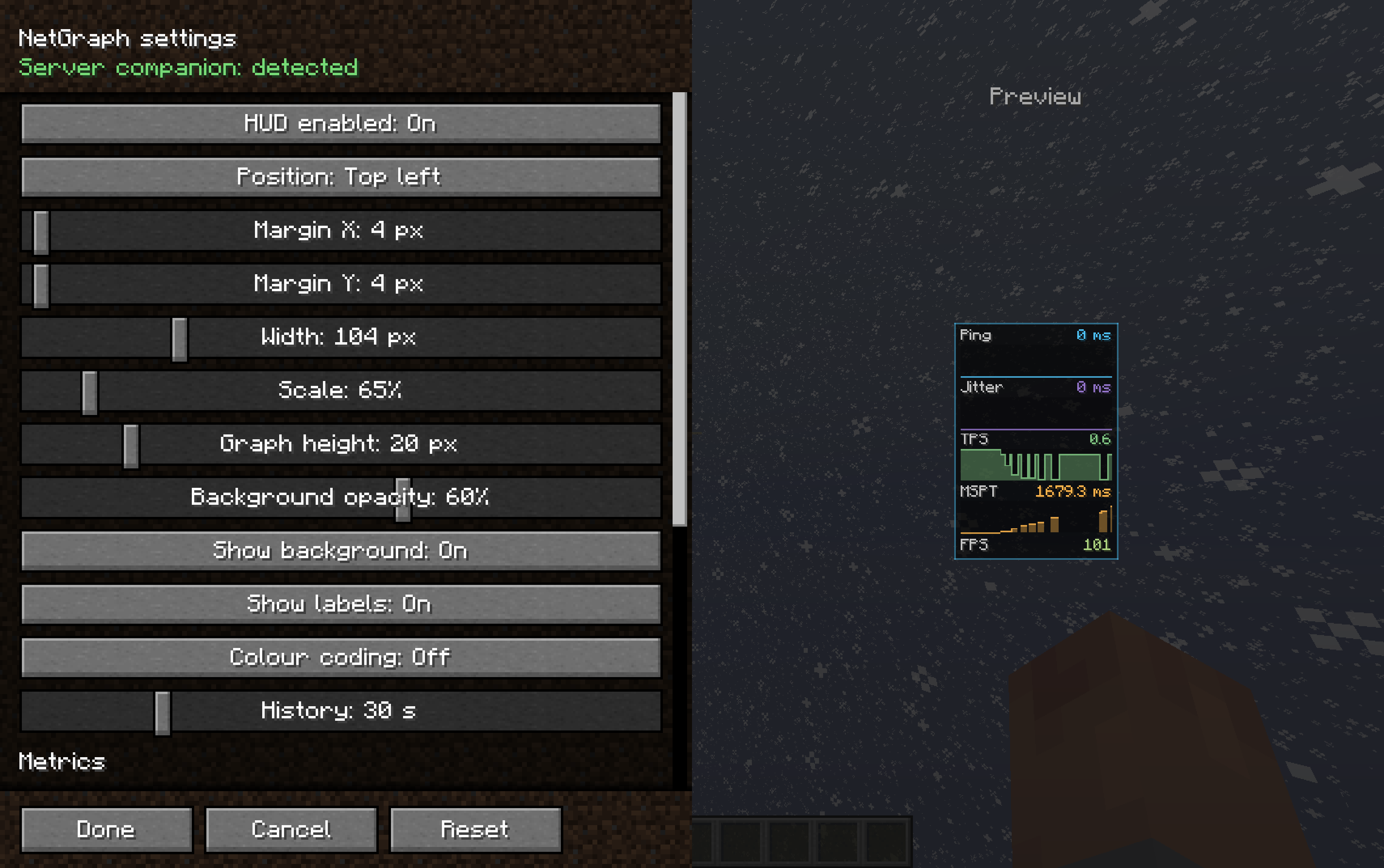
- 13 metrics, each toggled on or off on its own
- Show any metric as text, a graph, or both
- Six anchor points, plus margins, scale, width, graph height, opacity and history
- Quality colouring from green to red
- A settings screen that previews the HUD live while you drag the sliders, with a frame that flashes the real position when you move it
- Reset to defaults in one click
⌨️ Controls
N shows or hides the HUD (rebindable). Open settings from Mod Menu, or bind a key.
🛡️ Server command
Operators can switch fields off:
/netgraph <tps|mspt|ping|chunks|entities|players|all> <true|false> — and
/netgraph status to check the current state.
📦 Install
Client — put NetGraph in mods. Requires Cloth Config API; Mod Menu recommended.
Server (optional) — put NetGraph Server in the server's mods for real TPS/MSPT.
Singleplayer? Add it to your own mods folder too.
Комментарии
Загружаем…