 Mineforgian
Just Zoom
Zoom by pressing a hotkey and adjust the zoom factor with your mouse wheel!
- Загрузки
- 8.7M
- Подписчики
- 906
- Обновлён
- 25 июня 2026 г.
- Лицензия
- DSMSLv2
Опубликован 9 июня 2023 г.




Just Zoom allows you to zoom by pressing a hotkey (Z or Y by default, depending on your keyboard, and customizable in Minecraft's Controls settings) and adjust the zoom with your mouse wheel! It feels similar to zooming with the spyglass, but you can zoom in further and don't have the black bars and spyglass overlay blocking your view!
For support, tips, and to connect with other users, join the official Discord server.
If you experience crashes or other issues, please write a bug report on GitHub!
Features
Just Zoom has some great features to improve the zoom experience!
Zoom
Just Zoom lets you zoom by pressing a hotkey and adjust the zoom factor with your mouse wheel.
By default, Just Zoom will also zoom in/out smootly, just like the spyglass, but you can disable that in its options.
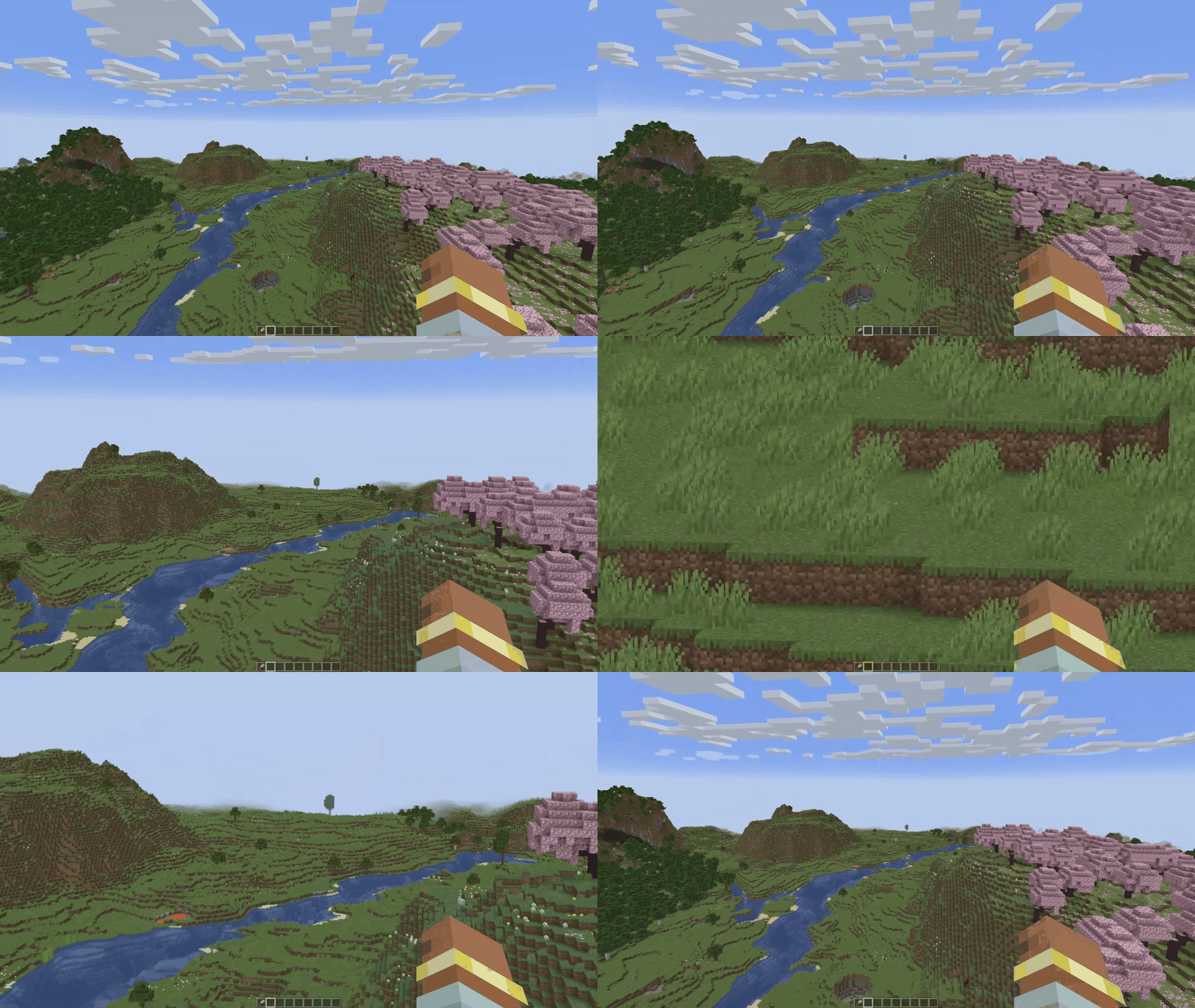
Normalized Mouse Sensitivity
Just Zoom normalizes your mouse sensitivity when zooming, so it doesn't feel like the mouse is moving too fast.
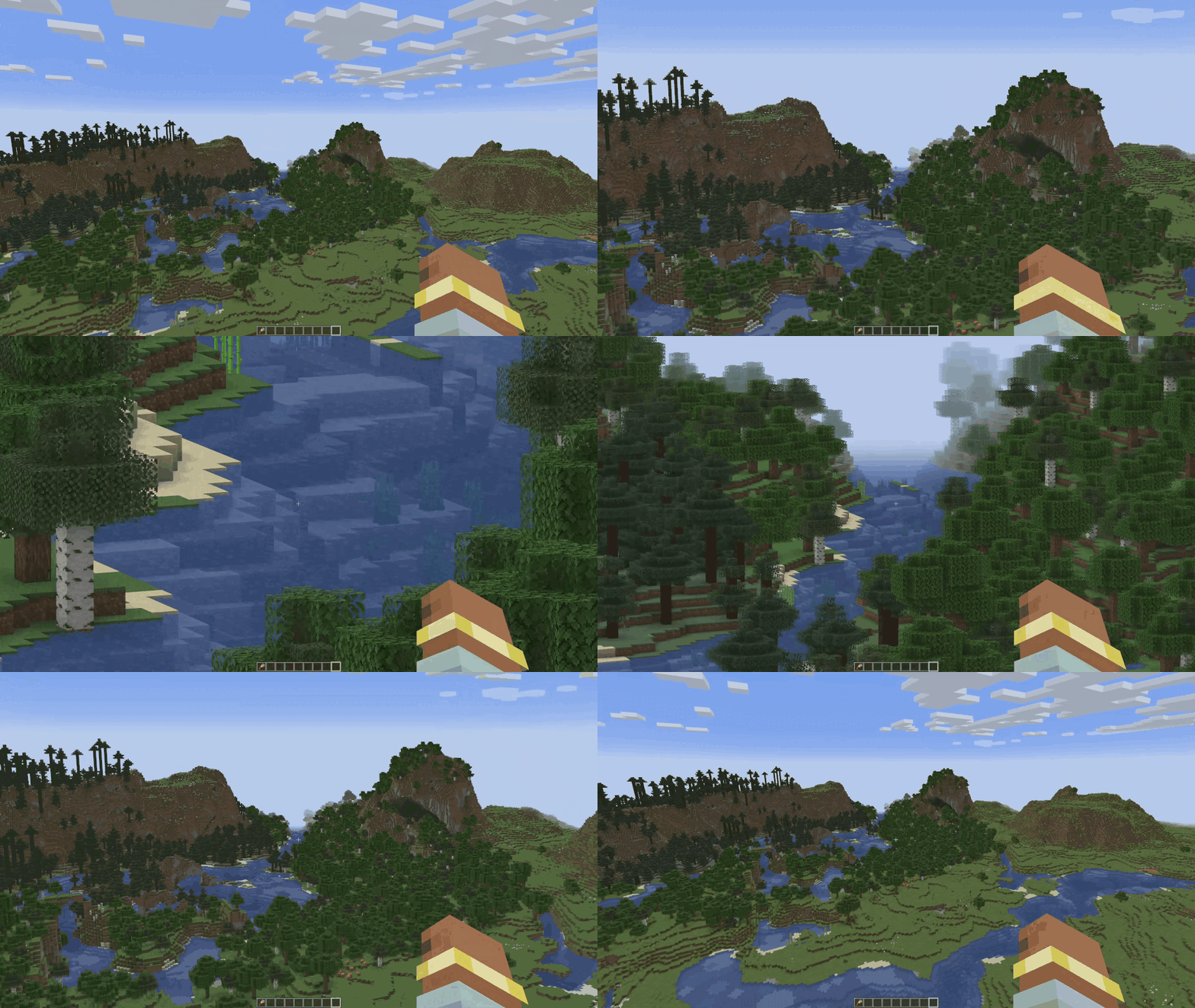
Maximum Zoom
Just Zoom can zoom in further than the spyglass.
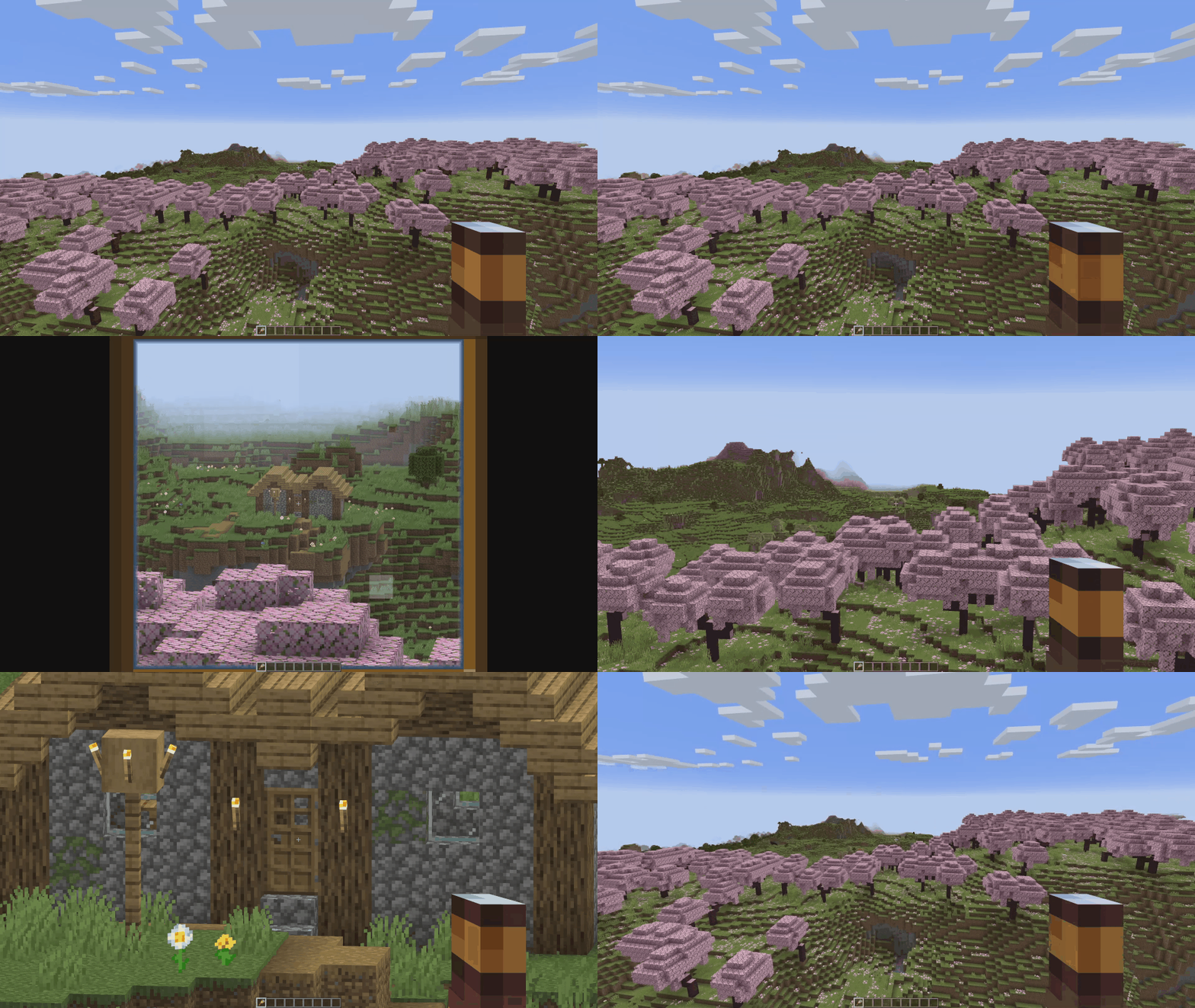
Configuration
Just Zoom has in-game options, so you can easily configure it by pressing the little spyglass button in the bottom-left side of the Pause Screen!
To customize the zoom hotkey, use Minecraft's Controls settings.
Copyright
Just Zoom Copyright © 2021-2025 Keksuccino.
Just Zoom is licensed under DSMSLv2 (DON'T SNATCH MA STUFF LICENSE V2.0).
See LICENSE.md for more information about the license.
Server Needed?
Looking to play Minecraft with friends but setting up a server is just too time-consuming?
No worries! Simply rent a pre-configured server and start playing in a snap.
Just click the image below and use code keksuccino to enjoy a 25% discount on your first month!

Ченджлог
2.1.5-26.2-neoforgeРелиз26.2 · 25 июня 2026 г.
2.1.5-26.2-fabricРелиз26.2 · 25 июня 2026 г.
2.1.4-26.1.1-neoforgeРелиз26.1.1, 26.1.2 · 4 апреля 2026 г.
2.1.4-26.1.1-fabricРелиз26.1.1, 26.1.2 · 4 апреля 2026 г.
2.1.3-1.21.11-neoforgeРелиз1.21.11 · 23 декабря 2025 г.
2.1.3-1.21.11-fabricРелиз1.21.11 · 23 декабря 2025 г.
2.1.2-1.21.10-neoforgeРелиз1.21.10 · 16 октября 2025 г.
Some changelog text.
Supports multiline input.
2.1.2-1.21.10-fabricРелиз1.21.10 · 16 октября 2025 г.
Some changelog text.
Supports multiline input.
Комментарии
Загружаем…