 Mineforgian
Jade Trades
A Jade addon that shows villager trades and marks bed/work POIs and more info with a toggle keybind.
990 загрузок4 подписчиковMITneoforge
Обновлён 14 мая 2026 г. · опубликован 14 мая 2026 г.
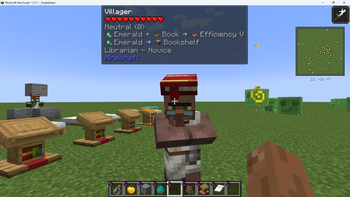
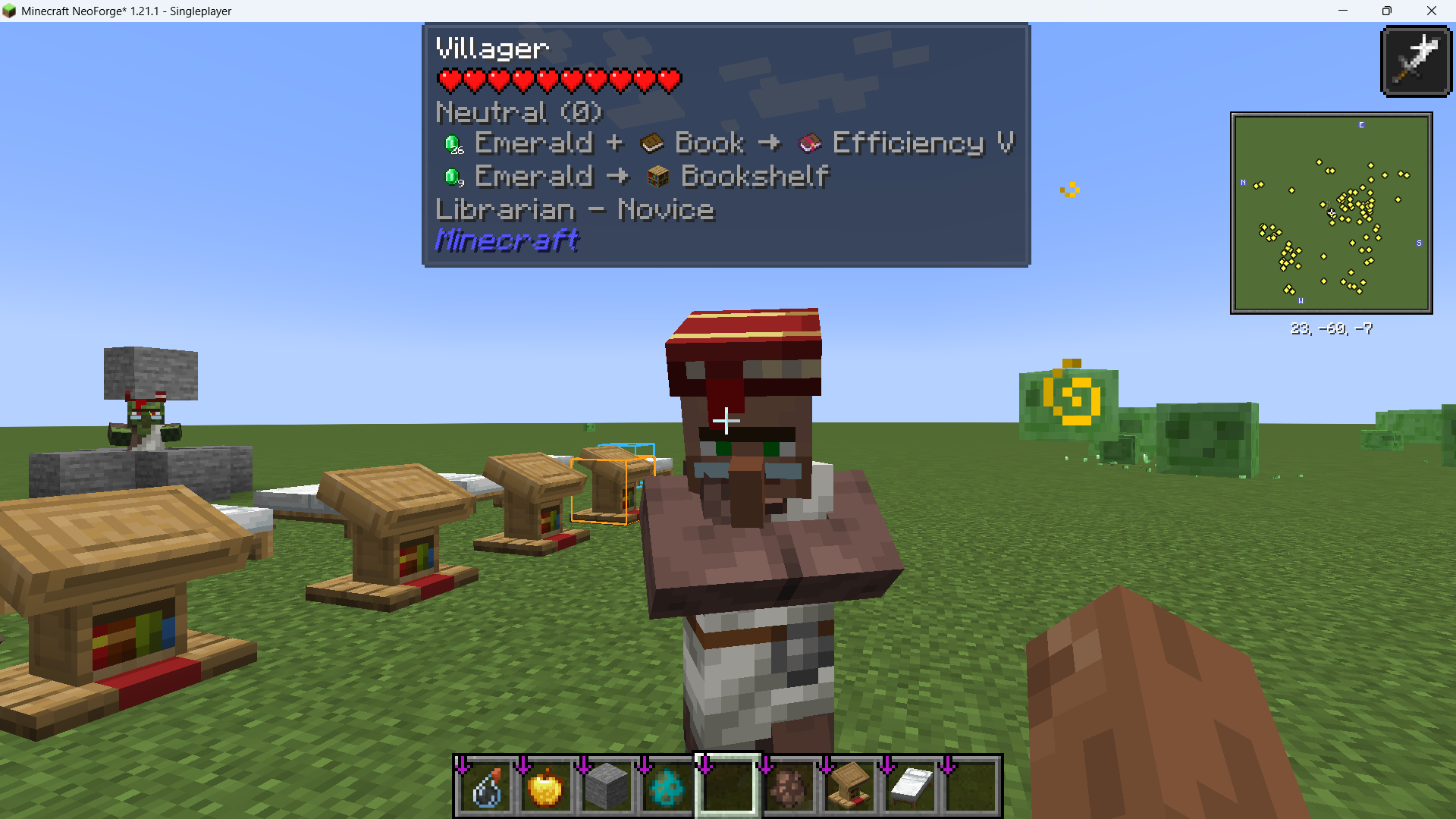
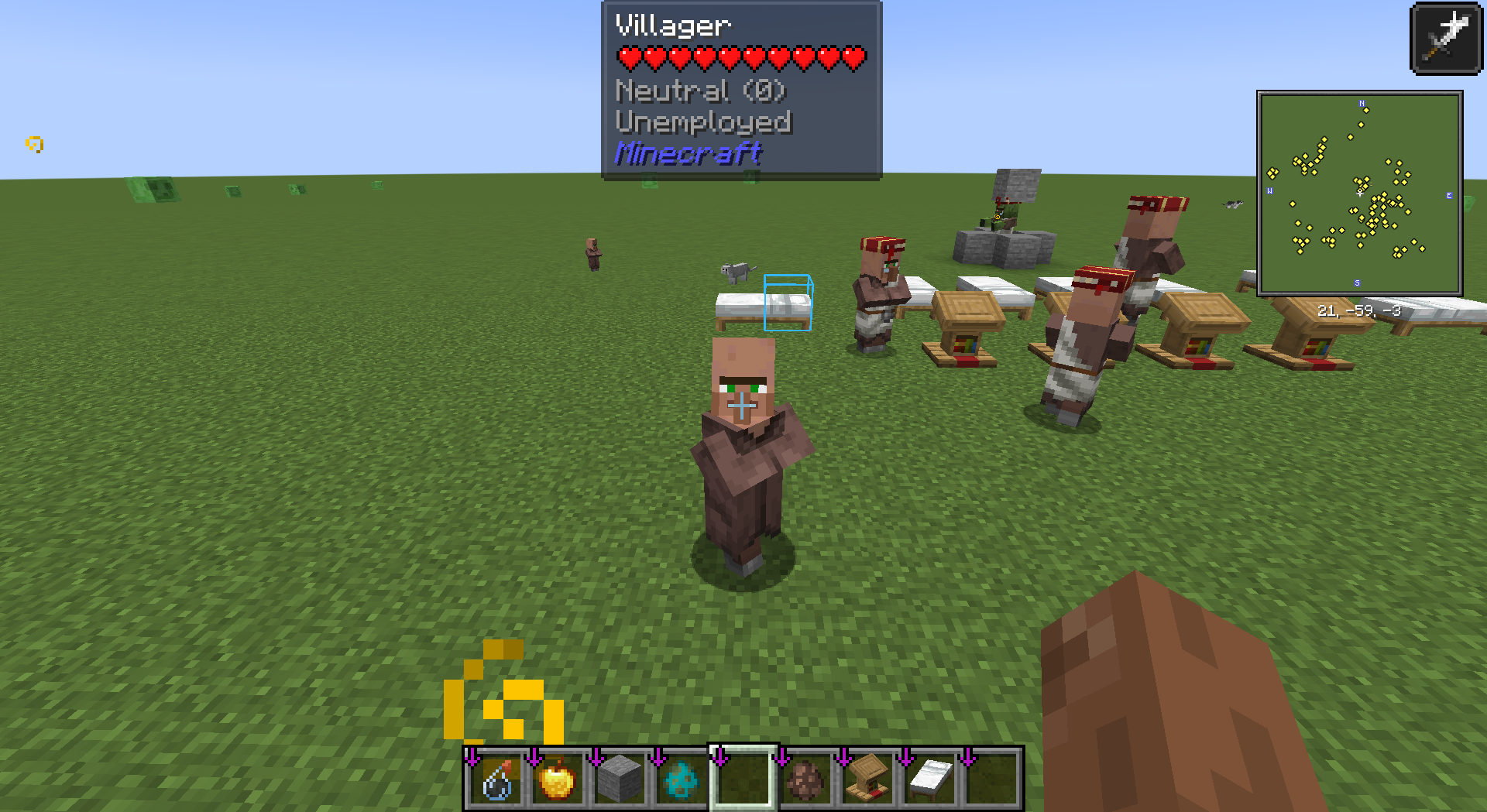
Jade Trades is a NeoForge 1.21.1 addon for Jade. It adds villager trade information to the HUD overlay and provides a toggle-style keybind for marking villager bed and work POIs in the world. The marker can stay active on specific villagers, and pressing the key while looking at a non-villager clears the marks. The mod is intended as a practical debug and utility tool for players who work with villagers frequently.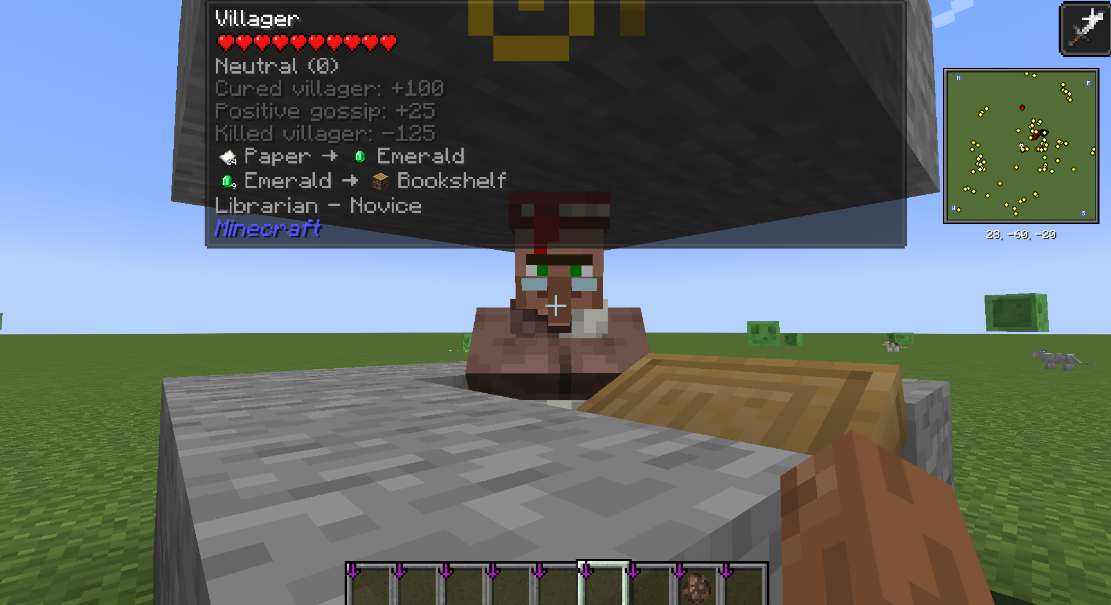
Версии
| Версия | Канал | Игра | Загрузчики | Дата | Скачать |
|---|---|---|---|---|---|
| 1.0.0 | Релиз | 1.21.1 | neoforge | 14 мая 2026 г. | Скачать (26 КБ) |
Ченджлог
1.0.0Релиз1.21.1 · 14 мая 2026 г.
 First stable release of Jade Trades for NeoForge 1.21.1.
New Features
1. Villager Trade HUD (Jade Integration)
- Shows villager trades directly in Jade tooltip/HUD.
- Default mode shows the first 2 trades.
- Hold Shift to expand the full trade list.
- In Shift mode, mouse wheel scrolling is supported for paging.
- Scroll position resets automatically when switching target villagers.
2. Villager POI Marker (Bed / Workstation)
- Adds a configurable keybind (unbound by default).
- Key behavior is toggle-based:
- Press while looking at a villager: mark or unmark that villager.
- Press while looking at a non-villager: clear all marks.
- Renders villager POI boxes in world space:
- Bed: blue
- Workstation: orange
- Supports villagers without workstation POI (bed can still be shown).
- Uses server-to-client synchronization for reliable rendering.
3. Reputation Display
- Shows player-to-villager reputation.
- Normal mode: compact status + total value (for example:
Friendly(130),Neutral(0)). - Shift mode: detailed contribution breakdown (curing, trading, harming, killing, etc.).
- Discount detail lines are removed to keep the tooltip focused.
4. Tooltip Readability Improvements
- Fixes overflow when expanded Shift tooltip becomes too long.
- Uses visible-line-based paging to avoid going beyond HUD height.
5. Localization
- Adds Chinese localization (
zh_cn). - Adds English localization (
en_us). - Covers keybinds, hints, reputation labels, and detailed contribution texts.
How to Use
1. Installation and Requirements
- Install NeoForge 1.21.1.
- Make sure Jade is installed (this mod depends on Jade).
- Put
jade-trades-1.0.0.jarinto yourmodsfolder. - Start the game and enter a world.
2. Viewing Trade Information
- Look at a villager and wait for Jade info to appear.
- By default, the first 2 trades are shown.
- Hold Shift to expand the trade list.
- While holding Shift, use mouse wheel to scroll pages.
3. Using the POI Marker
- Open key settings and find the Jade Trades POI marker keybind.
- Bind it to a key (it is unbound by default).
- Press while looking at a villager to mark that villager's bed/workstation.
- Press again on the same villager to unmark.
- Press while looking at a non-villager target to clear all marks.
4. Reading Reputation
- Normal view: compact result only (status + total), e.g.
Friendly(130). - Hold Shift: see detailed source breakdown (curing, trading, harming, killing, etc.).
5. Tips
- If POI does not show immediately, keep looking at the villager briefly so synced data can arrive, then press the marker key.
- If trade list is long, hold Shift and use mouse wheel paging.
Комментарии
Загружаем…