 Mineforgian
Glow Ink Plus
Add more functions to the glow ink, in this mod you can make the wool and carpets glow
- Загрузки
- 65K
- Подписчики
- 111
- Обновлён
- 7 августа 2026 г.
- Лицензия
- GPL-3.0-or-later
Опубликован 3 января 2023 г.
Features
This mod adds new uses to the glow ink sac that was added in version 1.17. With this mod you can make wool, carpets, beds, stained-glass, candles, glass panes, concrete, glazed terracotta, terracotta, concrete powder, leather armor, banners, shields, and even sheep glow with emissive rendering (perfect for use with shaders).
The wool textures of the texture packs are supported.
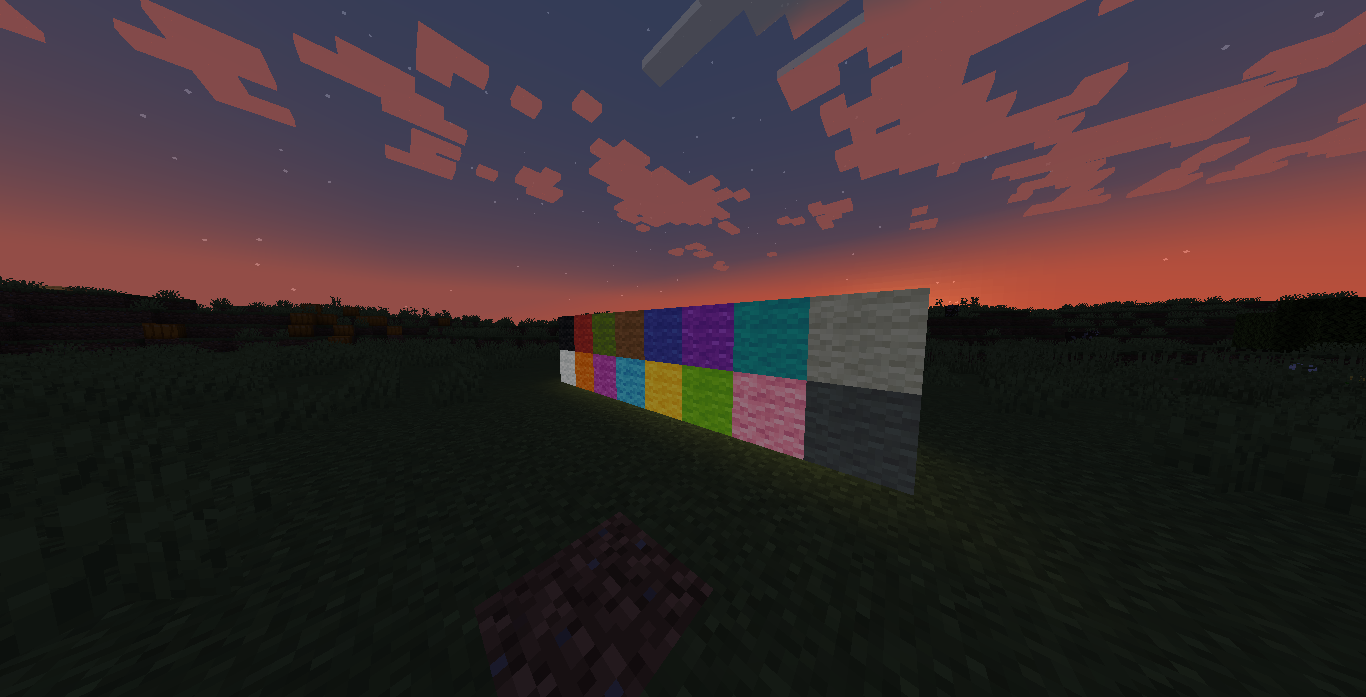
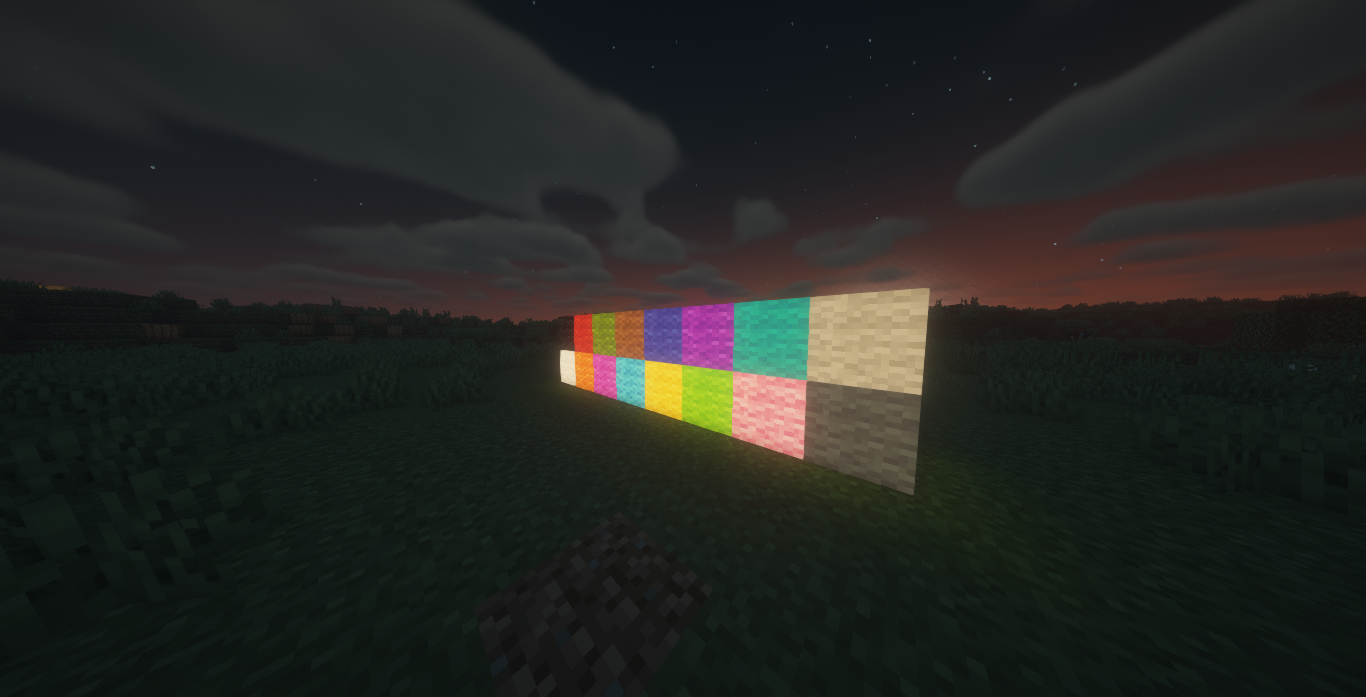
Glow Wool
Craft any wool with a Glow Ink Sac to create a glowing variant that emits a low light level and renders at full brightness.
Glow Carpets
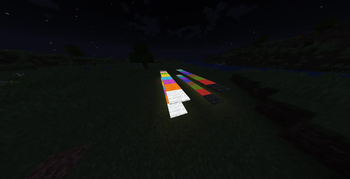
Craft any carpet with a Glow Ink Sac to create a glowing carpet variant.
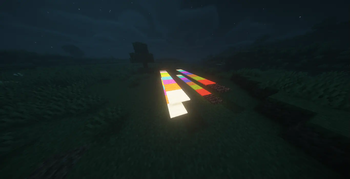
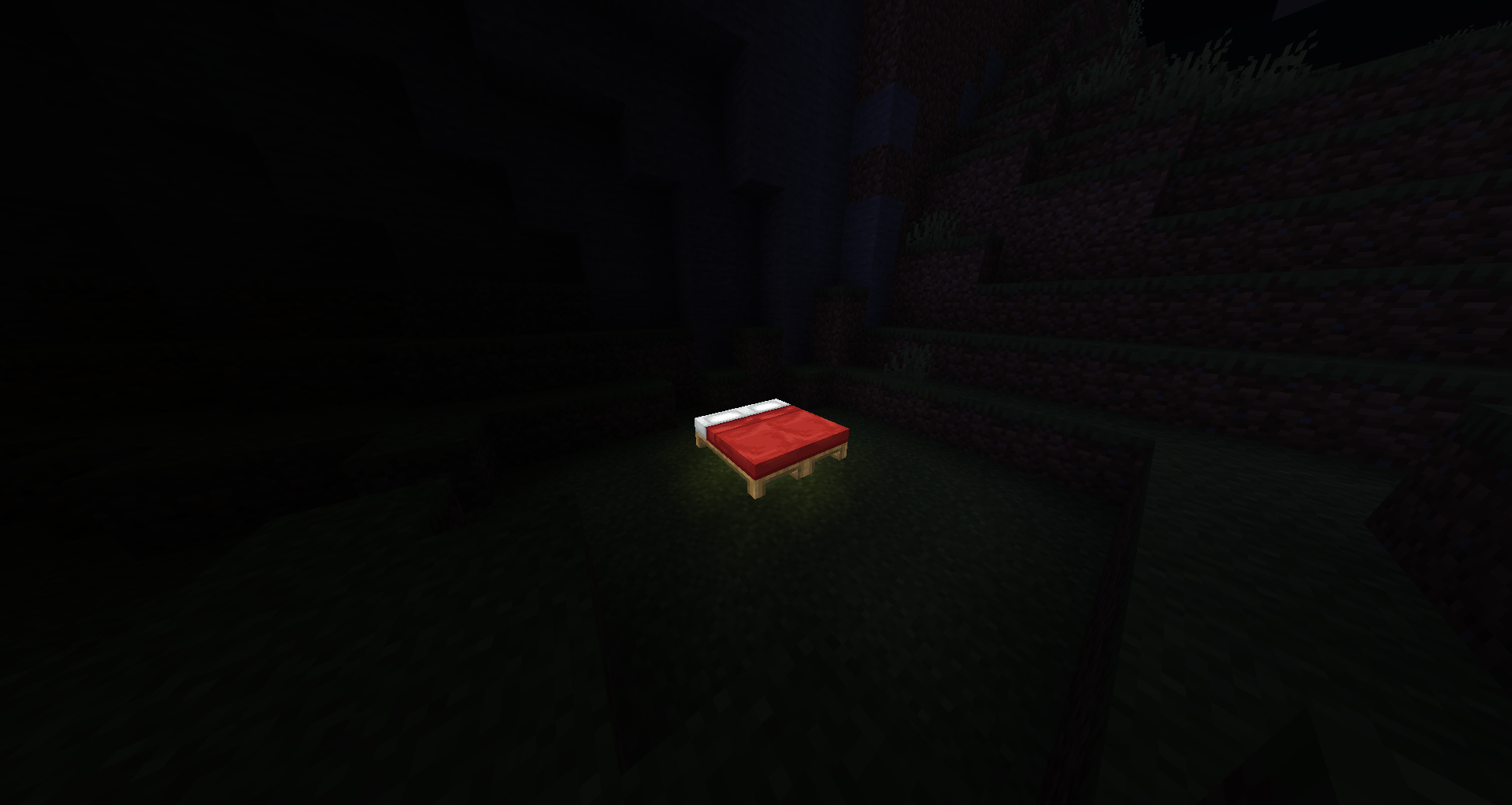
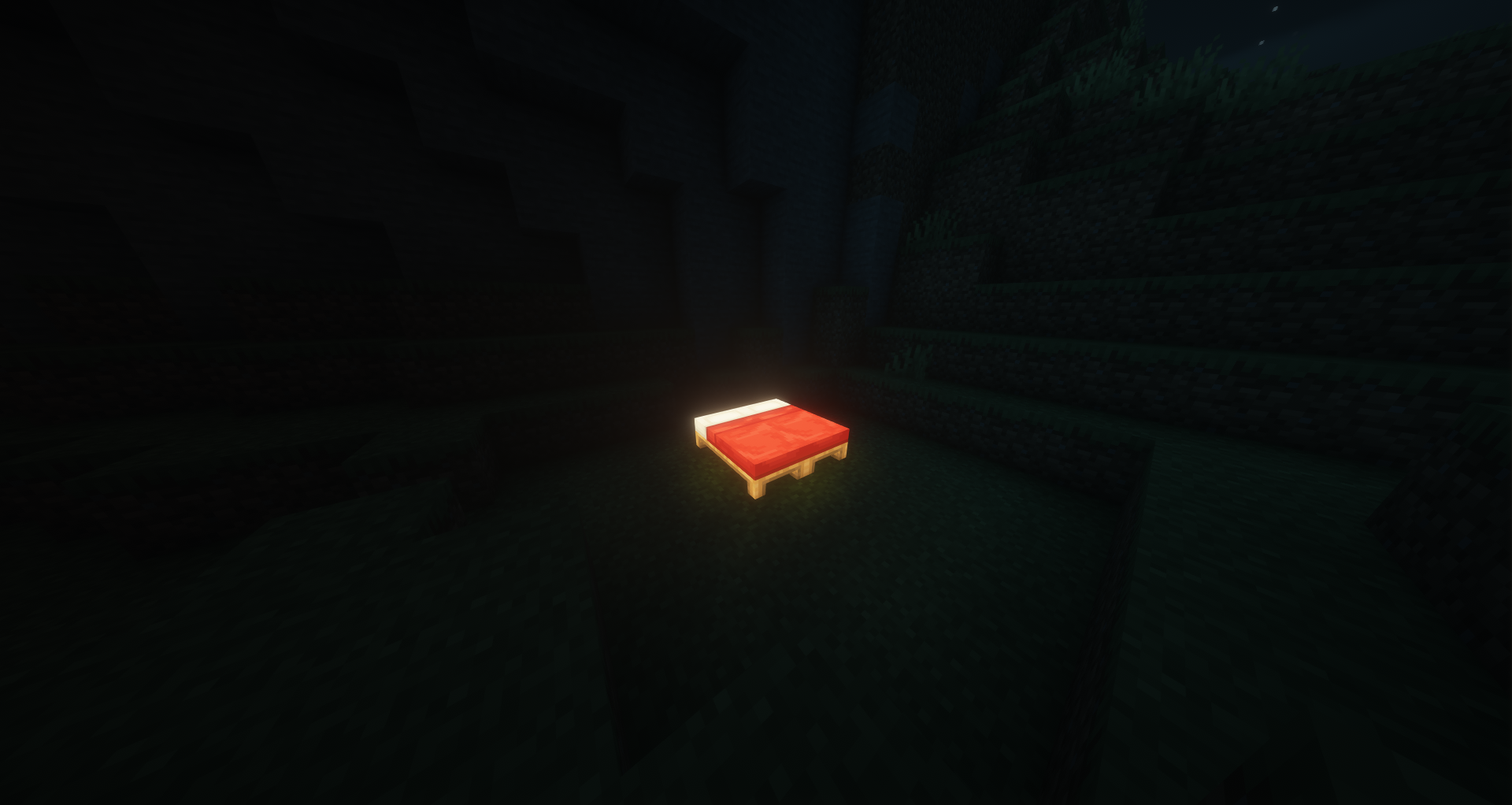
Glow Beds
Craft any bed with a Glow Ink Sac, or craft glow wool with planks, to create a glowing bed variant. Glow beds work exactly like vanilla beds (sleeping, setting spawn) with added emissive rendering.
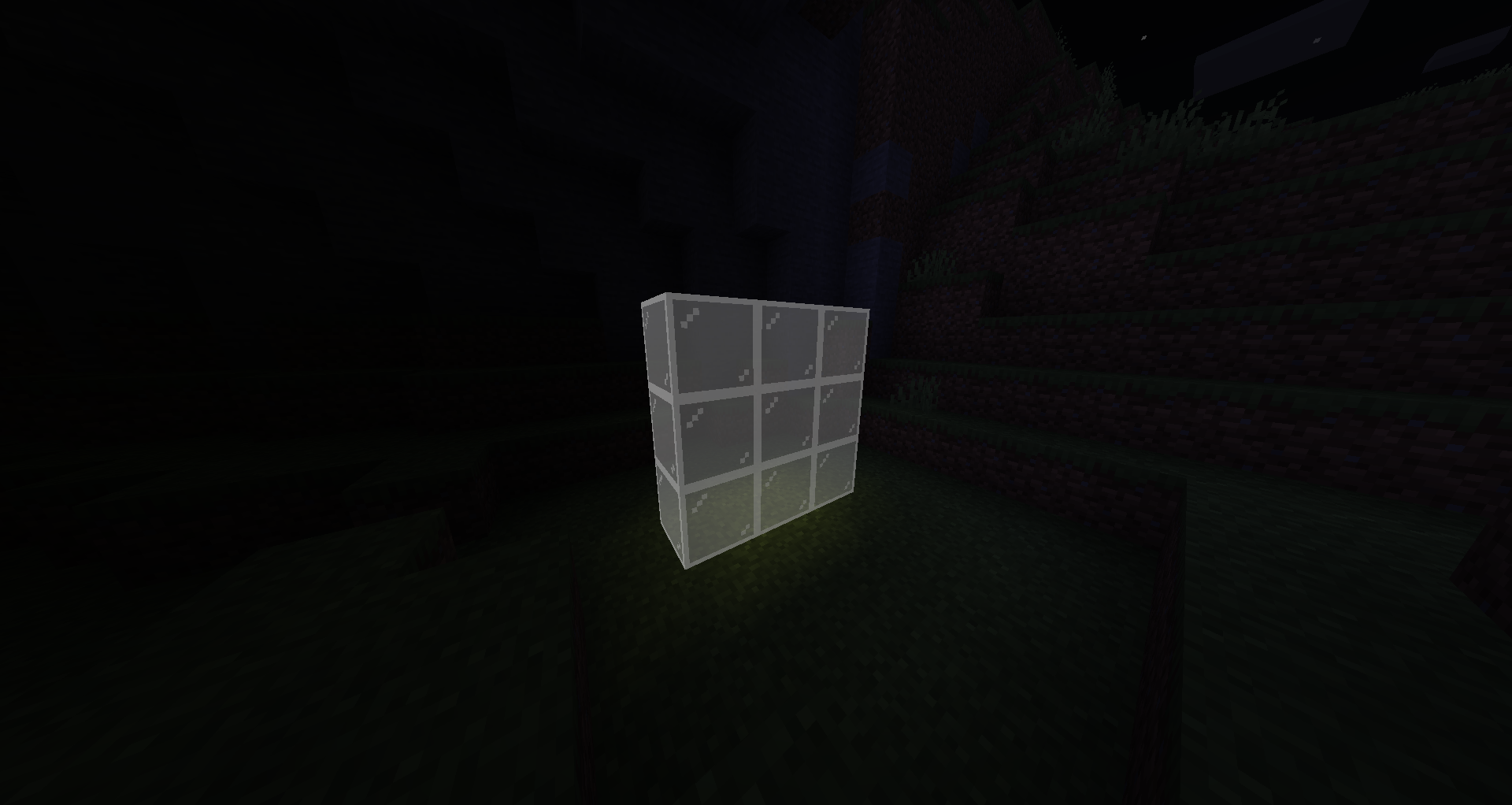
Glow Stained Glass
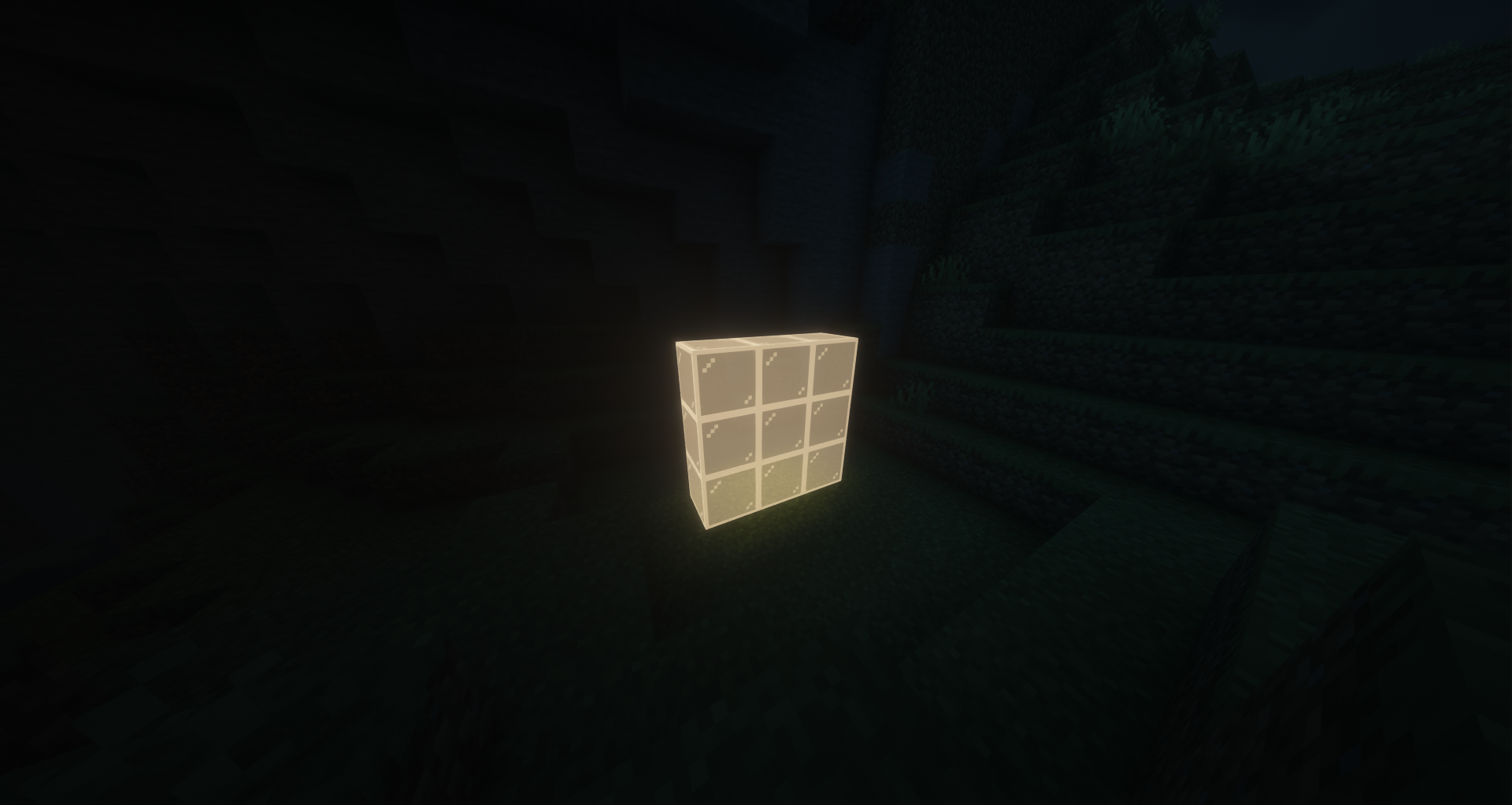
Craft 8 stained-glass with 1 Glow Ink Sac (3×3 pattern) to make 8 glowing stained-glass blocks. Fully transparent with emissive rendering, compatible with beacons.
Glow Candles
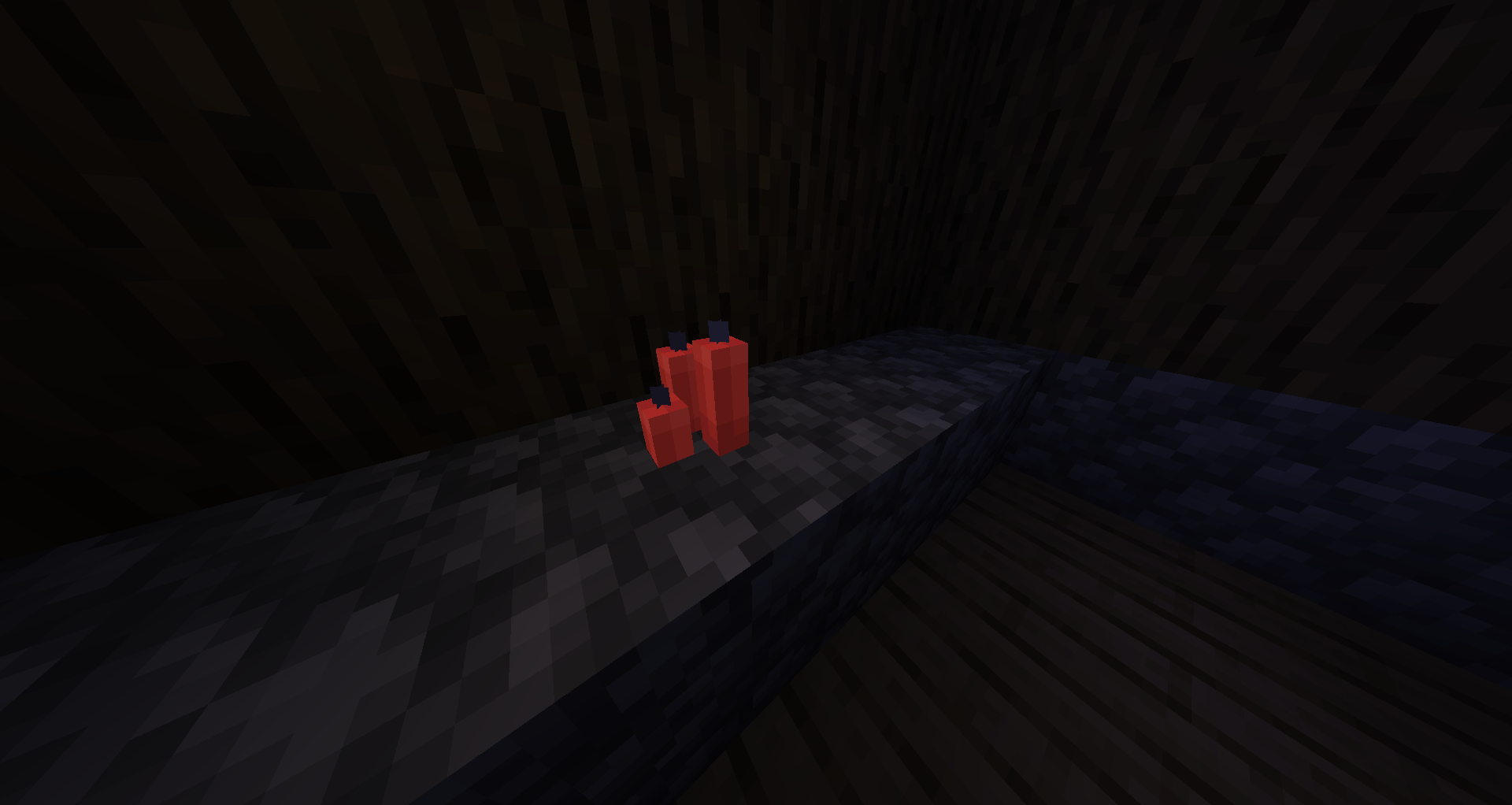
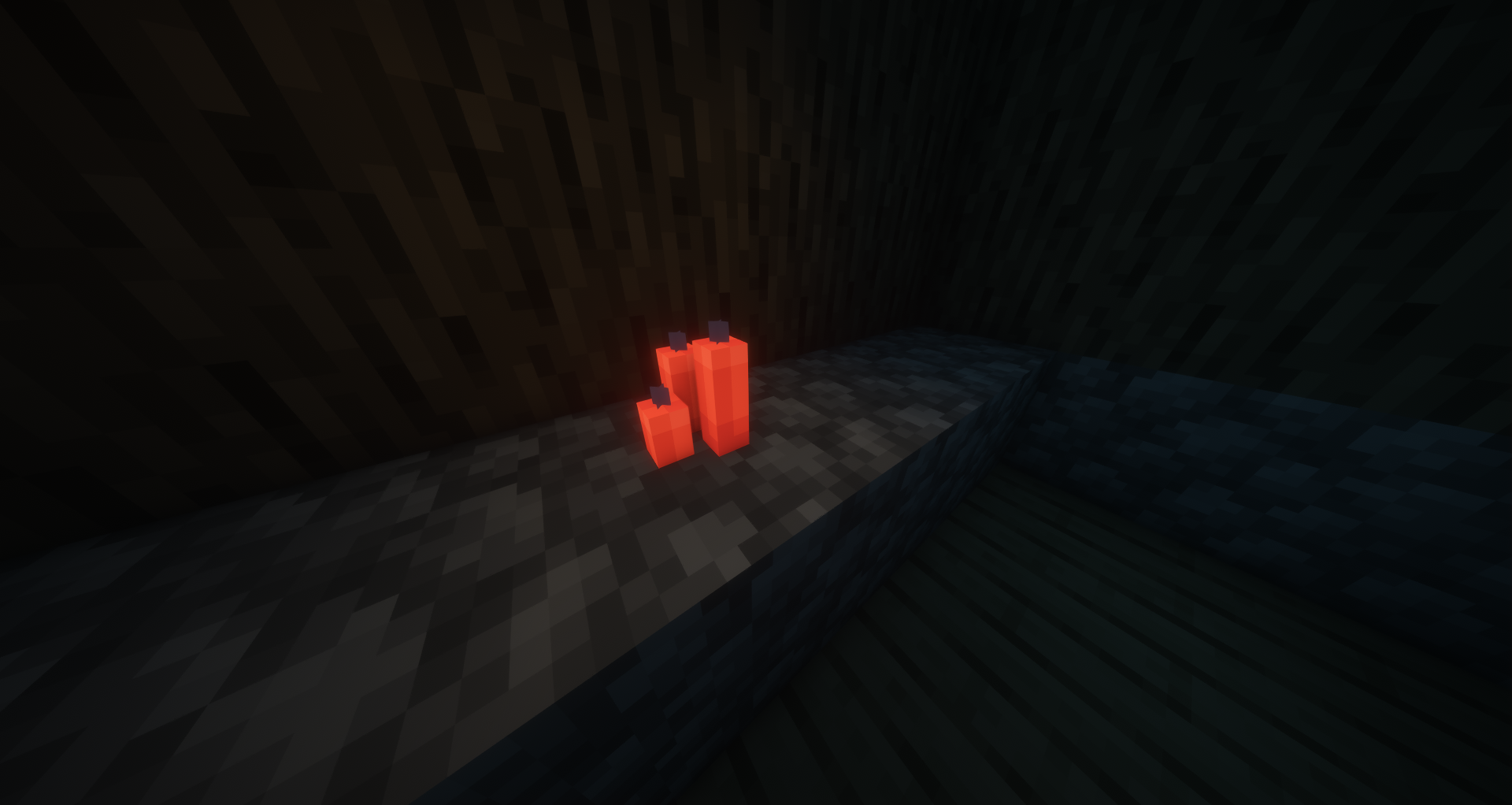
Craft any candle with a Glow Ink Sac to create a glowing candle. Place up to 4 per block and light them — the glow effect stacks with the candle's natural light.
Glow Stained Glass Panes
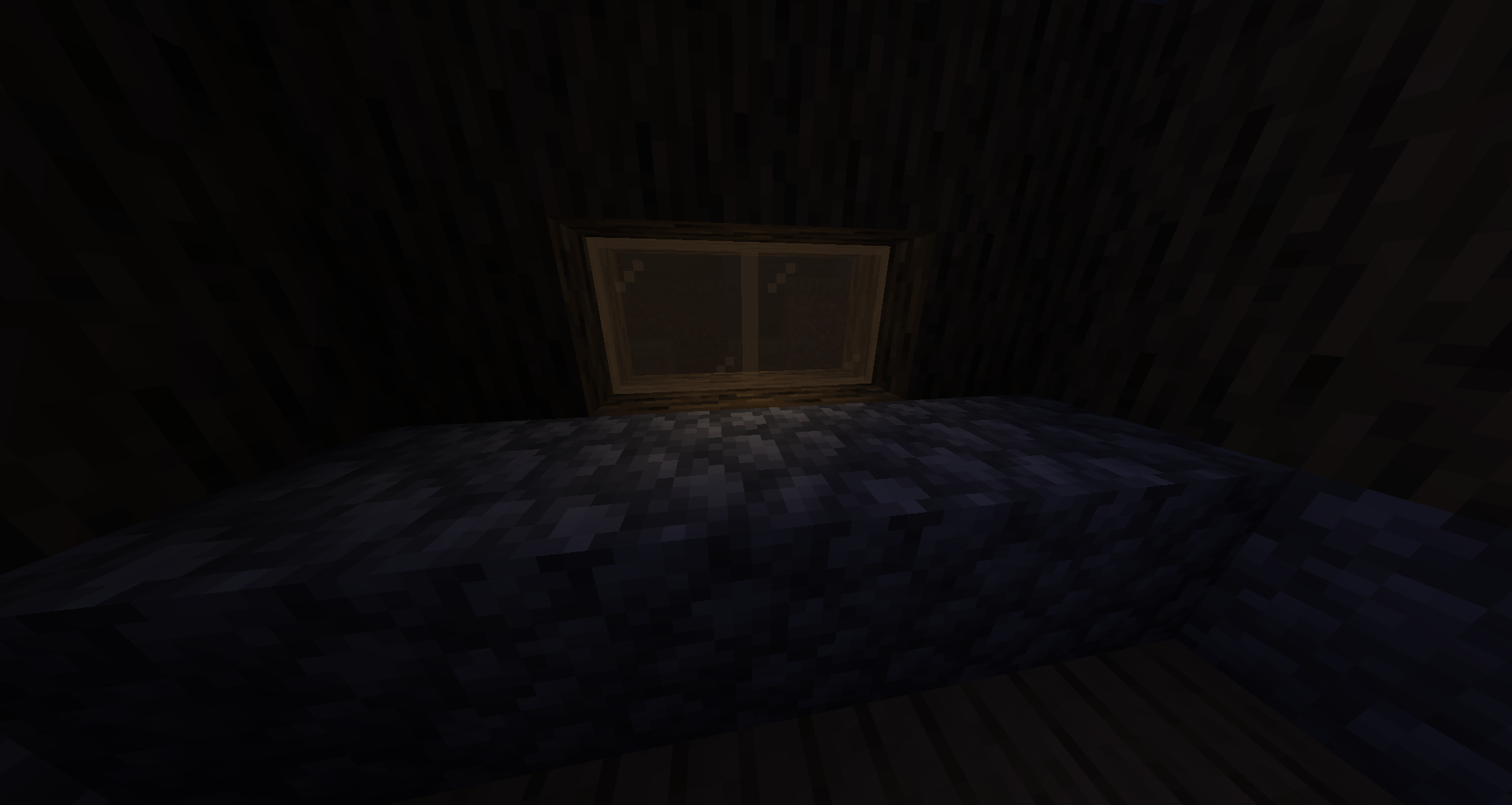
Craft 8 stained-glass panes with 1 Glow Ink Sac (3×3 pattern) for 8 glow panes, or craft 6 glow stained-glass in a 3×2 pattern for 16 glow panes. Pane connections and transparency work exactly like vanilla.
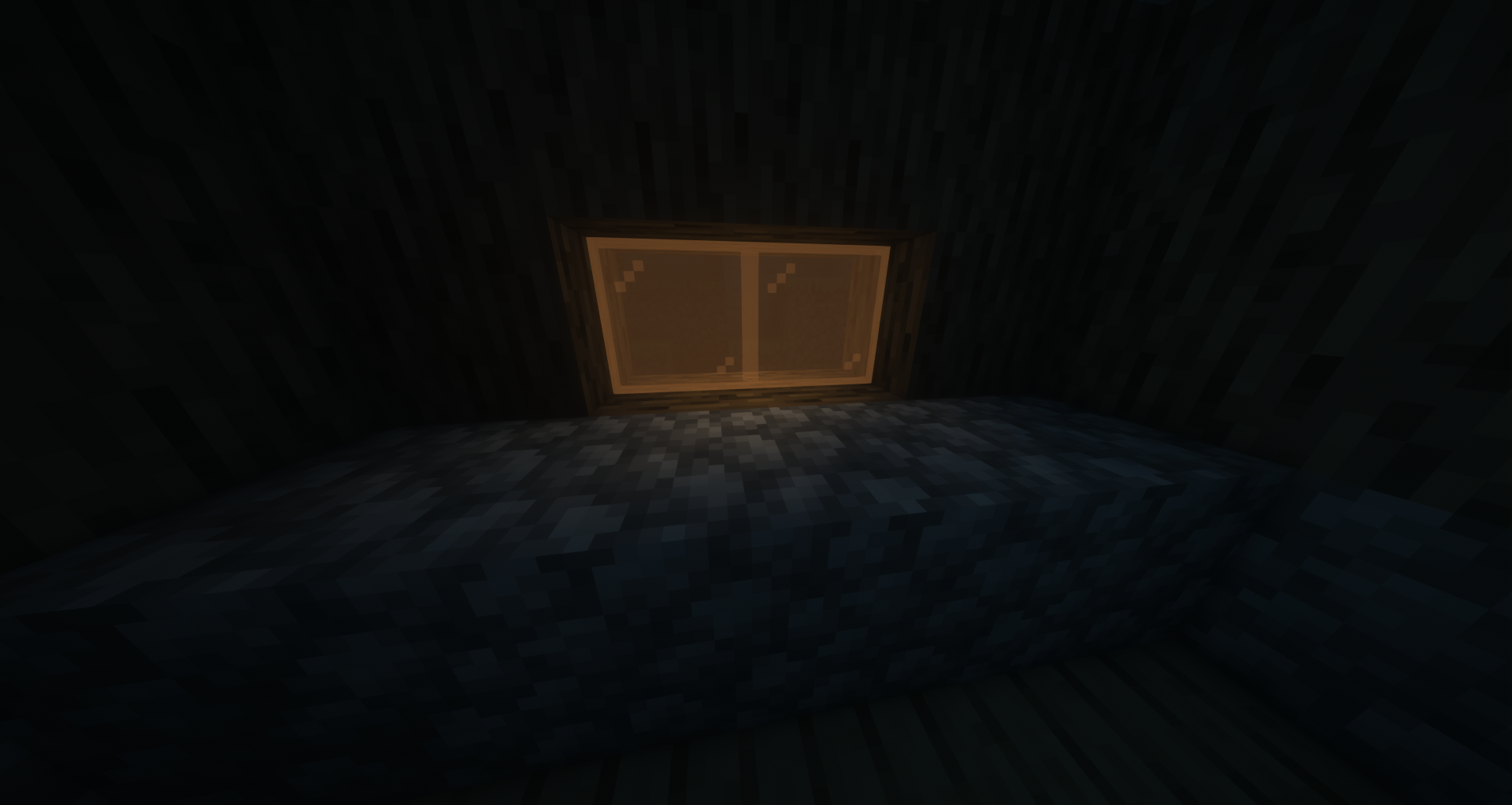
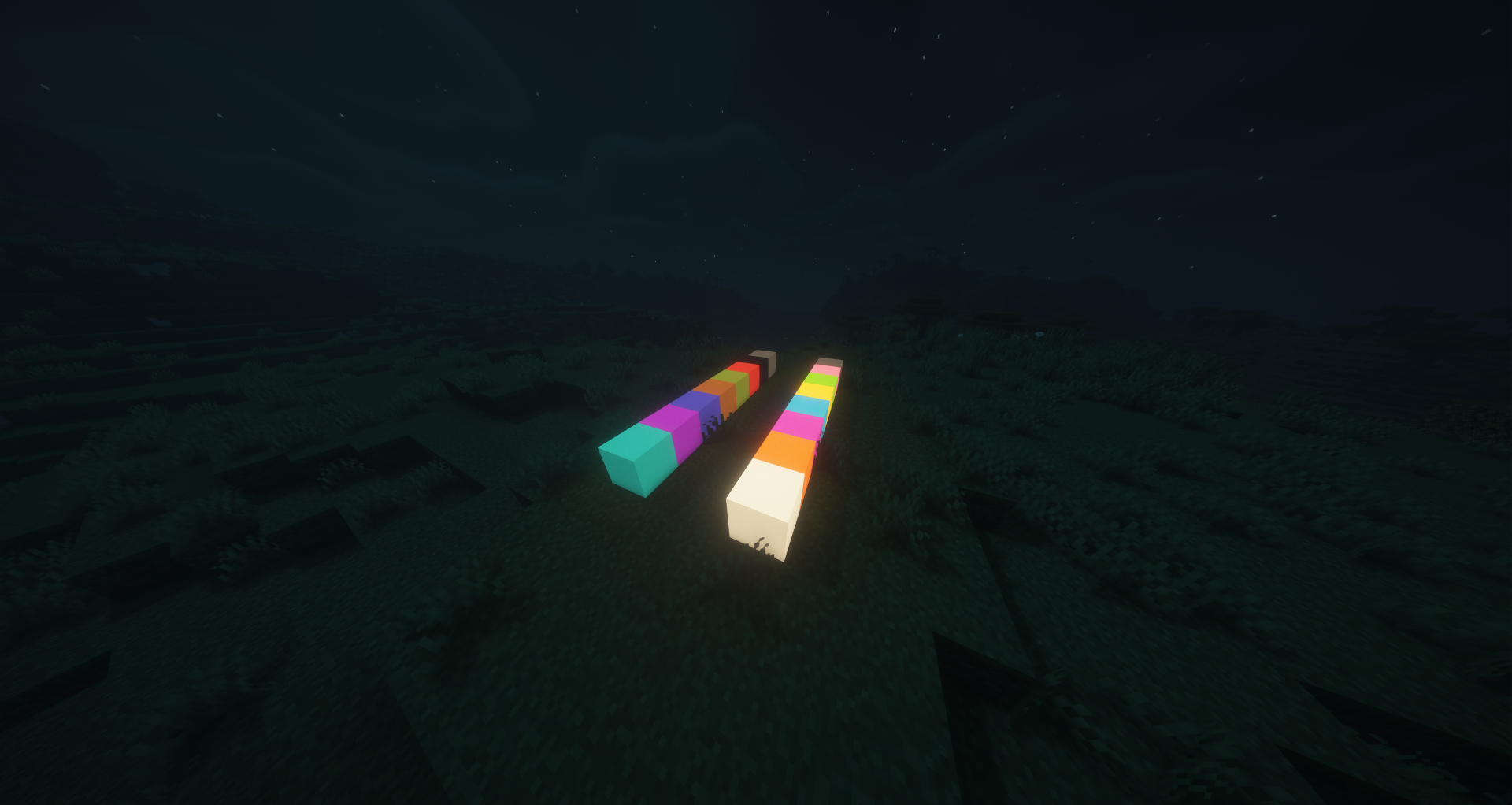
Glow Concrete
Craft any concrete block with a Glow Ink Sac to create glowing concrete. All 16 colors available.
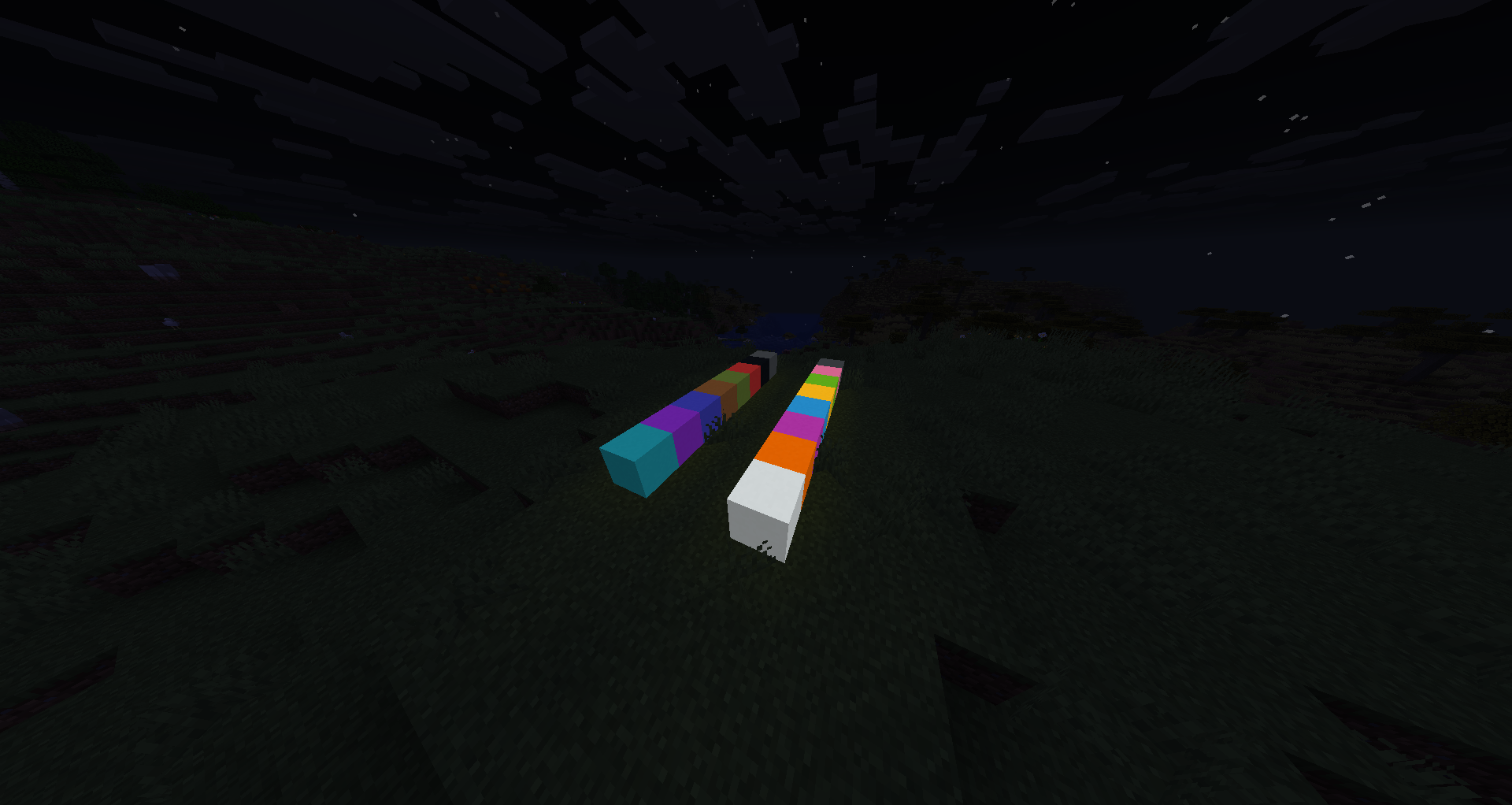
Glow Glazed Terracotta
Craft any glazed terracotta with a Glow Ink Sac to create a glowing directional variant. Rotation placement works like vanilla.
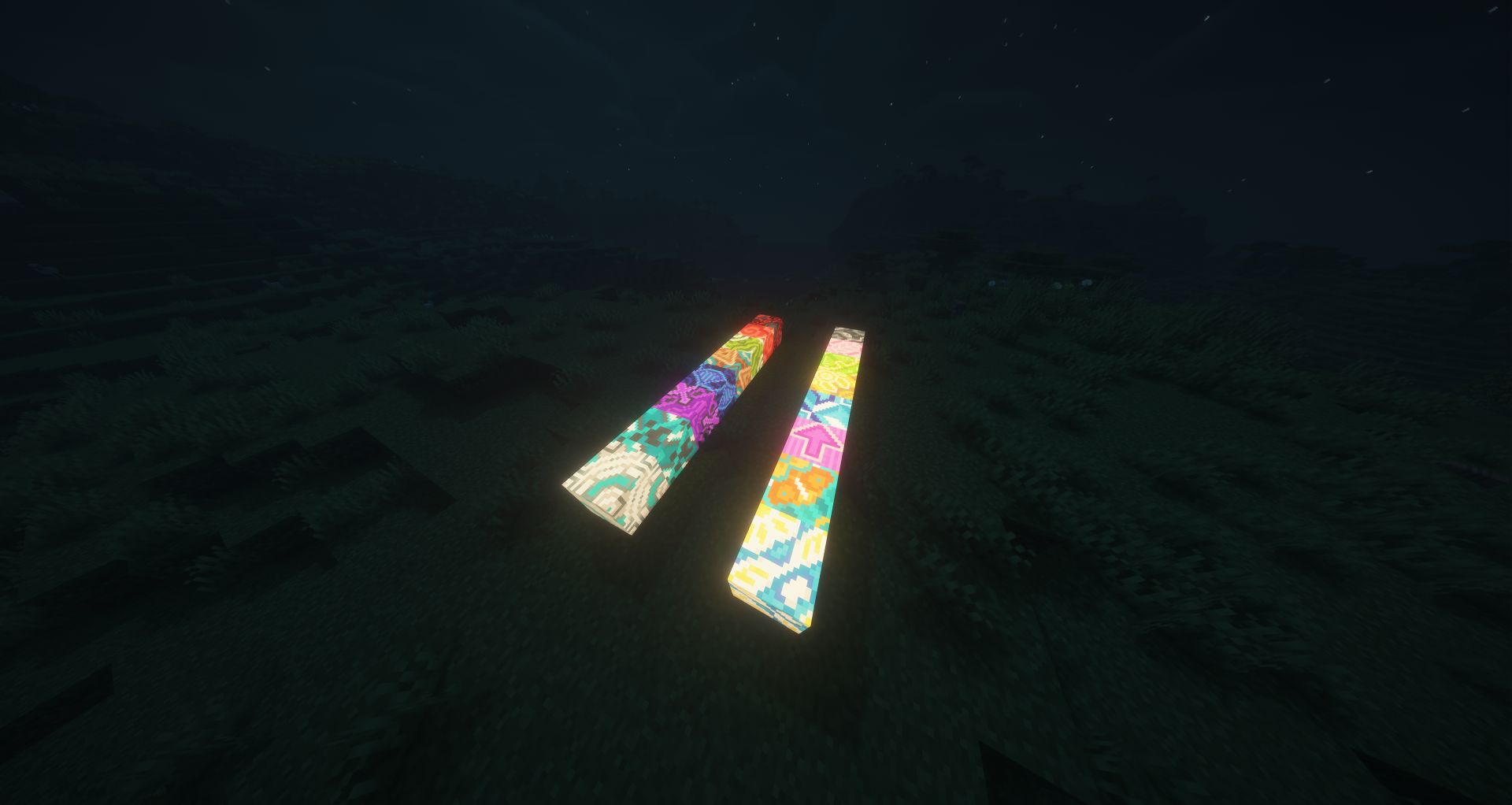
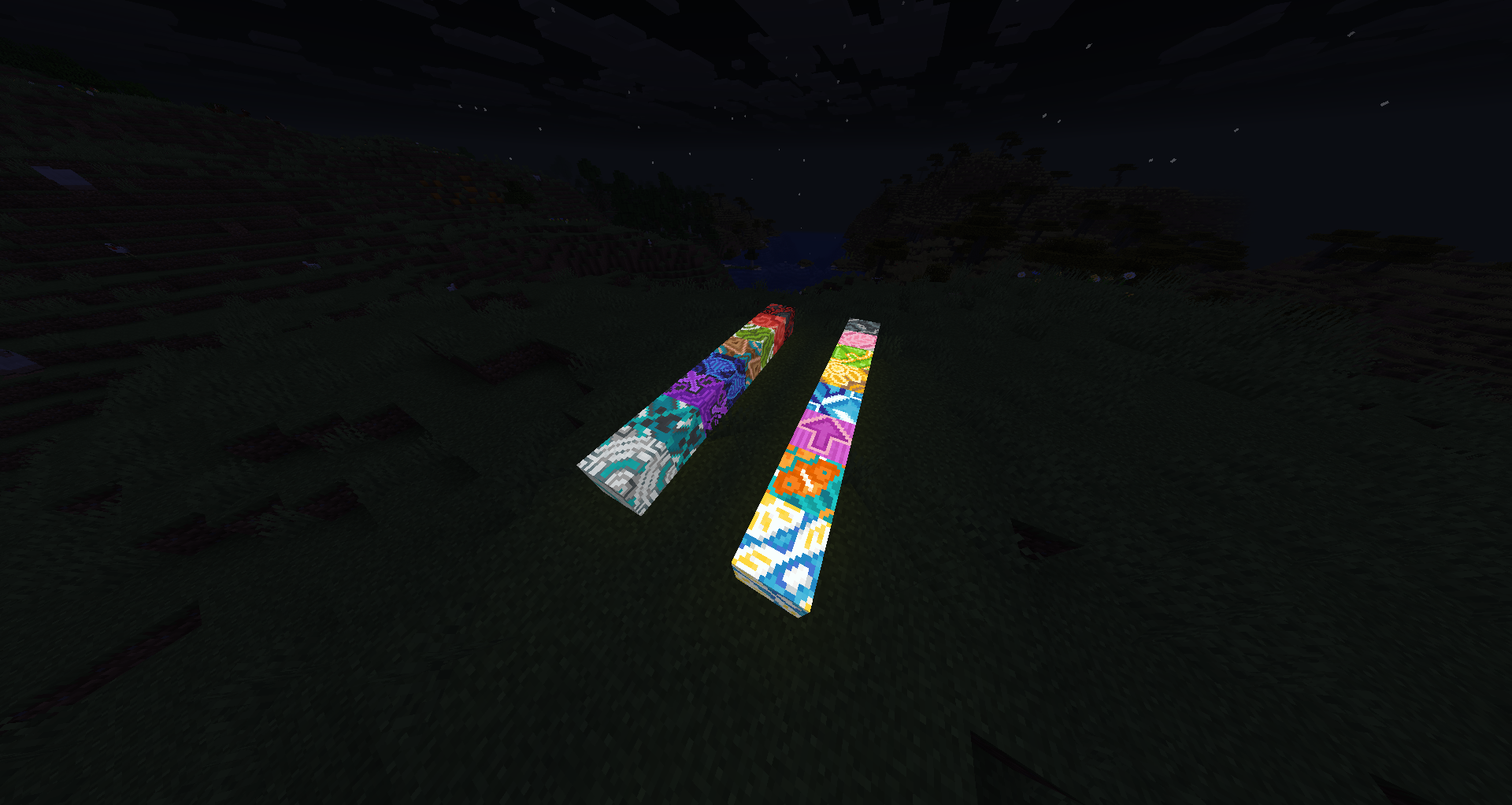
Glow Terracotta
Craft any terracotta with a Glow Ink Sac to create glowing terracotta blocks.
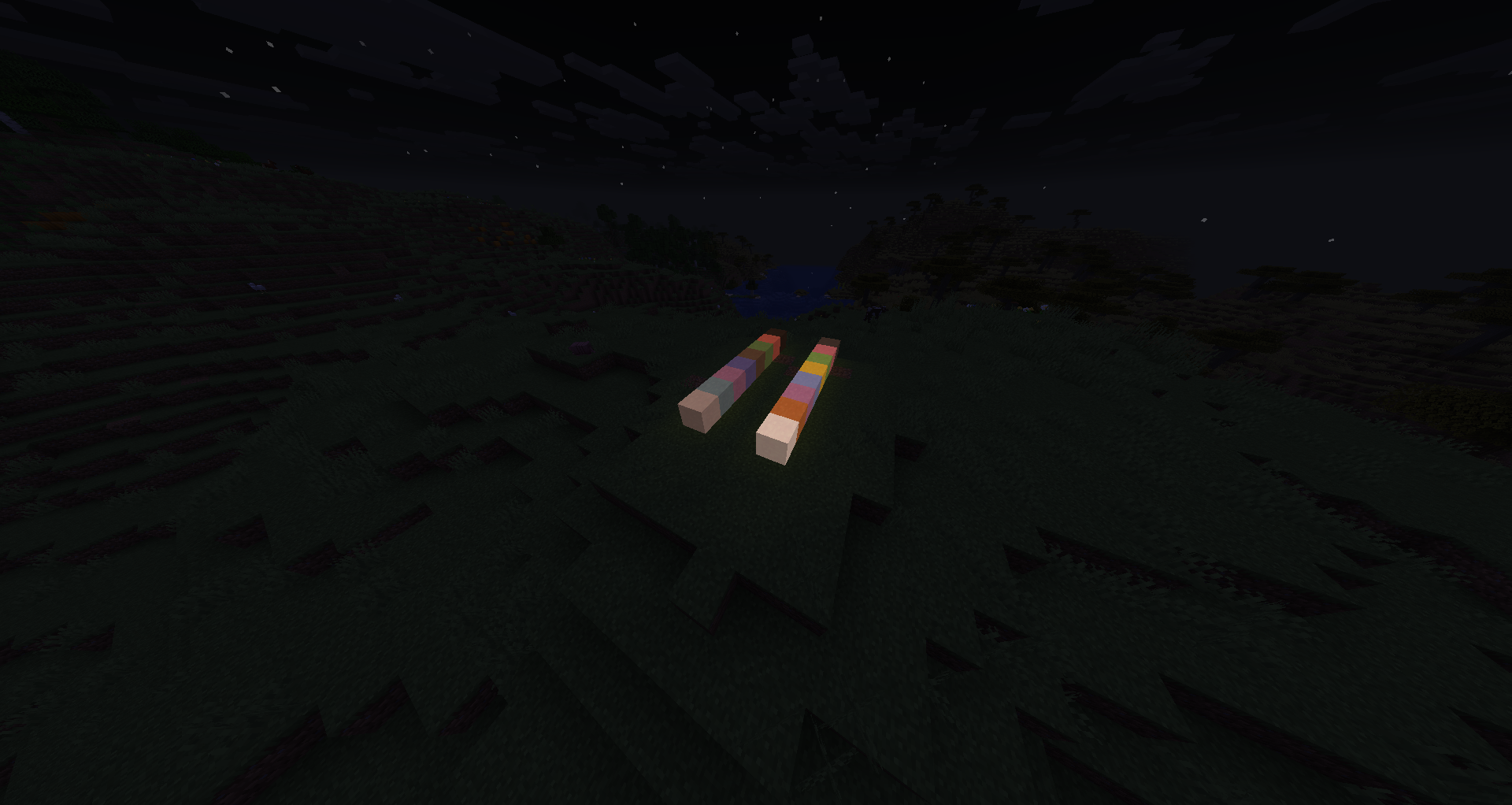
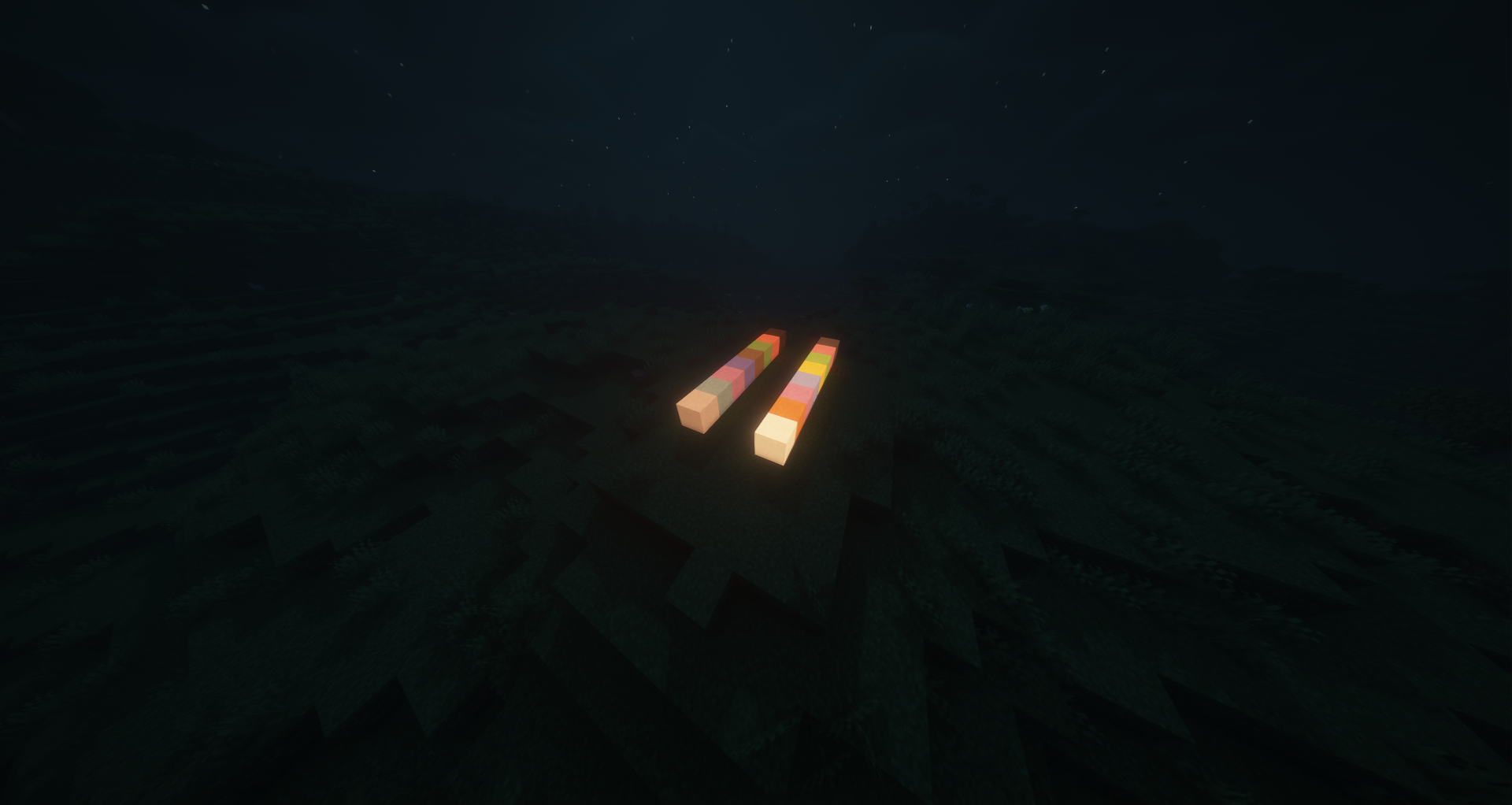
Glow Concrete Powder
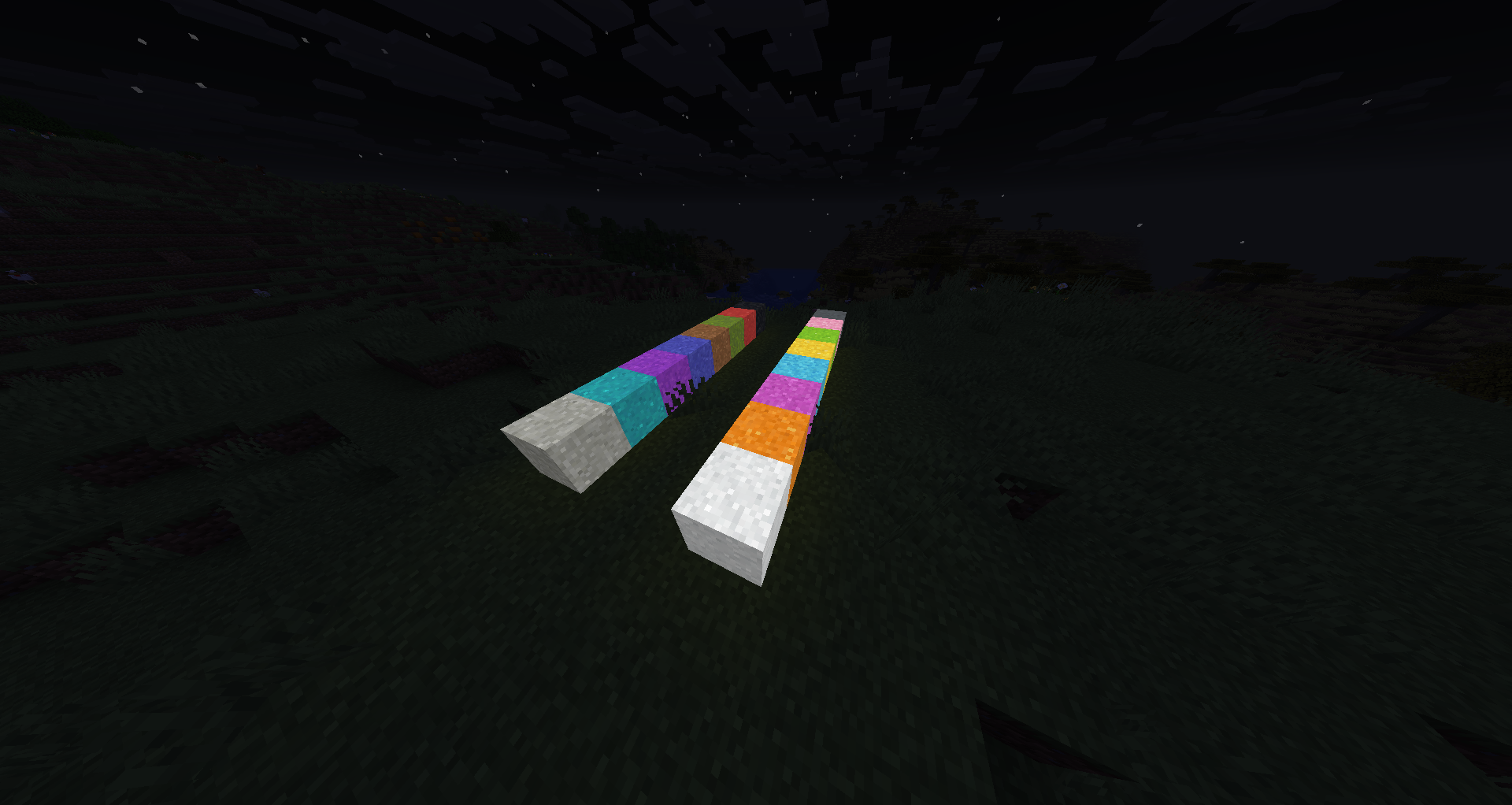
Craft any concrete powder with a Glow Ink Sac to create glowing concrete powder. Like vanilla, it falls with gravity and hardens into glowing concrete on contact with water.
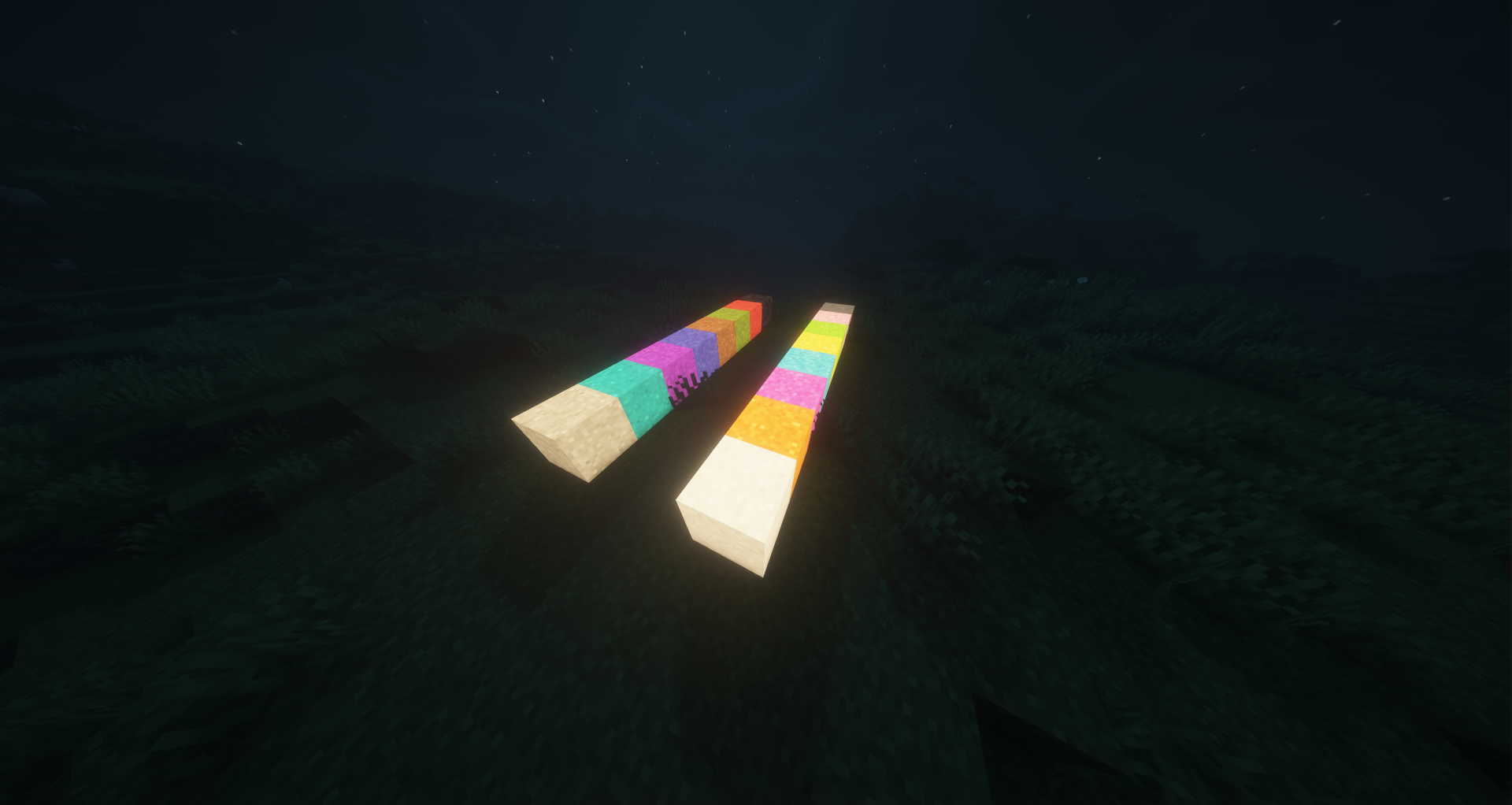
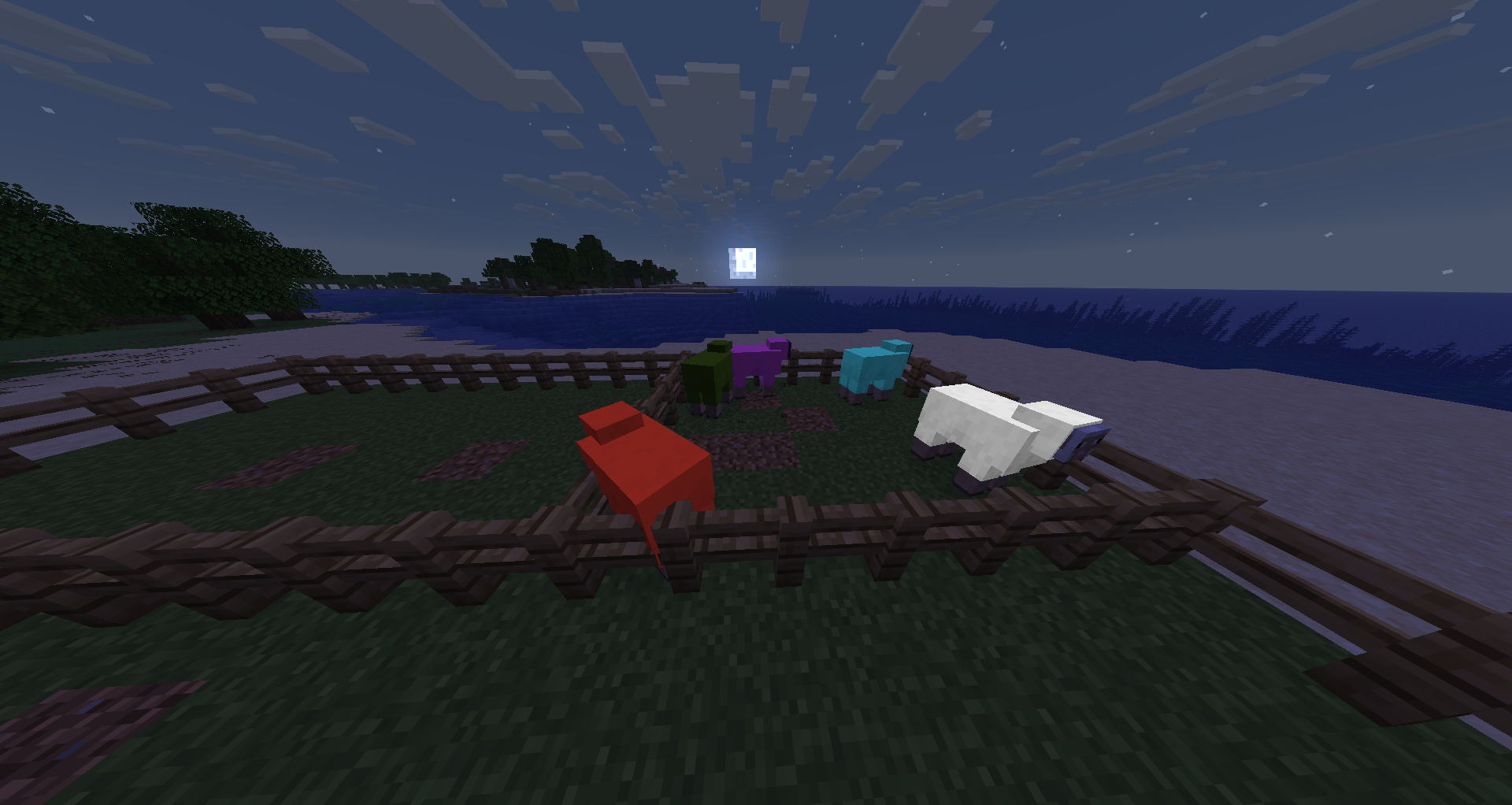
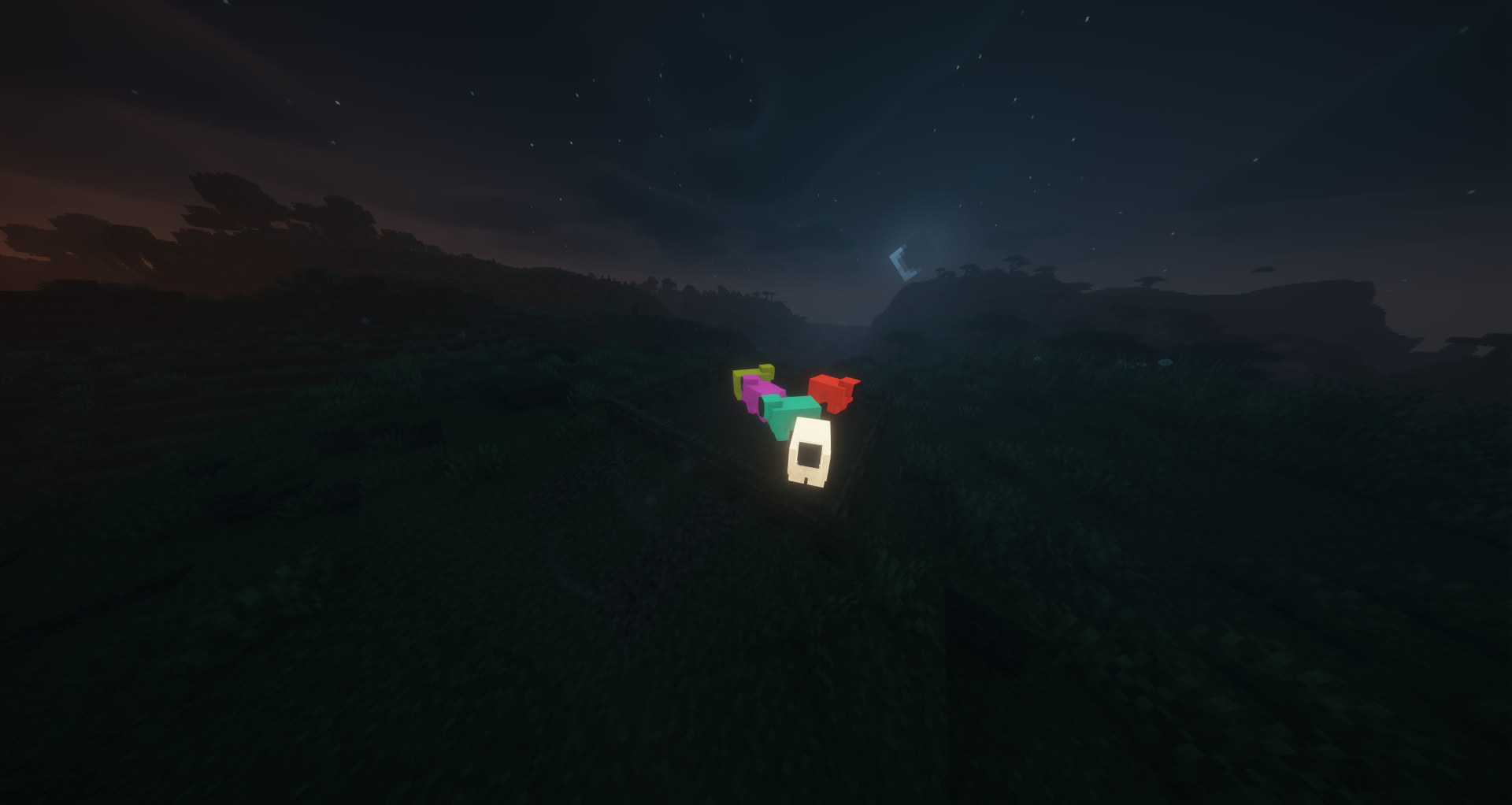
Glowing Sheep
Right-click a sheep with a Glow Ink Sac to make its wool glow. The glowing state persists and is visible to all players in multiplayer. Shearing a glowing sheep drops 1-3 Glow Wool items matching its dye color.
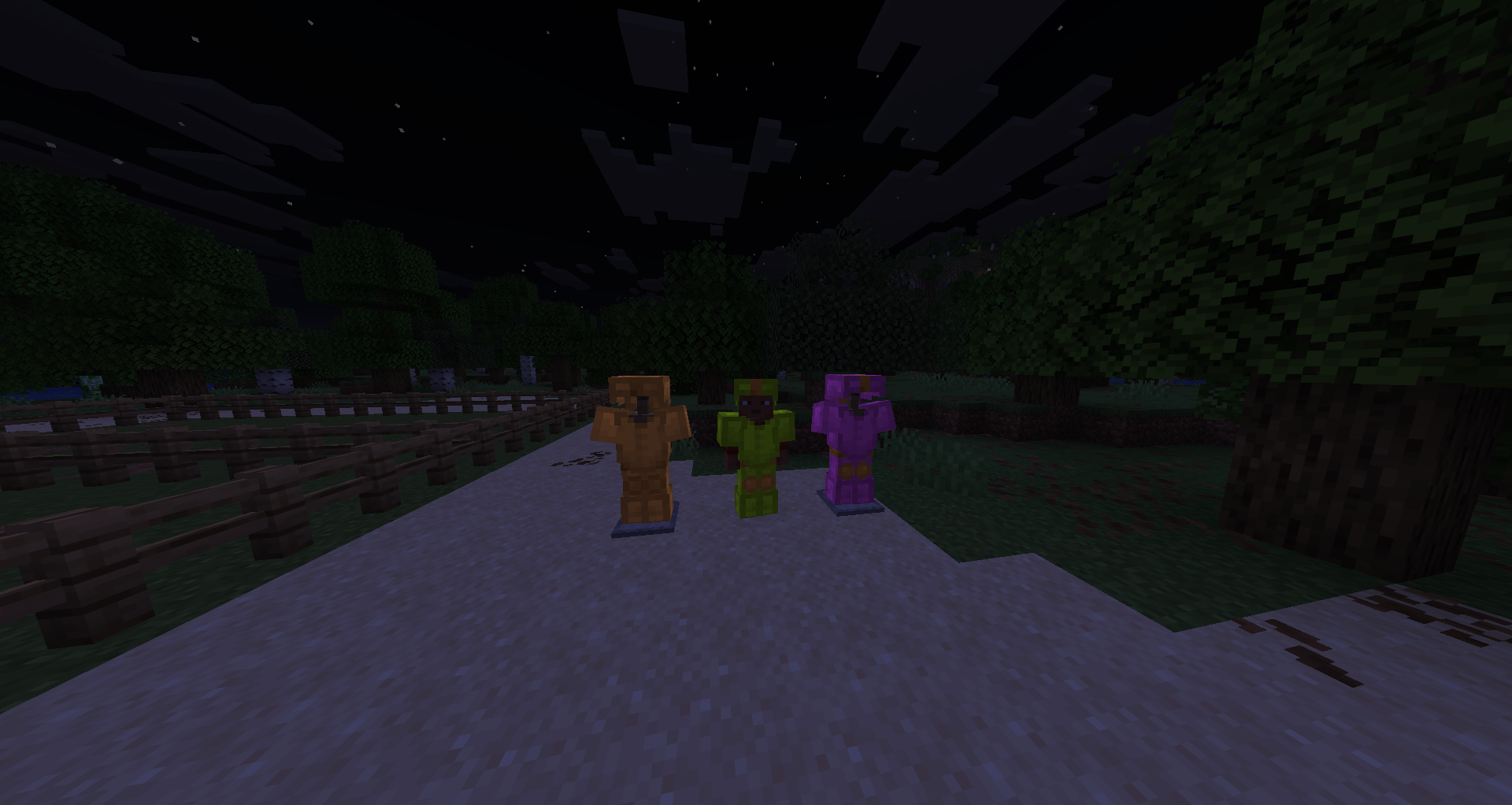
Glowing Leather Armor
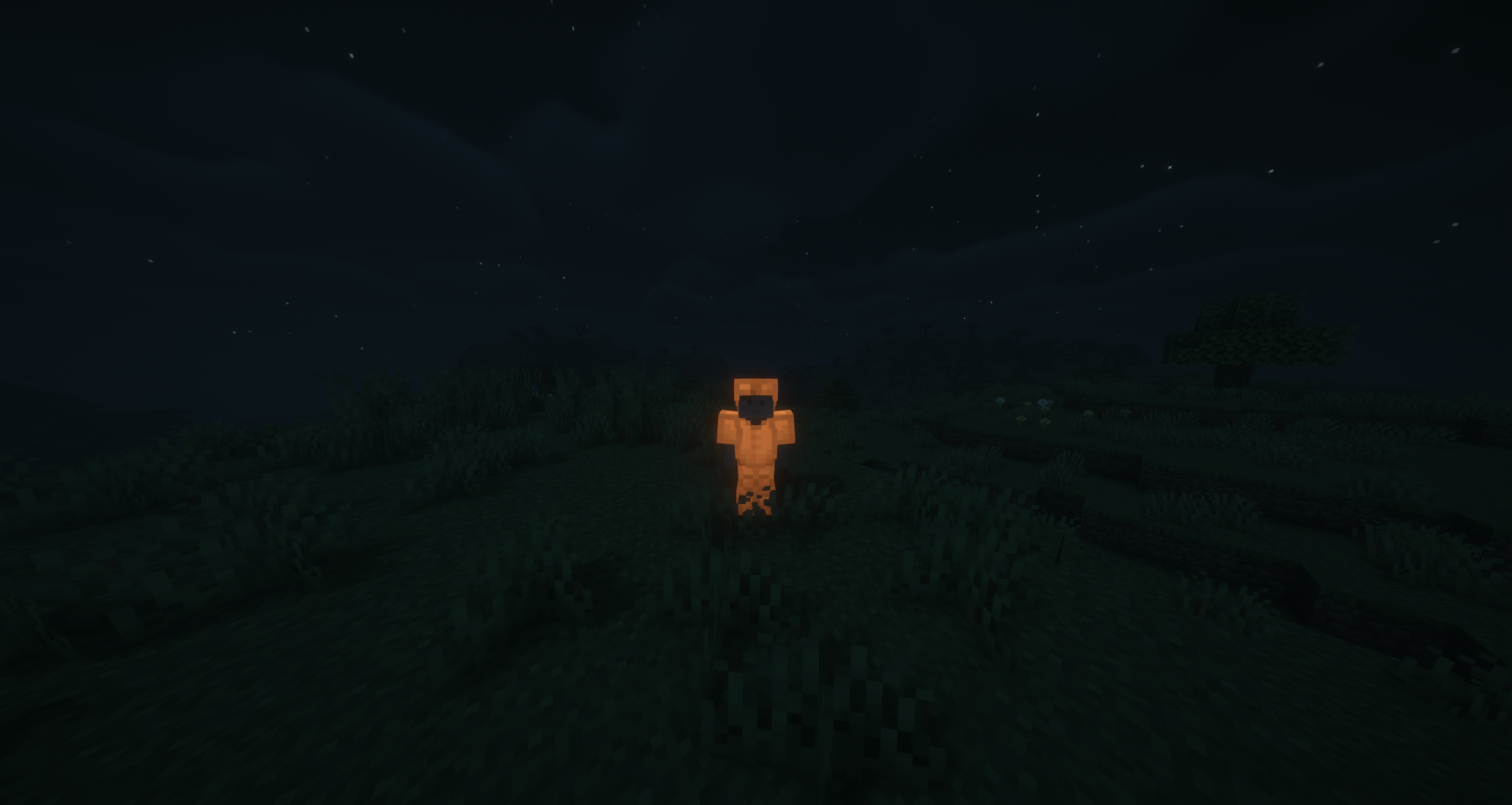
Place any leather armor piece in a Smithing Table with a Glow Ink Sac (no template needed) to make it glow at full brightness. Dyed leather armor retains its color while glowing. The effect can be washed off in a water cauldron.
Glowing Banners
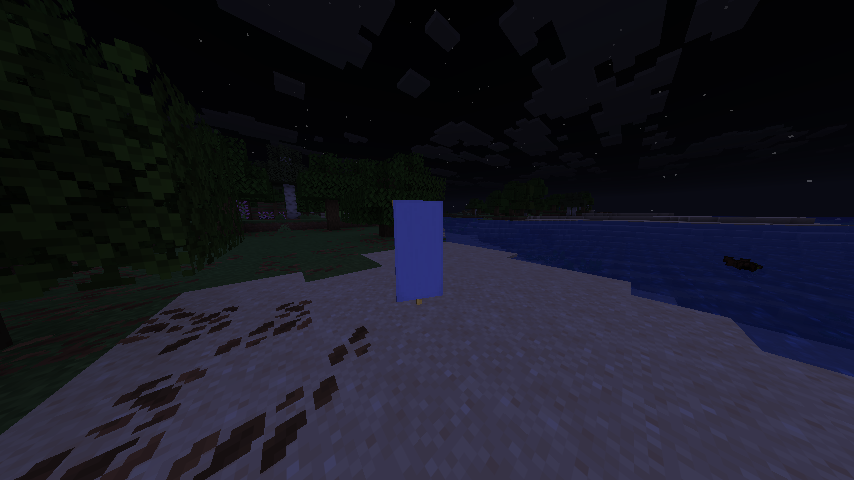
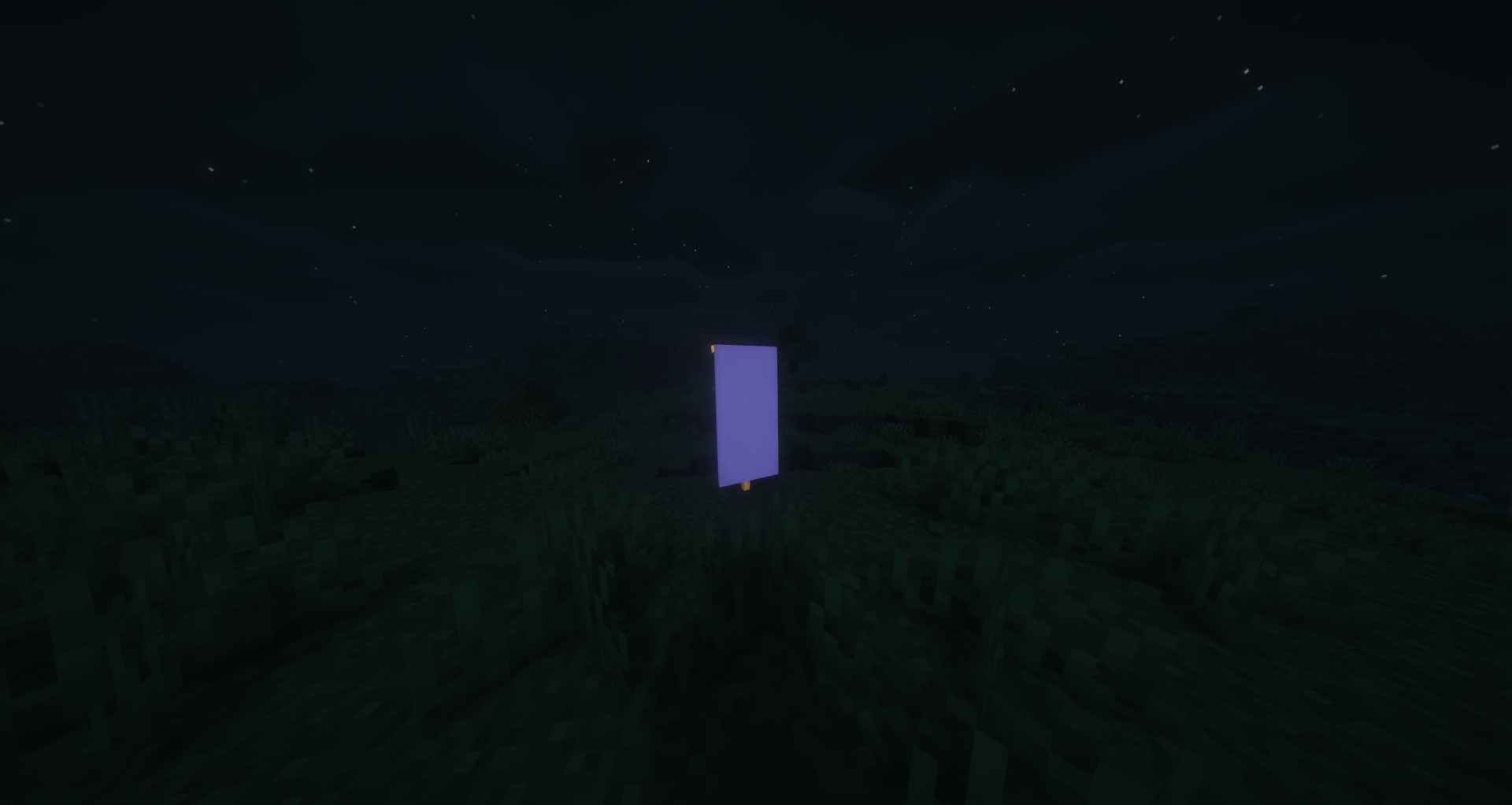
Combine any banner with a Glow Ink Sac in a Crafting Table to make it glow. All patterns, colors, and custom names are preserved. Glowing banners render at full brightness both when placed in the world and when held in hand or displayed in item frames.
Glowing Shields
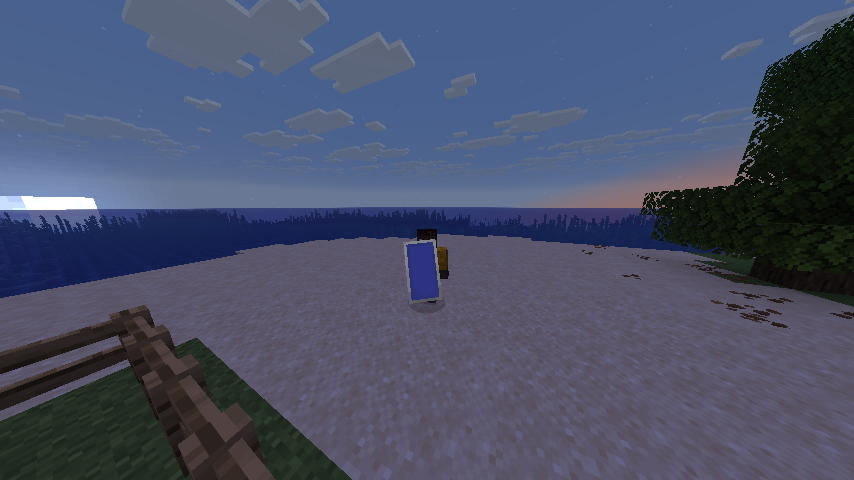
Combine a decorated shield (one with a banner pattern) with a Glow Ink Sac in a Crafting Table to make it glow. Alternatively, applying a glowing banner to a shield will automatically transfer the glow effect. Glowing shields render at full brightness when held.
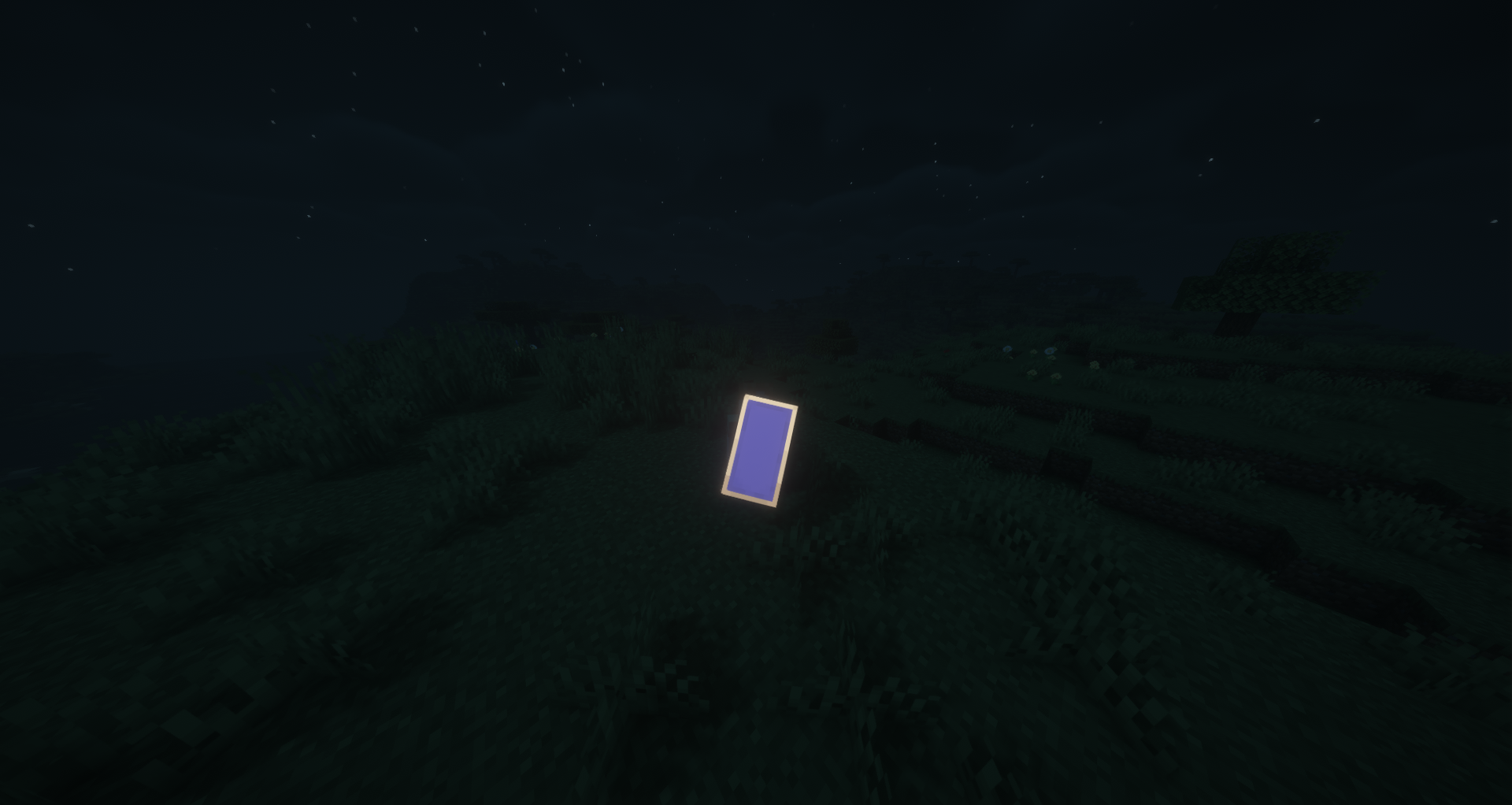
Additional Info
- All glowing items display a yellow "Glowing" tooltip
- Glowing leather armor can be washed off in a water cauldron
- All 16 dye colors are supported for wool, carpets, beds, stained-glass, candles, glass panes, concrete, glazed terracotta, terracotta, concrete powder, banners, and sheep
- Compatible with Fabric, NeoForge, and Quilt
Shader used: BSL Shaders
Some translations were generated automatically!

Ченджлог
2.1Релиз26.1, 26.1.1, 26.1.2 · 7 августа 2026 г.
Added
- Glowing beds (16 colors) — crafted with vanilla bed + glow ink sac, or glow wool + planks
- Glowing stained glass (16 colors) — crafted with 8 stained glass + glow ink sac → 8
- Glowing candles (16 colors) — crafted with candle + glow ink sac
- Glowing stained glass panes (16 colors) — crafted with 8 glass panes + glow ink sac → 8, or 6 glow stained glass → 16
- Glowing concrete (16 colors) — crafted with concrete + glow ink sac
- Glowing glazed terracotta (16 colors) — crafted with glazed terracotta + glow ink sac
- Glowing terracotta (16 colors) — crafted with terracotta + glow ink sac
- Glowing concrete powder (16 colors) — crafted with concrete powder + glow ink sac; hardens into glowing concrete on water contact
- Translations for all new blocks in 14 languages (es_es, es_mx, fr_fr, de_de, it_it, ja_jp, ko_kr, pt_br, ru_ru, tr_tr, uk_ua, zh_cn, zh_tw, en_us)
2.1Релиз26.1, 26.1.1, 26.1.2 · 7 августа 2026 г.
Added
- Glowing beds (16 colors) — crafted with vanilla bed + glow ink sac, or glow wool + planks
- Glowing stained glass (16 colors) — crafted with 8 stained glass + glow ink sac → 8
- Glowing candles (16 colors) — crafted with candle + glow ink sac
- Glowing stained glass panes (16 colors) — crafted with 8 glass panes + glow ink sac → 8, or 6 glow stained glass → 16
- Glowing concrete (16 colors) — crafted with concrete + glow ink sac
- Glowing glazed terracotta (16 colors) — crafted with glazed terracotta + glow ink sac
- Glowing terracotta (16 colors) — crafted with terracotta + glow ink sac
- Glowing concrete powder (16 colors) — crafted with concrete powder + glow ink sac; hardens into glowing concrete on water contact
- Translations for all new blocks in 14 languages (es_es, es_mx, fr_fr, de_de, it_it, ja_jp, ko_kr, pt_br, ru_ru, tr_tr, uk_ua, zh_cn, zh_tw, en_us)
2.2Релиз26.2 · 7 августа 2026 г.
Added
- Glowing beds (16 colors) — crafted with vanilla bed + glow ink sac, or glow wool + planks
- Glowing stained glass (16 colors) — crafted with 8 stained glass + glow ink sac → 8
- Glowing candles (16 colors) — crafted with candle + glow ink sac
- Glowing stained glass panes (16 colors) — crafted with 8 glass panes + glow ink sac → 8, or 6 glow stained glass → 16
- Glowing concrete (16 colors) — crafted with concrete + glow ink sac
- Glowing glazed terracotta (16 colors) — crafted with glazed terracotta + glow ink sac
- Glowing terracotta (16 colors) — crafted with terracotta + glow ink sac
- Glowing concrete powder (16 colors) — crafted with concrete powder + glow ink sac; hardens into glowing concrete on water contact
- Translations for all new blocks in 14 languages (es_es, es_mx, fr_fr, de_de, it_it, ja_jp, ko_kr, pt_br, ru_ru, tr_tr, uk_ua, zh_cn, zh_tw, en_us)
2.2Релиз26.2 · 7 августа 2026 г.
Added
- Glowing beds (16 colors) — crafted with vanilla bed + glow ink sac, or glow wool + planks
- Glowing stained glass (16 colors) — crafted with 8 stained glass + glow ink sac → 8
- Glowing candles (16 colors) — crafted with candle + glow ink sac
- Glowing stained glass panes (16 colors) — crafted with 8 glass panes + glow ink sac → 8, or 6 glow stained glass → 16
- Glowing concrete (16 colors) — crafted with concrete + glow ink sac
- Glowing glazed terracotta (16 colors) — crafted with glazed terracotta + glow ink sac
- Glowing terracotta (16 colors) — crafted with terracotta + glow ink sac
- Glowing concrete powder (16 colors) — crafted with concrete powder + glow ink sac; hardens into glowing concrete on water contact
- Translations for all new blocks in 14 languages (es_es, es_mx, fr_fr, de_de, it_it, ja_jp, ko_kr, pt_br, ru_ru, tr_tr, uk_ua, zh_cn, zh_tw, en_us)
2.1Релиз26.2 · 21 июня 2026 г.
Glowing Sheep
- Right-click interaction: Using a Glow Ink Sac on a sheep makes its wool glow. The sheep must not be sheared and must not already be glowing.
- Emissive wool rendering: A glowing sheep's wool renders at full brightness (light level
0xF000F0), making it visibly luminous regardless of ambient lighting. - Glow wool drops: Shearing a glowing sheep drops 1-3 Glow Wool items matching the sheep's dye color, instead of the normal wool drop. All 16 dye colors are supported.
- Persistent state: The glowing state is saved and loaded with the entity's data (NBT field
GlowingWool), so it survives world reloads and chunk unloads. - Network synchronization: The glowing state is synced between server and client via
SynchedEntityData, so all players see the glow in multiplayer.
Glowing Leather Armor
- Smithing recipe (no template): Place any leather armor piece (helmet, chestplate, leggings, or boots) in the
smithing table with a Glow Ink Sac as the addition — no template slot needed. The output is the same armor piece with
the
GLOWINGdata component attached. - Emissive armor rendering: Leather armor with the
GLOWINGcomponent renders at full brightness on the player model, making the armor visually luminous in dark environments. - Component system: Introduced a custom
DataComponentType<Unit>calledGLOWINGthat can be attached to any item. This is the backbone for all glowing item features. - Cauldron washing: Right-clicking a water cauldron while holding a glowing item (armor, banner, or shield) removes
the
GLOWINGcomponent, consuming one water level from the cauldron. This follows the same interaction pattern as washing dyed leather armor in vanilla.
Glowing Tooltip
- Universal "Glowing" indicator: Any item that has the
GLOWINGdata component displays a yellow "Glowing" text line in its tooltip (below the item name). This applies to armor, banners, shields, and any future items that receive the component.
Glowing Banners
- Crafting recipe (shapeless): Combine any banner (all 16 colors) with a Glow Ink Sac in a crafting table to produce a glowing version of that banner. All patterns, custom names, and color data are preserved on the result.
- Emissive placed banner rendering: When a glowing banner is placed in the world as a block (standing or wall-mounted), it renders at full brightness. The glow state is stored in the block entity's component map and persists through placement, breaking, and pick-block.
- Emissive item rendering: Glowing banners held in hand, displayed in item frames, or shown in the inventory render at full brightness.
- Already-glowing rejection: Banners that already have the
GLOWINGcomponent cannot be re-crafted with another Glow Ink Sac (the recipe won't match).
Glowing Shields
- Crafting recipe (shapeless): Combine a shield that already has a banner pattern applied (via the vanilla shield decoration recipe) with a Glow Ink Sac in a crafting table to make the shield glow.
- Glow transfer from banner: When combining a glowing banner with a shield using the vanilla shield decoration
recipe (shapeless: banner + shield), the resulting decorated shield automatically inherits the
GLOWINGcomponent from the banner. - Emissive shield rendering: A shield with the
GLOWINGcomponent renders at full brightness when held in hand ( both blocking and idle positions), including its banner pattern layer.
Localization
- Updated all 14 language files (en_us, es_es, es_mx, de_de, fr_fr, it_it, ja_jp, ko_kr, pt_br, ru_ru, tr_tr, uk_ua,
zh_cn, zh_tw) with the
"Glowing"tooltip translation key.
2.1Релиз26.2 · 21 июня 2026 г.
Glowing Sheep
- Right-click interaction: Using a Glow Ink Sac on a sheep makes its wool glow. The sheep must not be sheared and must not already be glowing.
- Emissive wool rendering: A glowing sheep's wool renders at full brightness (light level
0xF000F0), making it visibly luminous regardless of ambient lighting. - Glow wool drops: Shearing a glowing sheep drops 1-3 Glow Wool items matching the sheep's dye color, instead of the normal wool drop. All 16 dye colors are supported.
- Persistent state: The glowing state is saved and loaded with the entity's data (NBT field
GlowingWool), so it survives world reloads and chunk unloads. - Network synchronization: The glowing state is synced between server and client via
SynchedEntityData, so all players see the glow in multiplayer.
Glowing Leather Armor
- Smithing recipe (no template): Place any leather armor piece (helmet, chestplate, leggings, or boots) in the
smithing table with a Glow Ink Sac as the addition — no template slot needed. The output is the same armor piece with
the
GLOWINGdata component attached. - Emissive armor rendering: Leather armor with the
GLOWINGcomponent renders at full brightness on the player model, making the armor visually luminous in dark environments. - Component system: Introduced a custom
DataComponentType<Unit>calledGLOWINGthat can be attached to any item. This is the backbone for all glowing item features. - Cauldron washing: Right-clicking a water cauldron while holding a glowing item (armor, banner, or shield) removes
the
GLOWINGcomponent, consuming one water level from the cauldron. This follows the same interaction pattern as washing dyed leather armor in vanilla.
Glowing Tooltip
- Universal "Glowing" indicator: Any item that has the
GLOWINGdata component displays a yellow "Glowing" text line in its tooltip (below the item name). This applies to armor, banners, shields, and any future items that receive the component.
Glowing Banners
- Crafting recipe (shapeless): Combine any banner (all 16 colors) with a Glow Ink Sac in a crafting table to produce a glowing version of that banner. All patterns, custom names, and color data are preserved on the result.
- Emissive placed banner rendering: When a glowing banner is placed in the world as a block (standing or wall-mounted), it renders at full brightness. The glow state is stored in the block entity's component map and persists through placement, breaking, and pick-block.
- Emissive item rendering: Glowing banners held in hand, displayed in item frames, or shown in the inventory render at full brightness.
- Already-glowing rejection: Banners that already have the
GLOWINGcomponent cannot be re-crafted with another Glow Ink Sac (the recipe won't match).
Glowing Shields
- Crafting recipe (shapeless): Combine a shield that already has a banner pattern applied (via the vanilla shield decoration recipe) with a Glow Ink Sac in a crafting table to make the shield glow.
- Glow transfer from banner: When combining a glowing banner with a shield using the vanilla shield decoration
recipe (shapeless: banner + shield), the resulting decorated shield automatically inherits the
GLOWINGcomponent from the banner. - Emissive shield rendering: A shield with the
GLOWINGcomponent renders at full brightness when held in hand ( both blocking and idle positions), including its banner pattern layer.
Localization
- Updated all 14 language files (en_us, es_es, es_mx, de_de, fr_fr, it_it, ja_jp, ko_kr, pt_br, ru_ru, tr_tr, uk_ua,
zh_cn, zh_tw) with the
"Glowing"tooltip translation key.
2.0Релиз26.1, 26.1.1, 26.1.2 · 21 июня 2026 г.
Glowing Sheep
- Right-click interaction: Using a Glow Ink Sac on a sheep makes its wool glow. The sheep must not be sheared and must not already be glowing.
- Emissive wool rendering: A glowing sheep's wool renders at full brightness (light level
0xF000F0), making it visibly luminous regardless of ambient lighting. - Glow wool drops: Shearing a glowing sheep drops 1-3 Glow Wool items matching the sheep's dye color, instead of the normal wool drop. All 16 dye colors are supported.
- Persistent state: The glowing state is saved and loaded with the entity's data (NBT field
GlowingWool), so it survives world reloads and chunk unloads. - Network synchronization: The glowing state is synced between server and client via
SynchedEntityData, so all players see the glow in multiplayer.
Glowing Leather Armor
- Smithing recipe (no template): Place any leather armor piece (helmet, chestplate, leggings, or boots) in the
smithing table with a Glow Ink Sac as the addition — no template slot needed. The output is the same armor piece with
the
GLOWINGdata component attached. - Emissive armor rendering: Leather armor with the
GLOWINGcomponent renders at full brightness on the player model, making the armor visually luminous in dark environments. - Component system: Introduced a custom
DataComponentType<Unit>calledGLOWINGthat can be attached to any item. This is the backbone for all glowing item features. - Cauldron washing: Right-clicking a water cauldron while holding a glowing item (armor, banner, or shield) removes
the
GLOWINGcomponent, consuming one water level from the cauldron. This follows the same interaction pattern as washing dyed leather armor in vanilla.
Glowing Tooltip
- Universal "Glowing" indicator: Any item that has the
GLOWINGdata component displays a yellow "Glowing" text line in its tooltip (below the item name). This applies to armor, banners, shields, and any future items that receive the component.
Glowing Banners
- Crafting recipe (shapeless): Combine any banner (all 16 colors) with a Glow Ink Sac in a crafting table to produce a glowing version of that banner. All patterns, custom names, and color data are preserved on the result.
- Emissive placed banner rendering: When a glowing banner is placed in the world as a block (standing or wall-mounted), it renders at full brightness. The glow state is stored in the block entity's component map and persists through placement, breaking, and pick-block.
- Emissive item rendering: Glowing banners held in hand, displayed in item frames, or shown in the inventory render at full brightness.
- Already-glowing rejection: Banners that already have the
GLOWINGcomponent cannot be re-crafted with another Glow Ink Sac (the recipe won't match).
Glowing Shields
- Crafting recipe (shapeless): Combine a shield that already has a banner pattern applied (via the vanilla shield decoration recipe) with a Glow Ink Sac in a crafting table to make the shield glow.
- Glow transfer from banner: When combining a glowing banner with a shield using the vanilla shield decoration
recipe (shapeless: banner + shield), the resulting decorated shield automatically inherits the
GLOWINGcomponent from the banner. - Emissive shield rendering: A shield with the
GLOWINGcomponent renders at full brightness when held in hand ( both blocking and idle positions), including its banner pattern layer.
Localization
- Updated all 14 language files (en_us, es_es, es_mx, de_de, fr_fr, it_it, ja_jp, ko_kr, pt_br, ru_ru, tr_tr, uk_ua,
zh_cn, zh_tw) with the
"Glowing"tooltip translation key.
2.0Релиз26.1, 26.1.1, 26.1.2 · 21 июня 2026 г.
Glowing Sheep
- Right-click interaction: Using a Glow Ink Sac on a sheep makes its wool glow. The sheep must not be sheared and must not already be glowing.
- Emissive wool rendering: A glowing sheep's wool renders at full brightness (light level
0xF000F0), making it visibly luminous regardless of ambient lighting. - Glow wool drops: Shearing a glowing sheep drops 1-3 Glow Wool items matching the sheep's dye color, instead of the normal wool drop. All 16 dye colors are supported.
- Persistent state: The glowing state is saved and loaded with the entity's data (NBT field
GlowingWool), so it survives world reloads and chunk unloads. - Network synchronization: The glowing state is synced between server and client via
SynchedEntityData, so all players see the glow in multiplayer.
Glowing Leather Armor
- Smithing recipe (no template): Place any leather armor piece (helmet, chestplate, leggings, or boots) in the
smithing table with a Glow Ink Sac as the addition — no template slot needed. The output is the same armor piece with
the
GLOWINGdata component attached. - Emissive armor rendering: Leather armor with the
GLOWINGcomponent renders at full brightness on the player model, making the armor visually luminous in dark environments. - Component system: Introduced a custom
DataComponentType<Unit>calledGLOWINGthat can be attached to any item. This is the backbone for all glowing item features. - Cauldron washing: Right-clicking a water cauldron while holding a glowing item (armor, banner, or shield) removes
the
GLOWINGcomponent, consuming one water level from the cauldron. This follows the same interaction pattern as washing dyed leather armor in vanilla.
Glowing Tooltip
- Universal "Glowing" indicator: Any item that has the
GLOWINGdata component displays a yellow "Glowing" text line in its tooltip (below the item name). This applies to armor, banners, shields, and any future items that receive the component.
Glowing Banners
- Crafting recipe (shapeless): Combine any banner (all 16 colors) with a Glow Ink Sac in a crafting table to produce a glowing version of that banner. All patterns, custom names, and color data are preserved on the result.
- Emissive placed banner rendering: When a glowing banner is placed in the world as a block (standing or wall-mounted), it renders at full brightness. The glow state is stored in the block entity's component map and persists through placement, breaking, and pick-block.
- Emissive item rendering: Glowing banners held in hand, displayed in item frames, or shown in the inventory render at full brightness.
- Already-glowing rejection: Banners that already have the
GLOWINGcomponent cannot be re-crafted with another Glow Ink Sac (the recipe won't match).
Glowing Shields
- Crafting recipe (shapeless): Combine a shield that already has a banner pattern applied (via the vanilla shield decoration recipe) with a Glow Ink Sac in a crafting table to make the shield glow.
- Glow transfer from banner: When combining a glowing banner with a shield using the vanilla shield decoration
recipe (shapeless: banner + shield), the resulting decorated shield automatically inherits the
GLOWINGcomponent from the banner. - Emissive shield rendering: A shield with the
GLOWINGcomponent renders at full brightness when held in hand ( both blocking and idle positions), including its banner pattern layer.
Localization
- Updated all 14 language files (en_us, es_es, es_mx, de_de, fr_fr, it_it, ja_jp, ko_kr, pt_br, ru_ru, tr_tr, uk_ua,
zh_cn, zh_tw) with the
"Glowing"tooltip translation key.
Комментарии
Загружаем…