 Mineforgian
ExplosionVisualizer
Use real-time 3D rendering to display various information about the explosion
- Загрузки
- 941
- Подписчики
- 14
- Обновлён
- 1 декабря 2024 г.
- Лицензия
- CC-BY-NC-SA-4.0
Опубликован 8 сентября 2024 г.
This mod has already been merged with Lucidity.
This mod is a powerful tool. It can simulate and display various details of explosions in real-time, including explosion rays, blocks that will be destroyed, the explosion center, estimated damage to nearby entities, and sample points of entities about to be affected. #IMPORTANT Please check the Changelog for the latest updates!
BASIC COMMANDS
/explosionVisualizer mainRender <- #Enable Rendering
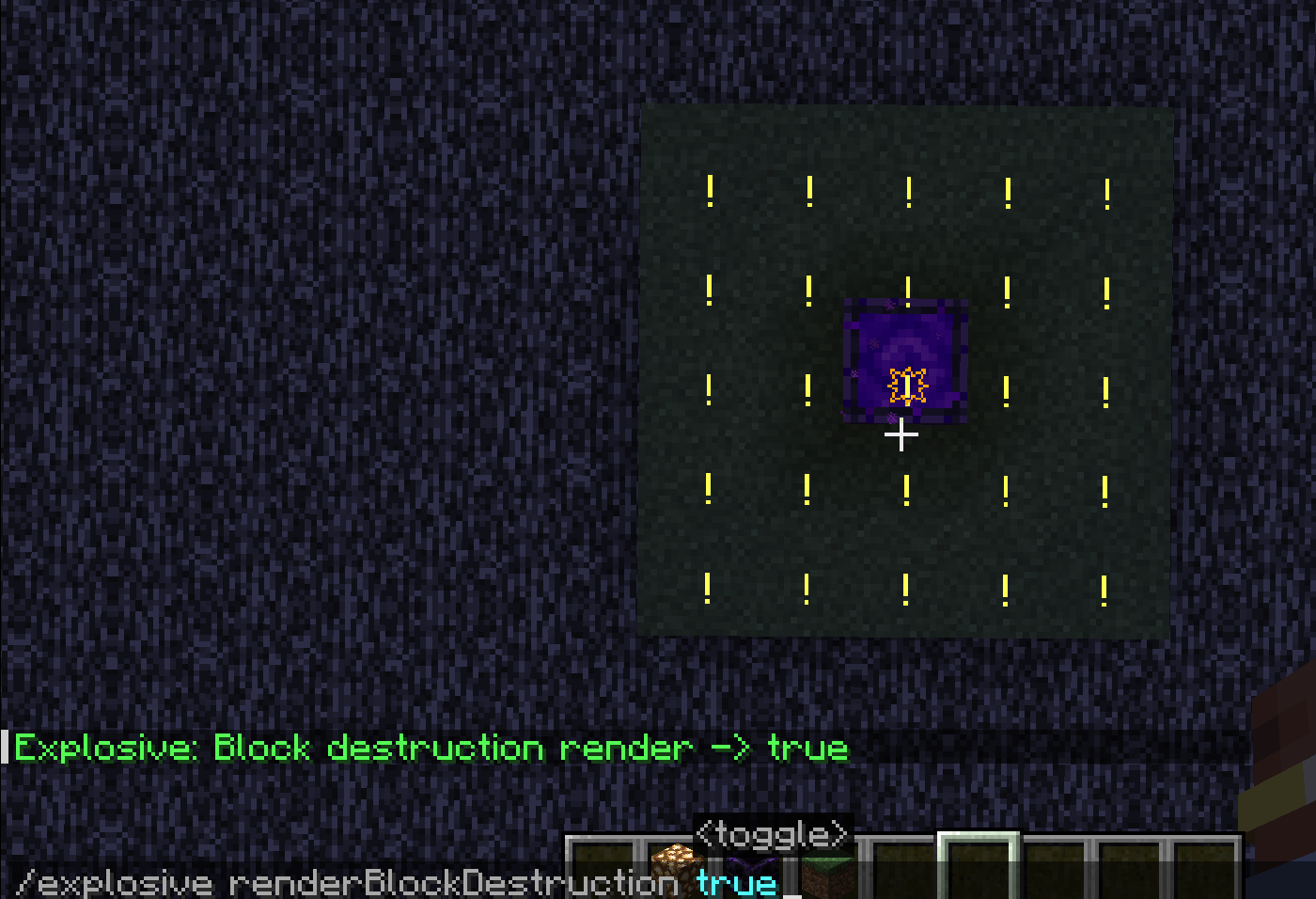
/explosionVisualizer renderBlockDestruction <- #Enable block destruction projection rendering
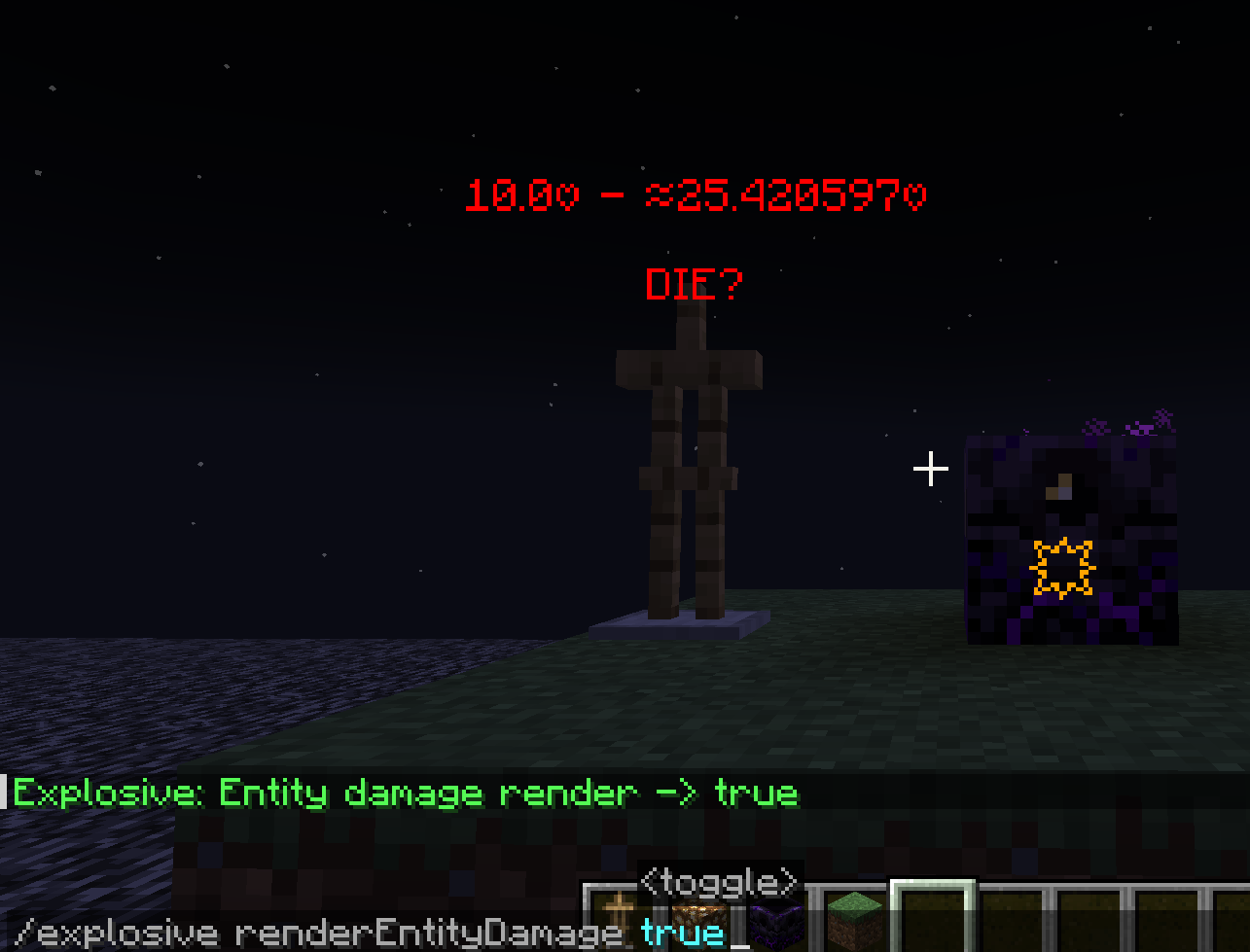
/explosionVisualizer rendererEntityDamage <- #Enable entity damage projection rendering
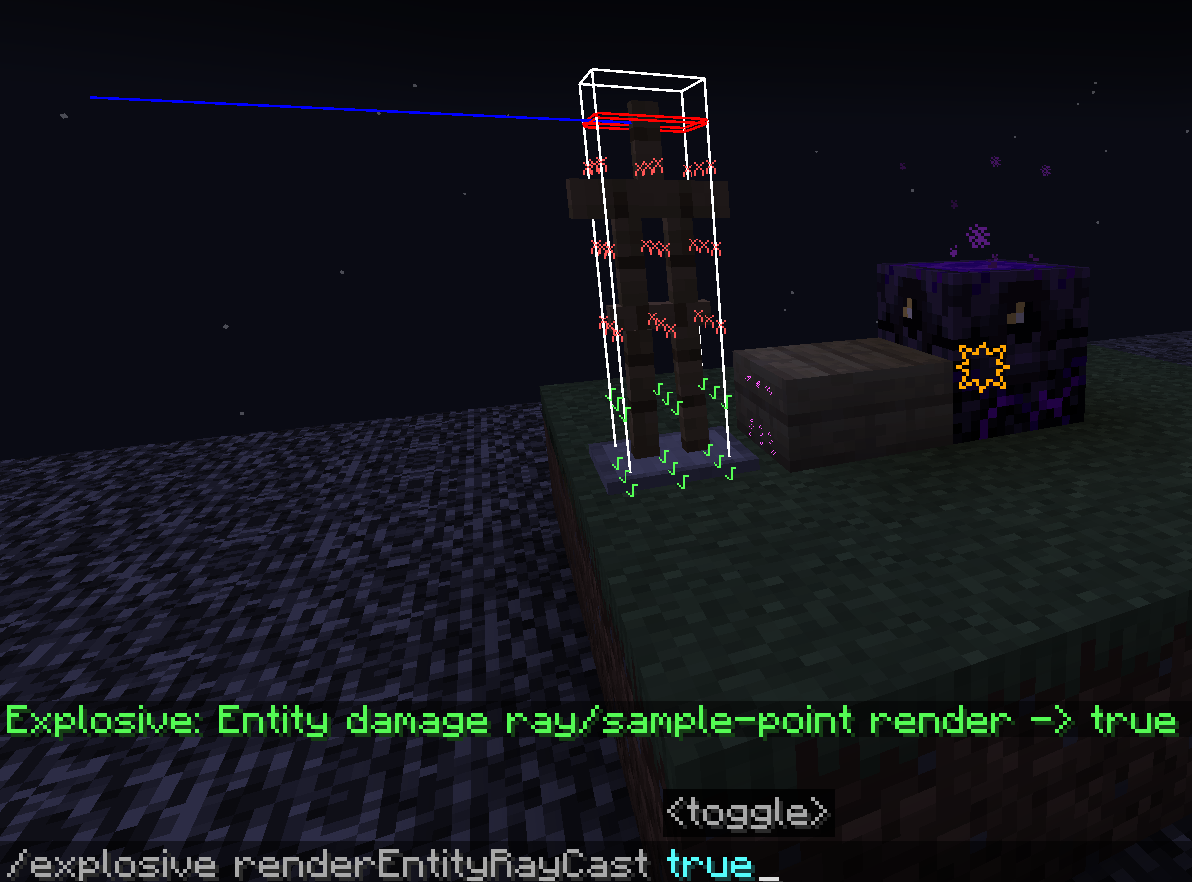
/explosionVisualizer rendererEntityRaycast <- #Enable entity sample-points & raycast rendering
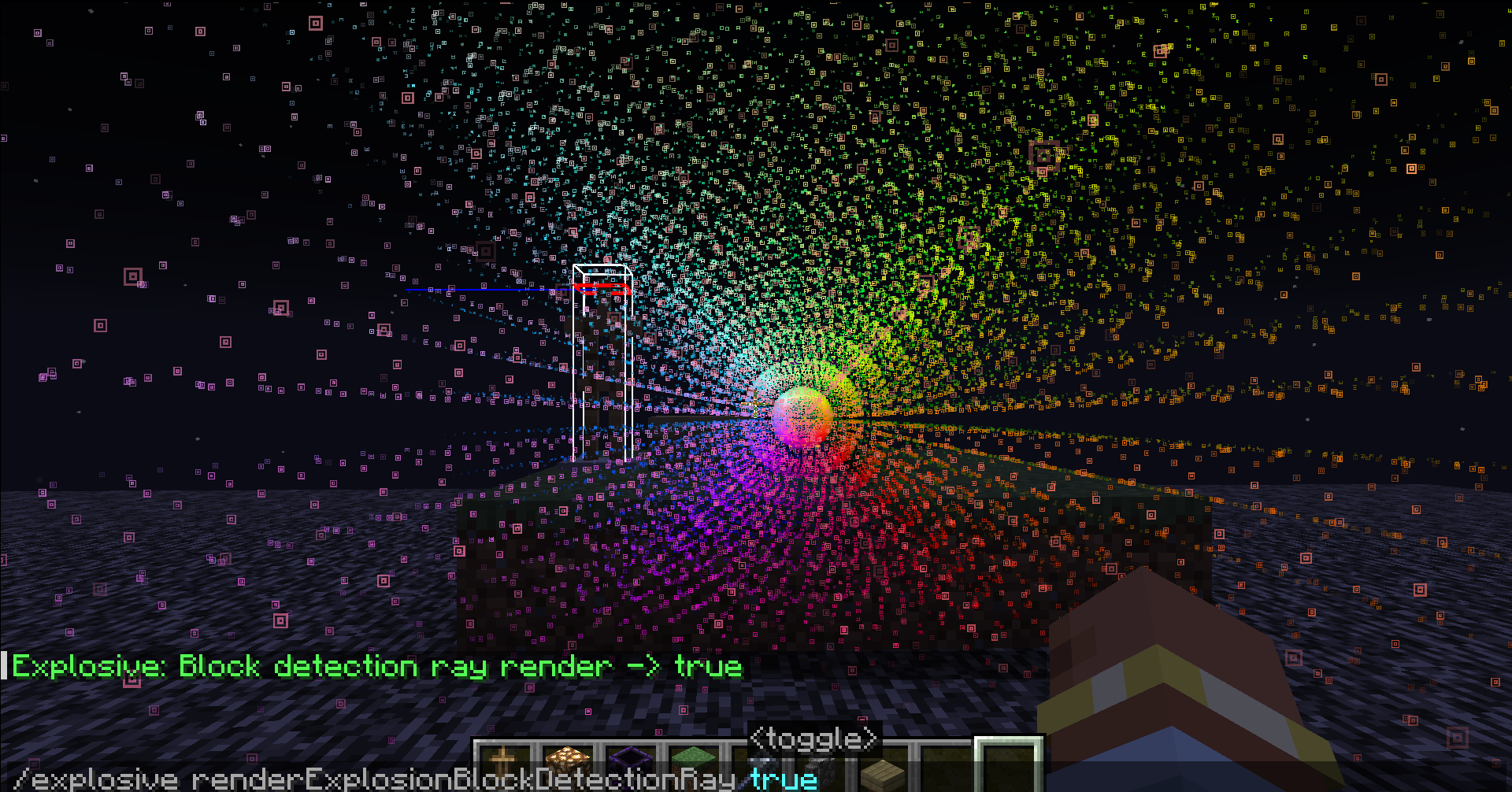
/explosionVisualizer renderExplosionBlockDetectionRay <- #Enable explosion sample-points & raycast rendering
ADDITIONAL COMMANDS
/explosionVisualizer fakeExplosion add <IgnorBlockInSide(Boolean)> <-#create fake explosions
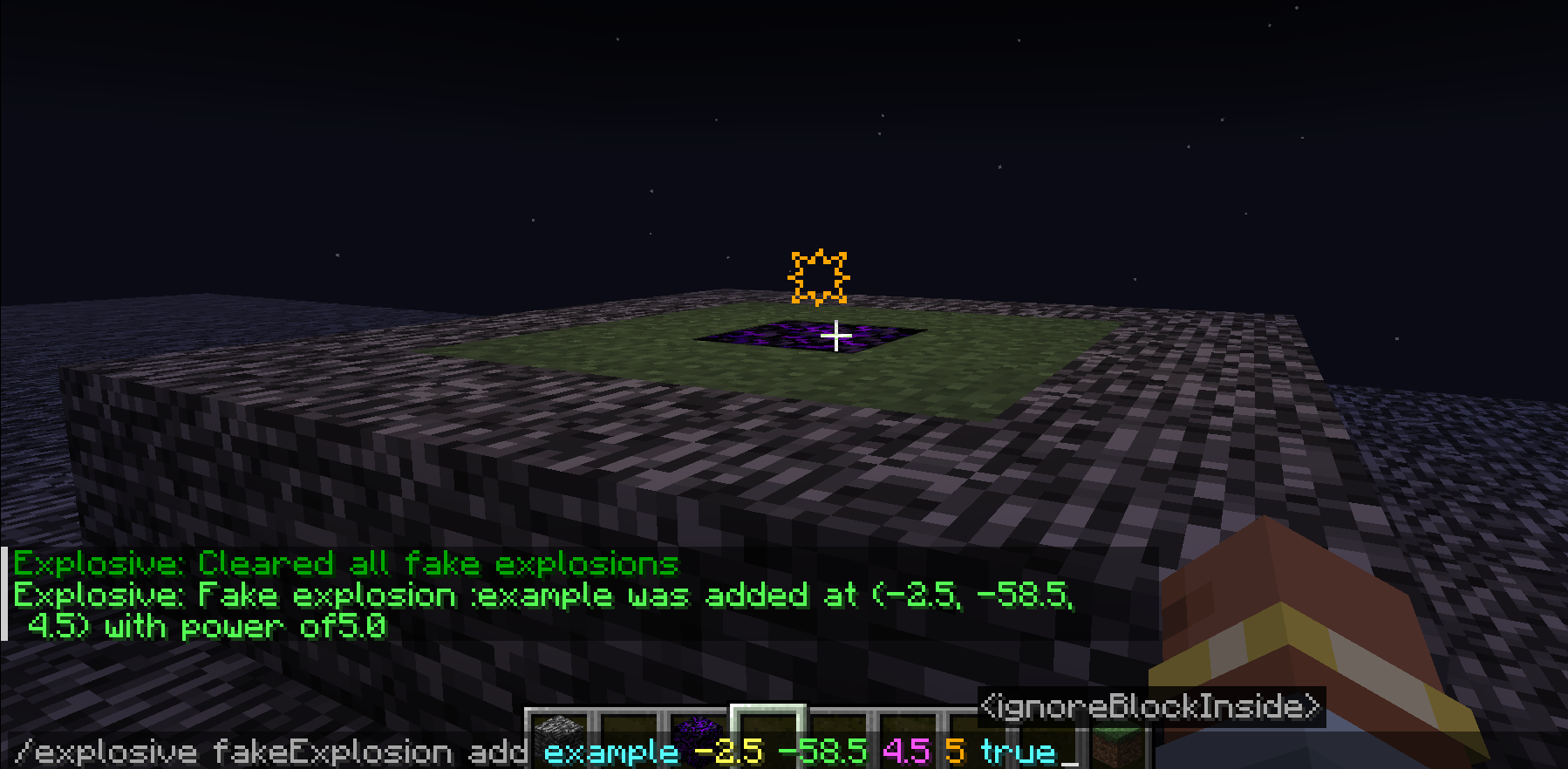
/explosionVisualizer fakeExplosion add <IgnorBlockInside(Boolean)>
- : (a name)
- : (Explosion center's position)
- : (Explosion power)
- : (Sometimes the explosion center is inside a block, which affects the evaluation of the explosion. Enabling this option will ignore the block at the explosion center)
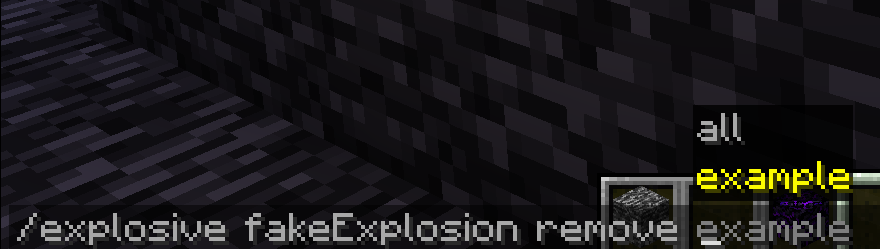
/explosionVisualizer fakeExplosions remove <-#remove the fake explosion by name
/explosionVisualizer fakeExplosions removeall <-#remove all the fake explosions
/explosionVisualizer blockDamageRayRendererSettings range
/explosionVisualizer blockDamageRayRendererSettings range
- : <Int(0~16)>
- : <Int(0~16)>
- : <Int(0~16)>
- : <Int(0~16)>
- : <Int(0~16)>
- : <Int(0~16)>
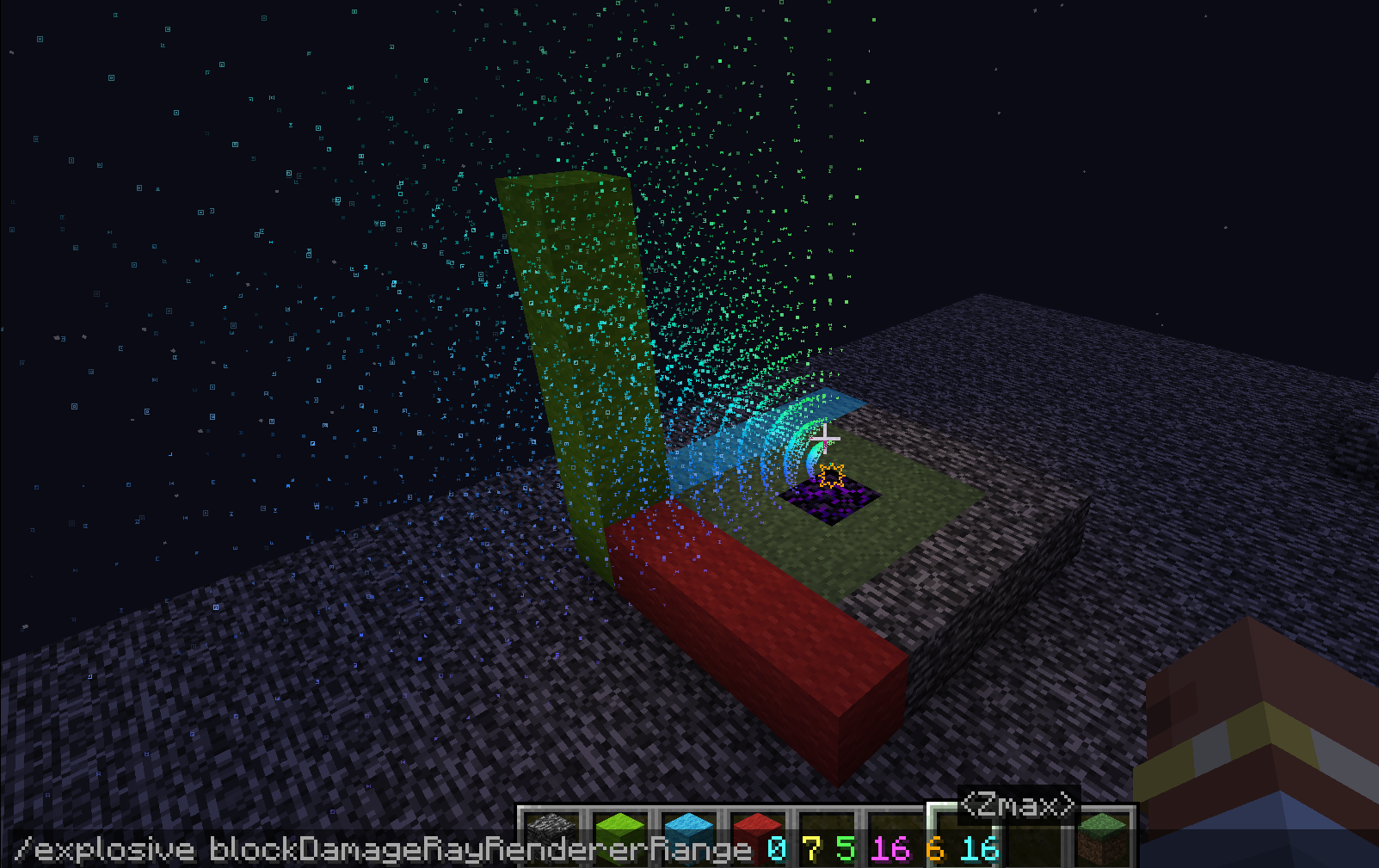
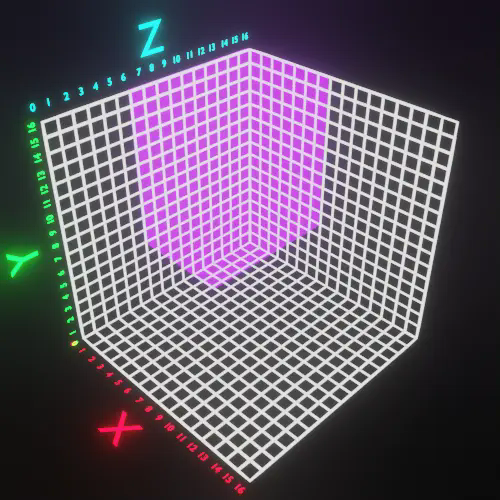
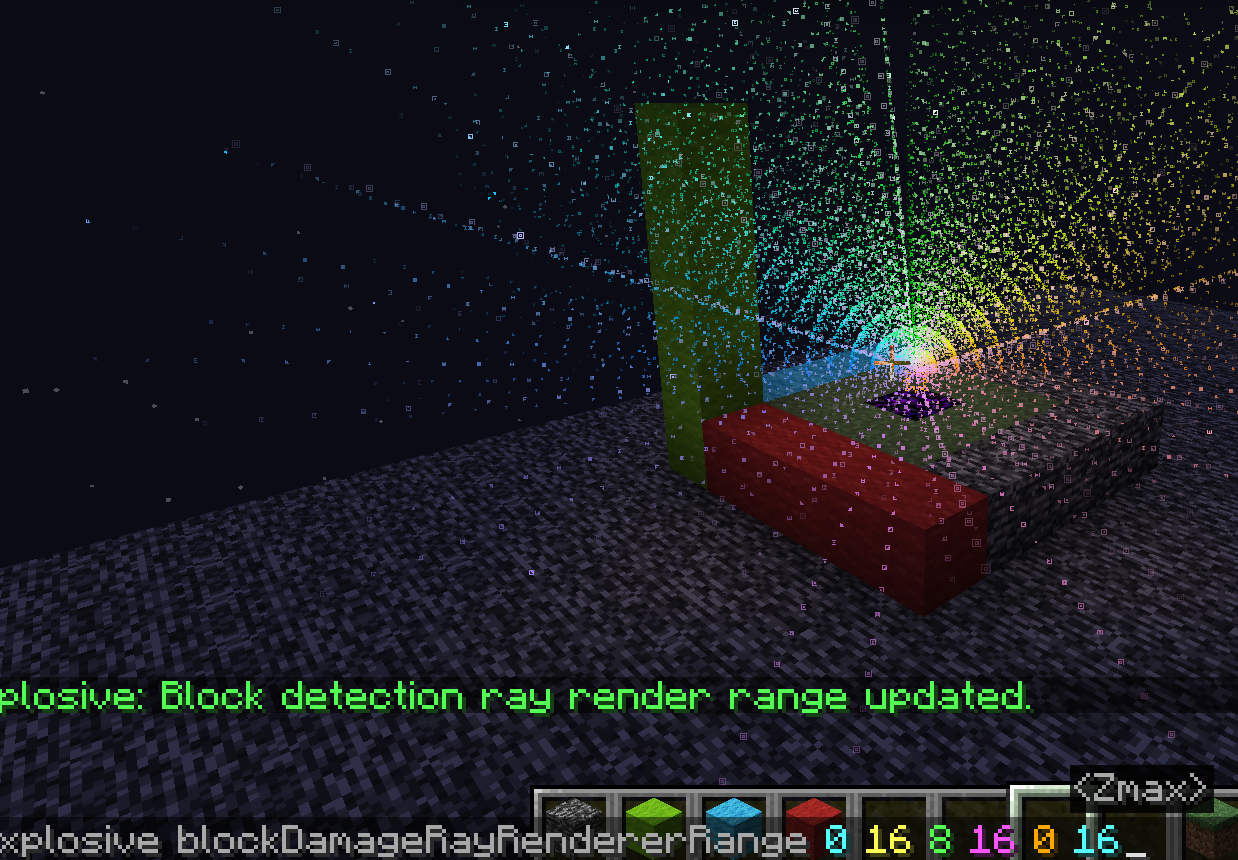
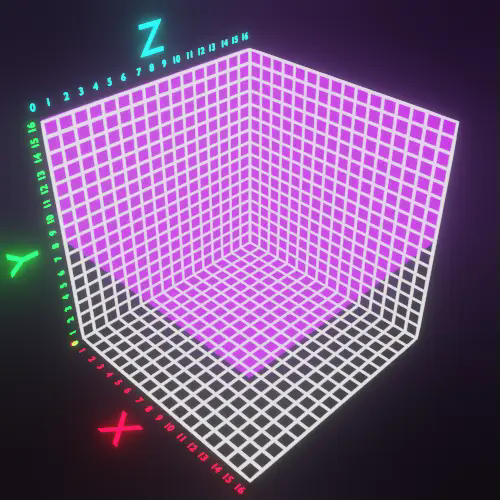
In Minecraft, 1532 rays are emitted from the center of the explosion towards the outermost layer of a 16x16x16 voxel grid surrounding the explosion center. (See" https://minecraft.fandom.com/wiki/Explosion" for details.)
Displaying them all together can look very cluttered. This command allows you to slice these rays for easier viewing.
- : <Int(0~16)>
- : <Int(0~16)>
- : <Int(0~16)>
- : <Int(0~16)>
- : <Int(0~16)>
- : <Int(0~16)> are filters to limit the range.
Here are some examples..
(0 16 0 16 88)
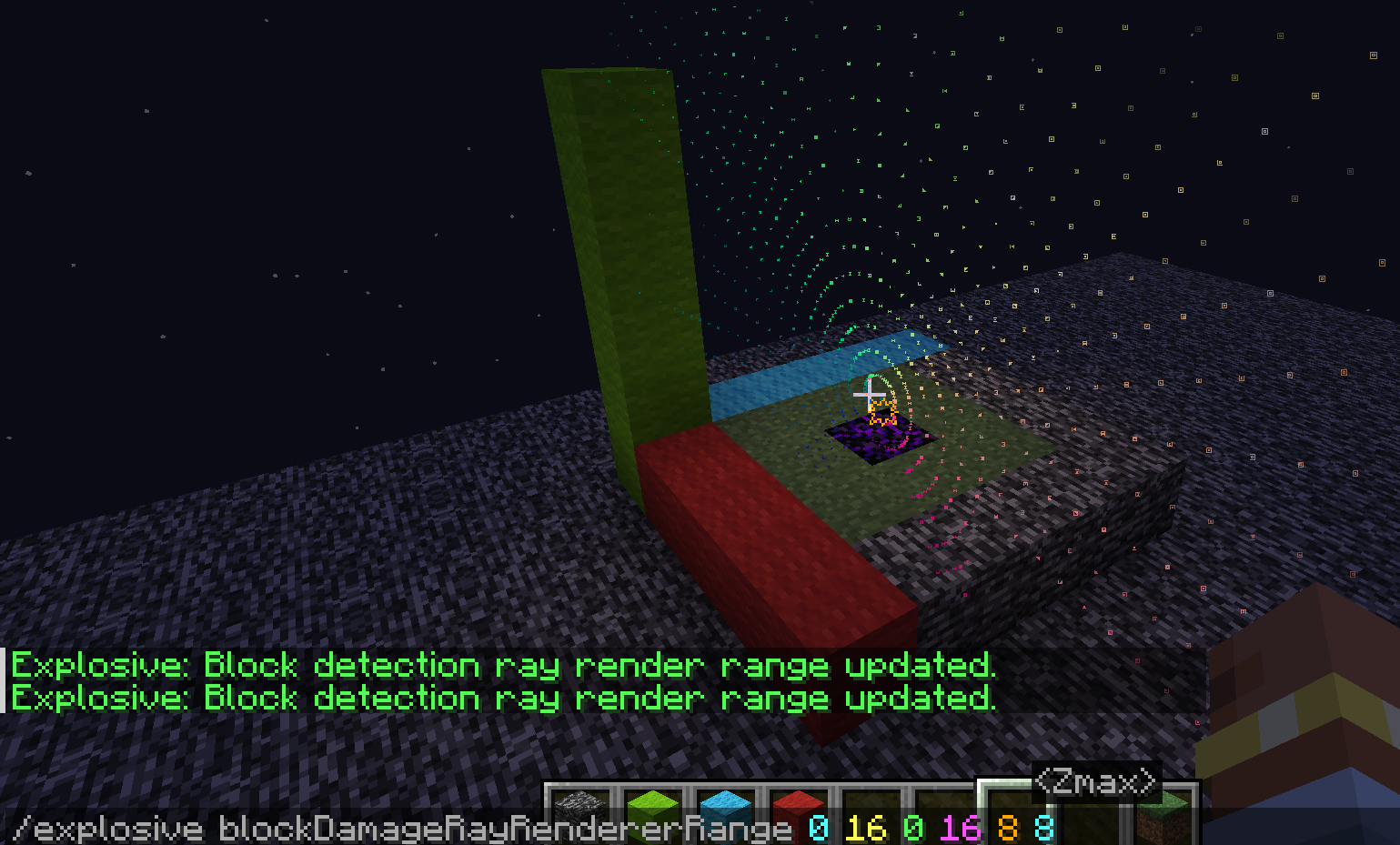
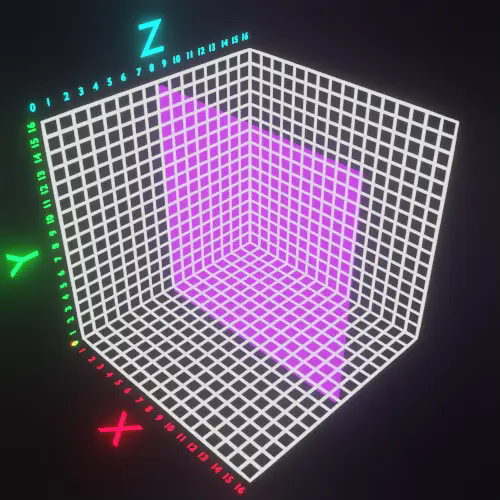
(0 7 5 16 6 16)
(0 16 8 16 0 16)
Ченджлог
2.2.0-fabri-0.15.11-1.21+Релиз1.21, 1.21.1 · 26 сентября 2024 г.
Bug Fixes and New Support
- Support for Wind-charges.
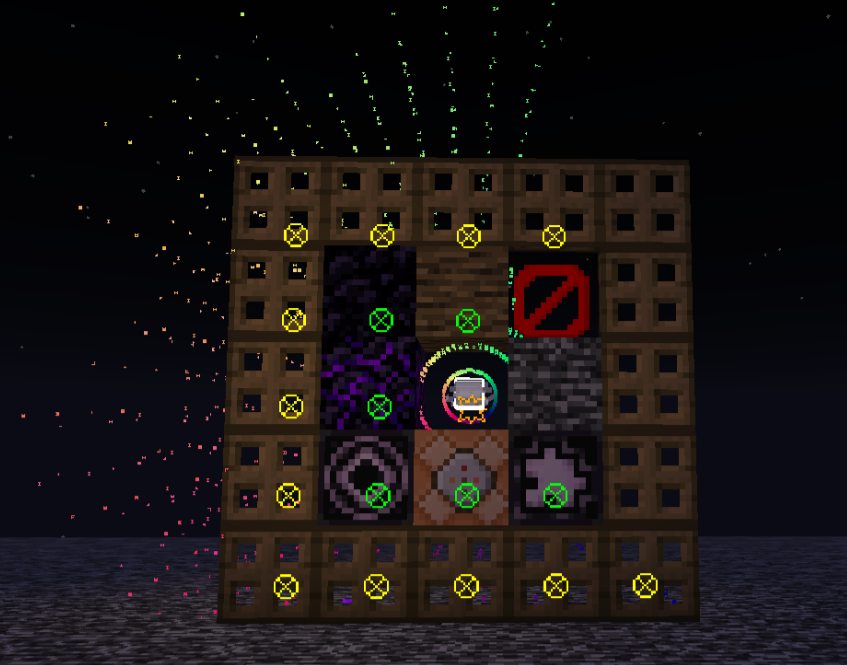
- Details conforming to the behavior of TNT-minecart explosion.
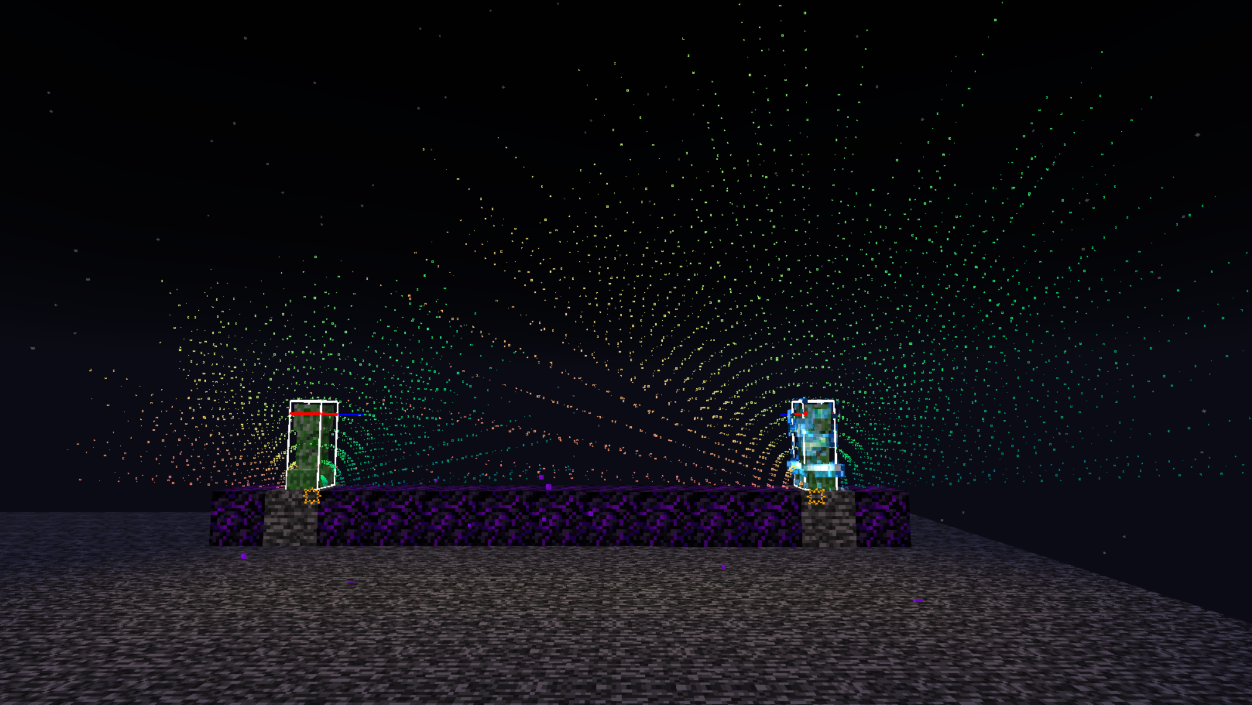
- Details conforming to the behavior of Blue Wither Skull explosion.
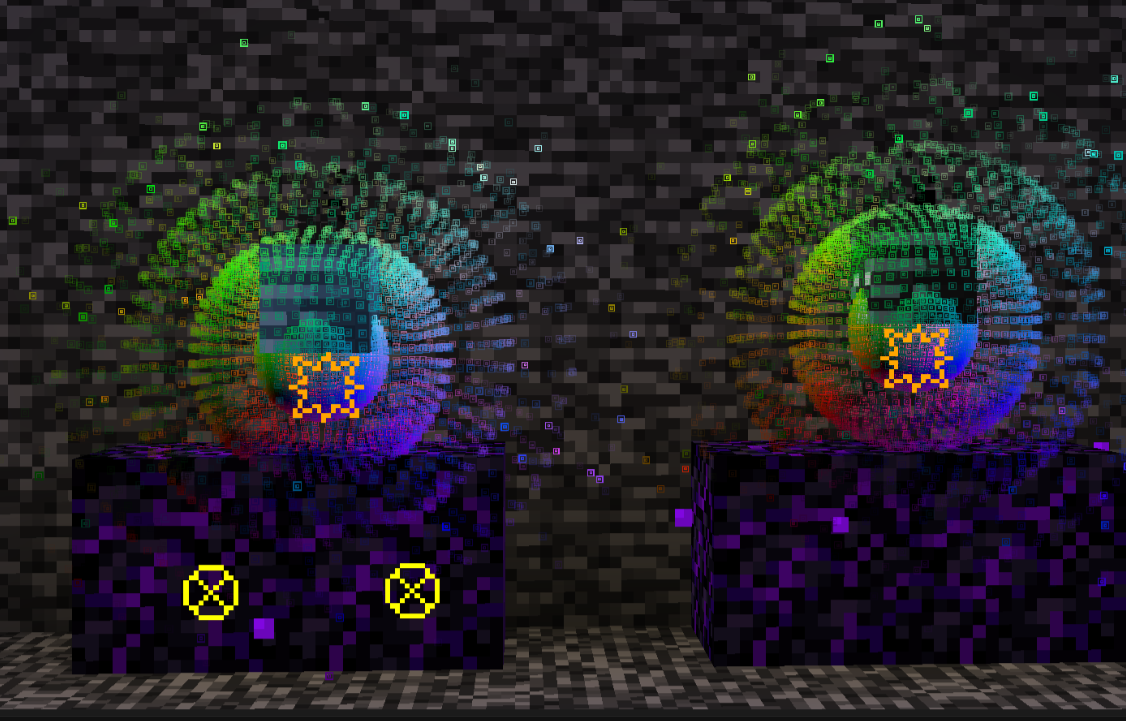
- Support for Charged-creepers.
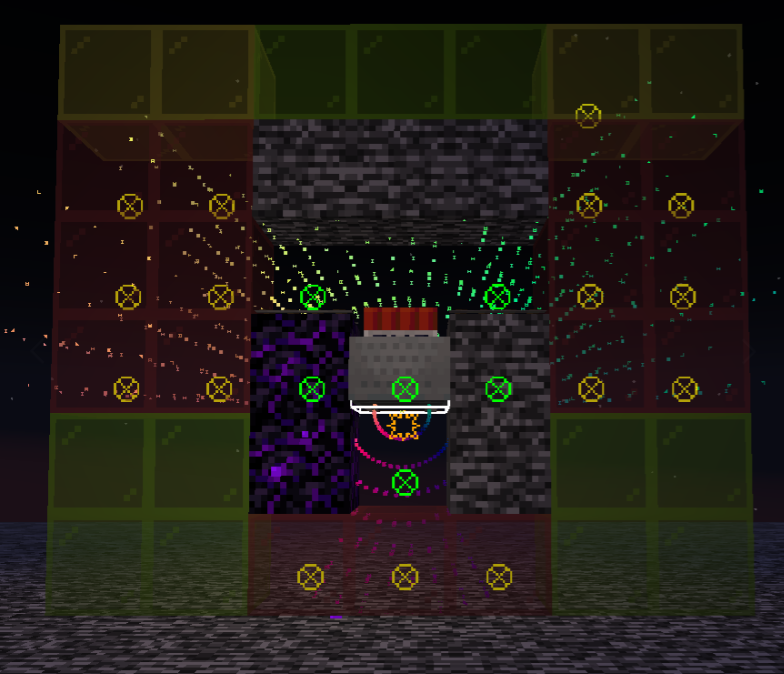
- Support for beds.
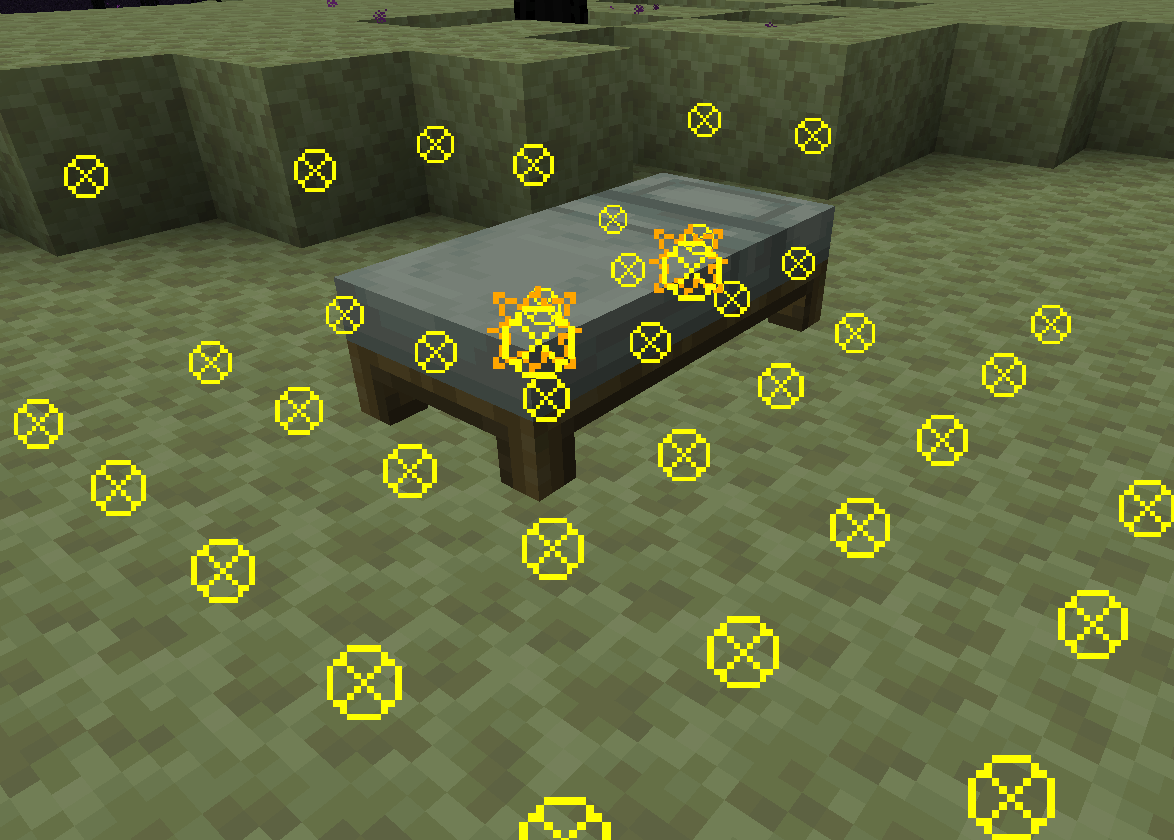
- Fixed the rendering issue related to transparency.

2.1.0-fabri-0.15.11-1.21+Релиз1.21, 1.21.1 · 19 сентября 2024 г.
Changes
MOD ID change(fabric.mod.json):
"id": "explosive" -> "id": "explosion-visualizer",
Requirement
"Nothing" -> "YetAnotherConfigLib; ModMenu"
Commands
"/explosive xxx xxx" -> "/explosionVisualizer xxx xxx"
"/explosive blockDamageRayRendererRangeSettings" -> "/explosionVisualizer blockDamageRayRendererSettings range"
New Features
Commands
- "/explosionVisualizer blockDamageRayRendererSettings layer "** <- Only display a partial layer of explosion ray sampling points.
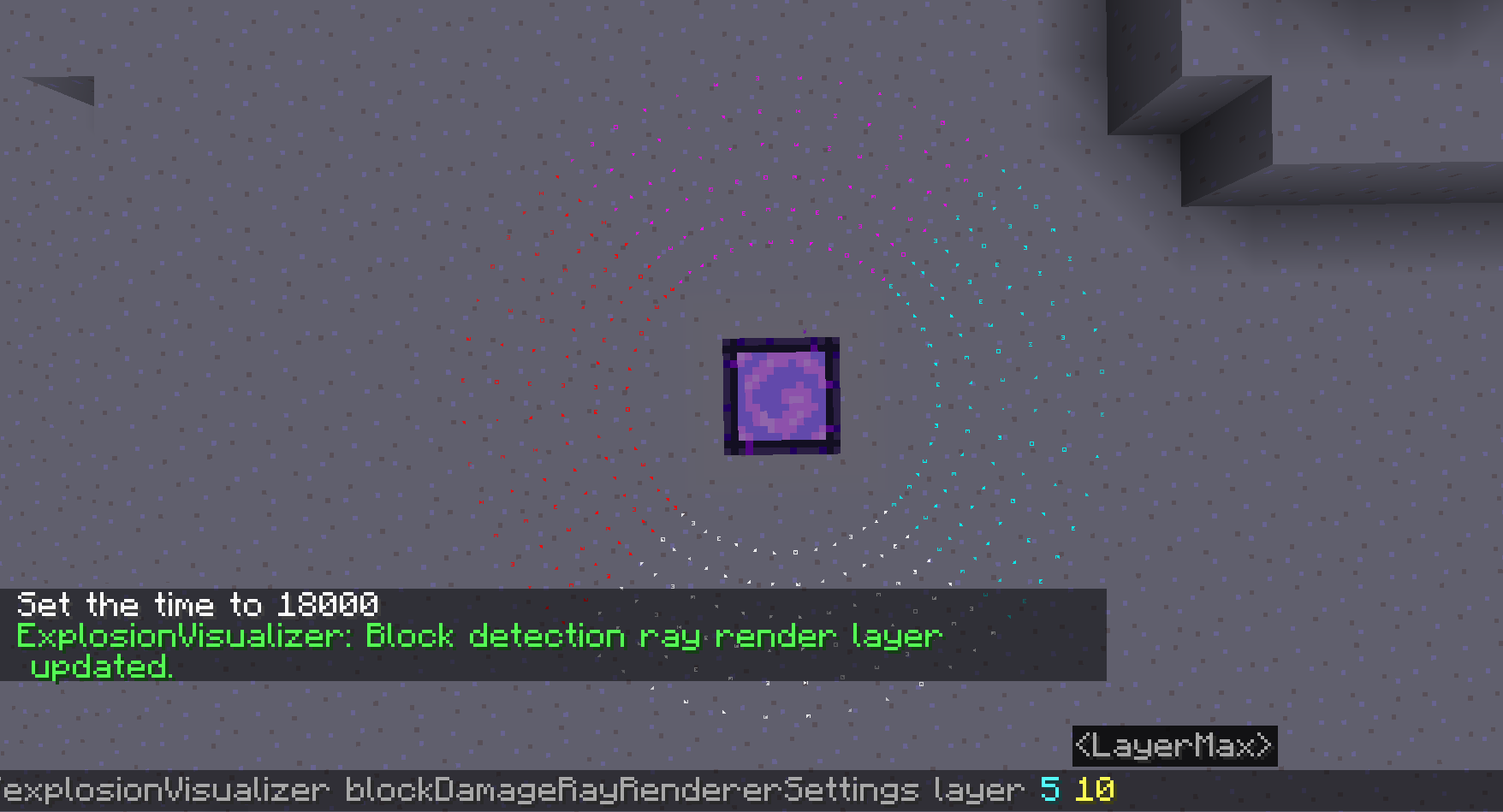
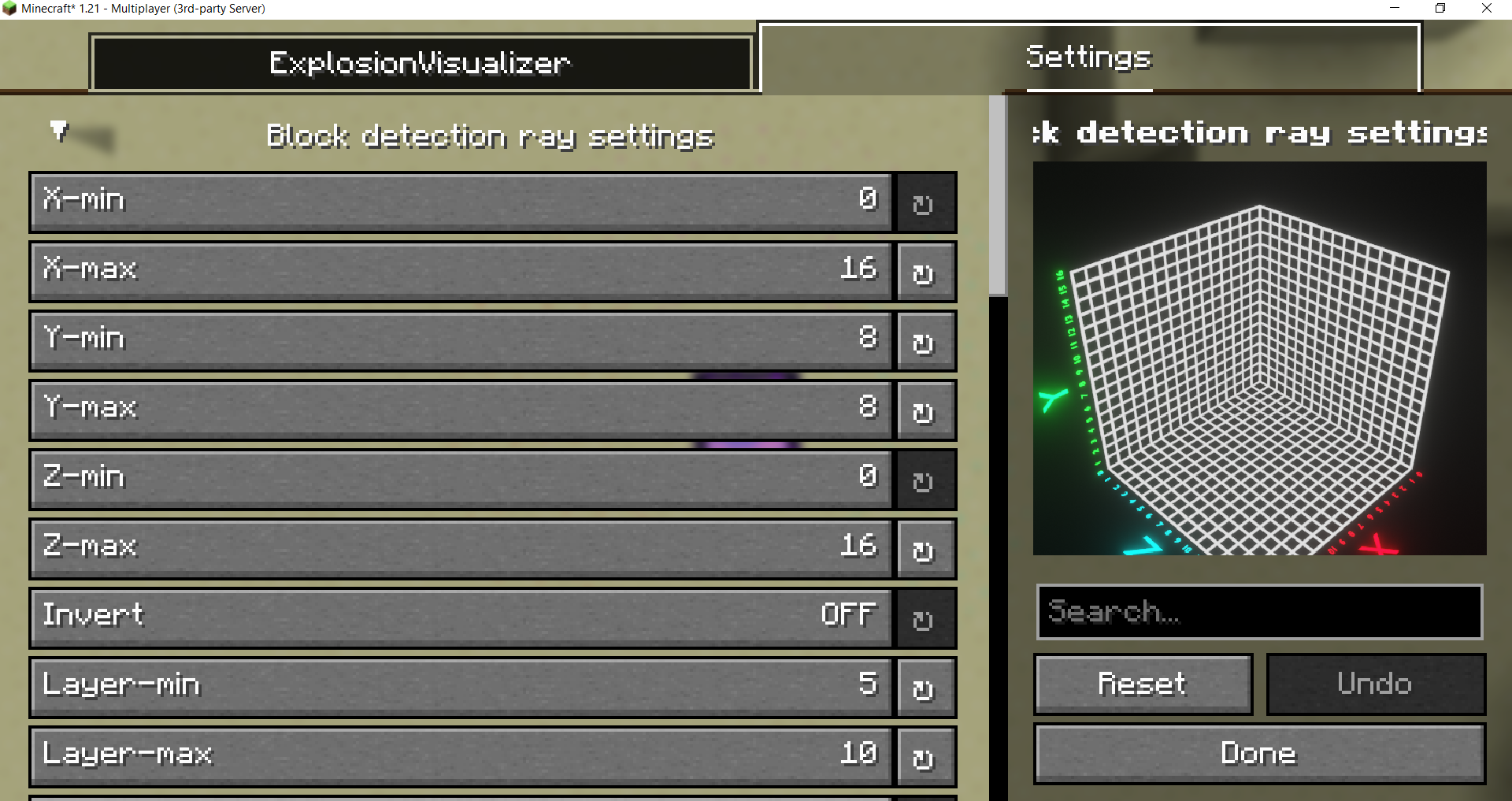
Settings menu
New Settings menu
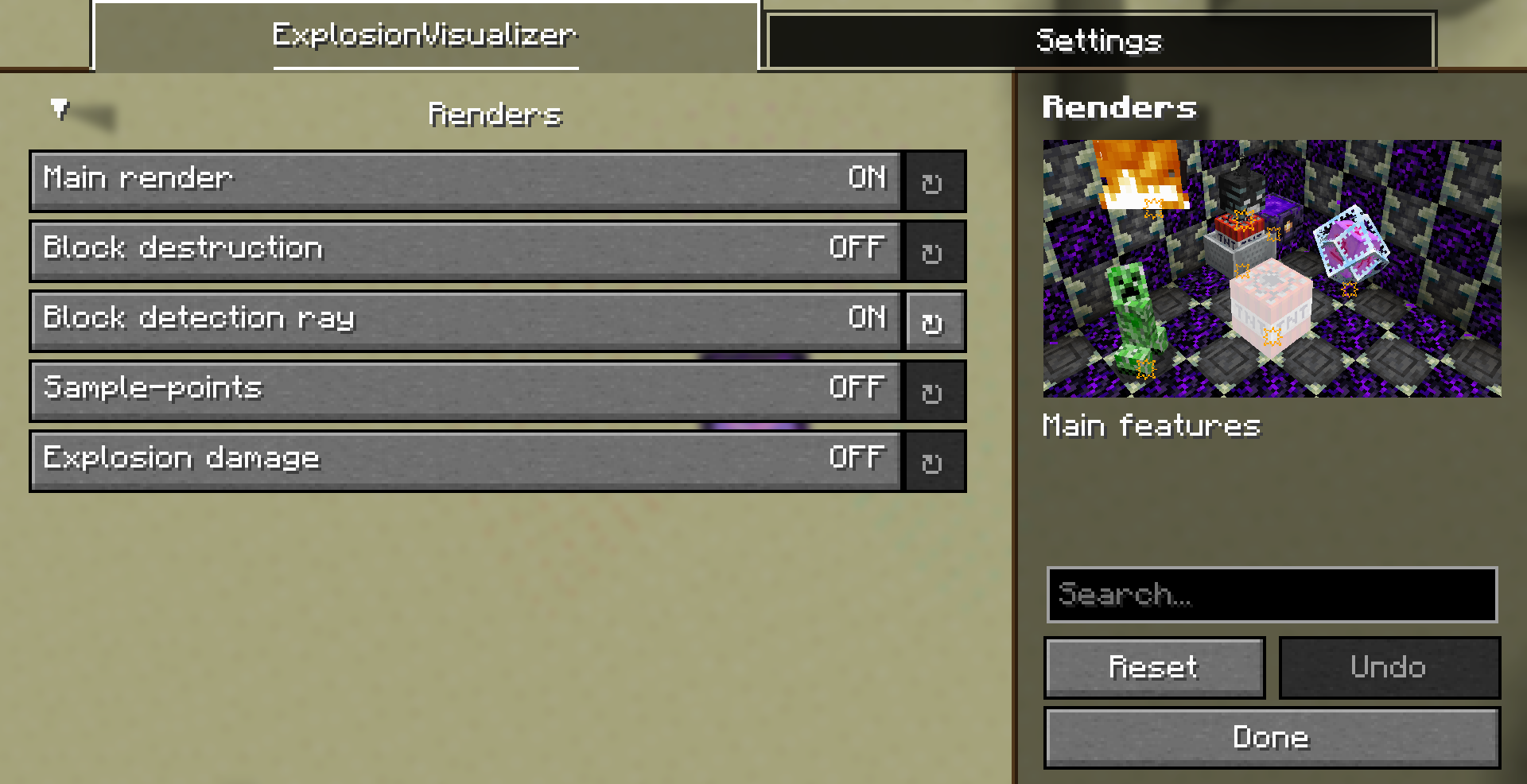
Language Added 4 languages:
- en_us.json
- zh_cn.json
- zh_tw.json
- Ja_jp.json
Комментарии
Загружаем…