 Mineforgian
Client Web Displays
Client-side in-world Chromium displays
1K загрузок10 подписчиковMITfabric
Обновлён 2 июня 2026 г. · опубликован 2 июня 2026 г.
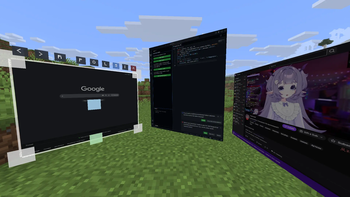
Client Web Displays
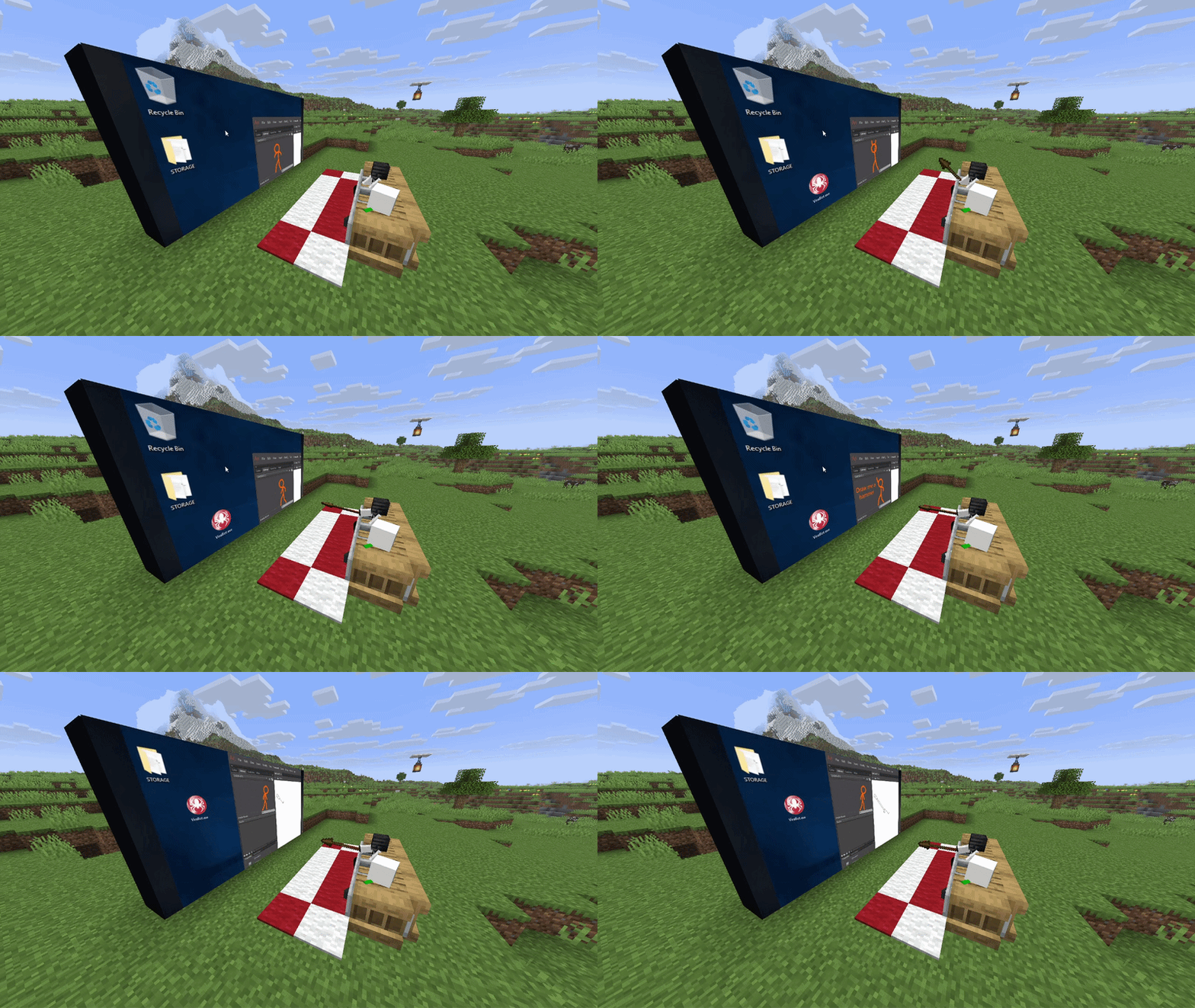
Features:
- Client-side: you can use it on any server!
- Rich window configuration
- Spatial audio
- Browser actions / YouTube media sync (if installed on host/server)
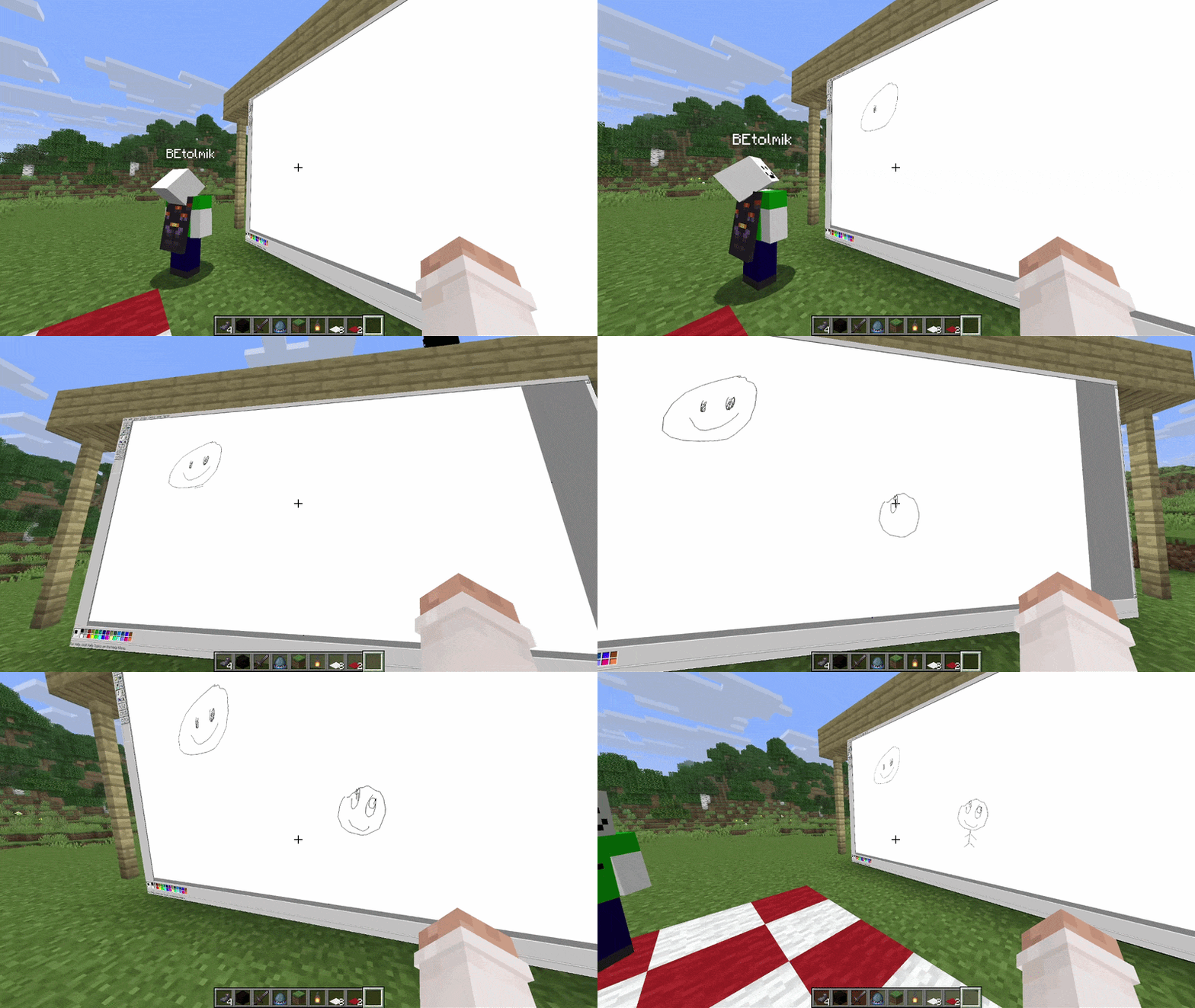
Usage
- to create window type
/cwd create <access>command - aim to window and press ALT (by default) to enter in edit window mode
- or press ENTER (by default) to enter in input mode to type something
Buttons in edit mode:
R- reload pageP- pin window to player positionO- render window on top of world and entitiesL- light window (ignore world's light)S- spatial audio (by default its turn ON)I- lock input mode
Other usefull commands:
/cwd url <url>- change a URL of the display/cwd acces grant/revoke <target> <access-type>- give/take an acces to your display
Compatibility
render on-top of world and ignore light are not works with Iris shaders =(
Версии
| Версия | Канал | Игра | Загрузчики | Дата | Скачать |
|---|---|---|---|---|---|
| 1.0-beta-1 | Бета | 26.1.2 | fabric | 2 июня 2026 г. | Скачать (636 КБ) |
Комментарии
Загружаем…