 Mineforgian
Create:Parachute
This mod adds a parachute to Sable
- Загрузки
- 15K
- Подписчики
- 15
- Обновлён
- 23 августа 2026 г.
- Лицензия
- MIT
Опубликован 15 мая 2026 г.
Create:Parachute(1.1.0+)
A parachute mod for Create and Sable physics Built parachute to your vehicle, deploy it with a redstone pulse, and glide down safely.
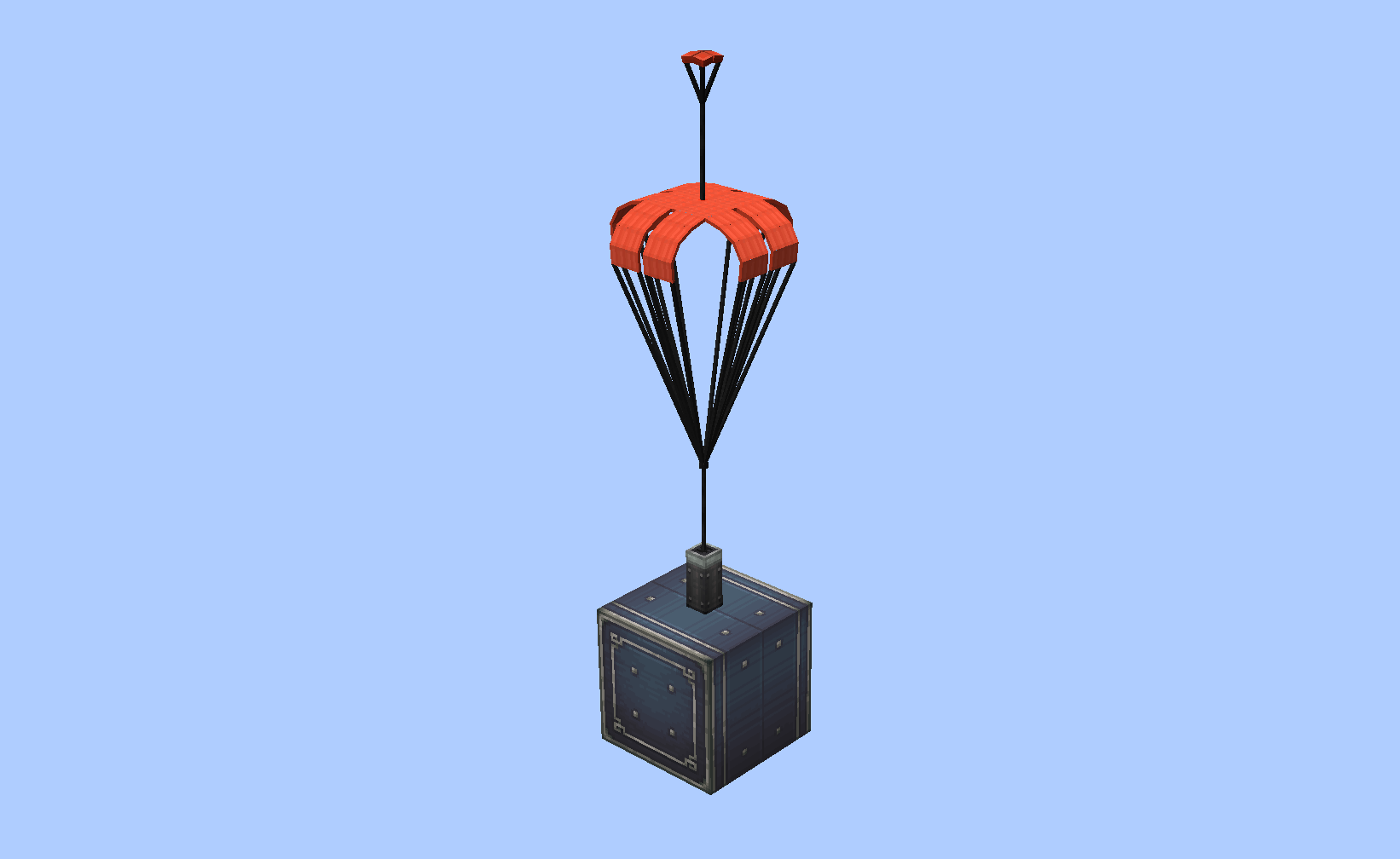
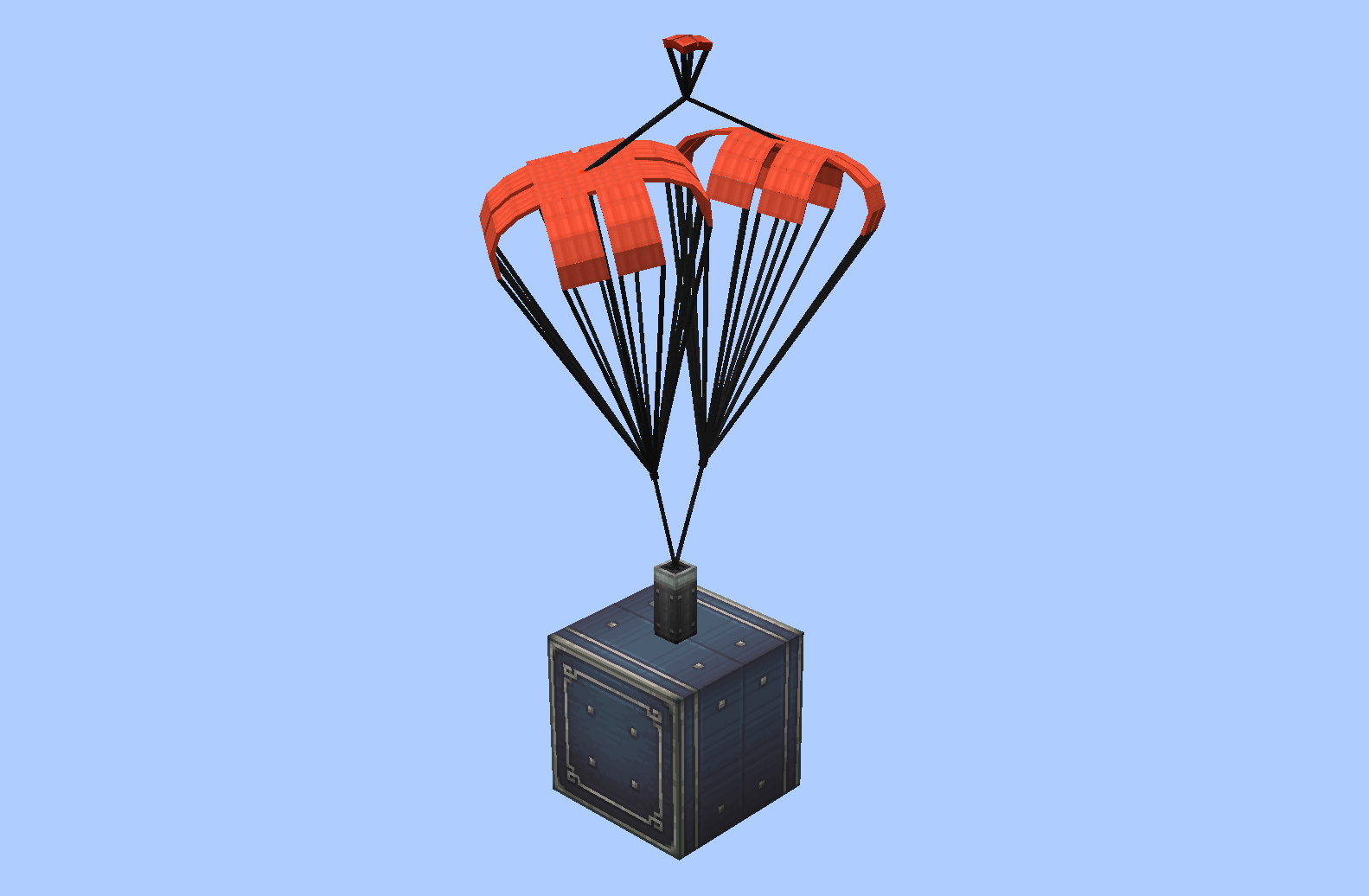
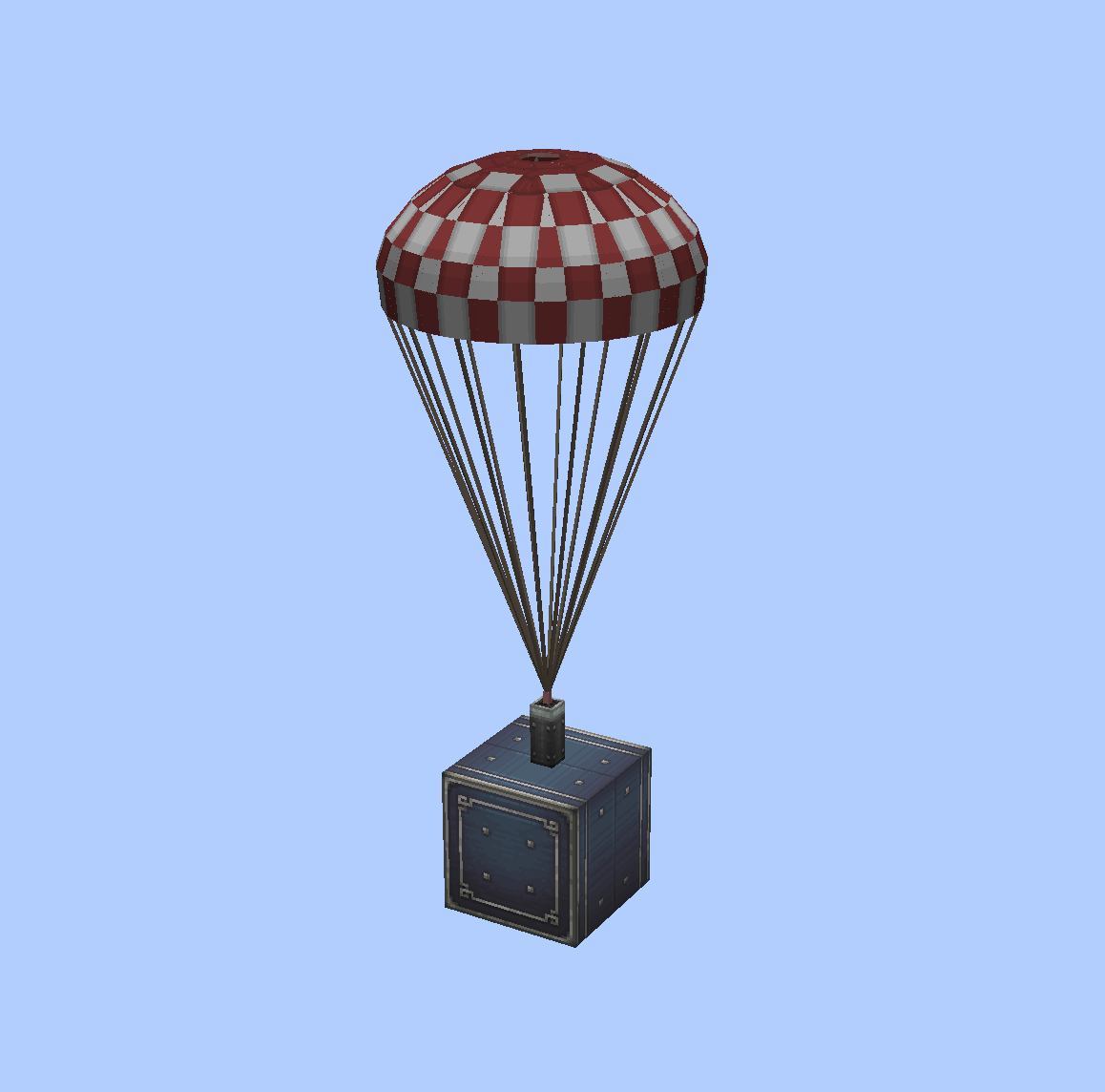
What did it do?
a drop a folder into <game root>/parachute/ containing
.bbmodel and .png, and it shows up in the selection GUI instantly
(The built-in parachute will be placed in the parachute folder when the mod loads successfully.)
(The parachute needs to use a Java entity model(or Bedrock edition model) for the BlockBench project)
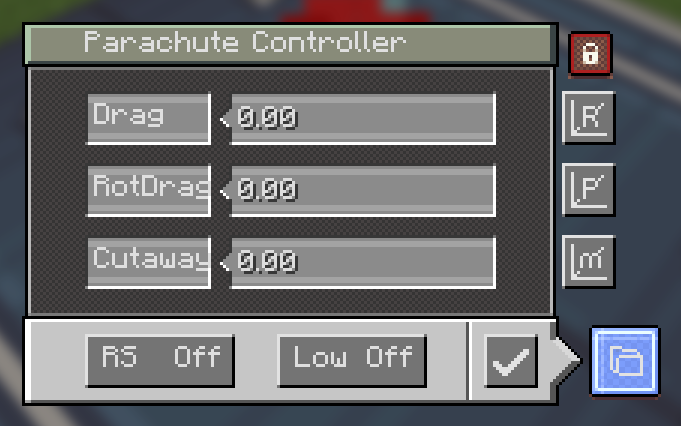
- Controller GUI — right-click the block (or the pack) to open it:
- Drag — drag coefficient of the canopy (higher = slows you down faster)
- RotDrag — rotational damping (higher = spins stop faster)
- Cutaway — low-speed detach threshold in m/s; below this speed the chute auto-retracts when enabled
- Low — toggle low-speed auto-detach on/off
- RS — redstone behaviour: a pulse deploys the chute; with RS on, another pulse retracts it
- Save — apply the settings
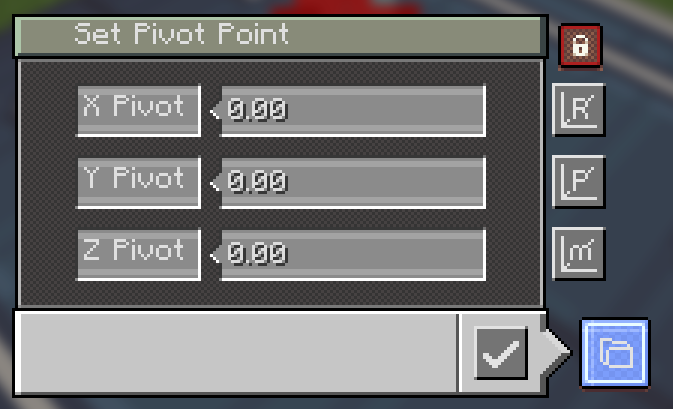
- M — Set model offset
- P — Set pivot offset (this setting adjusts the pivot relative to the model, but in fact the pivot itself doesn't move)
- R — Set rotation (rotation point at the pivot)
- lock — Lock Rotation
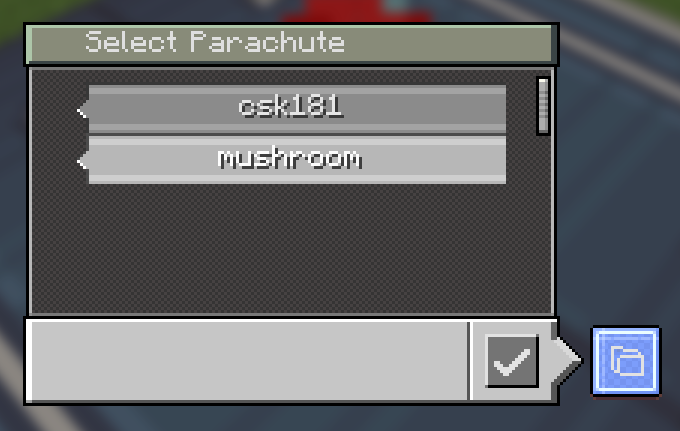
- Parachute selection GUI — opened from the controller's folder button.
One display box per parachute, scrollable list with a slider; click a box to
select it and press confirm. The Open Folder button opens the game's
parachute/folder in your file explorer so you can add your own parachute. - Dye support — right-click a placed parachute with any dye to recolor it; right-click with an axe to restore its original texture.
- Multiplayer — if another player uses a parachute you don't have locally, it falls back to the default mushroom.
How to use
- Place the parachute block — or hold the parachute pack and right-click first to pick which parachute it will place.
- Right-click it with an empty hand to open the controller and tune the parameters (Drag / RotDrag / Cutaway / Low / RS).
- Send a redstone pulse to deploy it; it will slow your fall (or your contraption) until you land or retract it.
- Recolor it with any dye, or revert it with an axe.
GUI terms
| Term | Meaning |
|---|---|
| Drag | Drag coefficient — higher = faster deceleration |
| RotDrag | Rotational damping — higher = spins stop faster |
| Cutaway | Speed threshold (m/s) for low-speed auto-detach |
| Low | Toggle low-speed auto-detach |
| RS | Redstone pulse behaviour (deploy / retract) |
| On/Off | Toggle state |
| Confirm | Apply the selected parachute |
Ченджлог
1.1.0Релиз1.21.1 · 23 августа 2026 г.
Supports setting offsets and Bedrock models
1.0.5Релиз1.21.1 · 19 августа 2026 г.
Supports custom parachutes
1.0.4aРелиз1.21.1 · 20 июня 2026 г.
Nothing , just added a parachute pack It's not recommended to use it because there are too many blocks.
1.0.4Релиз1.21.1 · 18 июня 2026 г.
Right-click with dye in hand to change the parachute color
1.0.3Релиз1.21.1 · 11 июня 2026 г.
big parachute
Комментарии
Загружаем…