 Mineforgian
Corpse: Refined
Your death leaves behind a corpse wearing your own skin, holding everything you had on you — recover it and your armor equips itself automatically. Left too long, it slowly decays down to bone.
- Загрузки
- 3K
- Подписчики
- 1
- Обновлён
- 24 июля 2026 г.
- Лицензия
- All-Rights-Reserved
Опубликован 12 июля 2026 г.
Corpse: Refined
A quieter place to keep what you leave behind.
When you die, a corpse appears wearing your own skin and holding everything you had on you. Recover it, and your gear finds its way back to you — no digging through menus required.
Features
The corpse appears at your death location with your real player skin applied. It holds everything you had — general items, armor, and your offhand item — with no capacity limit.
Right-click the corpse to open it.
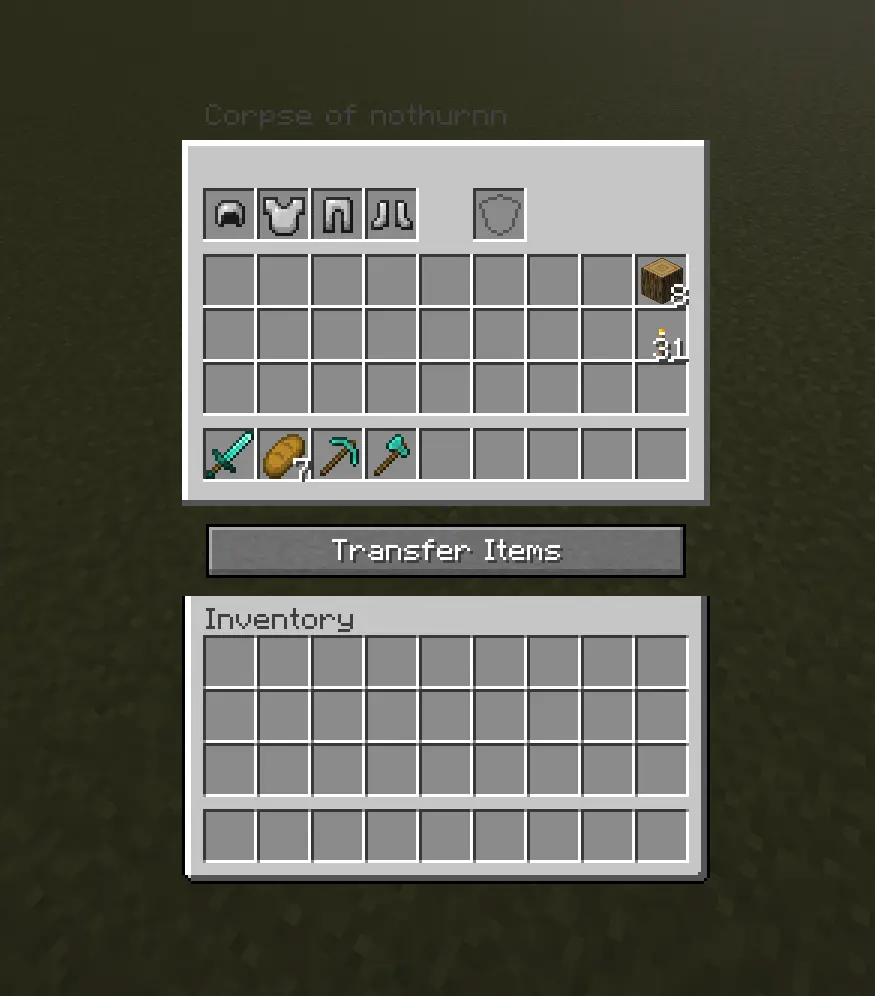
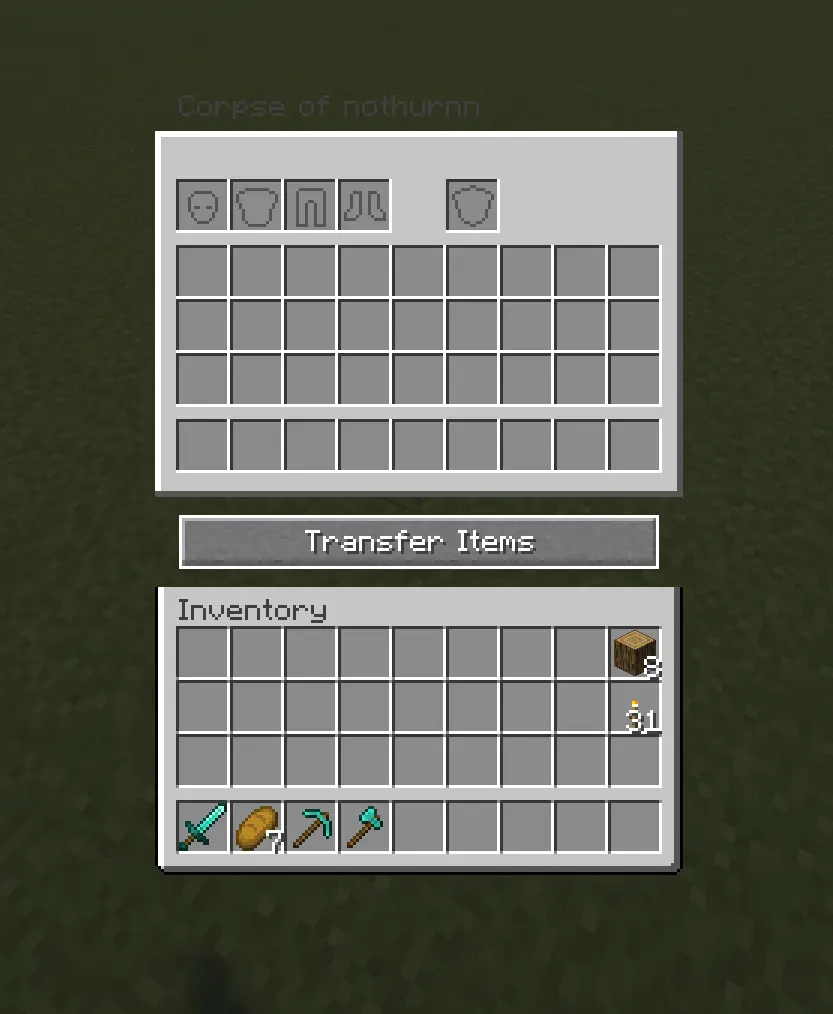
When you recover your items, armor and your offhand piece re-equip themselves automatically — but only into slots that are currently empty, so nothing you're already wearing gets overwritten.
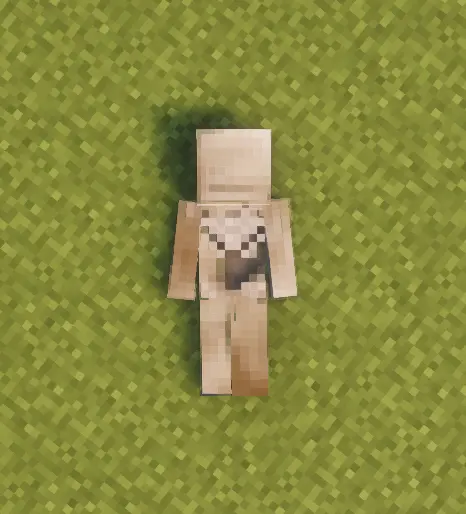
Corpses don't just disappear once emptied. A shroud slowly forms over the body, holds, then gradually wears away to reveal a skeleton underneath — your death site stays marked instead of vanishing.
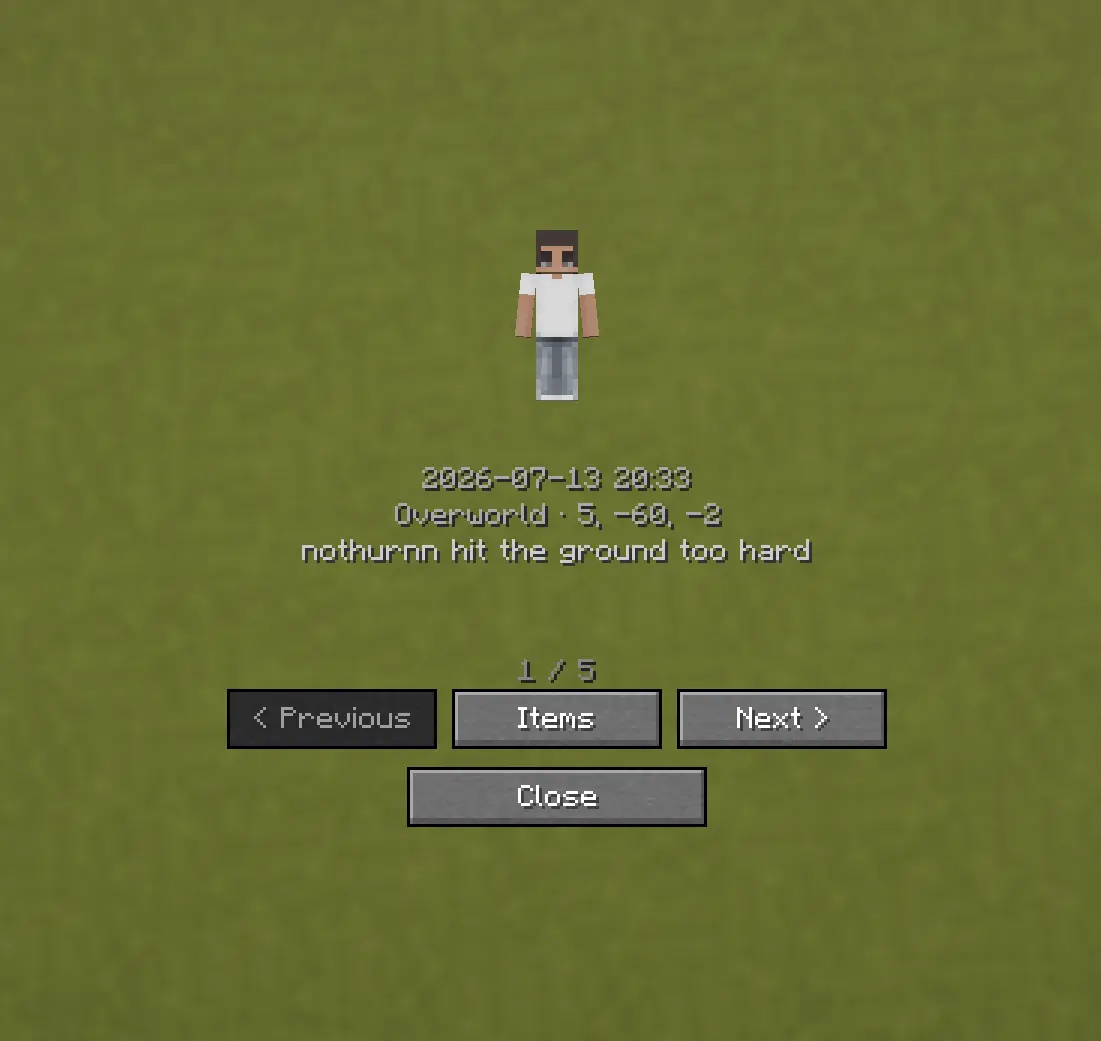
Death History
Press C to view your past deaths — where, when, and what killed you.
Optional Features (Config Options)
- How long the shroud takes to form (
decay_ticks) - How long the shroud takes to wear away and reveal the skeleton
(
shroud_erosion_ticks) - Whether a forced hard despawn ever kicks in for very old corpses, and after
how long (
force_despawn_enabled,force_despawn_ticks) — disabled by default - [check PlayerCorpseConfig.java for anything else — e.g. owner-only access, lava/fire damage toggle — and add here if present]
Ченджлог
2.0.0Релиз1.21.1 · 24 июля 2026 г.
- Fixed: armor and held items equipped at death weren't rendering on the corpse.
- New: Death History now shows your live distance to each corpse.
- New: an optional HUD arrow points toward your most recent corpse — disappears once you open it or it fully decays. Toggle it off in the config if you'd rather not have it.
1.0.0Релиз1.21.1 · 14 июля 2026 г.
Corpse: Refined 1.0.0
Initial release.
Features
- On death, a corpse spawns wearing your own real player skin and holding everything you had on you — general items, armor, and your offhand item
- Armor and your offhand item are visibly worn on the corpse itself, and automatically re-equip when you recover your items — only into slots that are currently empty, nothing you're already wearing gets overwritten
- Items return to their original inventory slots, both at the moment of death and when you transfer them back — your layout stays exactly as it was
- Death History screen (default key: C) shows where, when, and how you died, with quick teleport and recovery for any past death
- Corpses left unclaimed don't just disappear: a textured shroud gradually forms over the body, holds briefly, then tears away in stages — including across the face — to reveal a real skeleton underneath. Your death site stays marked instead of vanishing
- The corpse holds a correct, lying-down hitbox that matches how it actually looks on the ground, and stays in a fixed, static pose — no idle animation
- Corpses can't fall into the void, don't count toward the mob cap, and don't take fire/lava damage
- No shadow is cast, keeping the corpse from standing out unnaturally
Config
- Decay timing: how long the shroud takes to form and how long it takes to fully erode into a skeleton
Комментарии
Загружаем…