 Mineforgian
CmdPalette
CmdPalette is a fast in-game command palette for Minecraft that helps you find, edit, and run commands instantly, with favorites, history, custom categories, themes, and flexible data scope (global, per server, or per world).
- Загрузки
- 141
- Подписчики
- 0
- Обновлён
- 9 апреля 2026 г.
- Лицензия
- MIT
Опубликован 8 апреля 2026 г.
CmdPalette
CmdPalette is a fast, modern in-game command palette for Minecraft (Fabric) that helps you search, organize, and execute commands with less friction than chat-only workflows.
It is fully client-side, highly customizable, and designed for players who use commands frequently in survival, creative, admin, and technical worlds.
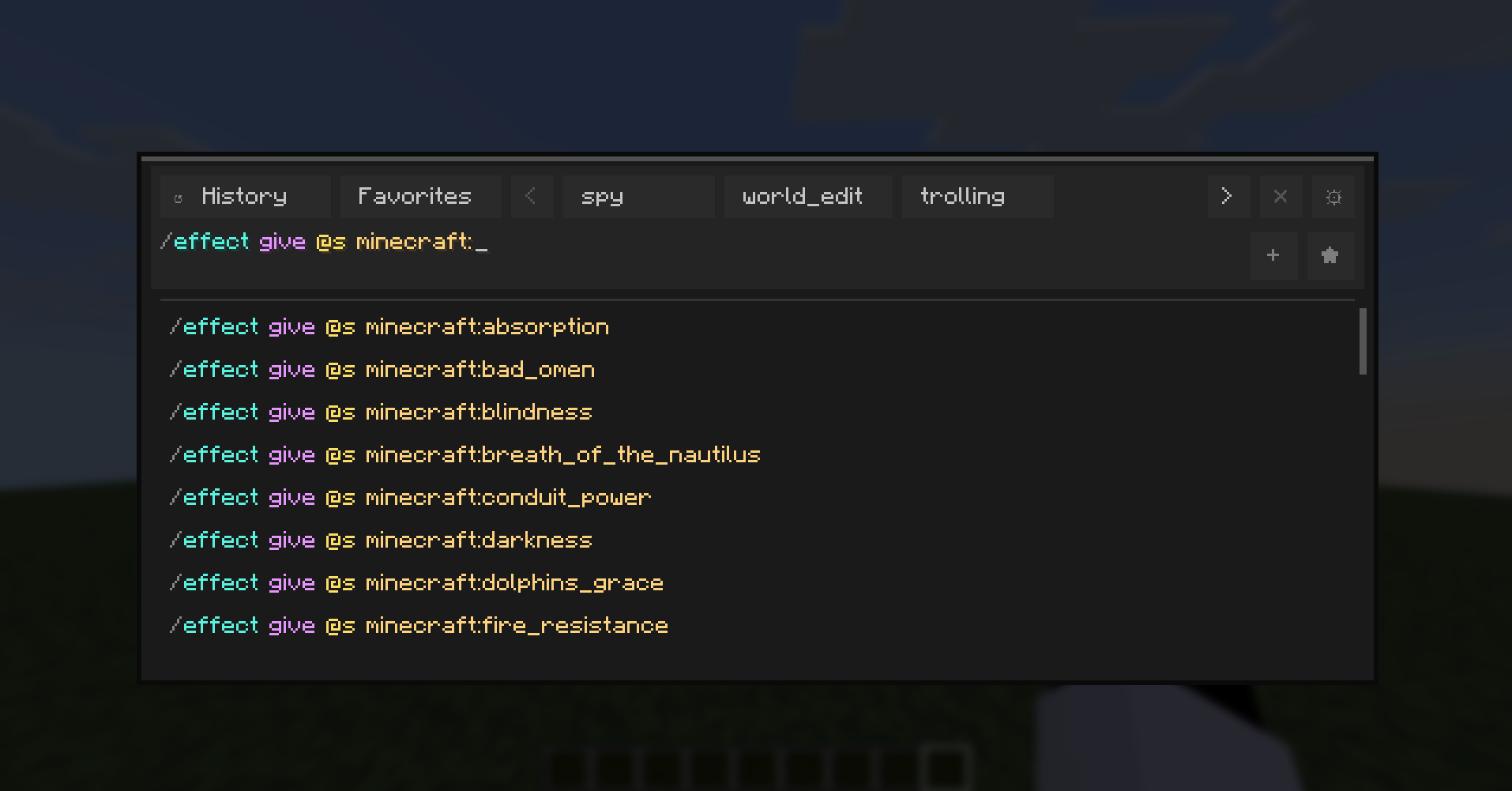
Main Features
- Instant command palette with keyboard shortcut access.
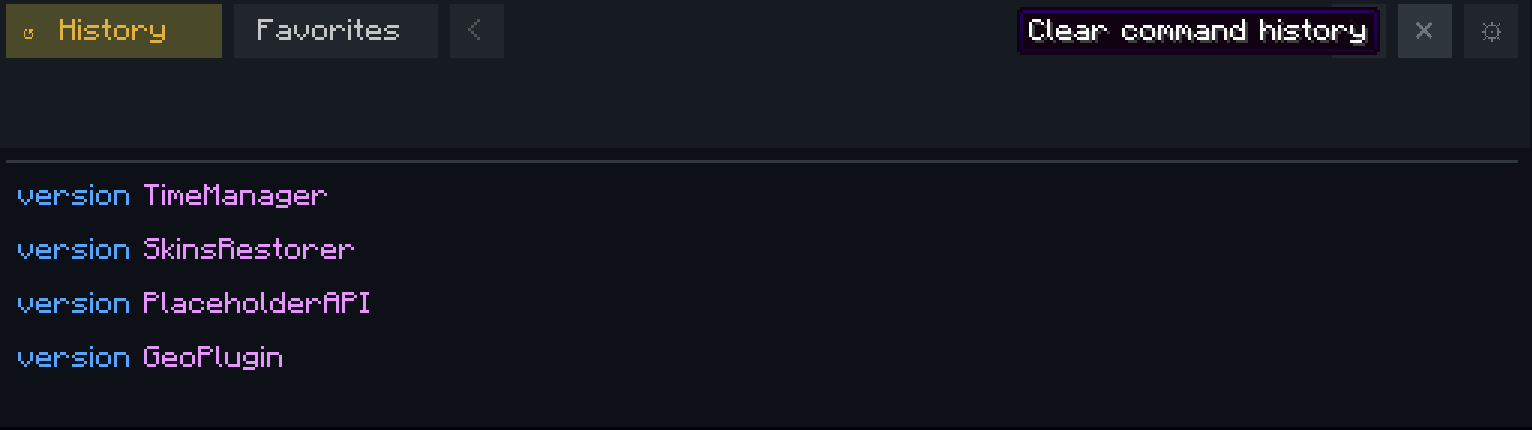
- Command history with persistent storage.
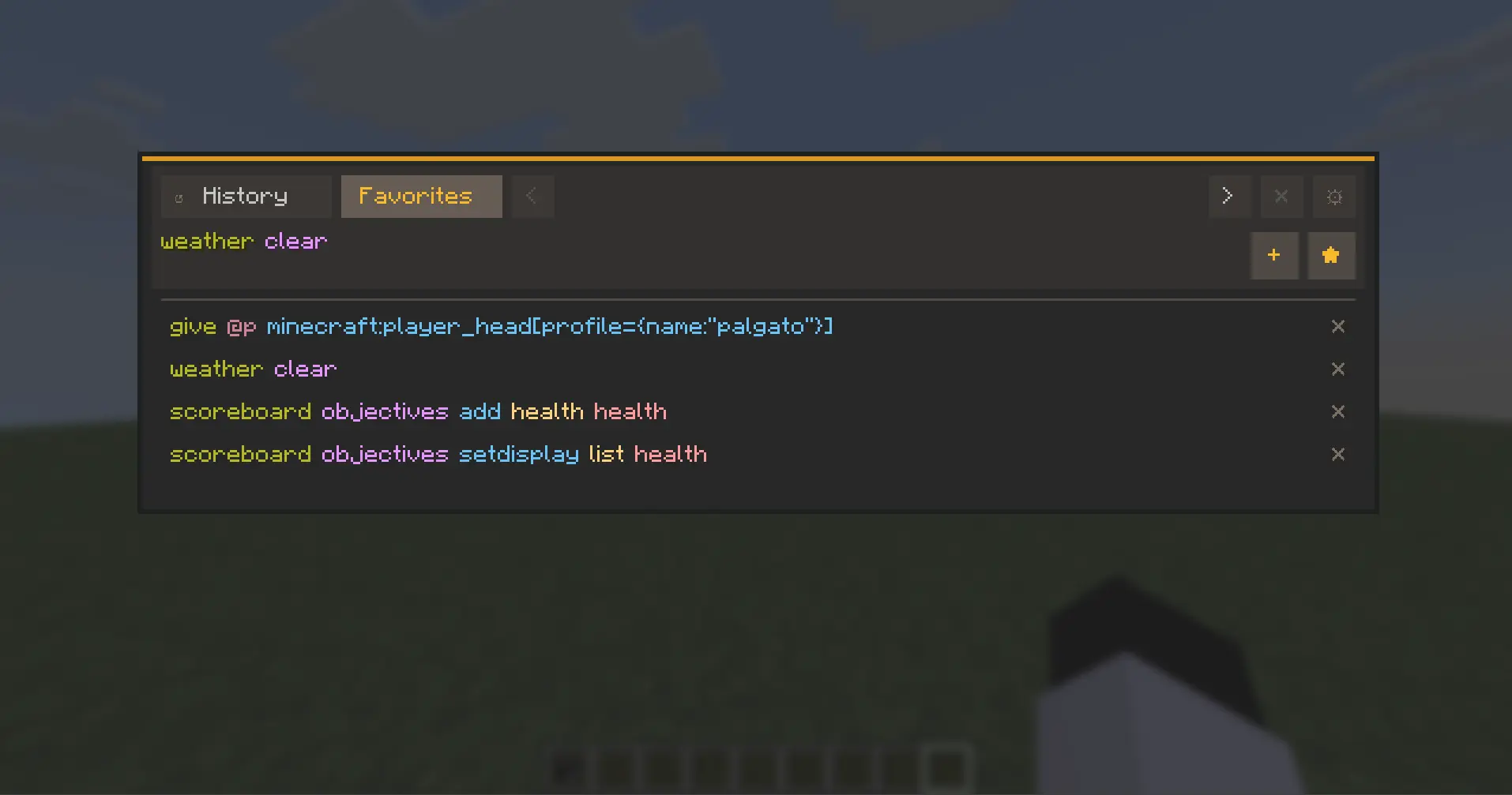
- Favorites and custom categories for quick command organization.
- Executed-history browsing directly from the input using Up/Down arrows.
- Theme system with presets and custom editable themes.
- Per-aspect color editing (HEX + RGB controls).
- External theme file workflow with automatic reload support.
- Localization-ready UI with English and Spanish support.
- Configurable controls from Minecraft Controls menu (dedicated CmdPalette category).
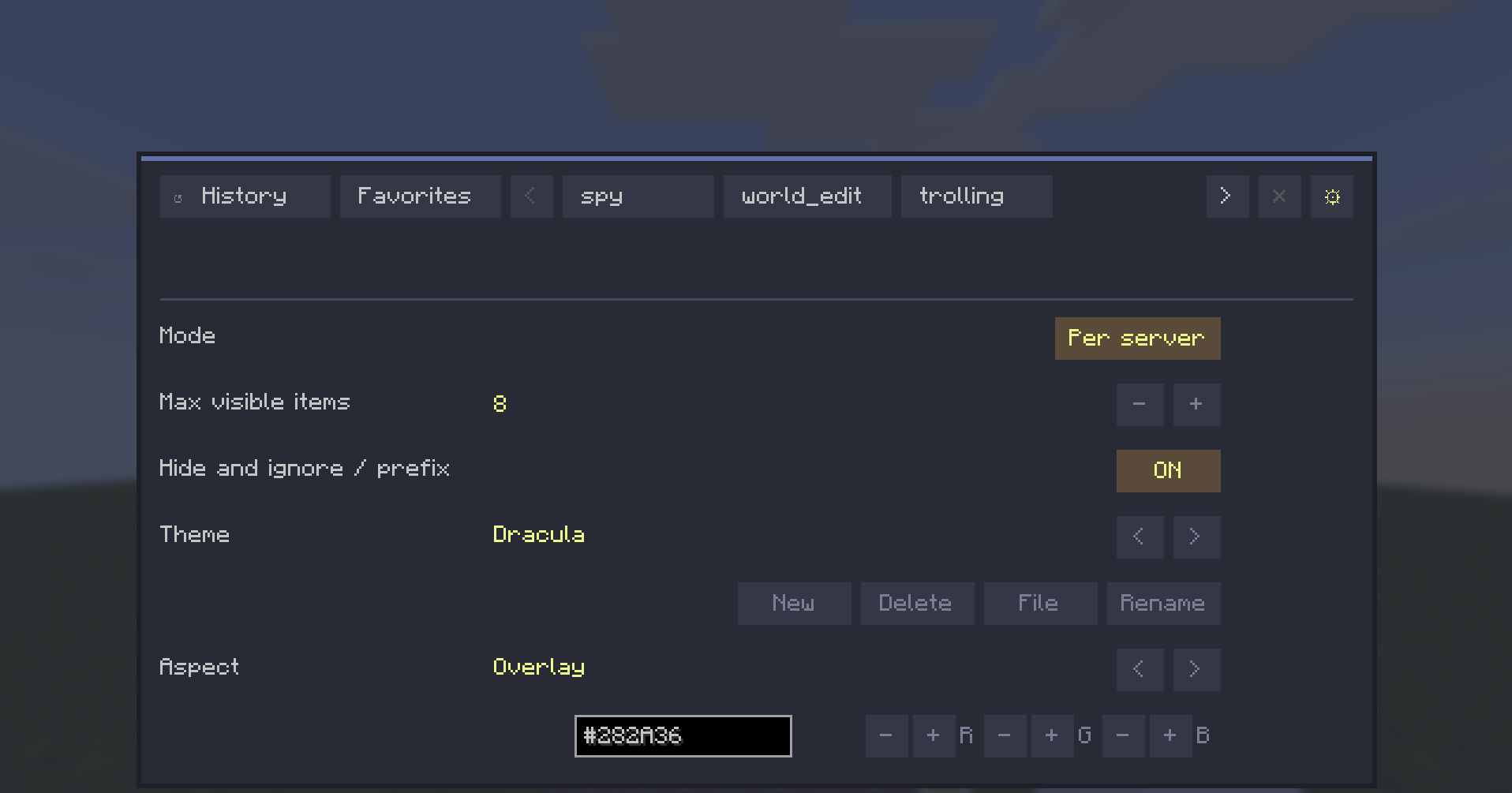
Data Scope Modes
CmdPalette lets you choose how your command data is stored:
- Global -> one shared profile everywhere.
- Per server -> separate history/categories/favorites for each server.
- Per world -> separate profiles per singleplayer save.

This keeps command sets context-aware (for example, world-edit commands in one profile and vanilla-friendly commands in another).
UX Highlights
- Persistent Settings access from the top bar.
- Contextual actions for history/category management.
- Quick-add buttons hidden when input is empty (cleaner UI).
- Input bar hidden while in Settings view.
- Localization-aware button sizing for long labels.
Default Controls
- Open palette: Ctrl+Enter
- Close palette: Esc or Ctrl+X
All keybinds are configurable in Minecraft Controls.

Compatibility
- Environment: Client-side only
- Minecraft: 1.21.11
- Fabric Loader: >=0.18.4
- Fabric API: 0.141.3+1.21.11
CmdPalette does not need to be installed on the server.
Why CmdPalette?
If you use commands often, CmdPalette gives you a cleaner and faster workflow: less typing repetition, better organization, and quick access to exactly the commands you need in each context.
Ченджлог
1.0.0Релиз1.21.11 · 9 апреля 2026 г.
Changelog
All notable changes to this project are documented in this file.
1.0.0 - 2026-04-09
First public functional release of CmdPalette.
Added
- Command palette with quick open and direct execution.
- Navigation tabs for history and categories.
- Favorites category integrated into the category system.
- Custom category management (create, select, delete, and remove commands by row).
- Persistent executed-command history.
- Executed history browsing from the input using Up/Down arrows.
- Complete theme system with base presets and custom themes.
- Per-aspect color editing (HEX + RGB controls).
- Rename and delete actions for editable themes.
- Theme file workflow for external editing with automatic reload.
- Configurable keybindings from Minecraft Controls with a dedicated mod category.
- Default shortcuts: open with Ctrl+Enter, close with Esc or Ctrl+X.
- Data scope configuration:
- Global
- Per server
- Per world (per save in singleplayer)
UX/UI Improvements
- Persistent settings button in the top bar.
- Restored and separated contextual action button (clear history / delete category).
- Quick action buttons (+ and favorite) are hidden when the input is empty.
- Input bar is hidden while in Settings view.
- Fixed theme action button widths for localized labels.
- Fixed ON/OFF switch width alignment with the controls column.
- Dynamic width fix for the mode button (Global/Per server/Per world).
Persistence and Data
- Settings migration to extended format with scopeMode.
- Category and history data separated by selected scope.
- Per-world persistence based on the actual save folder (level.dat), preventing cross-save mixing.
- Sanitized profile keys for safe storage paths.
Internationalization
- Full and adjusted Spanish/English labels for actions and settings.
- New language keys for data scope modes and keybind category.
Compatibility
- Backward-compatible settings behavior: if scopeMode is missing, Global is used.
Комментарии
Загружаем…