 Mineforgian
BundleInCreative
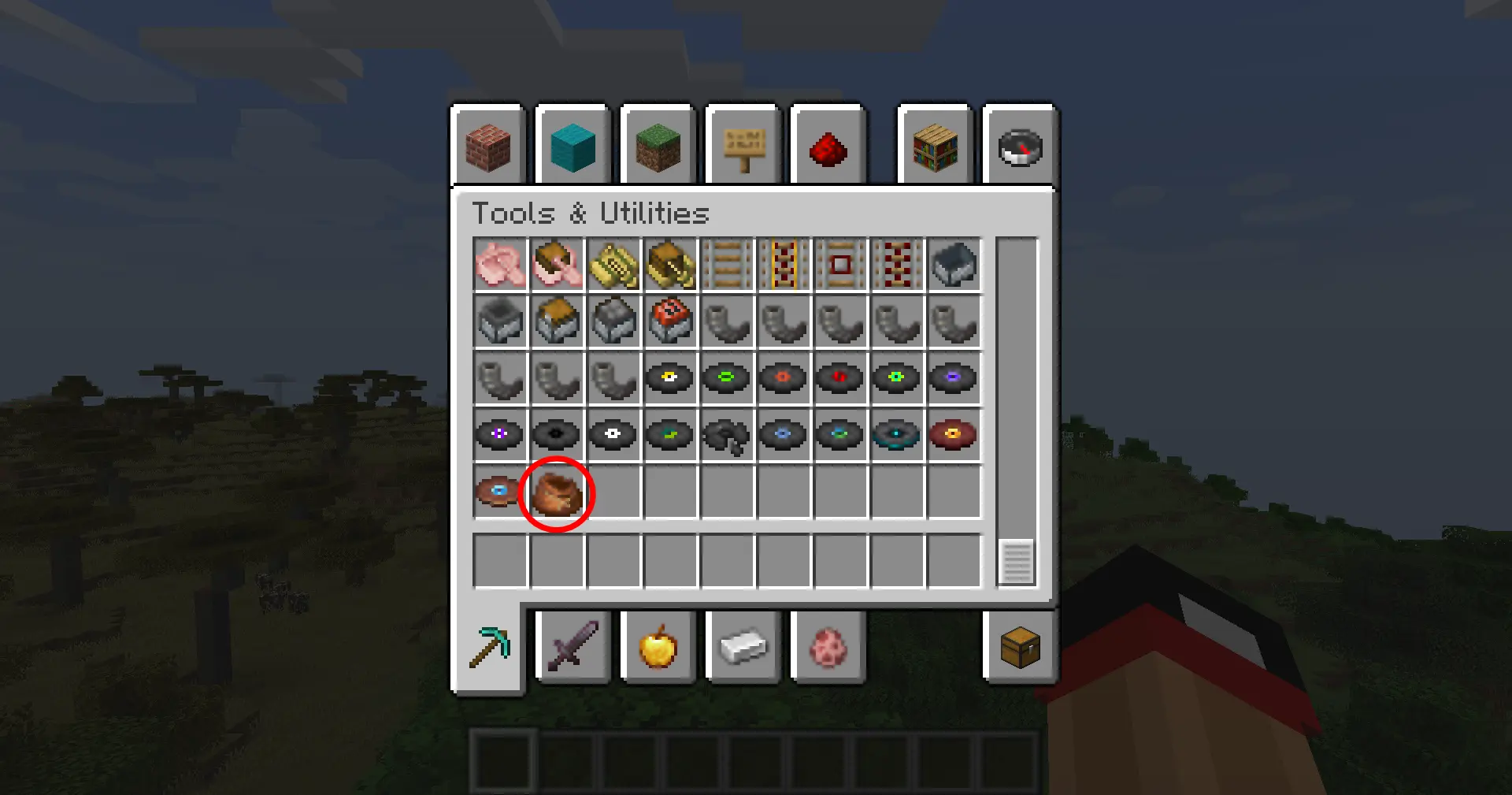
This mod adds the vanilla Bundle item to the Tools & Utilities creative tab.
- Загрузки
- 400
- Подписчики
- 0
- Обновлён
- 15 ноября 2025 г.
- Лицензия
- MIT
Опубликован 14 ноября 2025 г.
Bundle In Creative
Give the vanilla Bundle the attention it deserves: drop it into any creative tab, keep recipe viewers honest, and choose which crafting recipes you want enabled without touching a datapack.
Features At A Glance
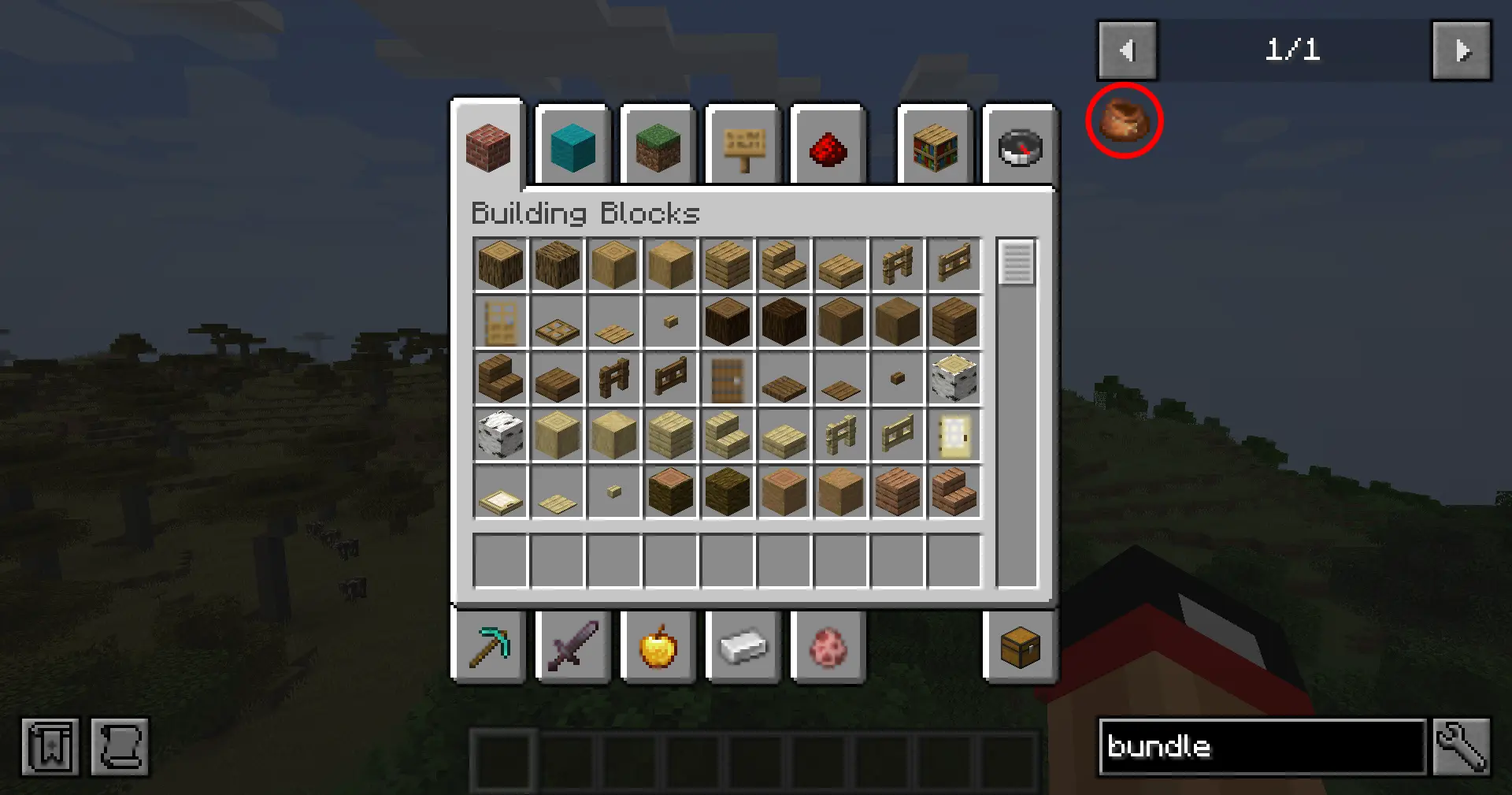
- Creative menu support – the Bundle is injected into the Tools & Utilities tab by default, or any tab you pick (Building Blocks, Redstone, Combat, etc.).
- Searchable everywhere – EMI/JEI/REI and quest books (FTB Quests) recognize the item so players can find it quickly.
- Built-in config screen – open Mods → Bundle In Creative → Config (Configured/Forge Config Screen) to toggle options in-game.
- Recipe control – disable the Bundle entirely, enable just the classic rabbit-hide recipe, opt into the modern leather recipe, or run both simultaneously.
- Server friendly – options live in
bundleincreative-common.toml, so you can ship the same ruleset to clients and servers.
Configuration
- Launch Minecraft with Forge 1.20.1 and this mod installed.
- Open the Mods list, select Bundle In Creative, and click Config (or use the Forge Mod Menu button).
- Adjust:
- Show in Creative – hide/show the Bundle globally.
- Creative Tab – cycle through curated tab names until you find the one you want.
- Bundle Recipe – choose
Off,Rabbit Hide,Leather, orBoth.
- Click Done to save (writes to
config/bundleincreative-common.toml). /reloador restart your game to finalize the settings.
Prefer manual editing? Open config/bundleincreative-common.toml and change enableBundle, creativeTab, or recipeMode.

Recipe Modes
The recipeMode toggle controls two built-in recipe JSONs gated by a custom Forge condition:
| Mode | Enabled recipes |
|---|---|
off |
No Bundle crafting recipes |
rabbit |
Classic rabbit hide + string pattern |
leather |
Leather-based pattern (string spine) |
both |
Both recipes load together |

Installation
- Download or build the mod JAR.
- Drop the JAR into your Minecraft
modsfolder. - Launch Minecraft with Forge 47.3.0 (MC 1.20.1) and Java 17.
Building From Source
# Windows
gradlew.bat build

# Linux/macOS
./gradlew build
Ченджлог
1.1.0Релиз1.20.1 · 15 ноября 2025 г.
Release 1.1.0 – Configurable Creative & Classic Recipes
Added an in-game config screen (via Mod Menu/Configured) to toggle the Bundle’s creative-tab visibility and pick the destination tab without editing TOML.
Introduced “Bundle Recipe Mode” with four options:
- Off – no crafting recipe.
- Rabbit Hide – classic 1.17-style recipe using hides + string.
- Leather – new 1.20+ vanilla recipe using leather + string.
- Both – registers both recipes simultaneously.
Bundle recipe data is now conditionally loaded via bundleincreative:enable_recipe with per-recipe recipe_type gating, respecting the config choice even after /reload.
Documentation updated to explain the new settings; Forge mod metadata now links to the GitHub repo and issue tracker for quick feedback.
1.0.0Релиз1.20.1 · 14 ноября 2025 г.
This mod adds the vanilla Bundle item to the Tools & Utilities creative tab.
Комментарии
Загружаем…