 Mineforgian
Beta Days
Make your Minecraft old school with classic configurable options like disabling hunger, sprinting, experience drops, 1.9 combat system, nether fog and more.
- Загрузки
- 1K
- Подписчики
- 25
- Обновлён
- 2 мая 2026 г.
- Лицензия
- All-Rights-Reserved
Опубликован 22 мая 2023 г.








Do you want to take a trip down memory lane? This mod is for you if you would like to emulate Minecraft Beta functionality and features inside of modern Minecraft.
For even more nostalgia, we recommend pairing this with any resource pack (try our Minecraft Beta resource pack - Legacy Default) that adds old textures and sounds, and this mod with Beta+ by therealMRBURGERUS, which is a replica of the old Beta and Alpha generator. You could use old seeds with it like Glacier and worstseedever.
🛠️ Features
Old Hud
Gives the classic HUD, removing the hunger bar, and adjusting the position of the armor bar. Enabling this is only the aesthetic of the HUD. You may want to disable hunger, which will make food give you health when eaten.
Enable Beta Main Menu
This will replace your main menu with the one from beta with minor tweaks. The version number is at the top left, and the background is the classic tiling dirt background.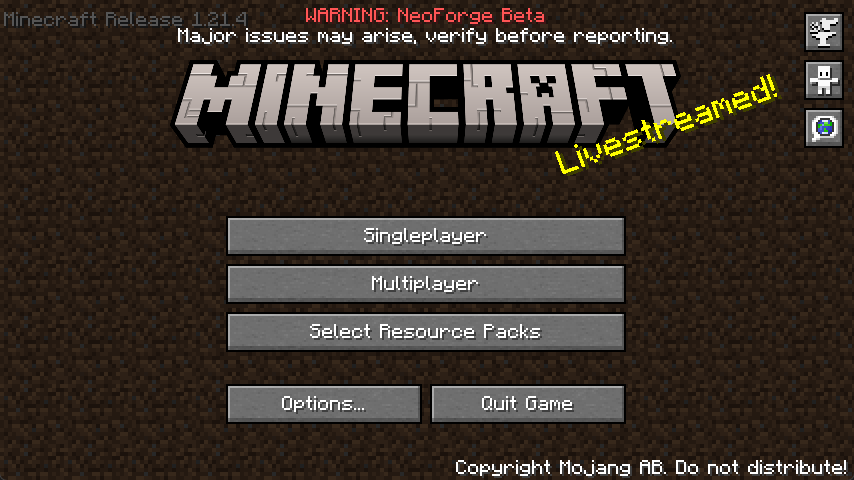
Classic Beta Style Bow
Allows you to shoot the bow without having to recharge, just like in beta.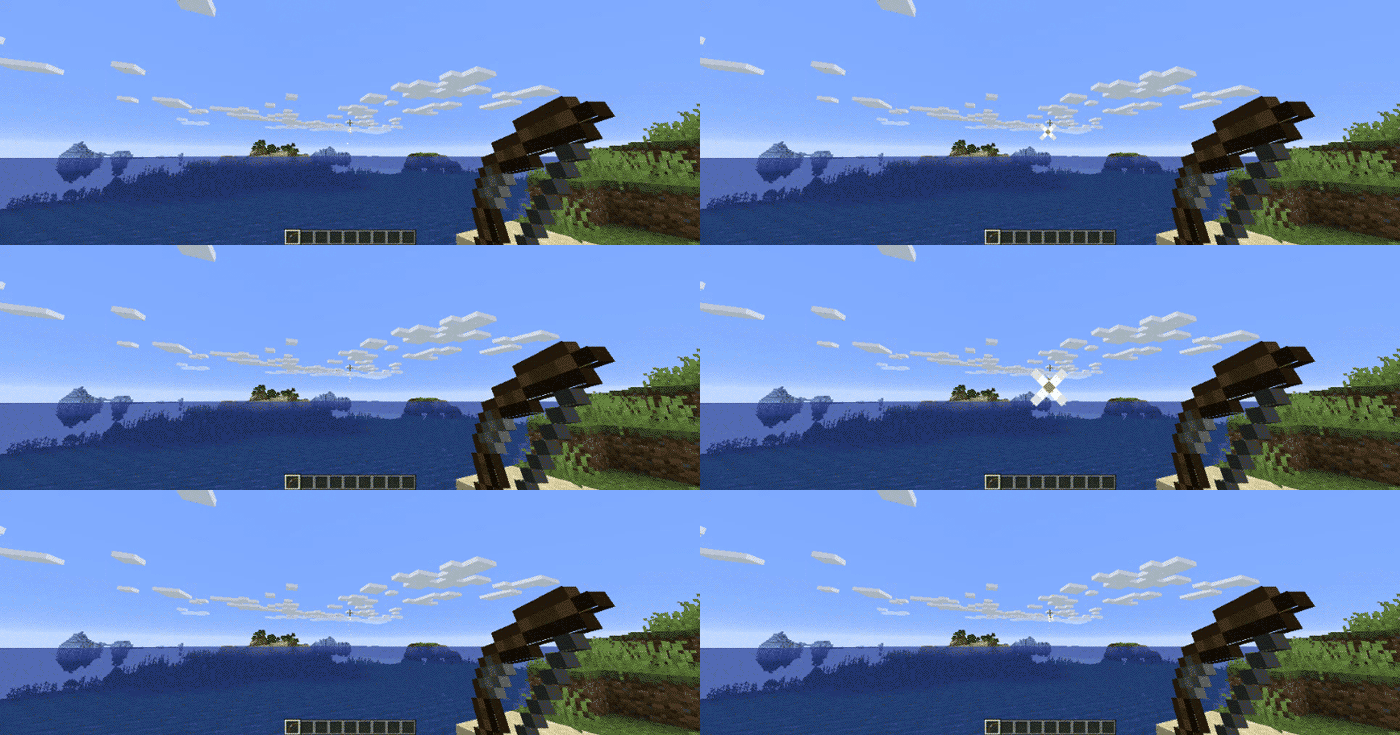
Disable Nether Fog
Disables the Nether fog and allows you to see more clearly and far in the Nether.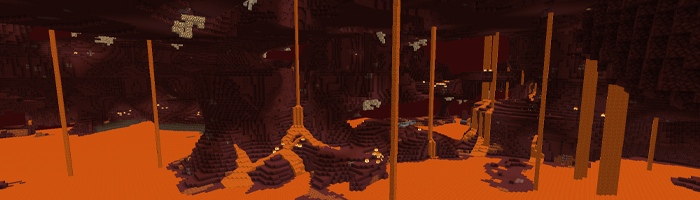
Disable 1.9+ Combat System
Spam click with your weapons to your heart's content. The classic system is back. I can hear your mice now!Disable Sprinting
Useful if you want to capture the beta experience. This also disables the new swimming in 1.14.4+.Disable Hunger
Useful if you want to capture the beta experience. This will make food give you health points instead of hunger points and will be eaten instantly.Disable Experience Drops
Useful if you want to capture the beta experience. Killing mobs will stop them from dropping XP.Custom Dimension Messages
Will display classic messages on the loading screen like “Entering the Nether” and “Entering the End,” just how beta did it back in the day.… And More!
Configuring Beta Days for Minecraft 1.21.3+
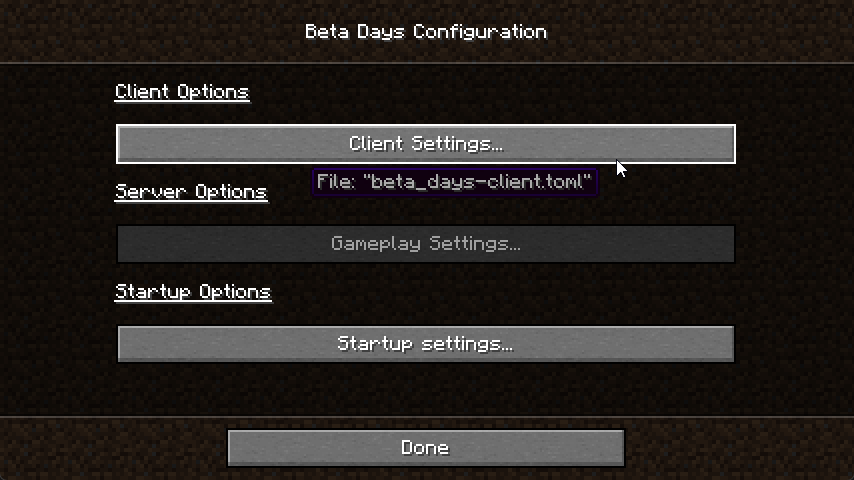
You can find the
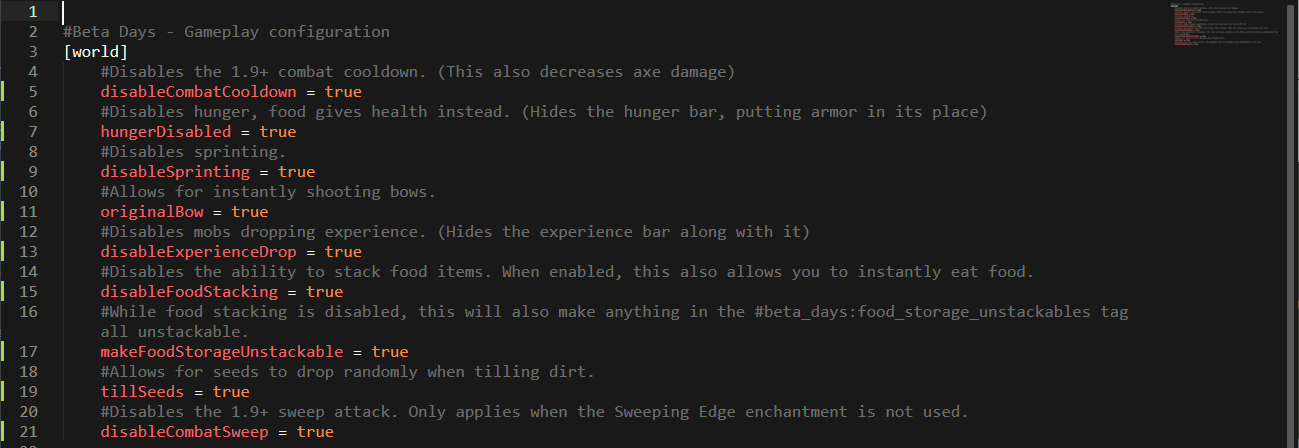
beta_days-client.toml in the config folder and beta_days-server.toml inside of your Minecraft world/serverconfig folder. You can also configure the mod easily in NeoForge by clicking the "Mods" button, selecting the mod, and clicking "Configure".beta_days-client.toml
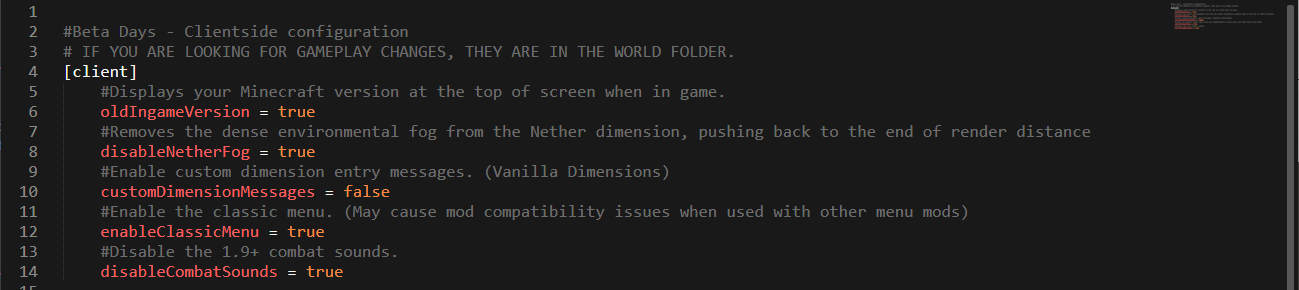
beta_days-server.toml
Configuring Beta Days for Minecraft 1.19.x
Spoiler
You can find the beta_days-client.toml in the config folder and beta_days-server.toml inside of your Minecraft world/serverconfig folder. You can also configure the mod easily in NeoForge by clicking the "Mods" button, selecting the mod, and clicking "Configure".
beta_days-client.toml
beta_days-server.toml
Configuring Beta Days for Minecraft 1.16.4
Spoiler
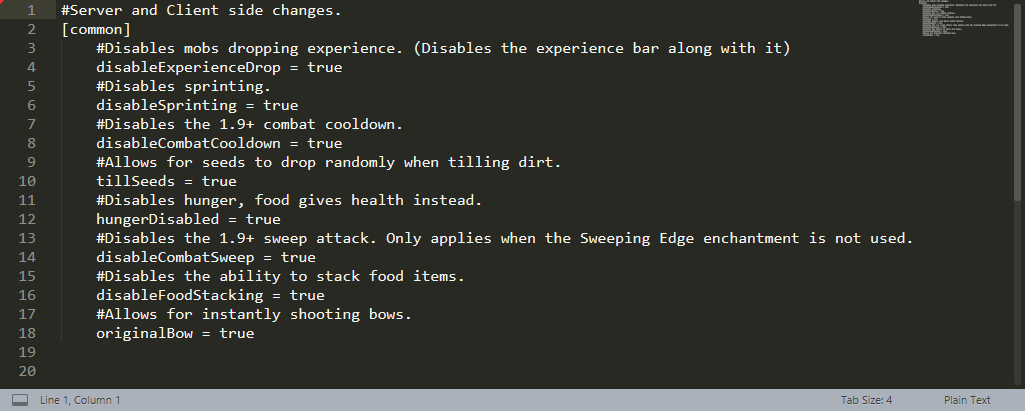
In your Minecraft folder, and then inside of the config folder, edit the beta_days-client.toml and beta_days-common.toml files.
beta_days-client.toml
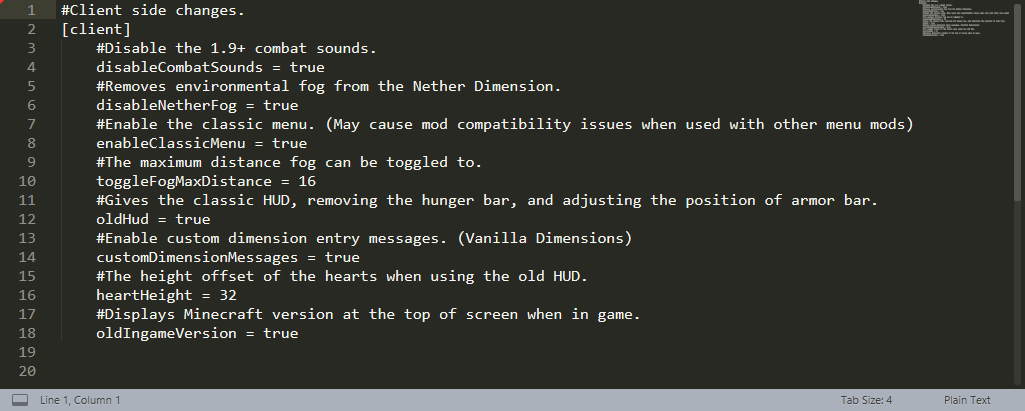
beta_days-common.toml
Configuring Beta Days for Minecraft 1.12.2
Spoiler
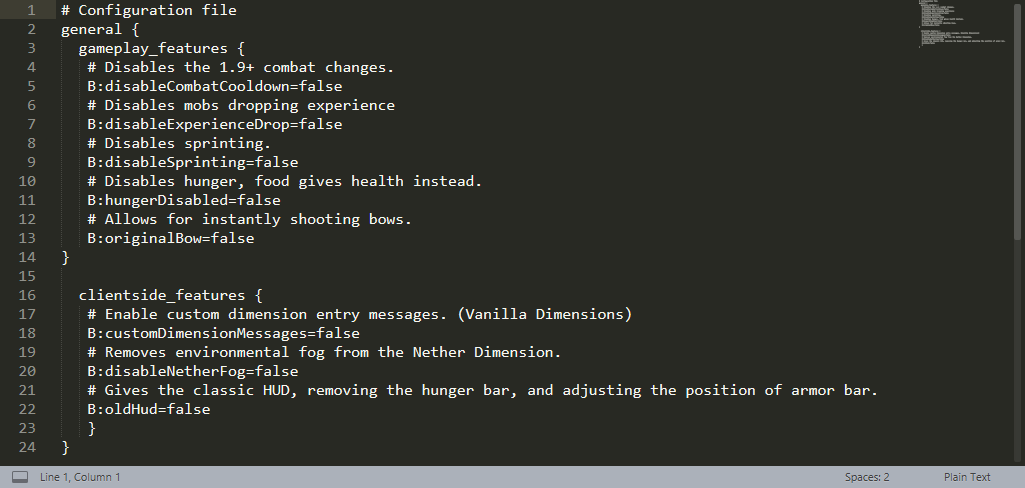
You can configure the 1.12.2 version in-game or by editing the beta_days.cfg files in your config folder.
In-Game Config Editing
Make sure you edit the config at the Main Menu as you cannot edit some things while loaded in a world! Click your “Mods” button and click on “Beta Days,” and then the “Config” button.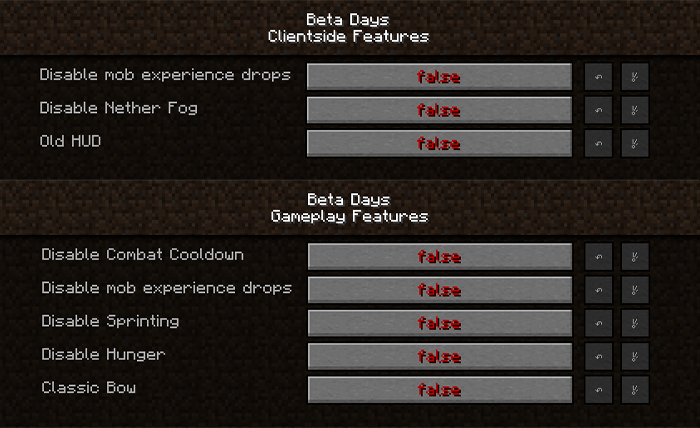
beta_days.cfg for Minecraft 1.12.2
🤚 Support: If you have questions or any issues with our mods, read the FAQ! You can also either submit an issue on the issue tracker, or come into our Discord server where we can help you!

Ченджлог
1.4.0Релиз26.1.2 · 2 мая 2026 г.
- Updated to 26.1.2
1.4.0Релиз1.21.7, 1.21.8 · 30 июня 2025 г.
- Updated to 1.21.7
1.4.0Релиз1.21.3, 1.21.4 · 18 декабря 2024 г.
- Updated to 1.21.3 on NeoForge (Runs fine on 1.21.4!)
- Added in-game config GUI using new NeoForge system.
- Entering/leaving messages for dimensions are more consistent.
- HUD changes are more consistent and mod compatible.
- Food stacking config is now in the startup config.
- Removed tag for unstackable food storage blocks. The new implementation does not allow for it to exist as a tag. The config option is still separate.
- Split options for disabling sprinting and swimming. Disabling swimming now toggles instant air refills as well.
- All instances of the hunger effect are automatically replaced with poison when hunger is disabled. (Rotten Flesh consumption, Husk attacks, etc)
- Nether fog toggle is more in-line with the Overworld's fog.
- Classic menu now resembles later beta game versions.
- Fixed options for disabling sprinting/swimming affecting spectators.
Комментарии
Загружаем…