 Mineforgian
ATMOSPHERICS
Change fog, sky, clouds, haze and stars per biome in real time
- Загрузки
- 661K
- Подписчики
- 1K
- Обновлён
- 17 июля 2026 г.
- Лицензия
- All-Rights-Reserved
Опубликован 19 февраля 2026 г.



Do not enable "Improved Transparency" in the Sodium settings
📁All presets are saved in a folder -minecraft/config/ambientfog
compatible with "ModMenu" (but not recommended for use, as there is a hotkey "B" for convenience)

Features in text form
- ✨Real-time per-biome customization for fog, sky, clouds, and haze
- 🔄Smooth transitions between biomes
- ☄️Falling comets customization
- 🌙Separate day and night atmosphere settings
- ⭐Star customization
- ☁️Story Mode Clouds
- ⚙️Dedicated settings menu for Story Mode Clouds
- ☁️Solid clouds without shading
- 🧭User-friendly menu with real-time viewing
- 📊Live info panel
- 📚Preset library
- ✏️Settings copy editor
- 🌌Biome teleport menu for easier setup
- 🎨Create your own resource pack with a preset
- 📁Preset import and export


 ⚙️(The current hotkey is "B", but you can change it in the game settings)
✨
Also, you can create your own resource pack with a custom Atmospherics preset!
📁 How to create a preset:
assets\atmospherics\preset\your_preset.json
🖼️ How to add a preview:
assets\atmospherics\preset\your_preset.png
(.jpg and .jpeg formats are also supported)
⚠️ Important: the preview file name must exactly match the preset name!
⚠️ The name of preset should be without a space! (🚫
Vibrant fog.json- ✅Vibrantfog.json)📚 Your preset will automatically show up in the Preset Library within the menu.
📢 You can also publish your RP-preset on Modrinth or CurseForge!
(Don’t forget to add this mod as a required dependency when uploading your RP-preset)


ㅤㅤㅤㅤ ㅤ




Ченджлог
2.6.6Бета26.2 · 17 июля 2026 г.
Beta Version
- There may be incompatibilities with other mods.
2.6.6Релиз26.1, 26.1.1, 26.1.2 · 17 июля 2026 г.
port 26.1
2.6.6Релиз1.21.11 · 17 июля 2026 г.
ENG:
- Fixed the tint of the second cloud layer.
- Added VulkanMod support (clouds are currently not supported).
- Fixed weather issues in the Windswept Hills biome.
- Added an option to enable or disable the sun texture.
- Increased the maximum height of SMC clouds from 128 to 512.
- Added a "Select All Biomes" button to the Editor.
- Fixed Russian localization in the Editor menu.
- Added customizable sunrise and sunset colors for clouds and twilight.
- Added customizable night sky and cloud colors (globally and per-biome).
- Removed the dependency on Sodium.
- Improved compatibility with Voxy.
- Fixed flickering and color issues with the second cloud layer.
- Stars now appear slightly later at dusk.
- Removed aerial haze while underwater.
- Added colored stars, refreshed their appearance, and introduced a new "Size Variation" slider.
- Added animated aerial haze during sandstorms.
- Sandstorms now use a dense sand particle texture instead of a single-particle texture.
- Wind streak settings have been temporarily removed.
- Increased the Undo (Ctrl + Z) history from 1 to 10 actions.
- Aerial haze is now automatically disabled when shaders are enabled.
- Bottom-screen notifications now disappear after 3 seconds.
- Added a Vanilla preset to the preset library.
- Updated the default preset.
RUS:
- Исправлен оттенок второго слоя облаков.
- Добавлена поддержка VulkanMod (облака пока не поддерживаются).
- Исправлена погода в биоме Windswept Hills.
- Добавлена возможность включать и отключать текстуру солнца.
- Максимальная высота отображения SMC-облаков увеличена с 128 до 512.
- В редактор добавлена кнопка «Выбрать все биомы».
- Исправлены русские переводы в меню «Редактор».
- Добавлена настройка цвета облаков и сумерек во время рассвета и заката.
- Добавлена настройка цвета ночного неба и облаков (глобально и отдельно для каждого биома).
- Удалена зависимость от Sodium.
- Улучшена совместимость с Voxy.
- Исправлены дрожание и цвет второго слоя облаков.
- Звёзды теперь появляются немного позже.
- Удалена воздушная дымка под водой.
- Добавлены цветные звёзды, обновлён их внешний вид и новый ползунок «Разброс размера».
- Добавлена анимация движения воздушной дымки во время песчаных бурь.
- В песчаных бурях теперь используется текстура с множеством песчинок вместо одной.
- Временно удалены настройки полос ветра.
- История отмены (Ctrl + Z) увеличена с 1 до 10 действий.
- Воздушная дымка теперь автоматически отключается при использовании шейдеров.
- Уведомления в нижней части экрана теперь исчезают через 3 секунды.
- Добавлен пресет Vanilla в библиотеку пресетов.
- Обновлён стандартный пресет.
2.6.5.1Бета1.21.1 · 10 июля 2026 г.
- Compatible with Blueprint mod
- Fixed a bug with blindness and darkness effects
2.6.5Бета1.21.1 · 8 июля 2026 г.
Update from version 1.0 to 2.6.5 (beta version!)
2.6.5Релиз26.1, 26.1.1, 26.1.2 · 8 июня 2026 г.
port
2.6.5Релиз1.21.11 · 8 июня 2026 г.
[ENG] Atmospherics 2.6.5
New Features
- Added Air Haze.
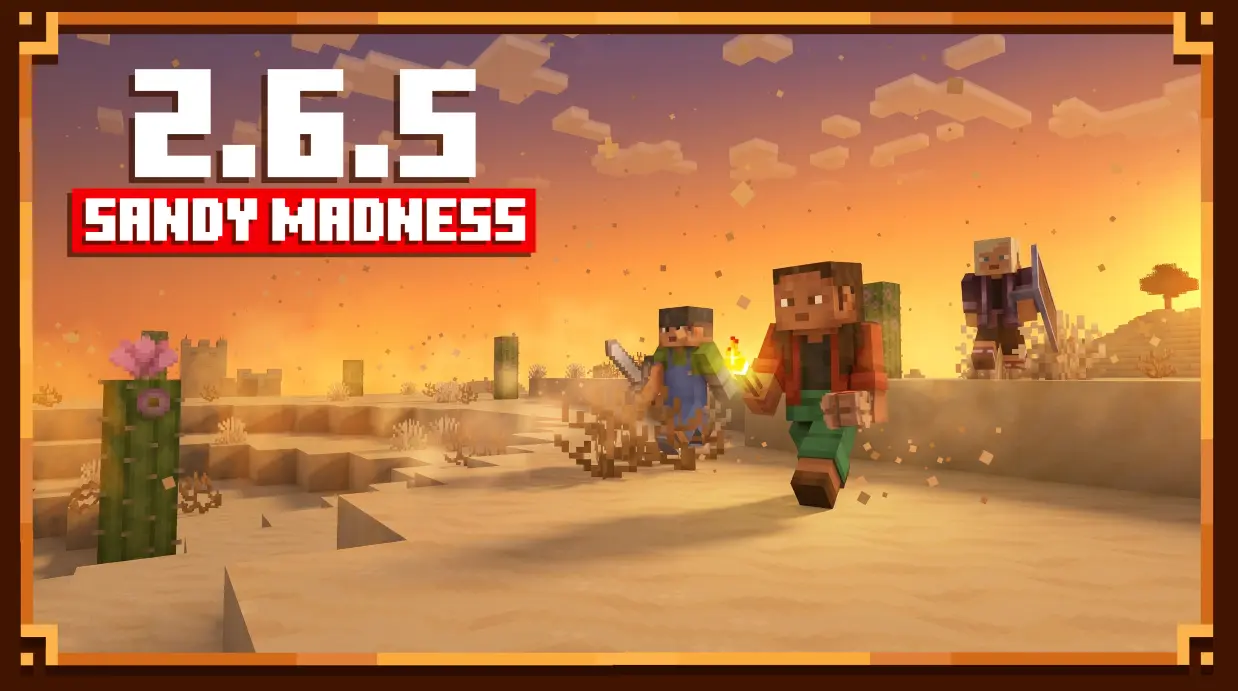
- Added weather storms to desert biomes.
- Added new wind particles.
- Added Sun & Moon rotation controls.
- Added support for a second layer in Story Mode Clouds.
Improvements
- Added a new Sun texture.
- Improved comet visuals.
- Comets now travel at a consistent angle.
- Moved the Meteors option to the Advanced menu.
- Restored the Cloud Night Darkening slider.
Fixes
- Fixed preset importing on macOS.
- Fixed an issue causing extremely dark nights.
- Fixed the Ctrl + Z (Undo) hotkey.
- Fixed menu scaling issues on Full HD displays.
- Disabled lightning flashes in desert biomes during thunderstorms.
- Atmospheric Haze now automatically disables Enhanced Transparency when required.
Changes
- Removed the Fog Density button.
- Various minor tweaks and improvements.
Miscellaneous
- Added new bugs so there will be something to fix in the next update. :)
[RUS] Atmospherics 2.6.5
Новые возможности
- Добавлена Воздушная дымка.
- Добавлены погодные бури в пустынных биомах.
- Добавлены новые частицы ветра.
- Добавлена настройка поворота Солнца и Луны.
- Добавлена поддержка второго слоя для Story Mode Clouds.
Улучшения
- Добавлена новая текстура Солнца.
- Улучшен внешний вид комет.
- Теперь все кометы летят под одним углом.
- Настройка метеоров перенесена в меню «Дополнительно».
- Возвращён ползунок «Ночное затемнение облаков».
Исправления
- Исправлен импорт пресетов на macOS.
- Исправлена проблема с чрезмерно тёмными ночами.
- Исправлен хоткей Ctrl + Z (отмена действия).
- Исправлены проблемы с масштабированием интерфейса на Full HD мониторах.
- Отключены вспышки молний в пустынных биомах во время грозы.
- Для Воздушной дымки добавлено автоматическое отключение «Улучшенной прозрачности» при необходимости.
Изменения
- Удалена кнопка настройки плотности тумана.
- Внесены различные мелкие улучшения и изменения.
Прочее
- Добавлены новые баги, чтобы было что фиксить. :)
2.6.1Релиз1.21.11 · 24 апреля 2026 г.
EN:
- Weather has been reworked (weather now has its own colors regardless of biome).
- Changelog has been removed.
- New "Advanced" menu added.
- More beautiful sunsets and sunrises.
- New Sunset/Sunrise menu with color and time cycle adjustments.
- New sliders for changing the size of the sun and moon.
- Added glow effects for the sun and moon (also adjustable with sliders in the "Advanced" menu).
- New Story Mode Clouds sliders (now you can make clouds look similar to those in Complementary Reimagined shaders).
- Updated default preset.
- Other minor changes.
RU:
- Погода была переработана (теперь у неё собственные цвета вне зависимости от биома).
- Changelog был удалён.
- Добавлено новое меню «Дополнительно».
- Более красивые закаты и рассветы.
- Добавлено новое меню «Закат/Рассвет» с настройкой цветов и временных циклов.
- Добавлены новые слайдеры для изменения размера солнца и луны.
- Добавлено свечение для солнца и луны (также регулируется слайдерами в меню «Дополнительно»).
- Добавлены новые слайдеры Story Mode Clouds (теперь можно сделать облака похожими на облака из шейдеров Complementary Reimagined).
- Обновлён стандартный пресет.
- Другие мелкие изменения.

Комментарии
Загружаем…